The Ultimate School WiFi Checklist
Need better Wi-Fi at your school or campus? This 7-step checklist covers everything for a reliable wireless network - from planning coverage & capacity to Wi-Fi 6 upgrades, security (CIPA compliance), and future-proofing. Perfect for IT leaders in K-12 schools and colleges (with local Missouri insights).
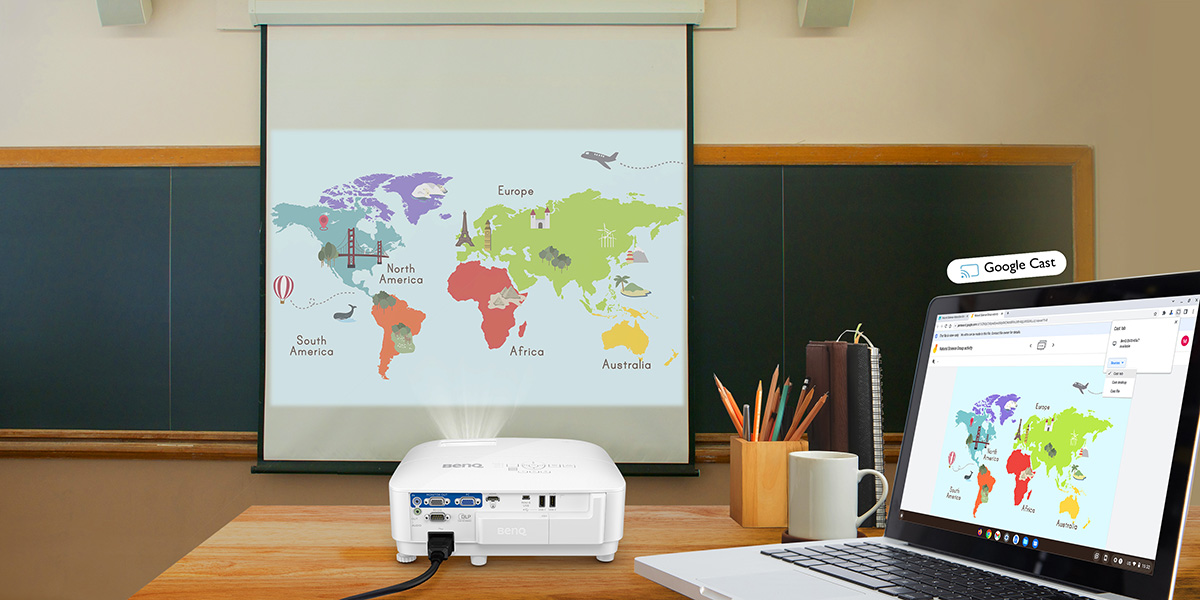
Classroom Network Setup
This particular example perfectly highlights why Wireless Network Setup For Teaching And Learning is so captivating.
Learn how to complete classroom network setup for interactive displays, podiums, and hybrid learning . Explore common mistakes, step-by-step deployment, maintenance tips, and future-proofing strategies.
Videoconferencing, streaming educational content and the new LMS ( learning management systems) platforms are very intensive in terms of network resource consumption, so they have to be very well defined when planning a WiFi network in educational environments.

Such details provide a deeper understanding and appreciation for Wireless Network Setup For Teaching And Learning.
WiFi in Schools
Learn how to optimize WiFi in schools with secure setup , Cisco Meraki, and BYOD strategies for better learning environments.

Upgrade your school's Wi-Fi with this guide. Learn how to plan, design, and deploy a fast, secure network for modern learning .
How to set up a reliable school Wi
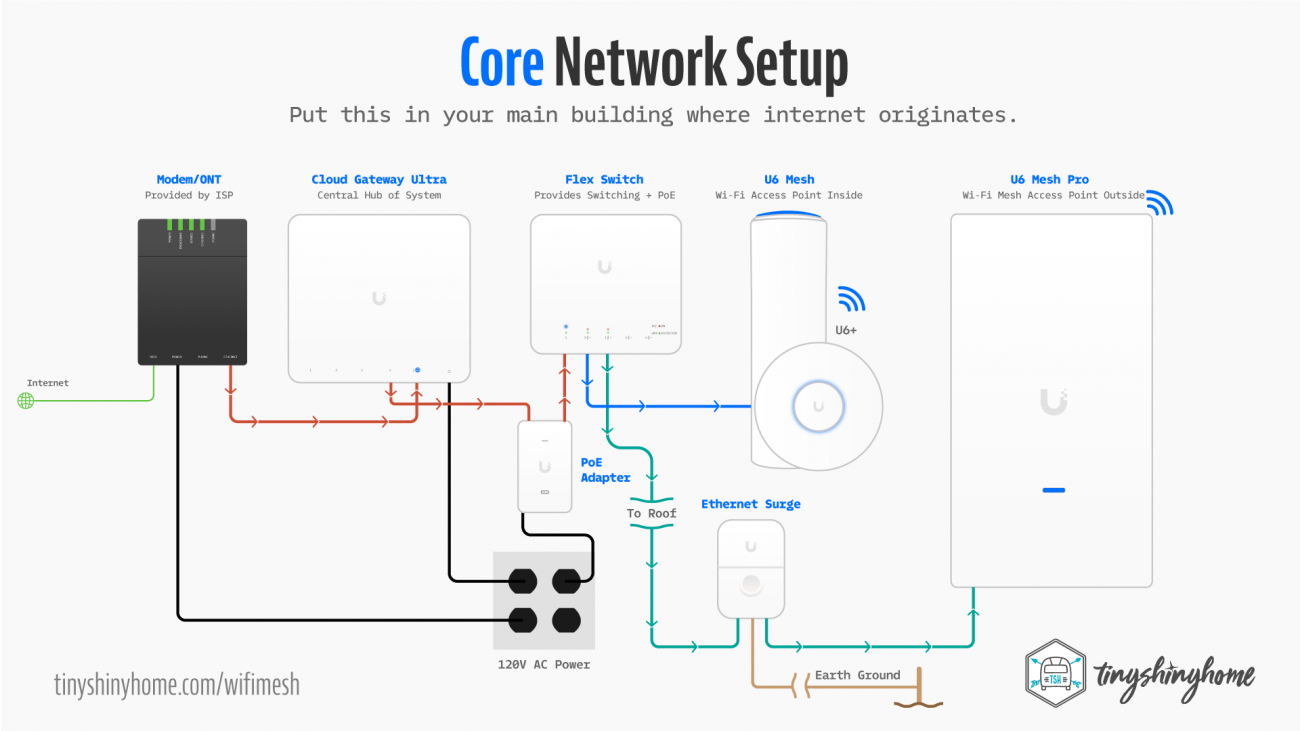
Setting up a reliable and secure Wi-Fi network for a school is a challenge, but with the right planning and tools, it can be done effectively. By using a solution like the UniFi Controller and following best practices for design and implementation, you can create a network that meets the needs of students, teachers, and administrators alike.
Additional Notes on Wireless Network Setup For Teaching And Learning
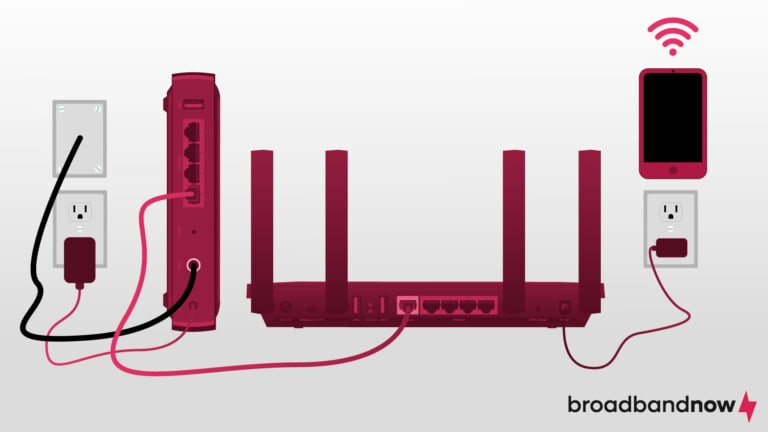
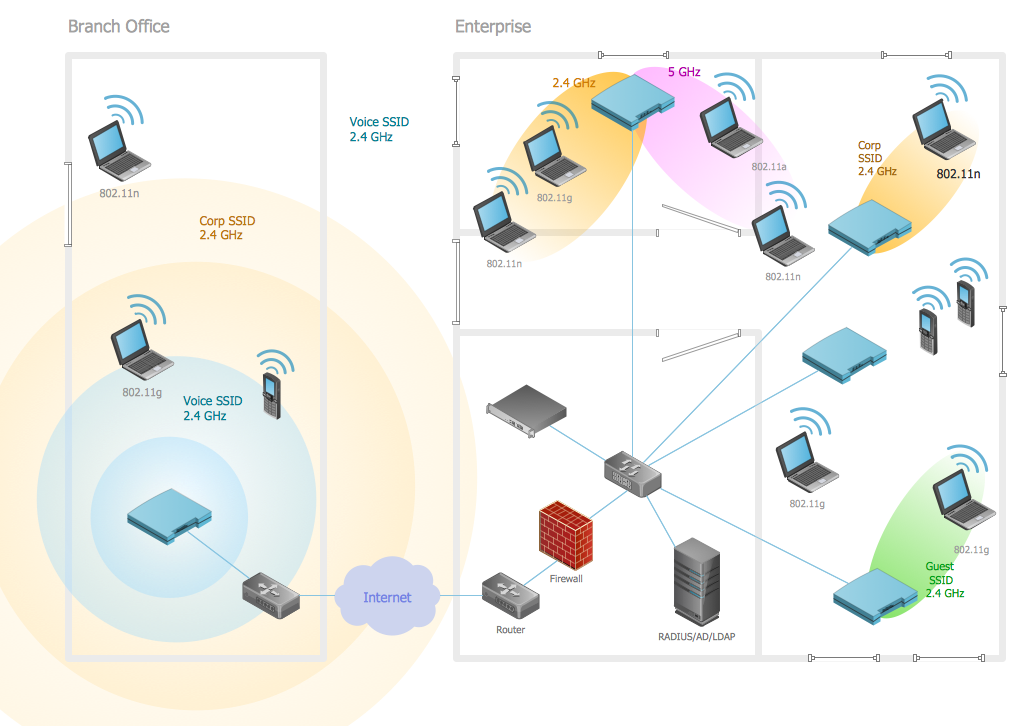
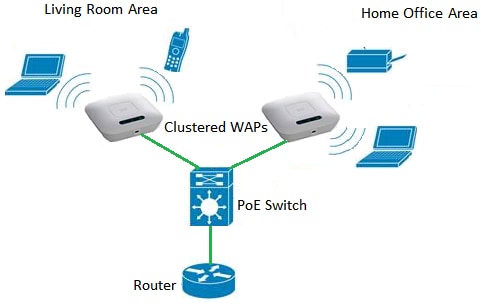
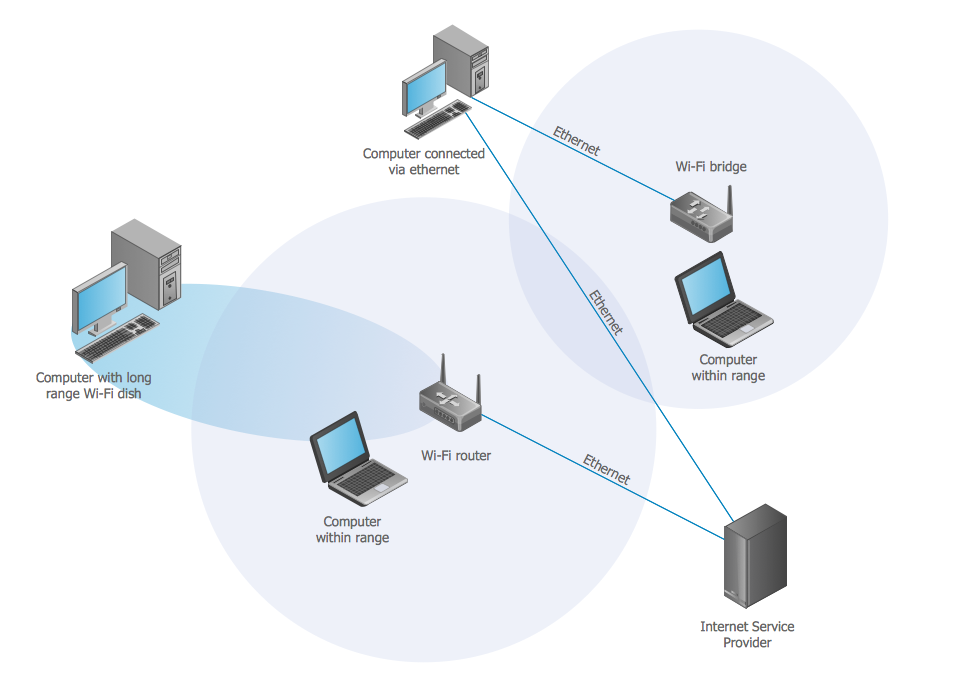
Visualizing the Setup: Cisco Wireless Network Diagram. It gives the article a little more context before the image collection begins.
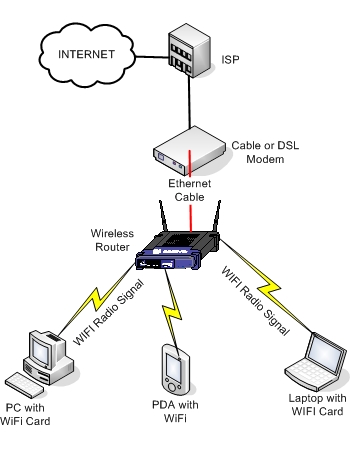
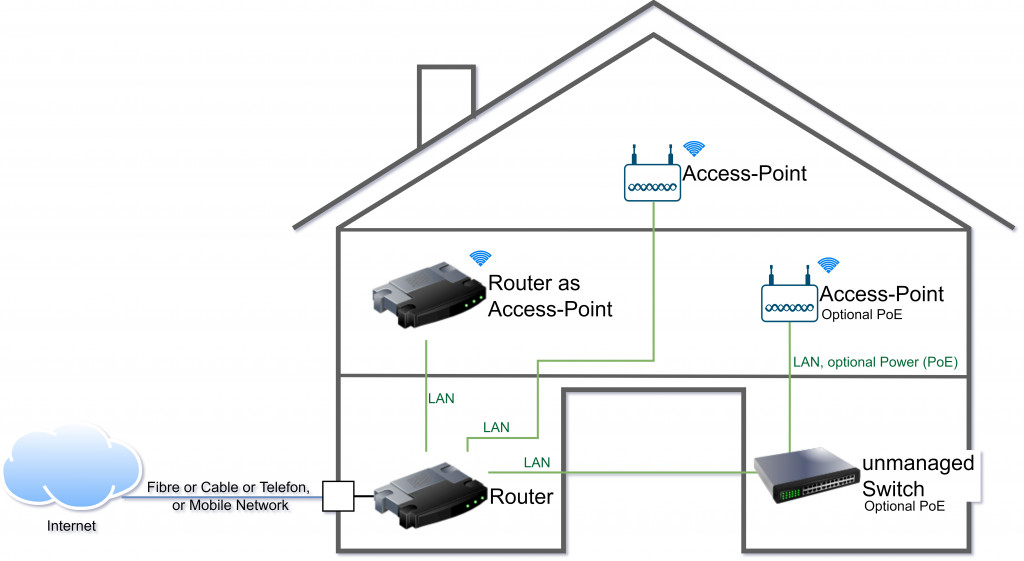
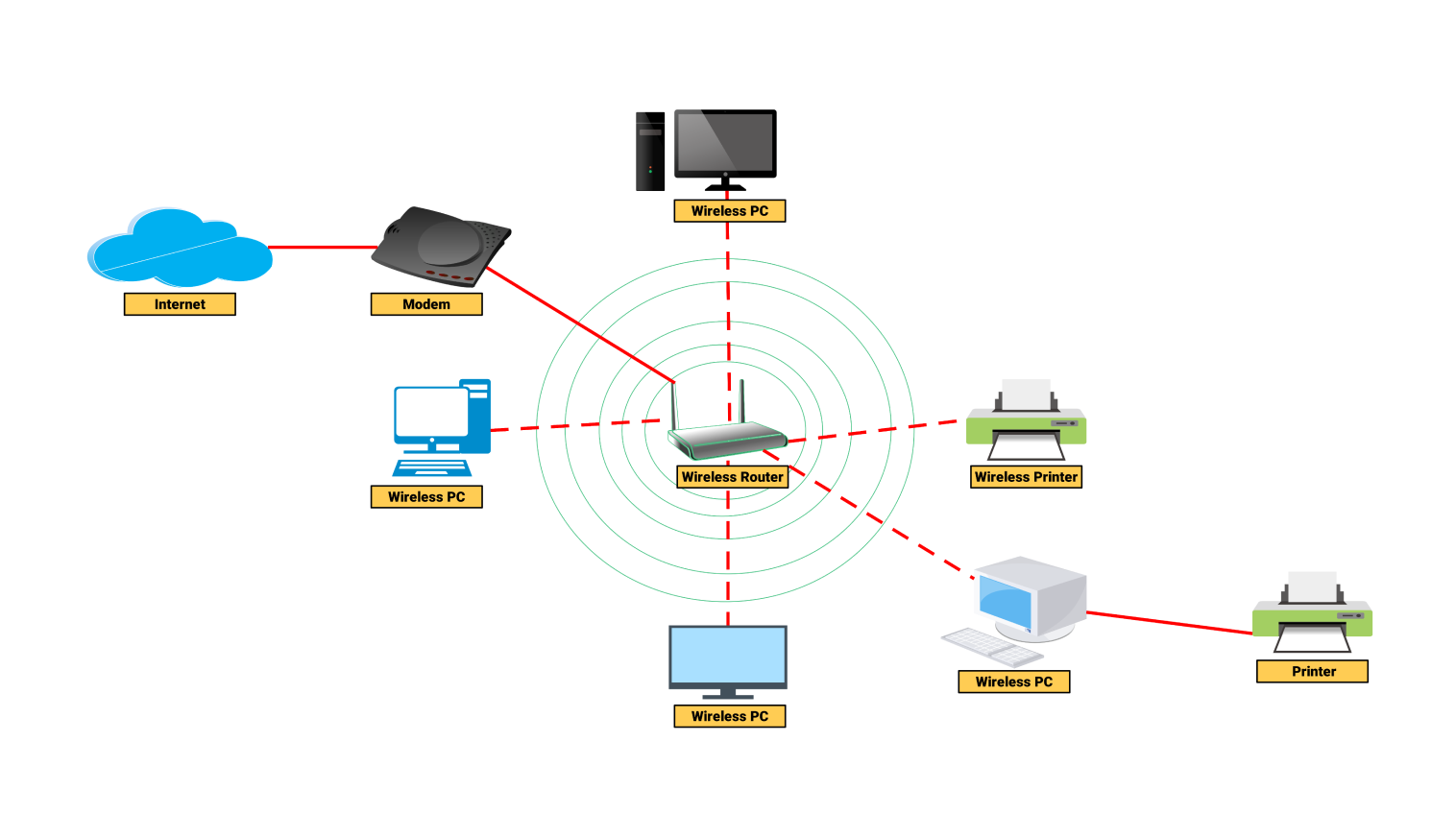
Wireless Network | Wireless networking, Networking infographic, Internet setup. This note connects the source idea with the visuals in a simple, reader-friendly way.
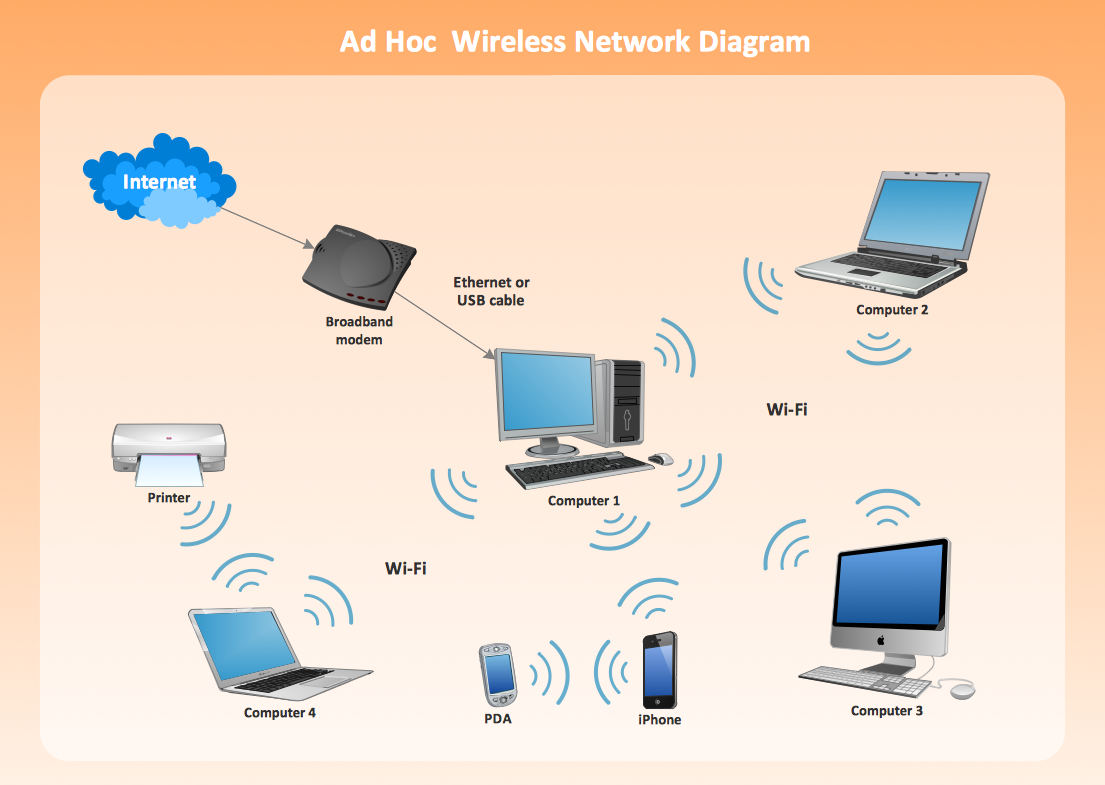
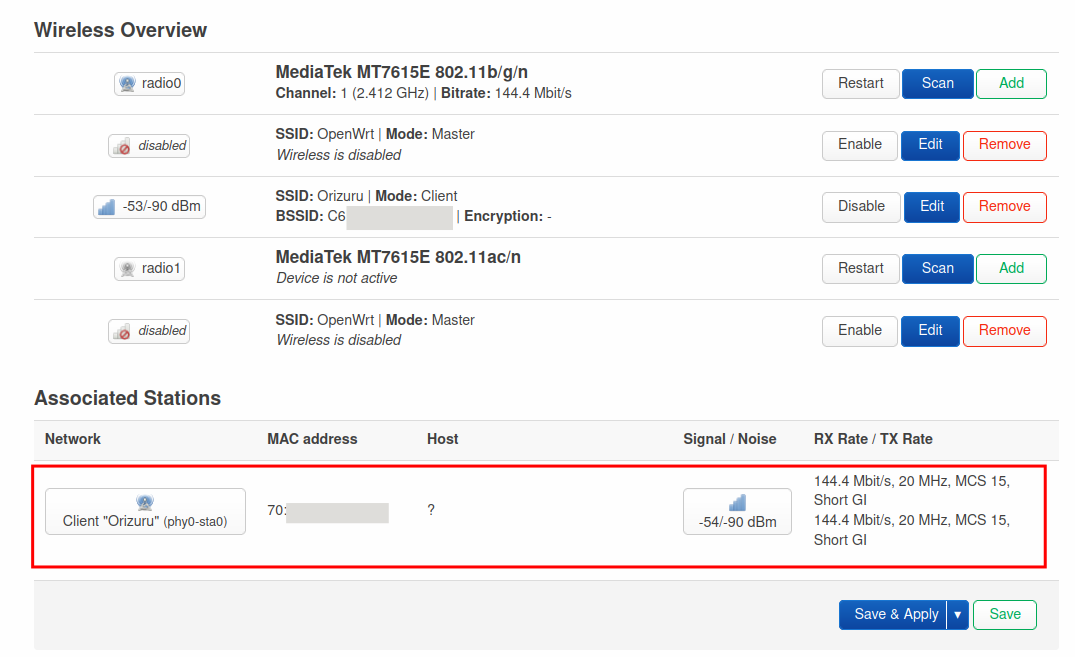
Understanding Ad-Hoc Mode in Networking | CitizenSide. The extra context helps the page feel more useful without forcing the same phrase repeatedly.
Looking at multiple sources also helps separate the main idea from small decorative details.
These notes are added so the page offers more than images and gives each visitor a clearer reason to keep reading.