How to Configure Windows for a Safer Wi
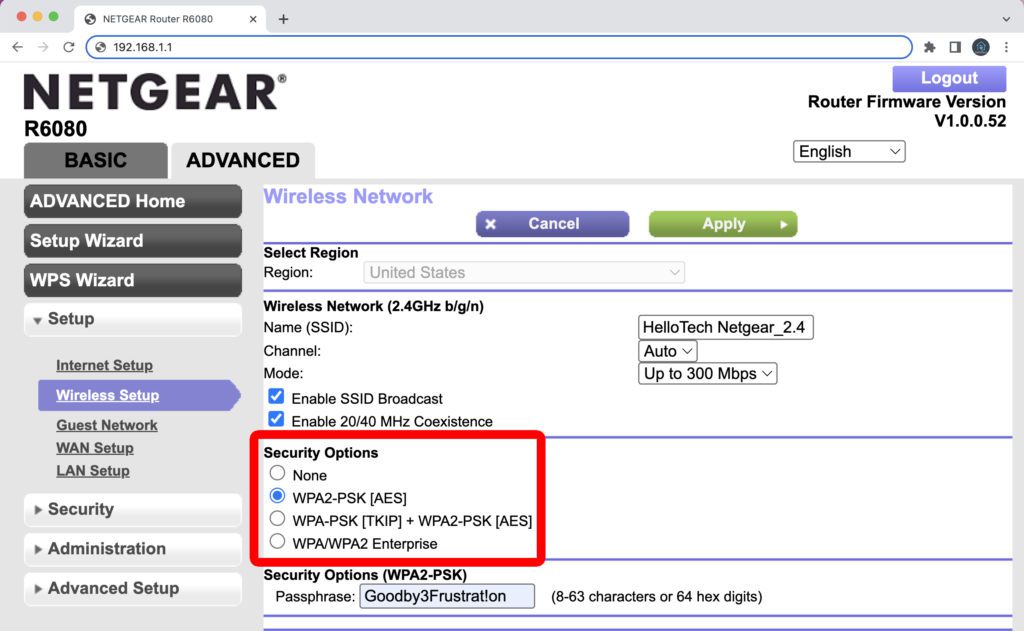
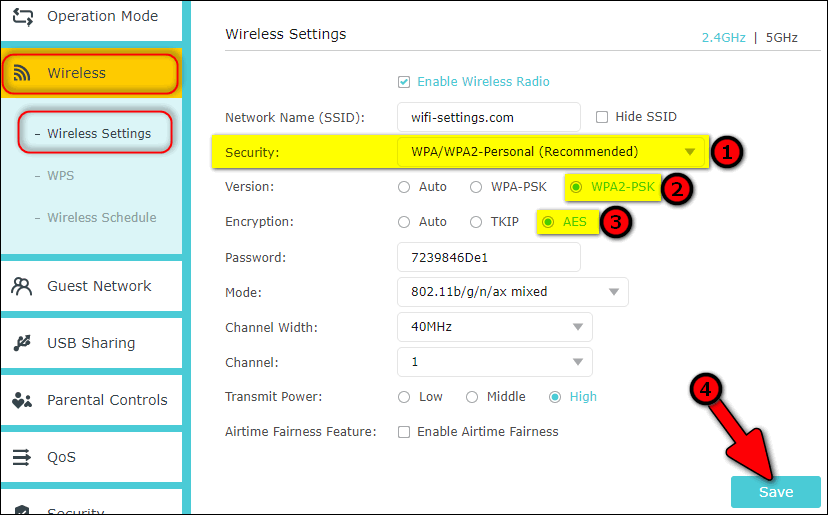
To ensure your data remains secure from unauthorized access, your Wi-Fi network should use modern encryption standards, ideally WPA3 or at least WPA2. While encryption settings are managed through your router's interface, Windows allows you to easily verify the encryption protocol your network is currently using. To check the ...
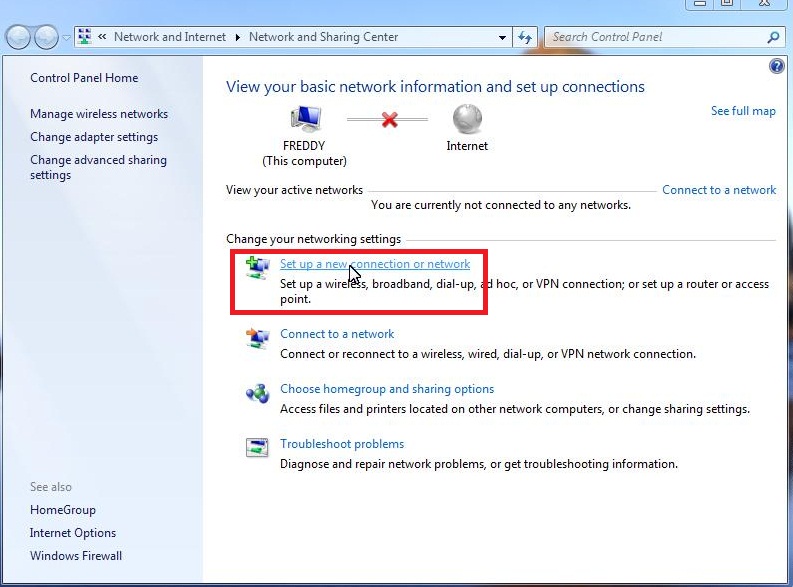
This article provides the steps to upgrade your network settings and improve Wi-Fi security. If you see a notification indicating that your Wi-Fi network is not secure , it means you're connected to a network using outdated security standards like WEP or TKIP.
Faster and more secure Wi
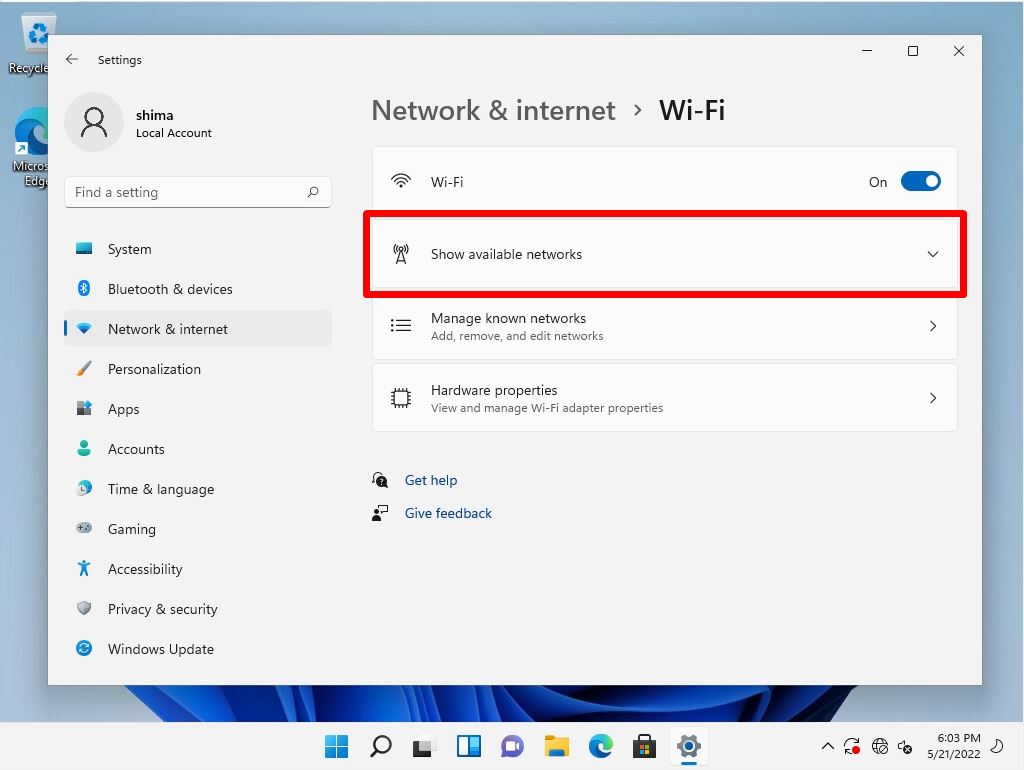
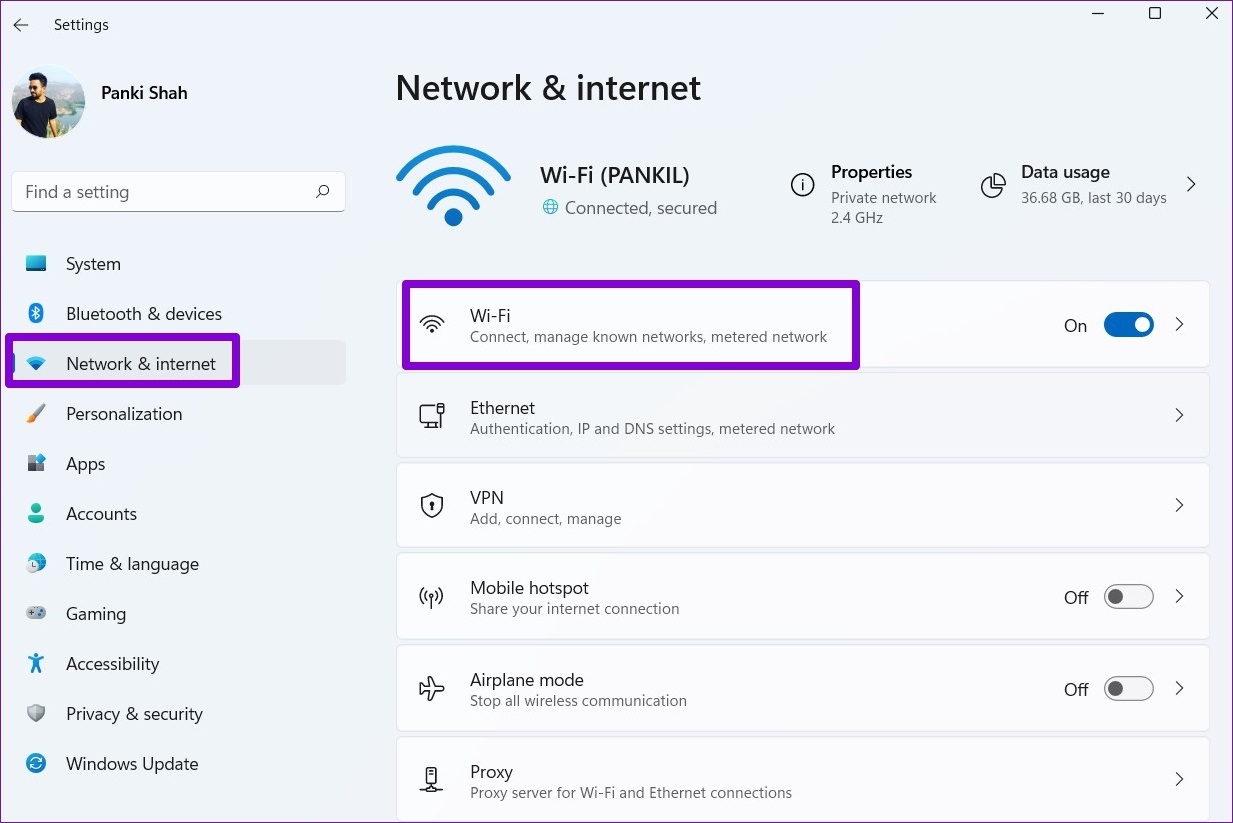
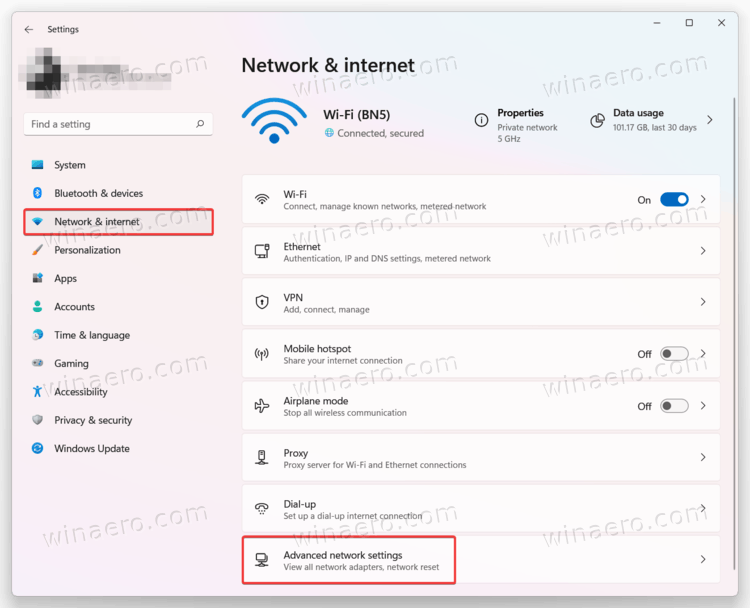
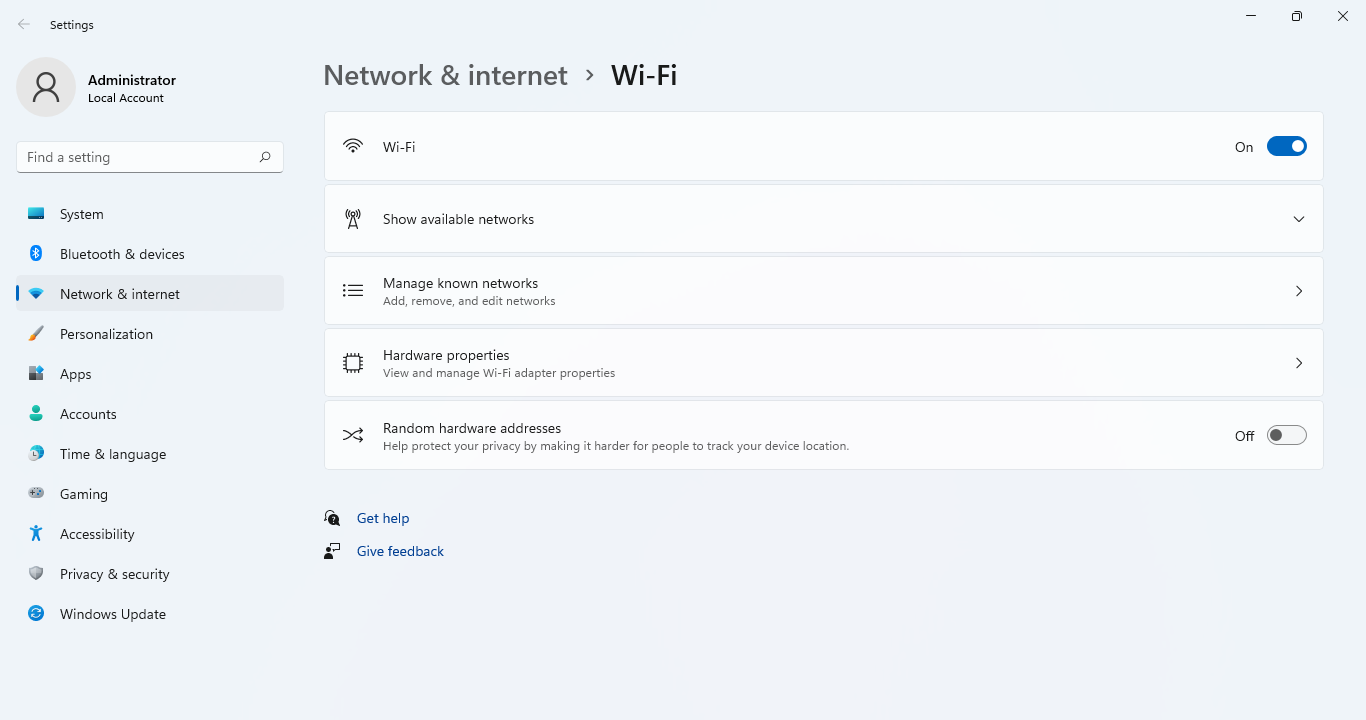
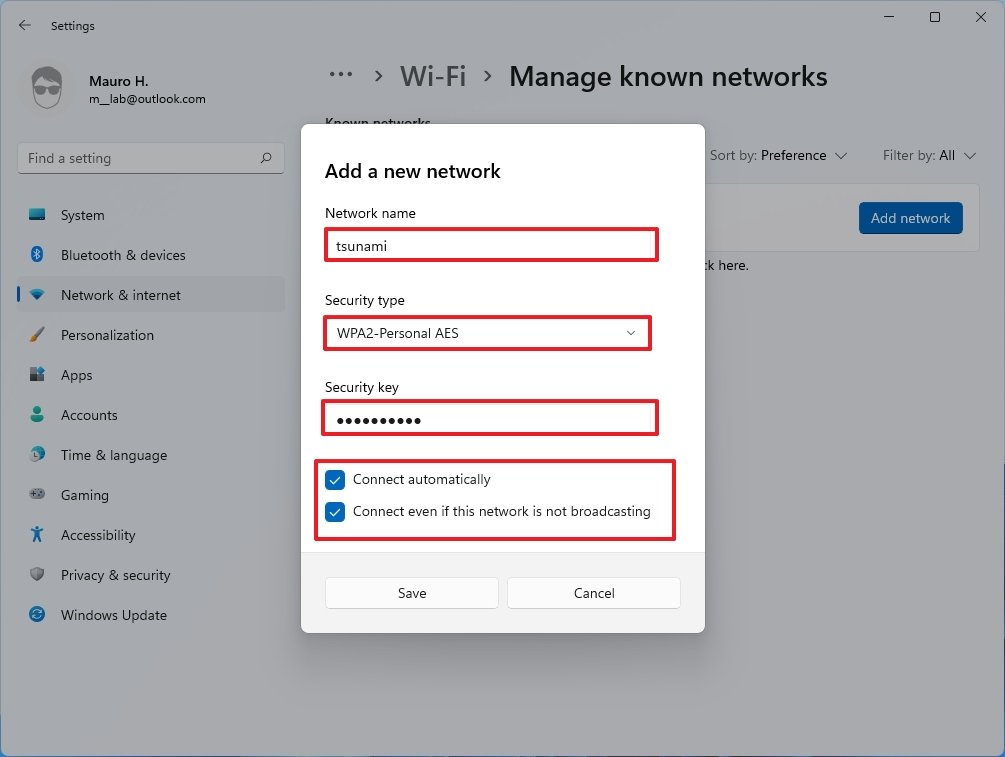
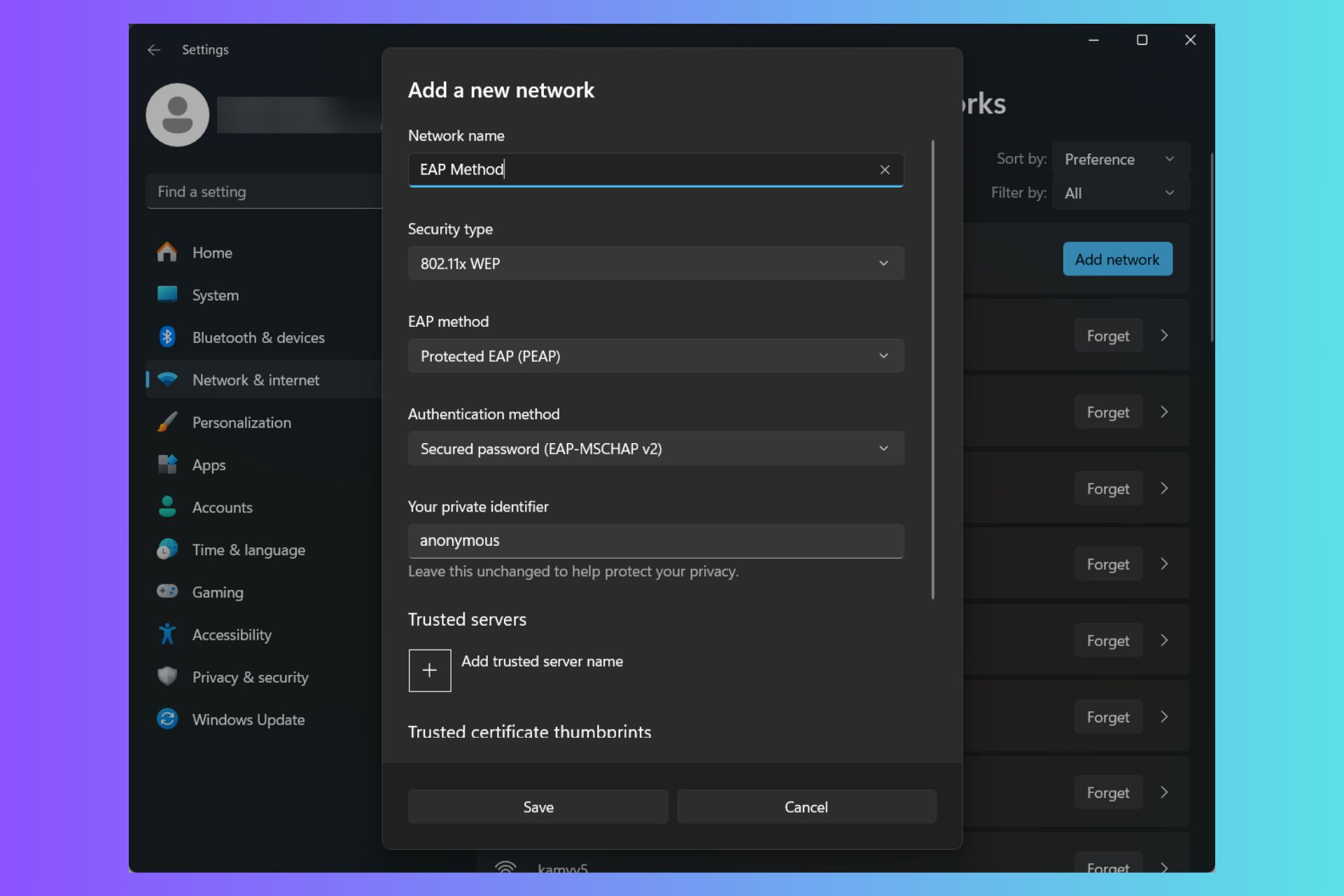
This tutorial will show you how to change the connection and security settings of an existing known Wi-Fi network profile in Windows 11. Wi-Fi is a wireless local area network (WLAN) technology and standard that uses high-frequency radio waves to provide wireless Internet and network connections to your Windows device.
How to protect your Windows 11 PC before using public Wi
How to make a secure connection to a public Wi-Fi on Windows 11 These five tips will help you add extra layers of security when connecting to the public wireless network.

As we can see from the illustration, Secure WiFi Settings On Windows has many fascinating aspects to explore.
Learn how to secure your WiFi network with step-by-step instructions, WPA3 setup, and expert security measures to protect against hackers in 2026.
How to Change Your Wi
Update your Windows 11 Wi-Fi settings without deleting the network. Change passwords, security types, and connection preferences in just a few steps.
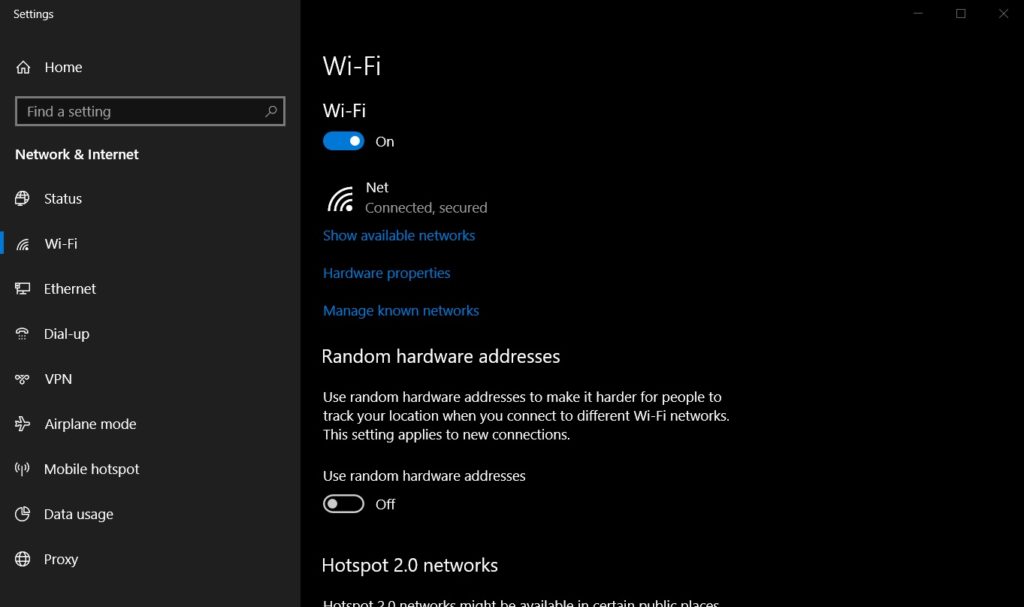
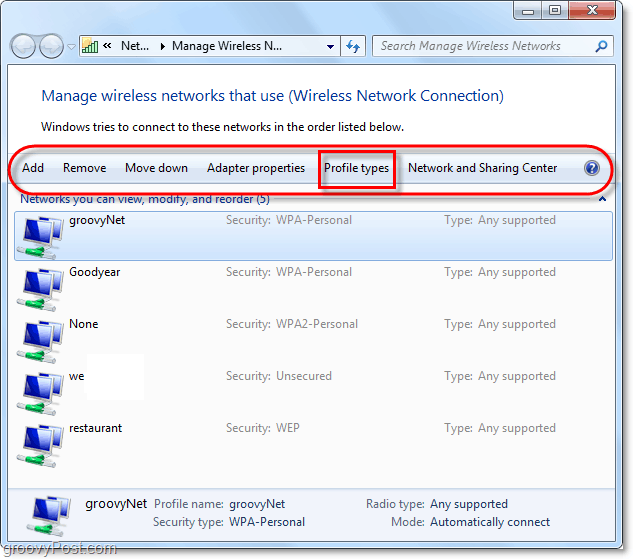
In this tutorial, we show you how to find out what security type your wireless card uses, which is based on your router settings .
Additional Notes on Secure WiFi Settings On Windows
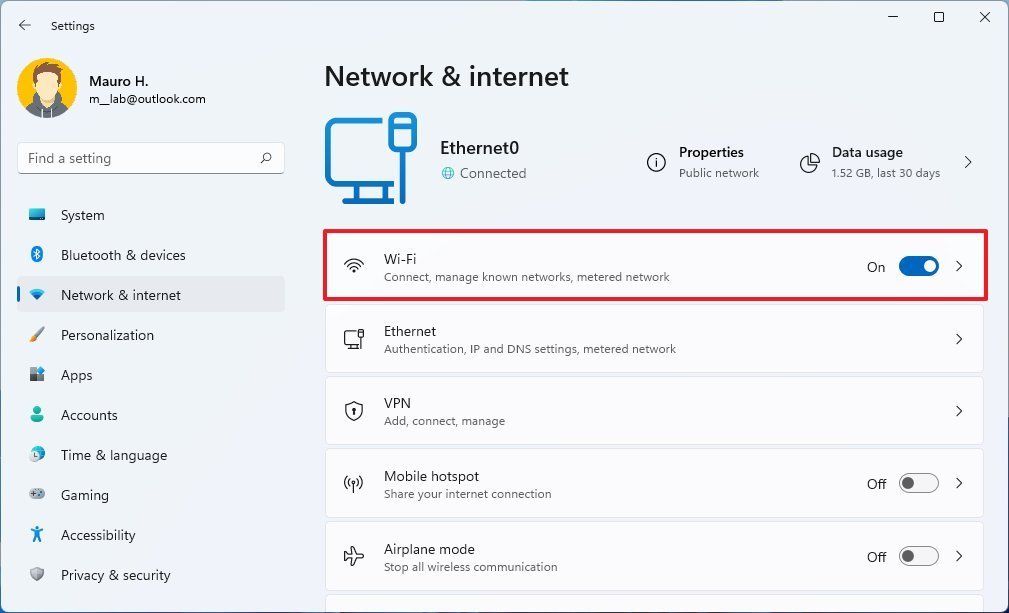
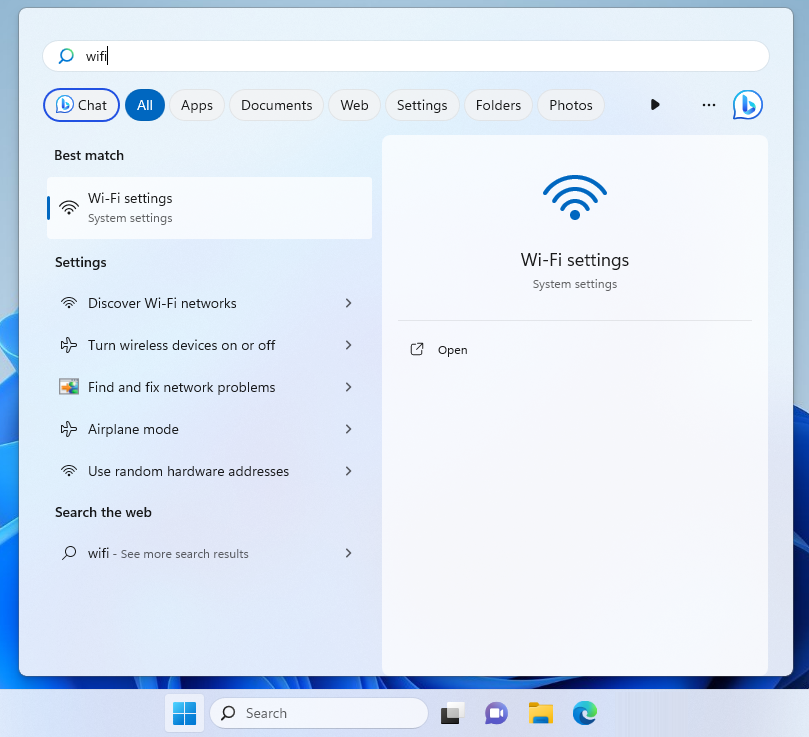
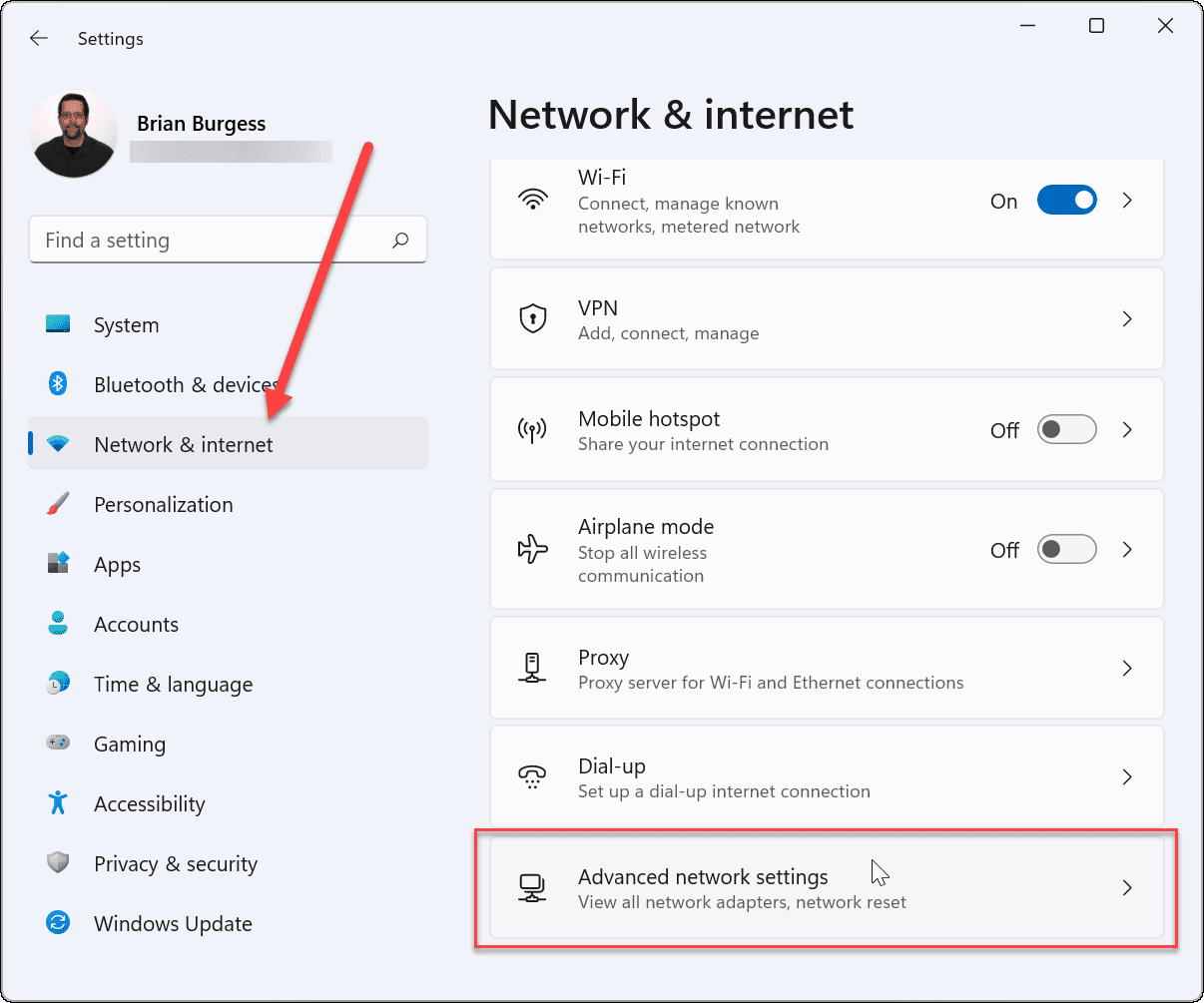
How to Connect to Wi-Fi in Windows 11 - ElMajdal.net. For Secure WiFi Settings On Windows, this point helps readers notice the most relevant visual details before moving into the gallery.
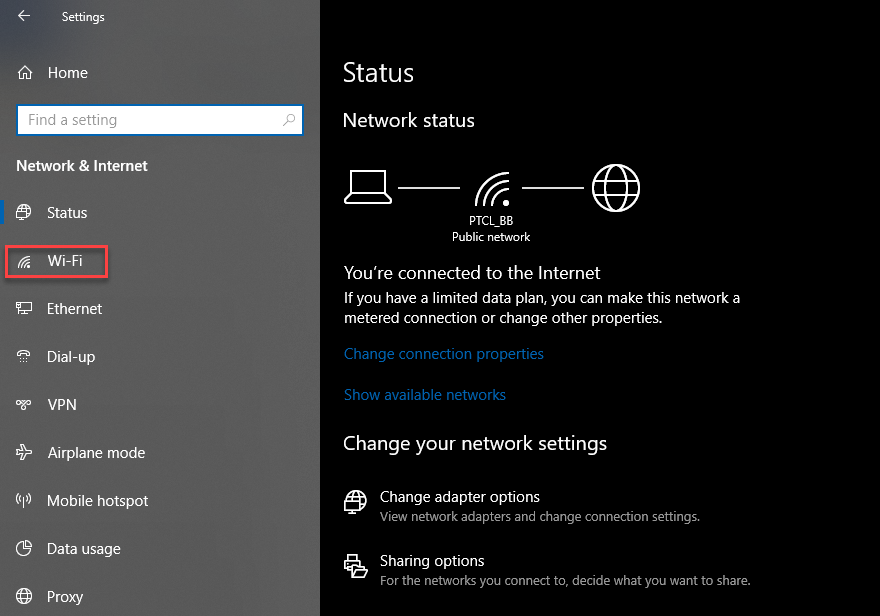
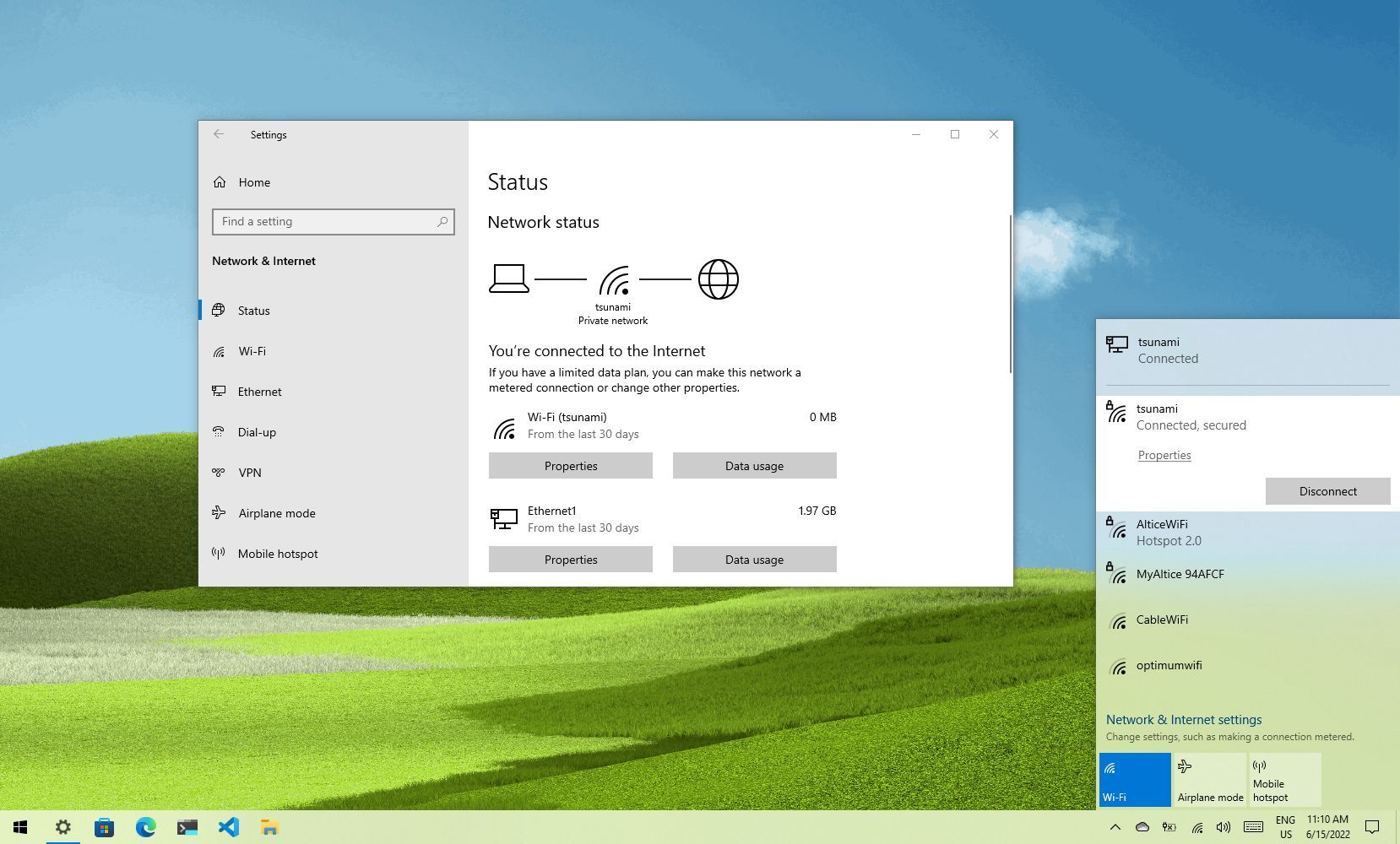
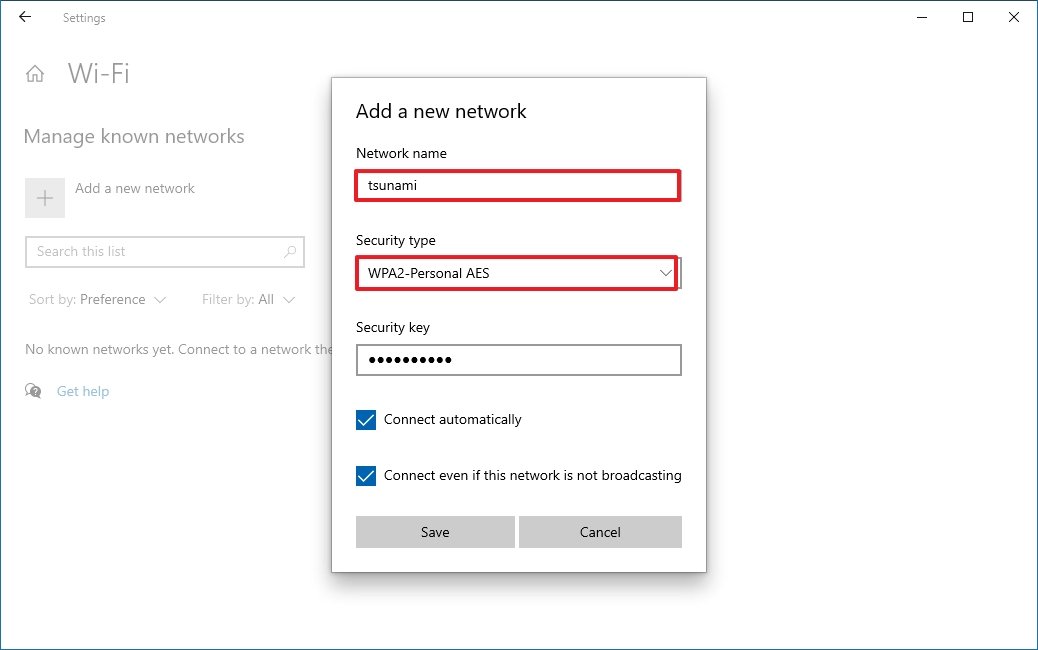
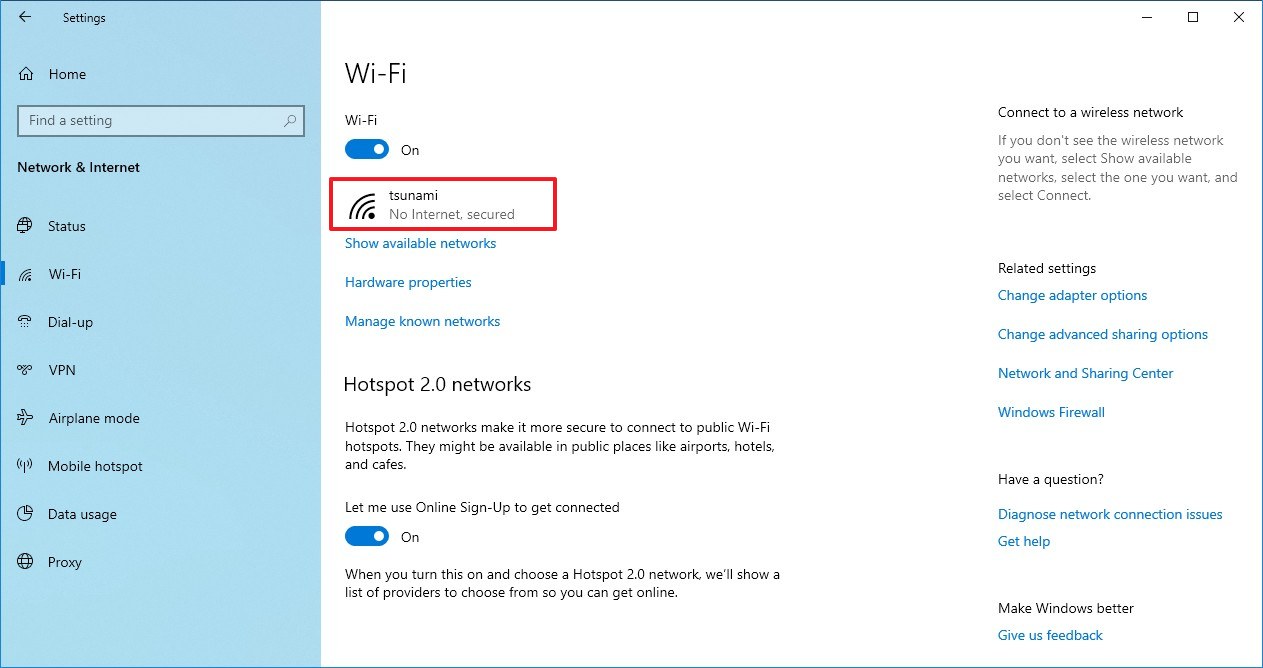
How to manage wireless network connections on Windows 10 | Windows Central. It works as a short bridge between the article summary and the gallery section.
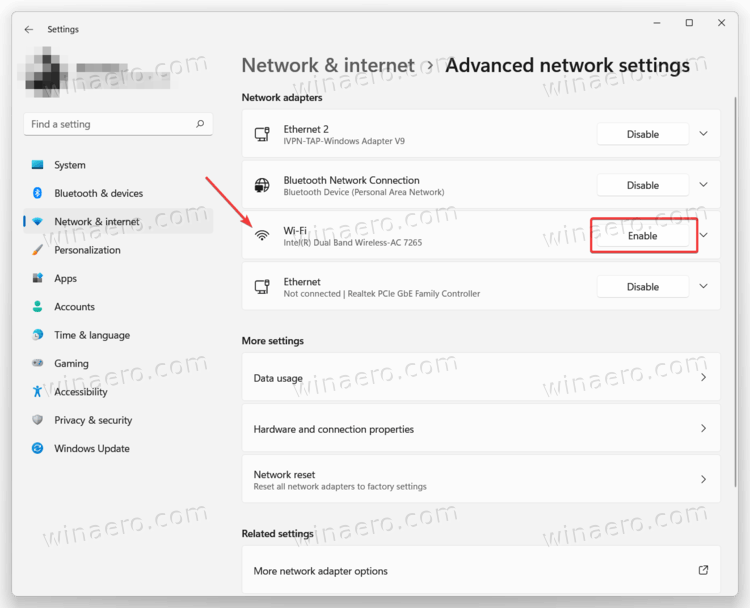
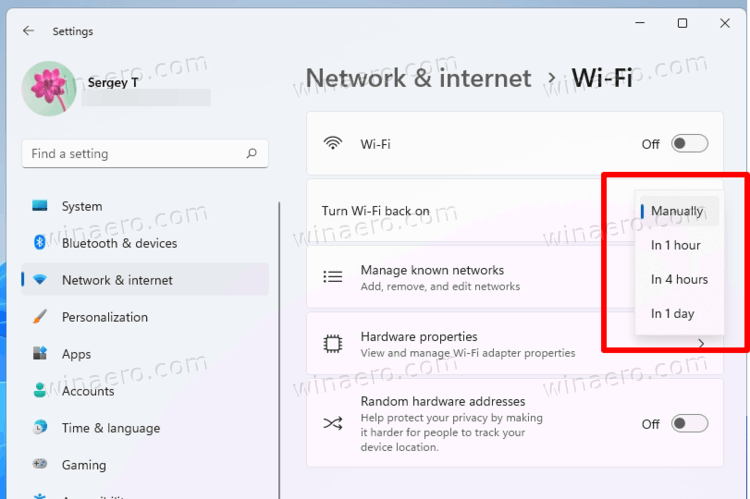
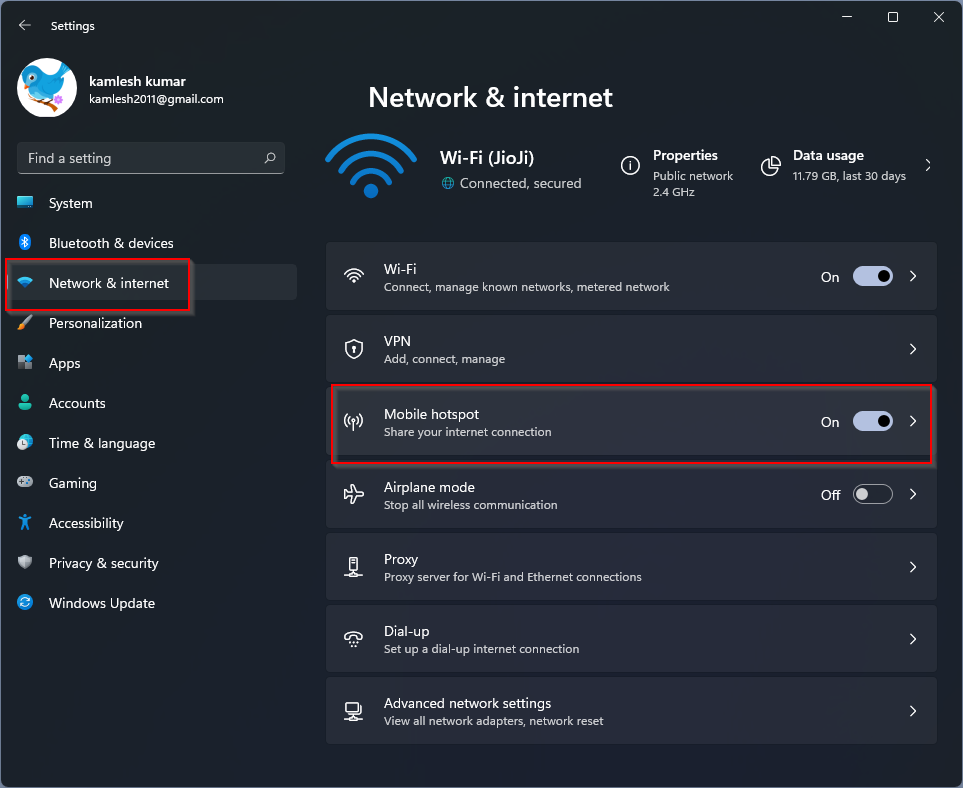
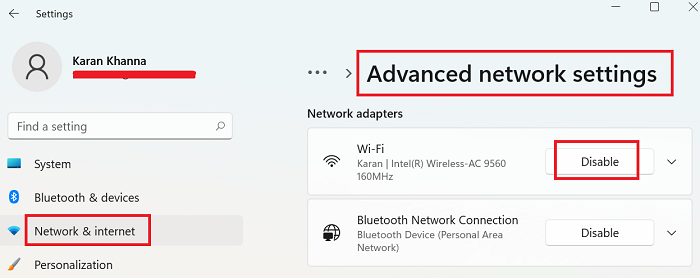
How to enable or disable Wi-Fi in Windows 11 - gHacks Tech News. The extra context helps the page feel more useful without forcing the same phrase repeatedly.
Looking at multiple sources also helps separate the main idea from small decorative details.
These notes are added so the page offers more than images and gives each visitor a clearer reason to keep reading.