MikroTik Access Point Setup Guide
MikroTik Access Point Setup Guide This project helps beginners configure multiple MikroTik routers into a single, secure, and seamless WiFi network across a home , office, or studio.
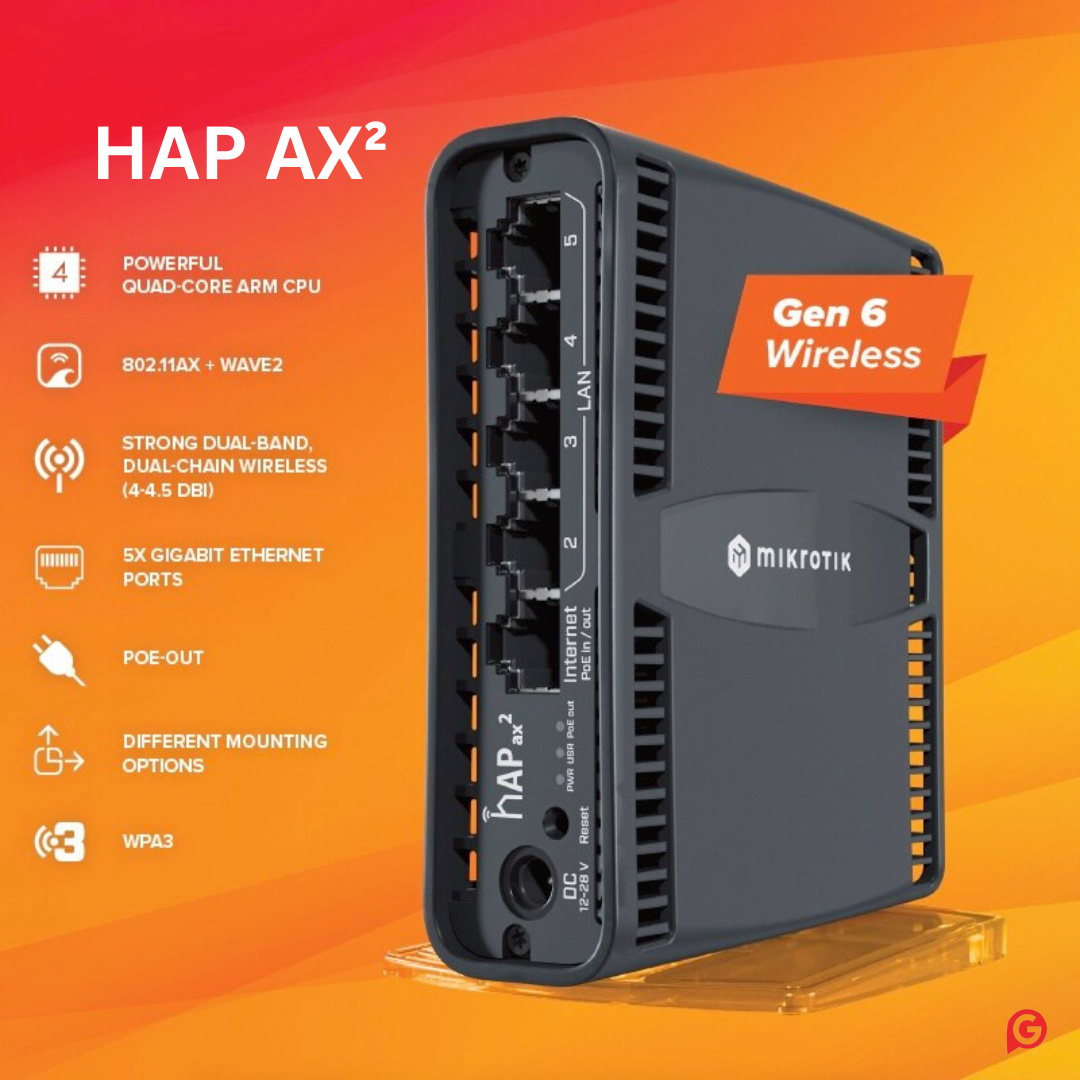
That wraps up our guide on setting up a MikroTik hAP AX2 router . We've walked through the initial access , creating a bridge, setting up the LAN IP address, and configuring WiFi and NAT. By following these steps, you should now have a solid foundation for your home or small office network . I hope you've found this guide straightforward and helpful.
Buy MikroTik Routers
MikroTik : Switches, Routers and Network Hardware. Networking Hardware and Software for Internet Connectivity
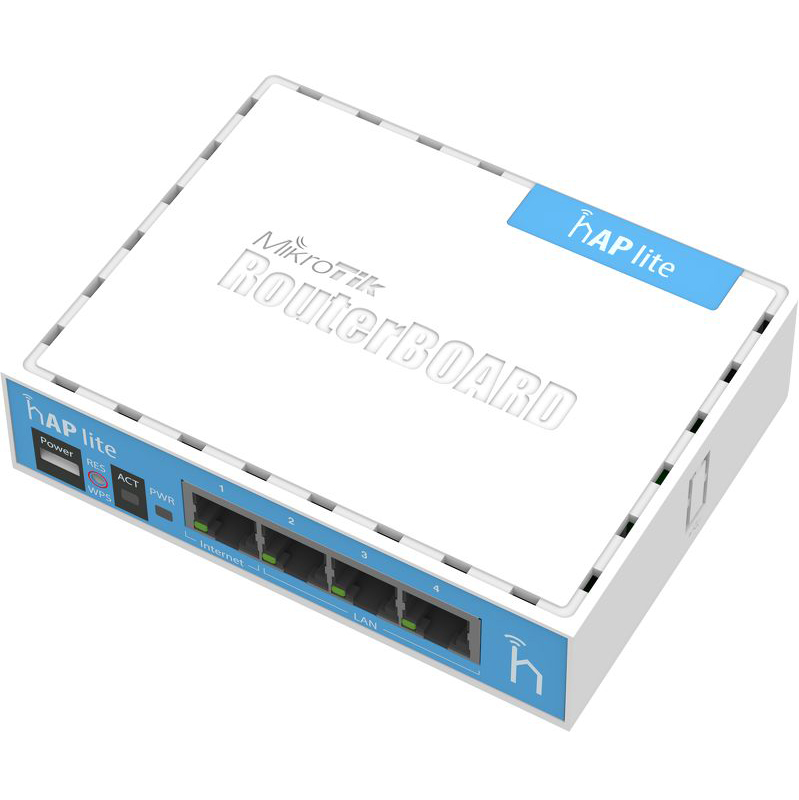
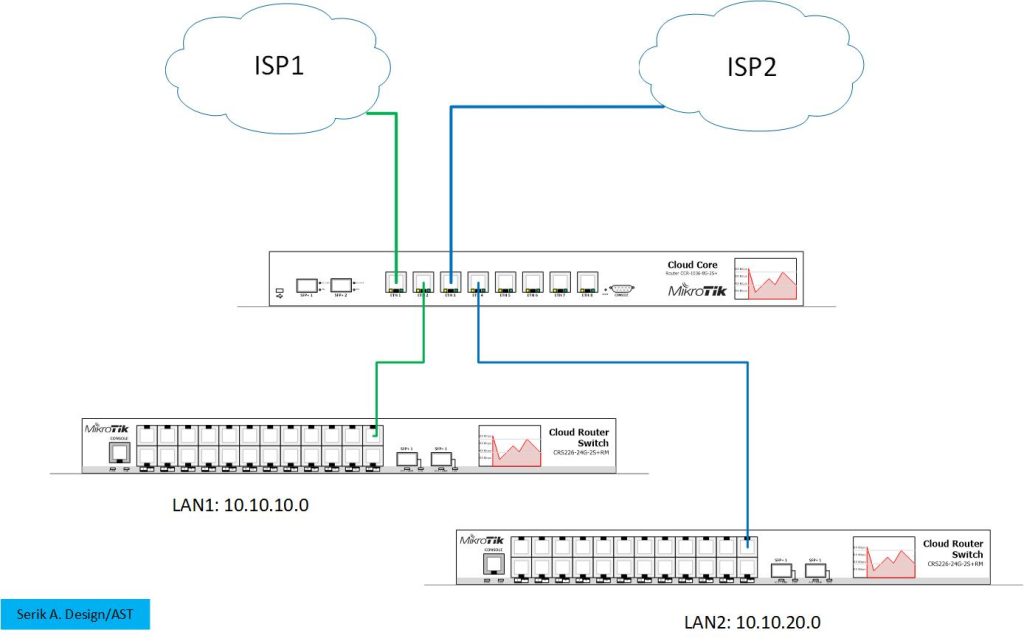
As we can see from the illustration, Mikrotik Access Point Router Setup Home Network Safety Feature has many fascinating aspects to explore.
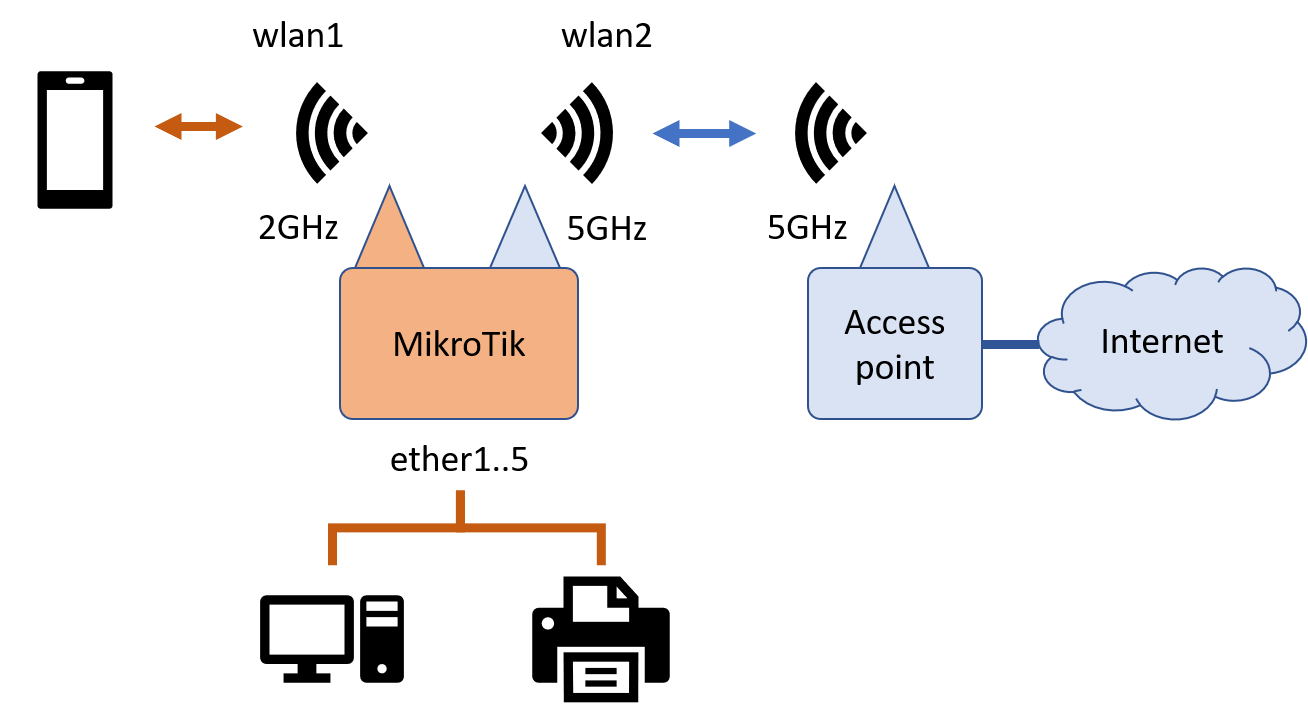
MikroTik AP Bridge is a feature of MikroTik devices that allows the creation of high-quality and secure wireless access points . This operating mode offers the ability to connect multiple wireless devices to a network simultaneously and with high data transfer speeds.
Useful Notes on Mikrotik Access Point Router Setup Home Network Safety Feature
Conclusion: Maximizing Your MikroTik Wireless Access Point Performance Configuring your MikroTik router as a wireless access point can transform your network and deliver reliable connectivity for all your devices. By following this guide, you have learned how to: Prepare your router by ensuring it is up to date and connected correctly.
Save Network Equipment

Find deals on networking devices at Amazon.co.uk. Routers , switches & more. Shop Routers , Switches, Access Points & More. Build your perfect network .
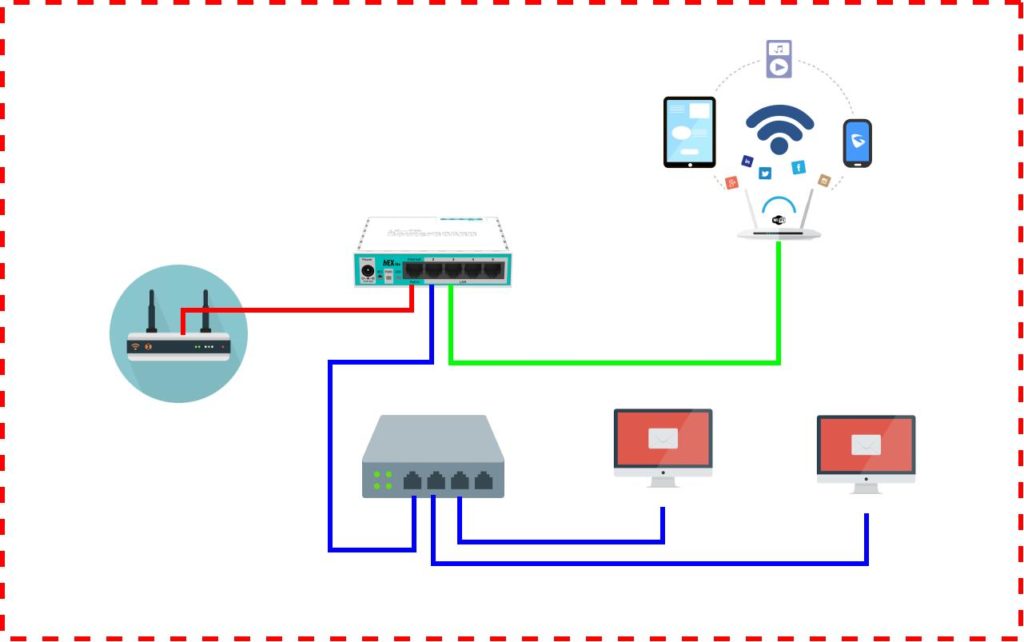
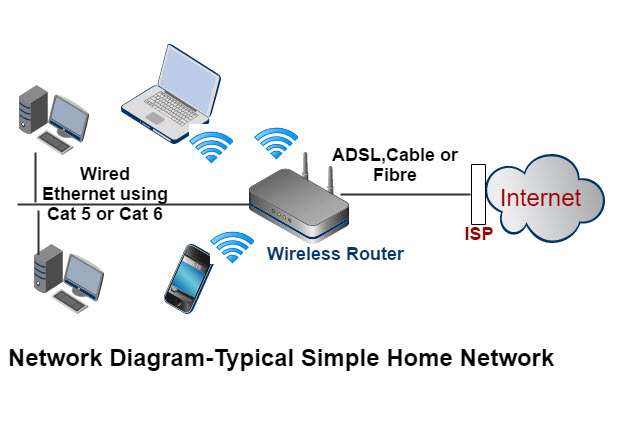
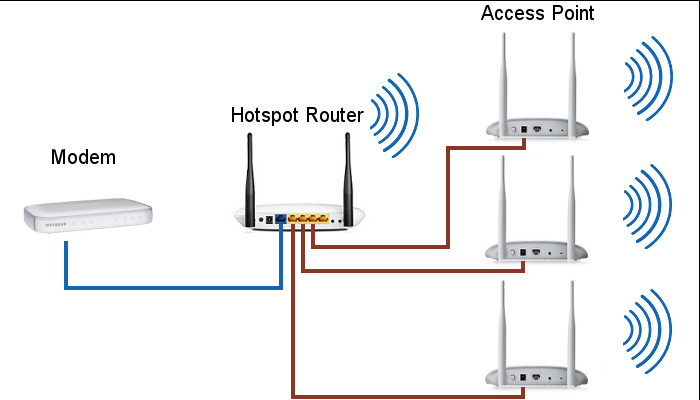
Access point → are "bridge" devices, which are connected to the router using an Ethernet cable, they are not firewall protected, and they have DHCP-server functionality disabled (they "bridge" DHCP requests from the router to AP's clients). In other words, a Wi-Fi router is an AP with additional functionality.
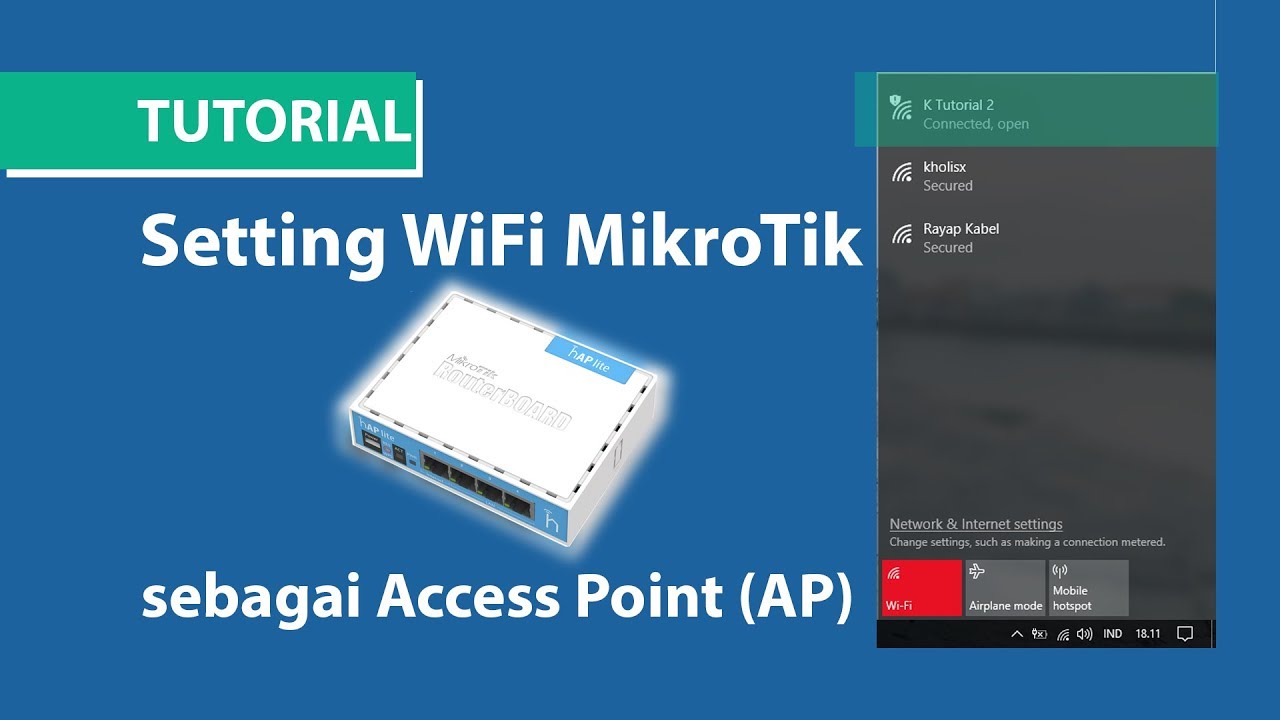
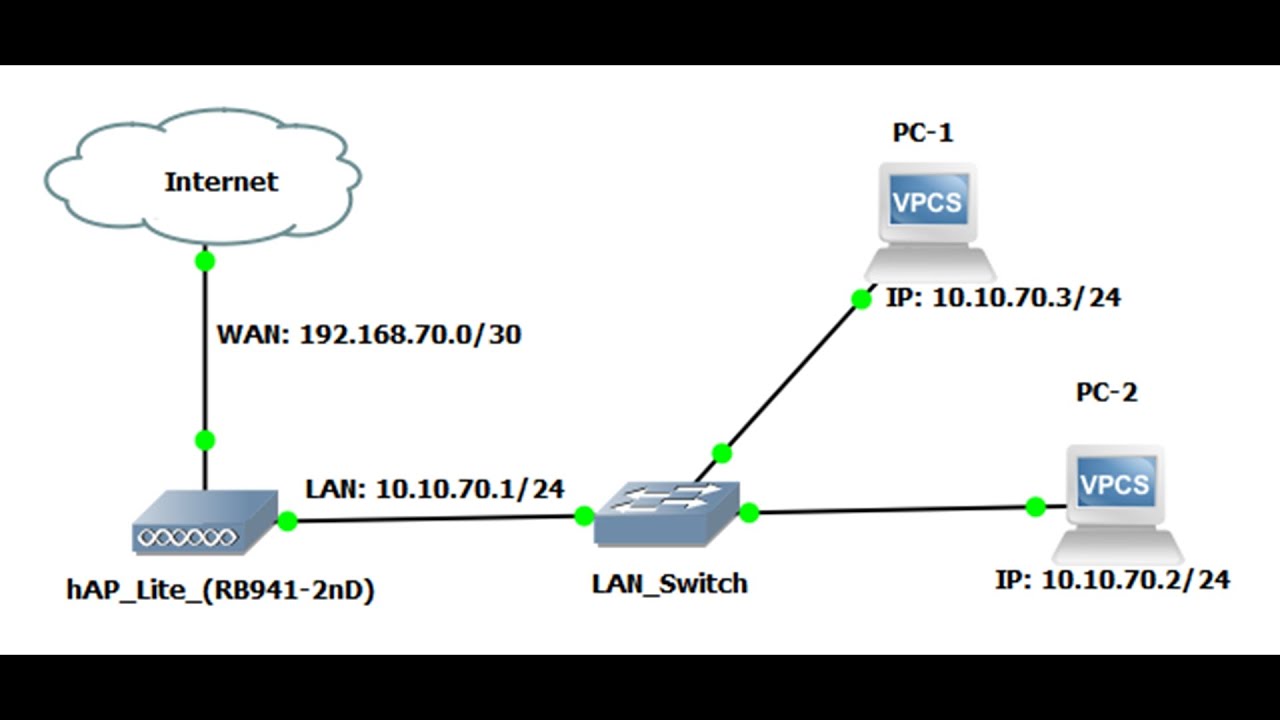
MikroTik hAP Router Full Setup
Whether you're a beginner or looking to refresh your MikroTik skills, this guide covers everything from first access to secure WiFi setup . 🔑 What you'll learn: 1️⃣ Device Access ...
First Time Configuration
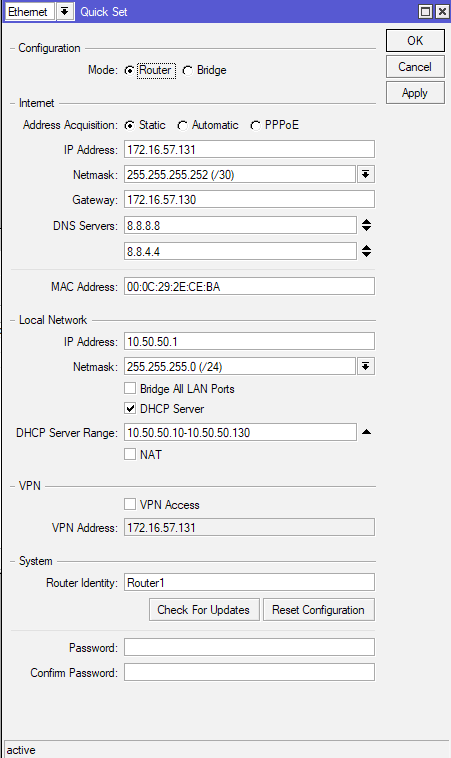
Local Network : Set up IP addresses and DHCP NAT: Allow devices to share internet connection Security: Protect your router and network Wireless: Set up WiFi (if applicable) Test: Verify everything works Each step builds on the previous one. Complete them in order for best results. Tip: Save Your Progress After each major section, backup your ...
The text highlights the importance of security in the use of Mikrotik , offering a guide with basic steps to protect networks . Emphasizes the need to securely configure users and secure service ports, including changing numbering to reinforce security.