How to Delete Your Instagram Account
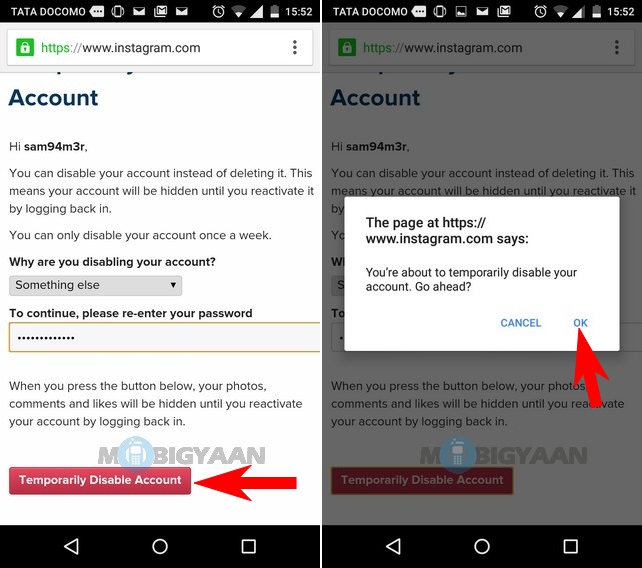
Learn how to delete or disable your Instagram account on Windows, macOS, iOS , and Android devices, and how to get it back if you need to.
Help Center
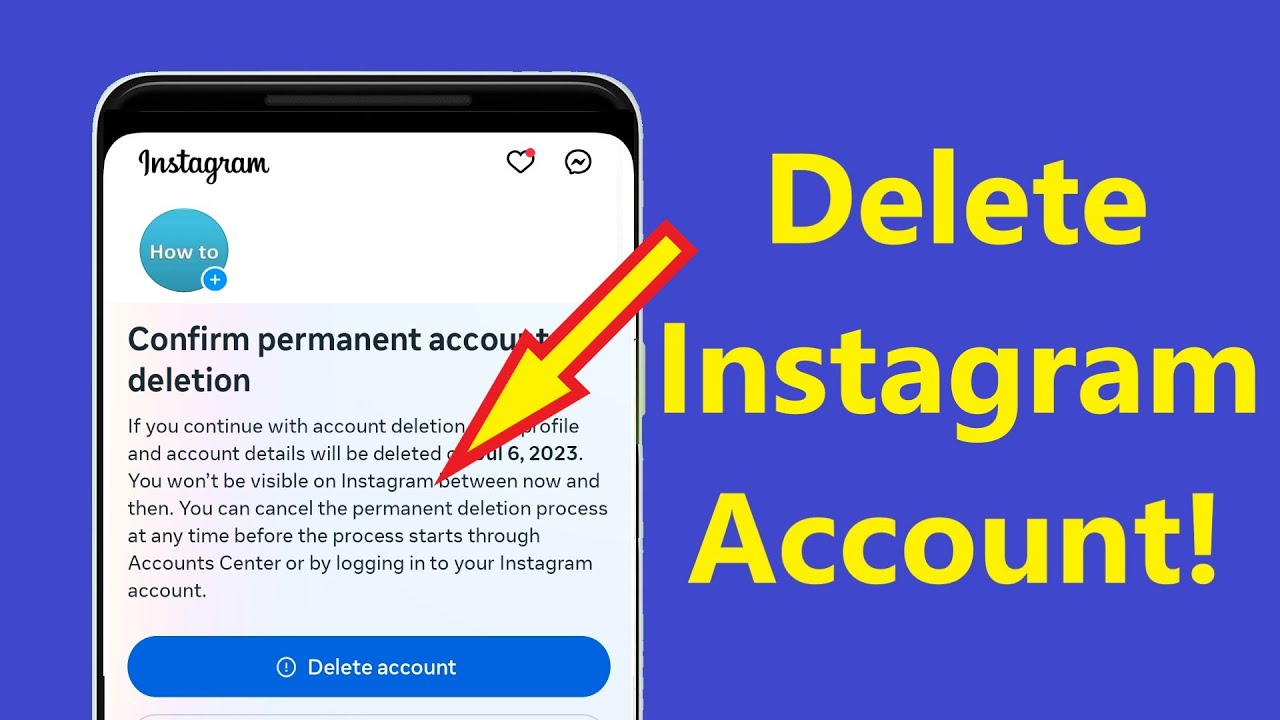
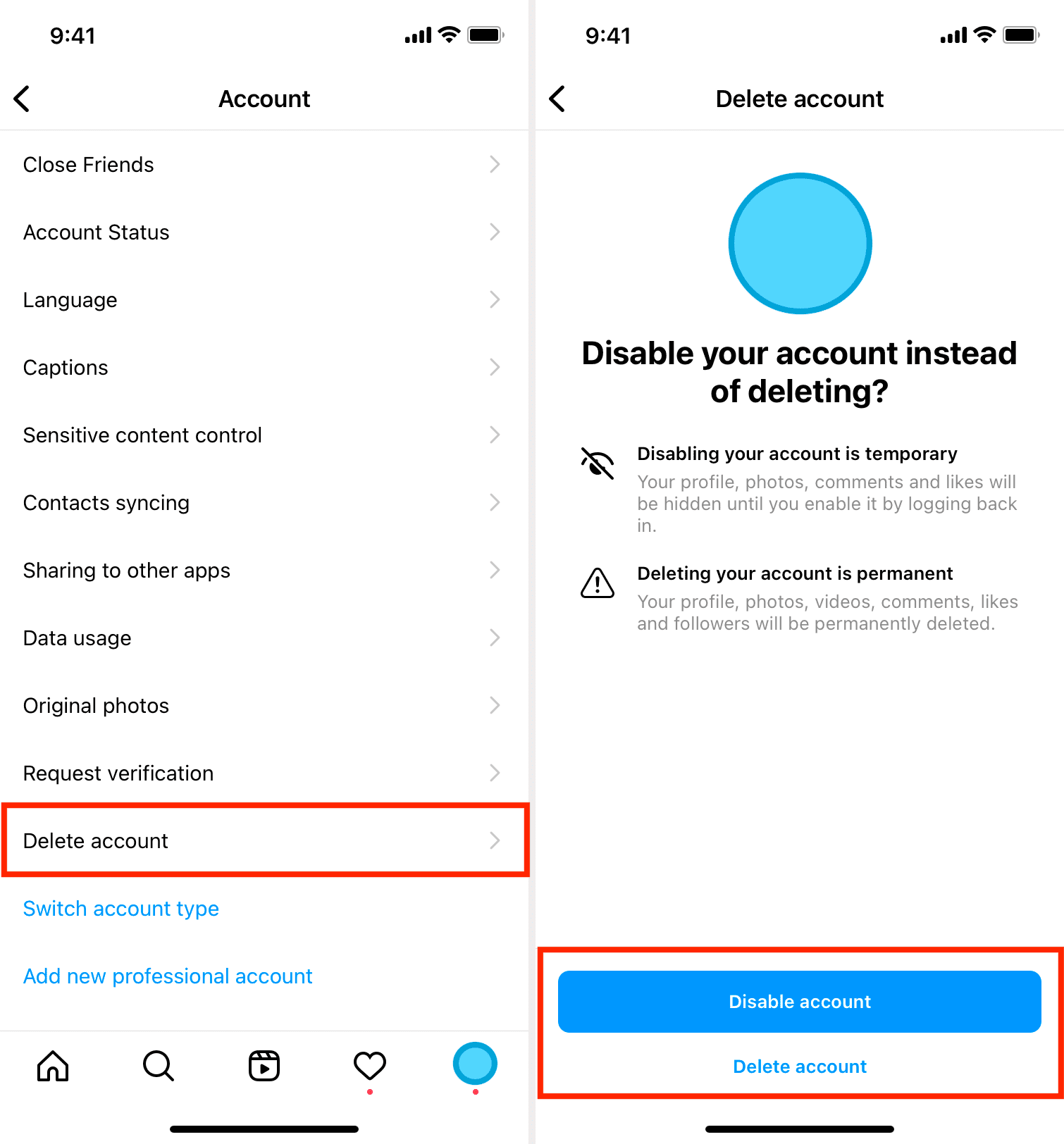
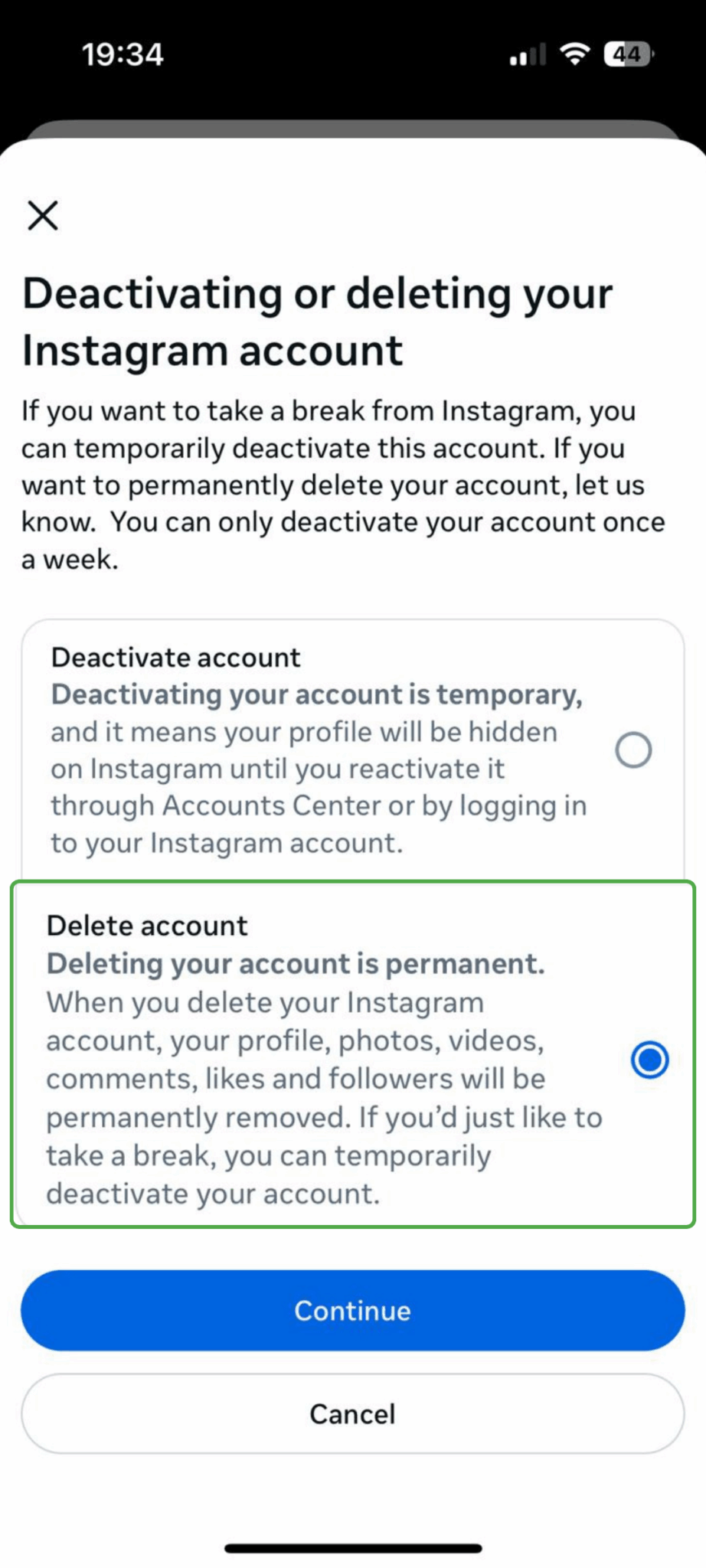
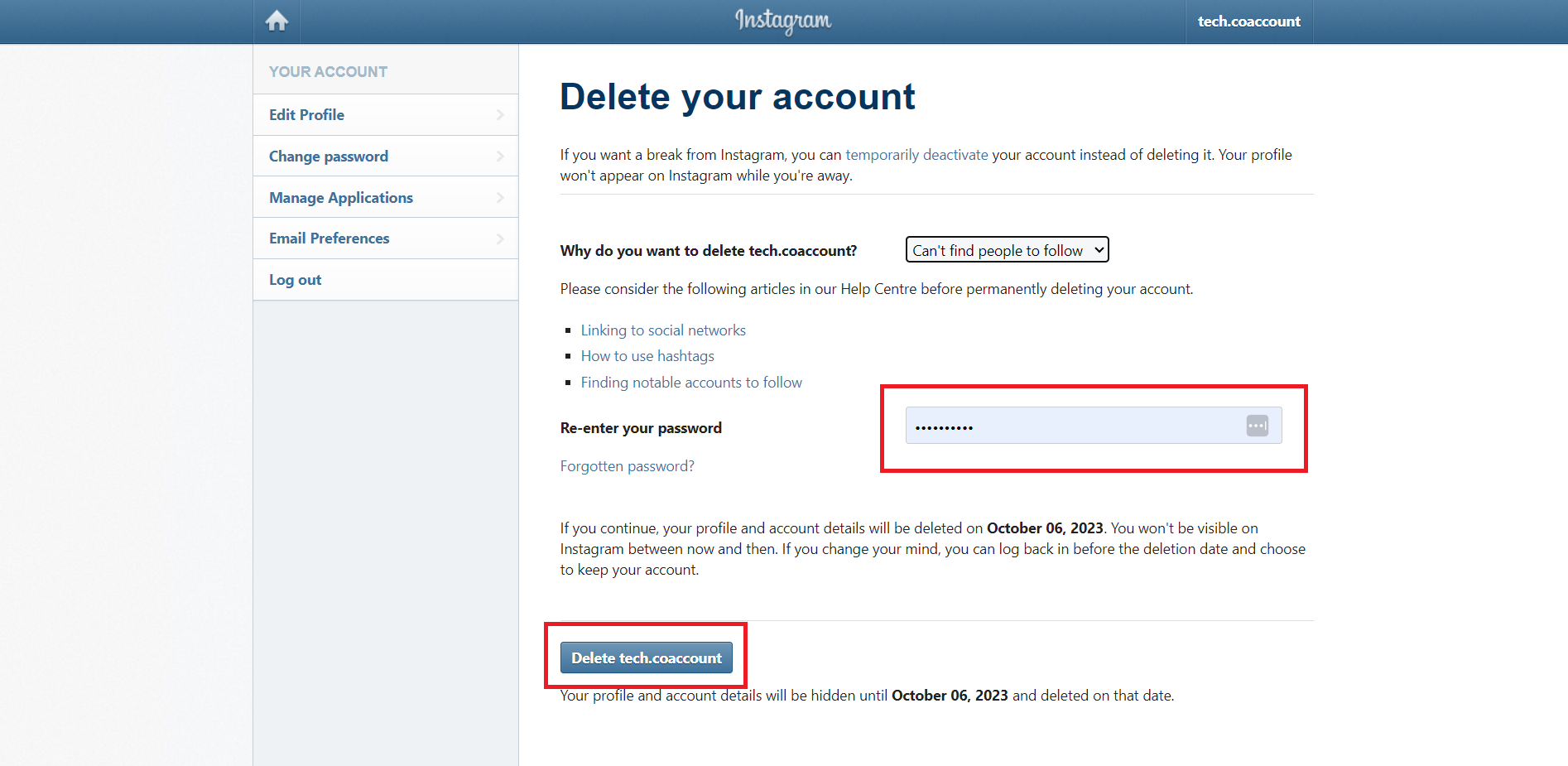
Find out how to delete , disable or deactivate Instagram accounts , including estimated deletion wait times and how to regain access to your deactivated account .
Learn how to delete your Instagram account with step-by-step instructions from the Help Center.
Permanently delete or deactivate your Instagram account
Find out how to delete , disable or deactivate Instagram accounts , including estimated deletion wait times and how to regain access to your deactivated...
Moving forward, it's essential to keep these visual contexts in mind when discussing Ios Account Delete Instagram.
How to Delete Your Instagram Account on an iPhone
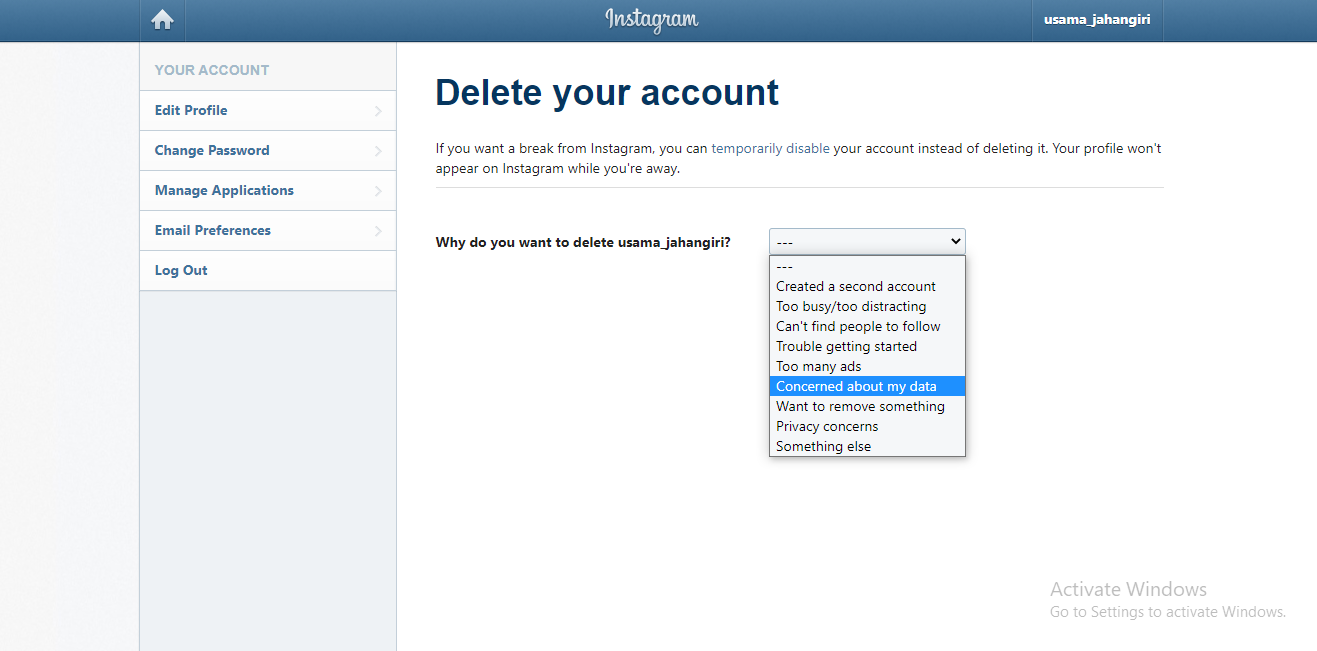
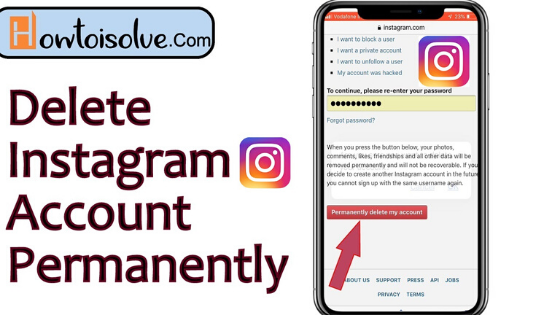
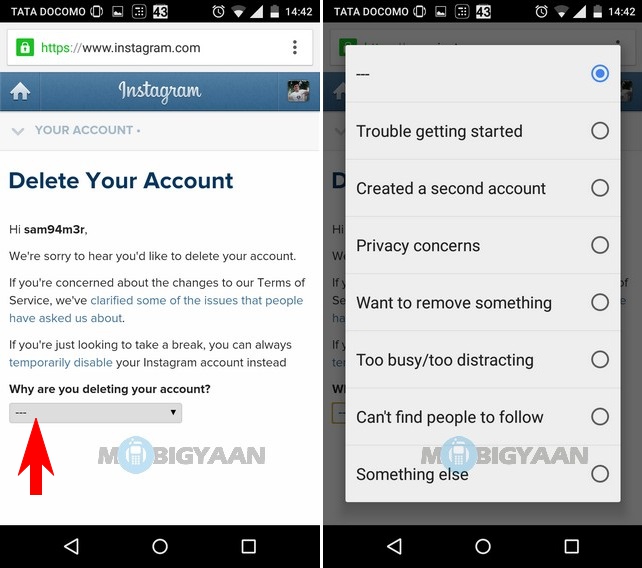
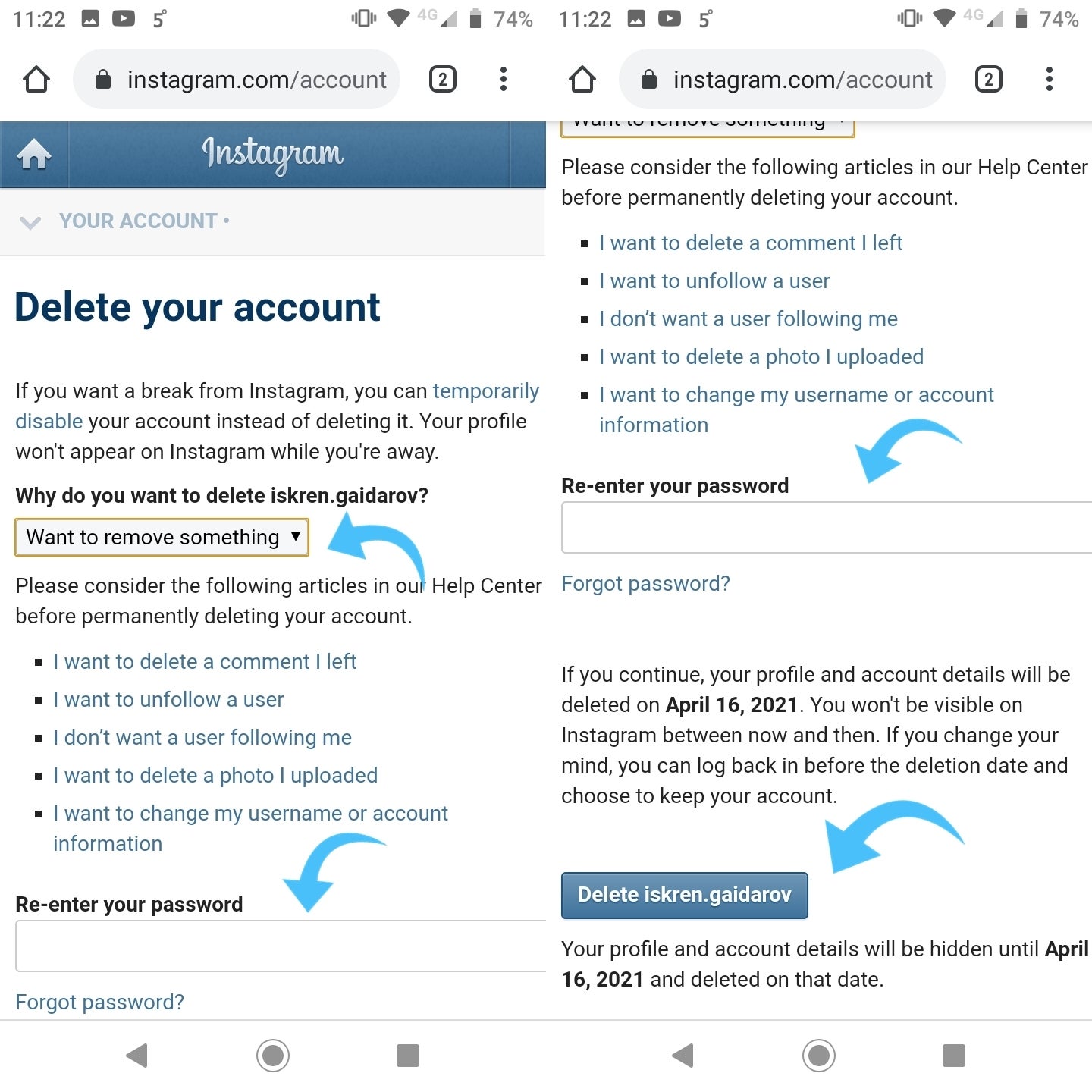
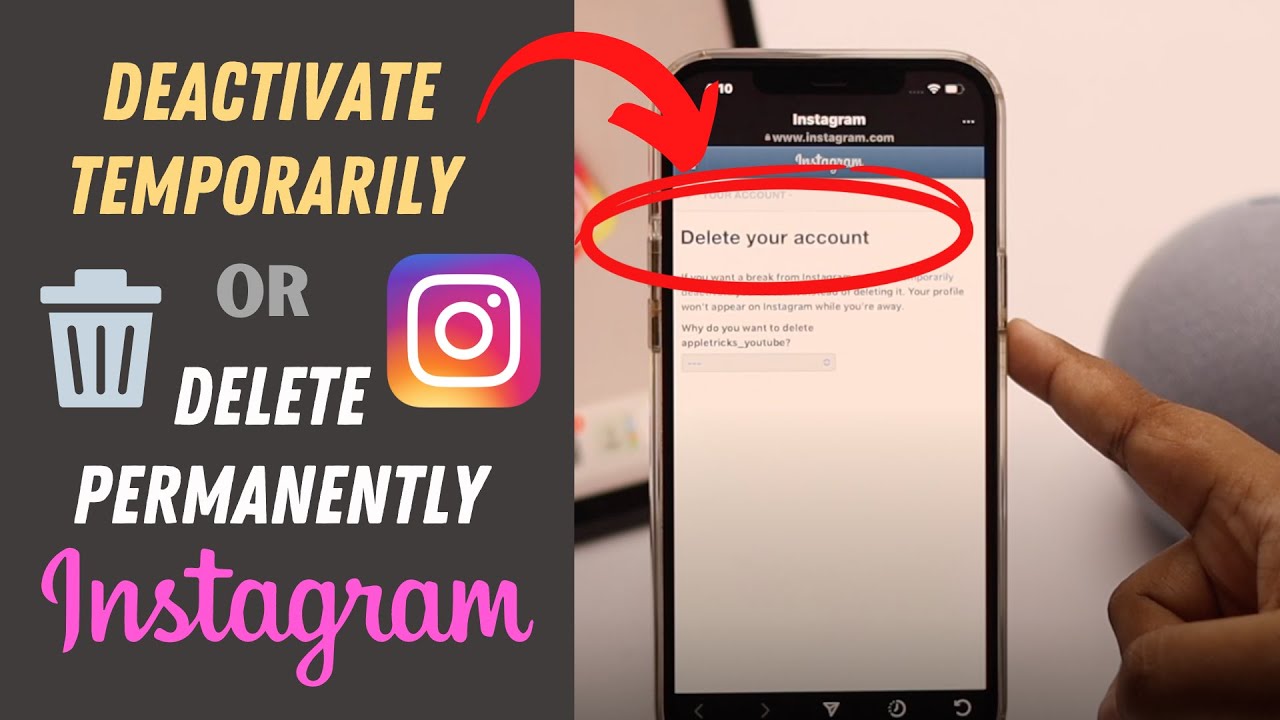
To delete your account , you will make use of a web browser on your iPhone as the Instagram app doesn't have the account removal option. Start by launching your favorite web browser on your iPhone and opening the Delete Your Account web page.
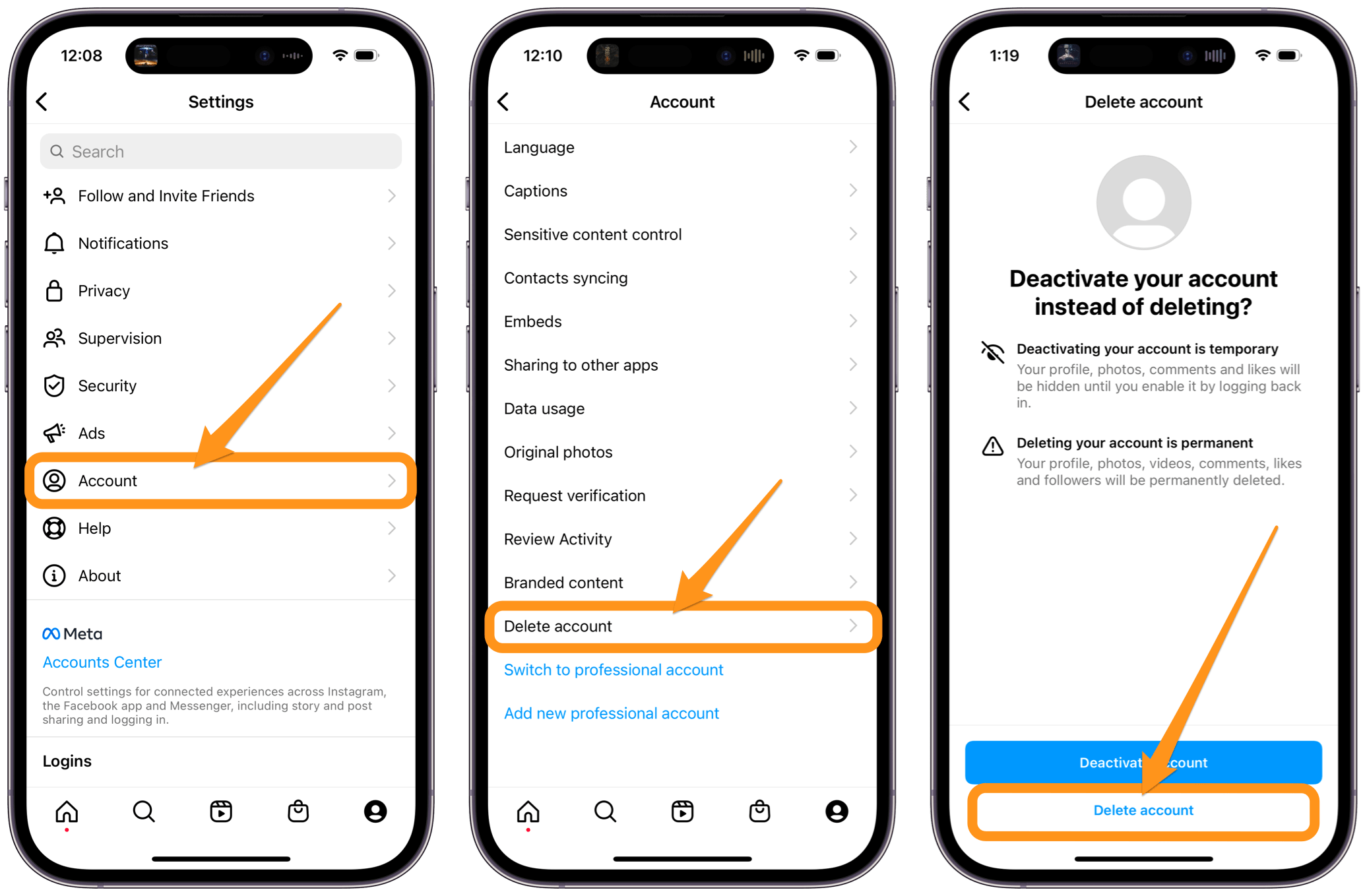
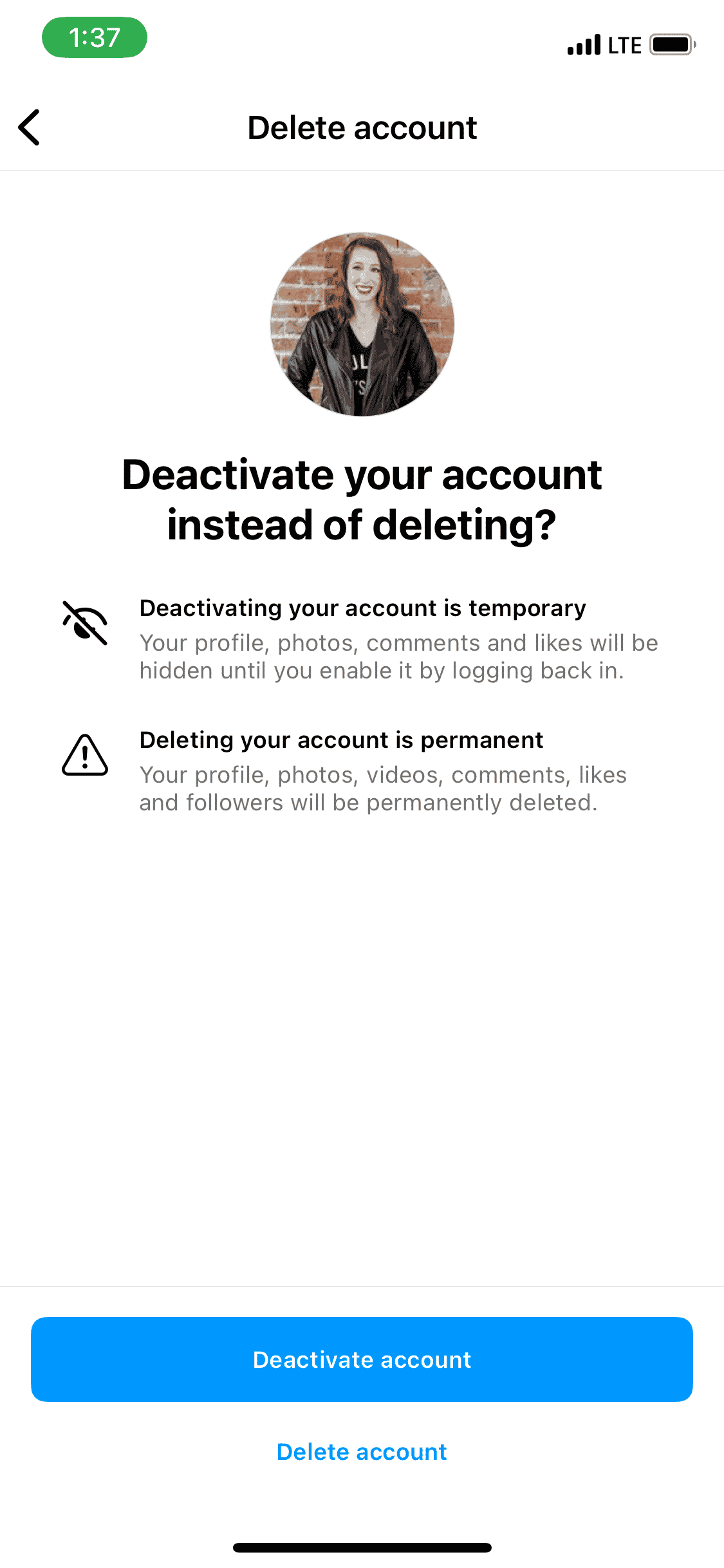
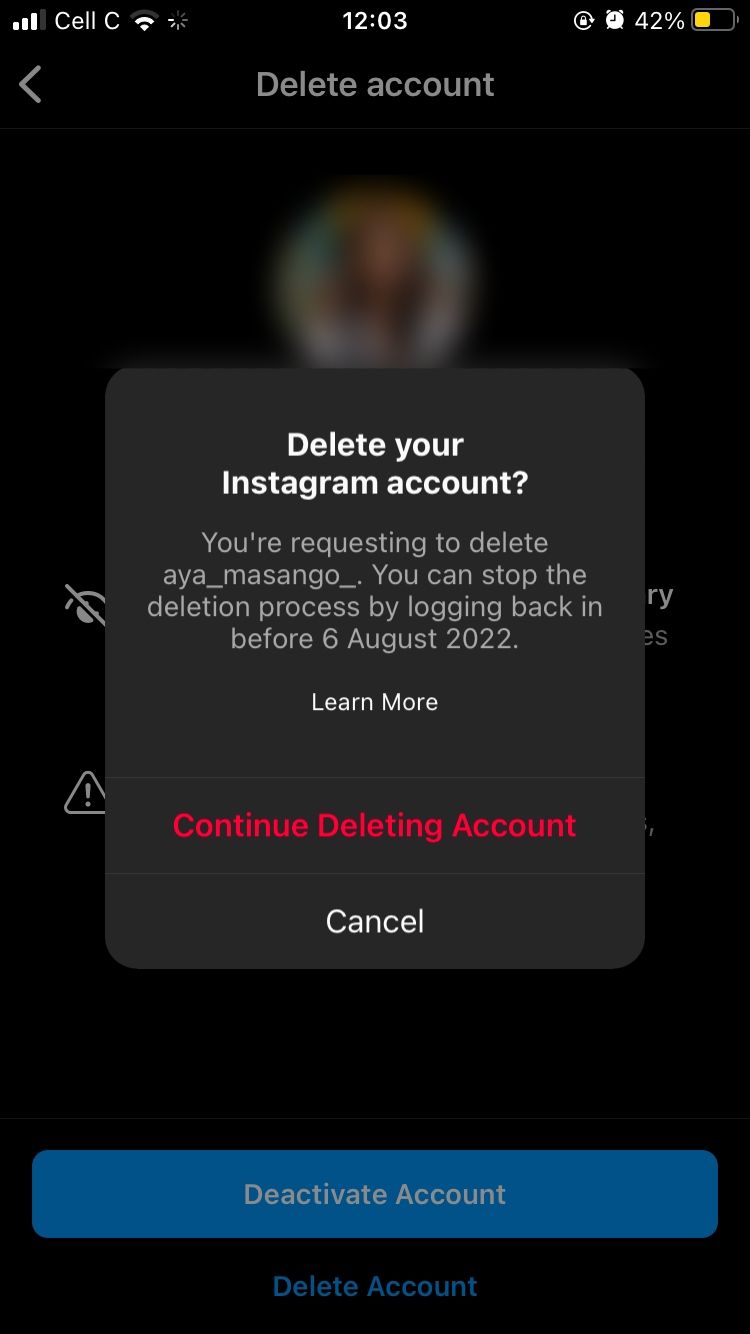
Learn how to deactivate your Instagram account temporarily or delete it permanently on your iPhone using the Instagram app.
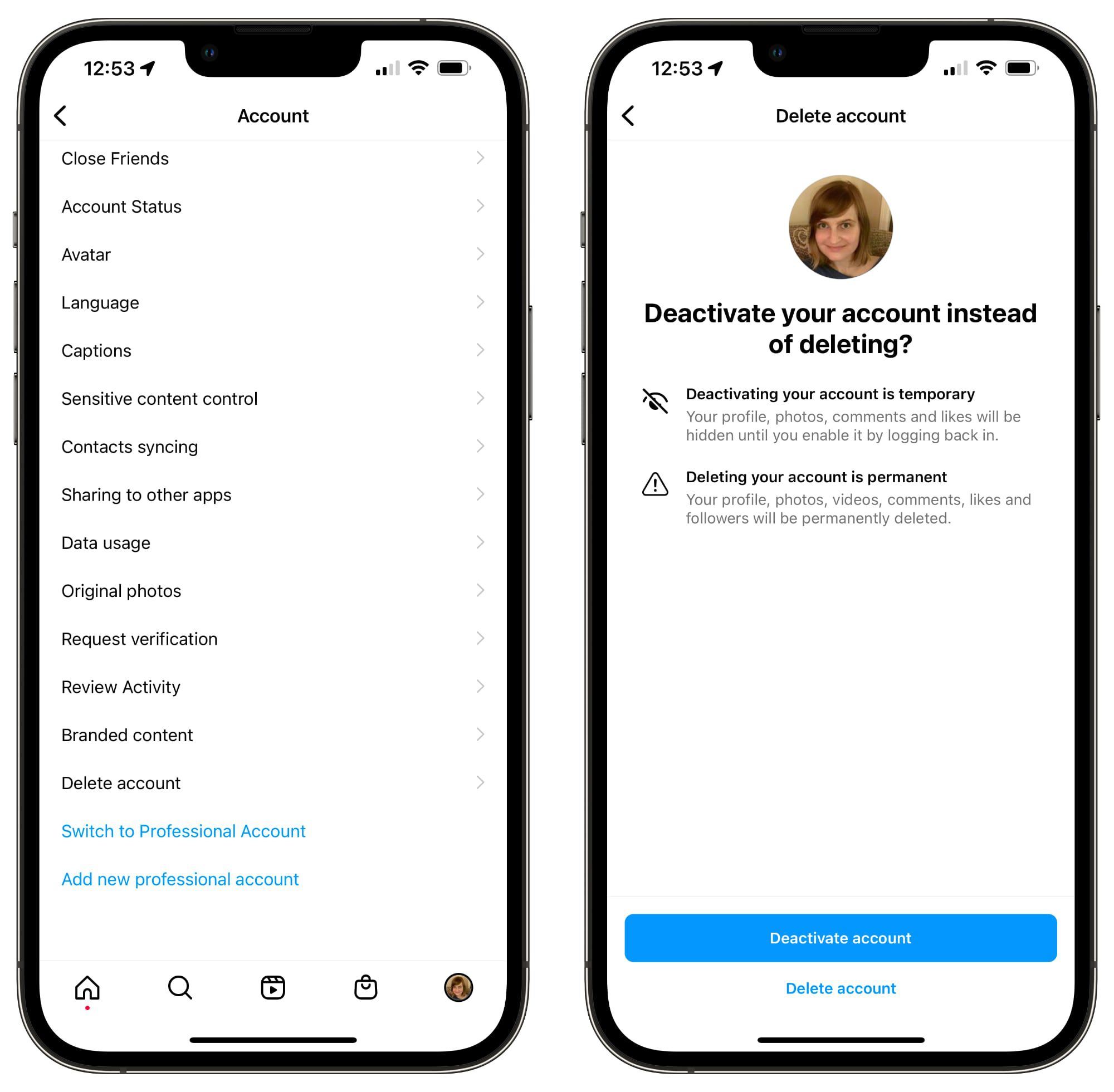
How to Delete Instagram Account on iPhone
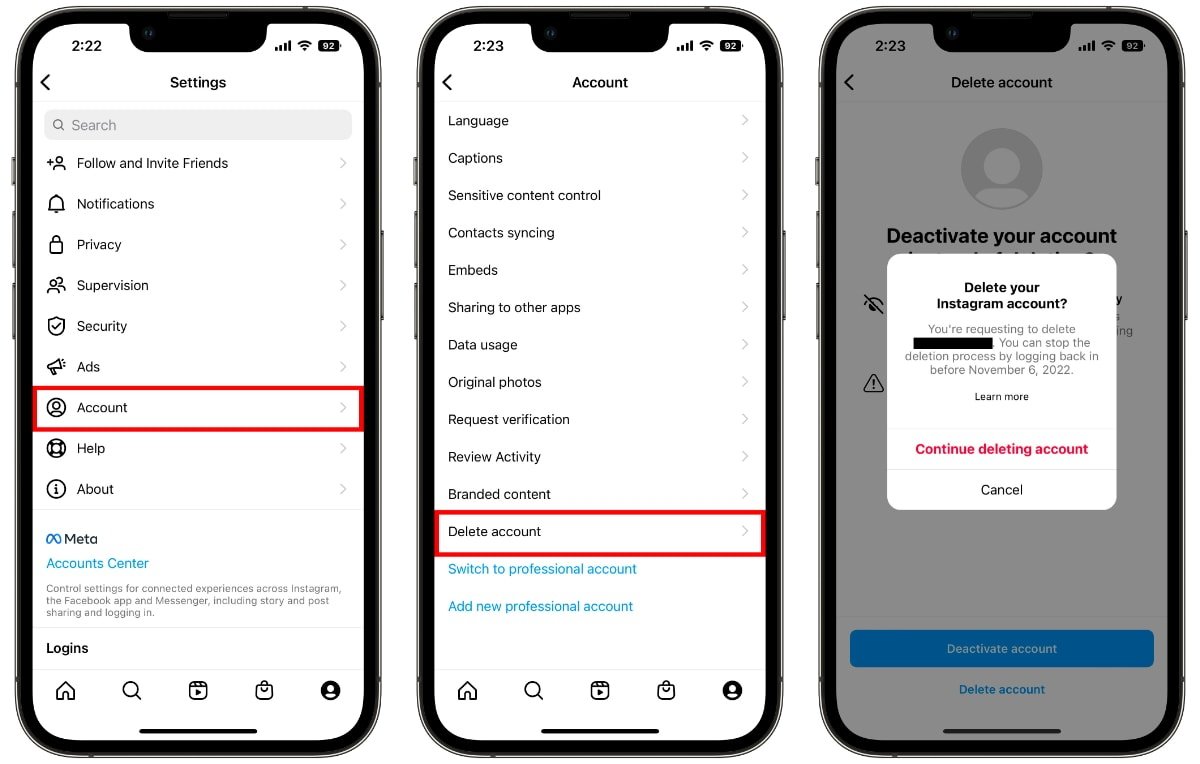
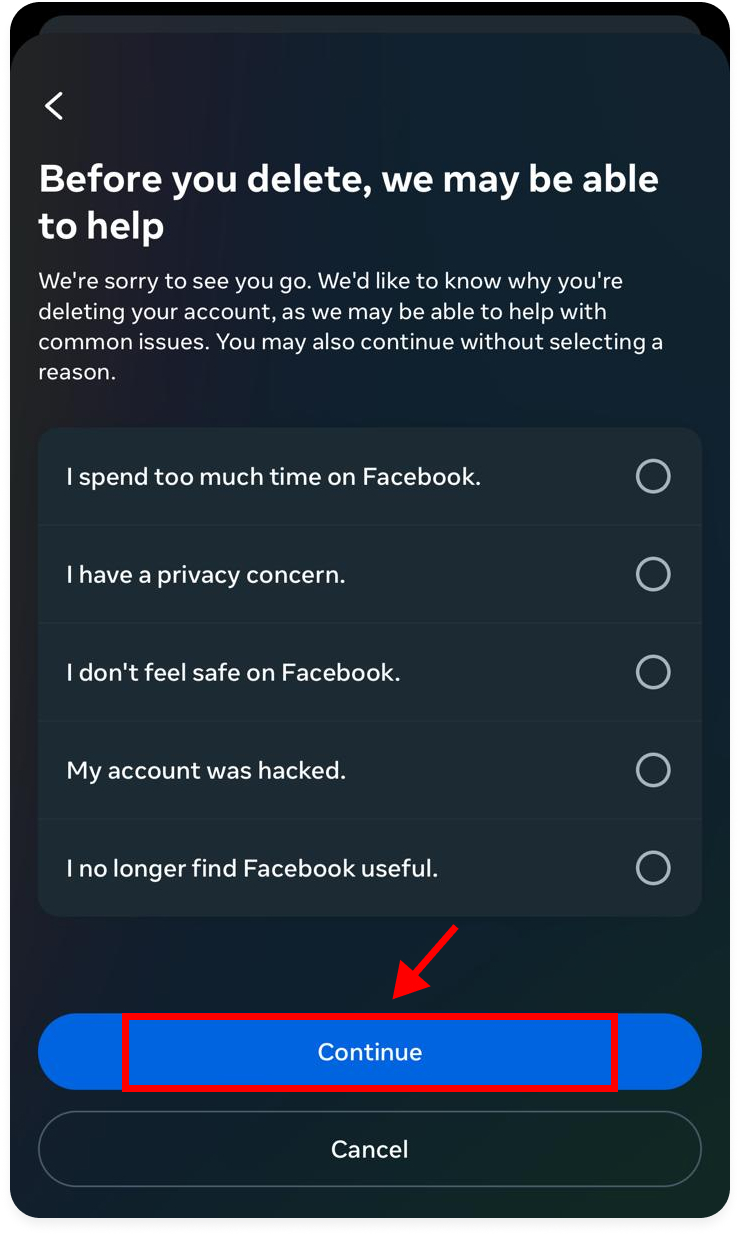
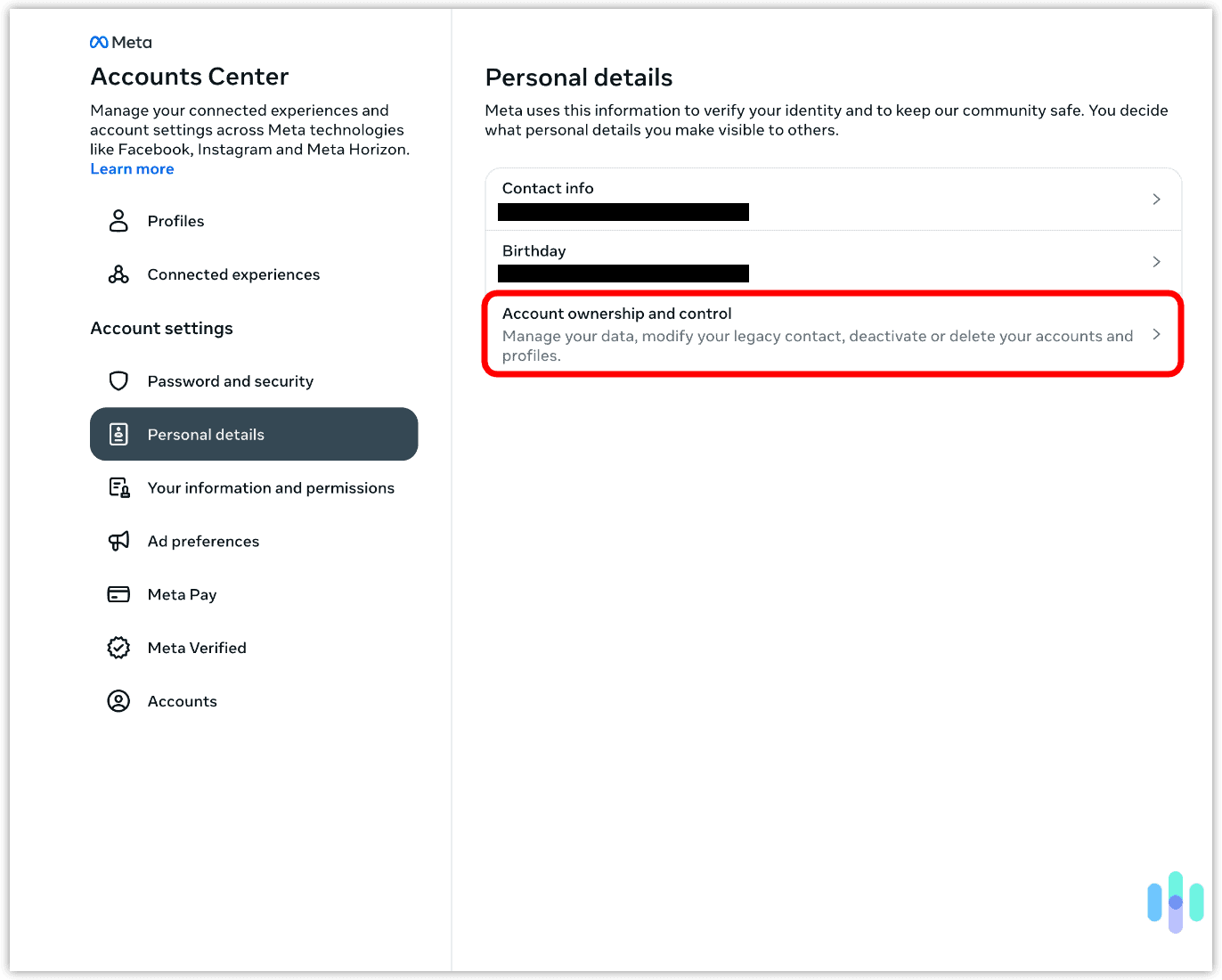
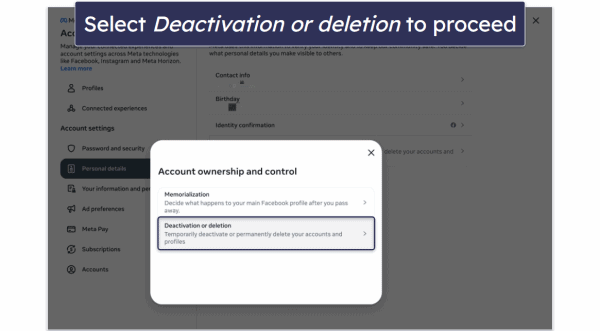
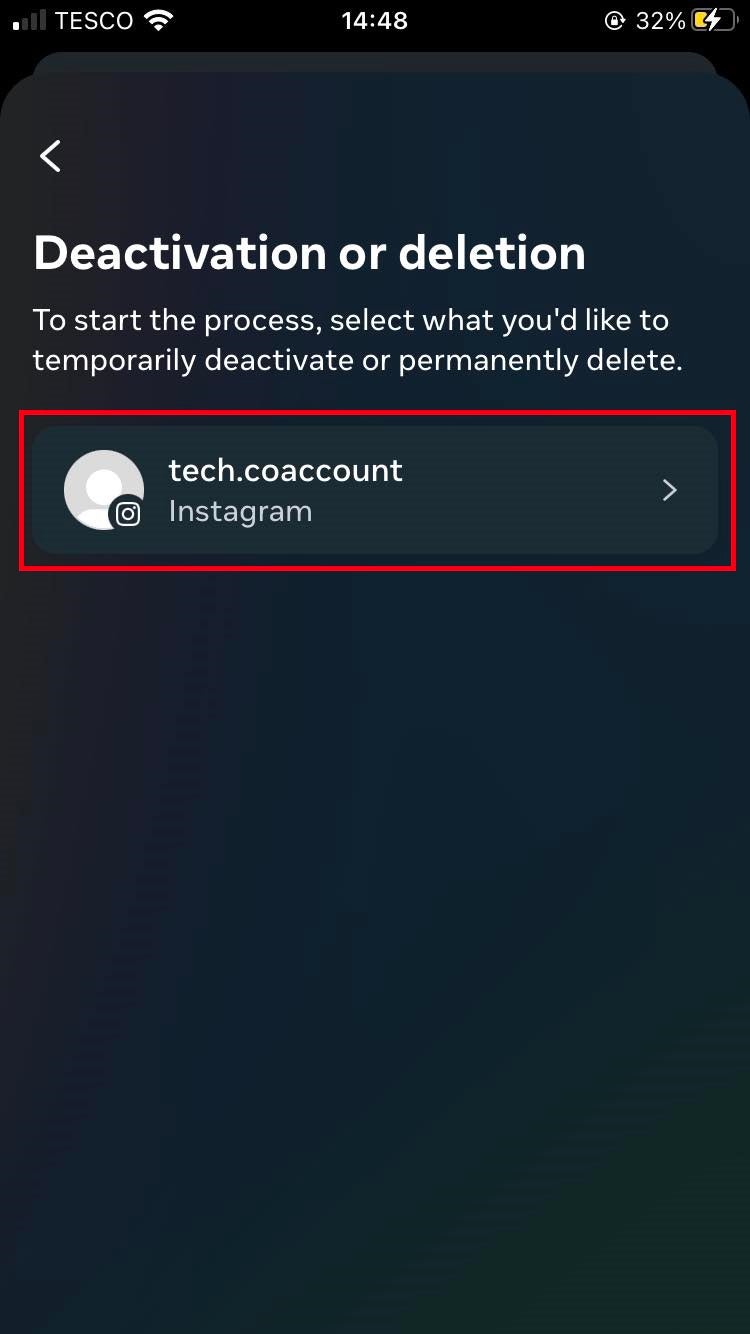
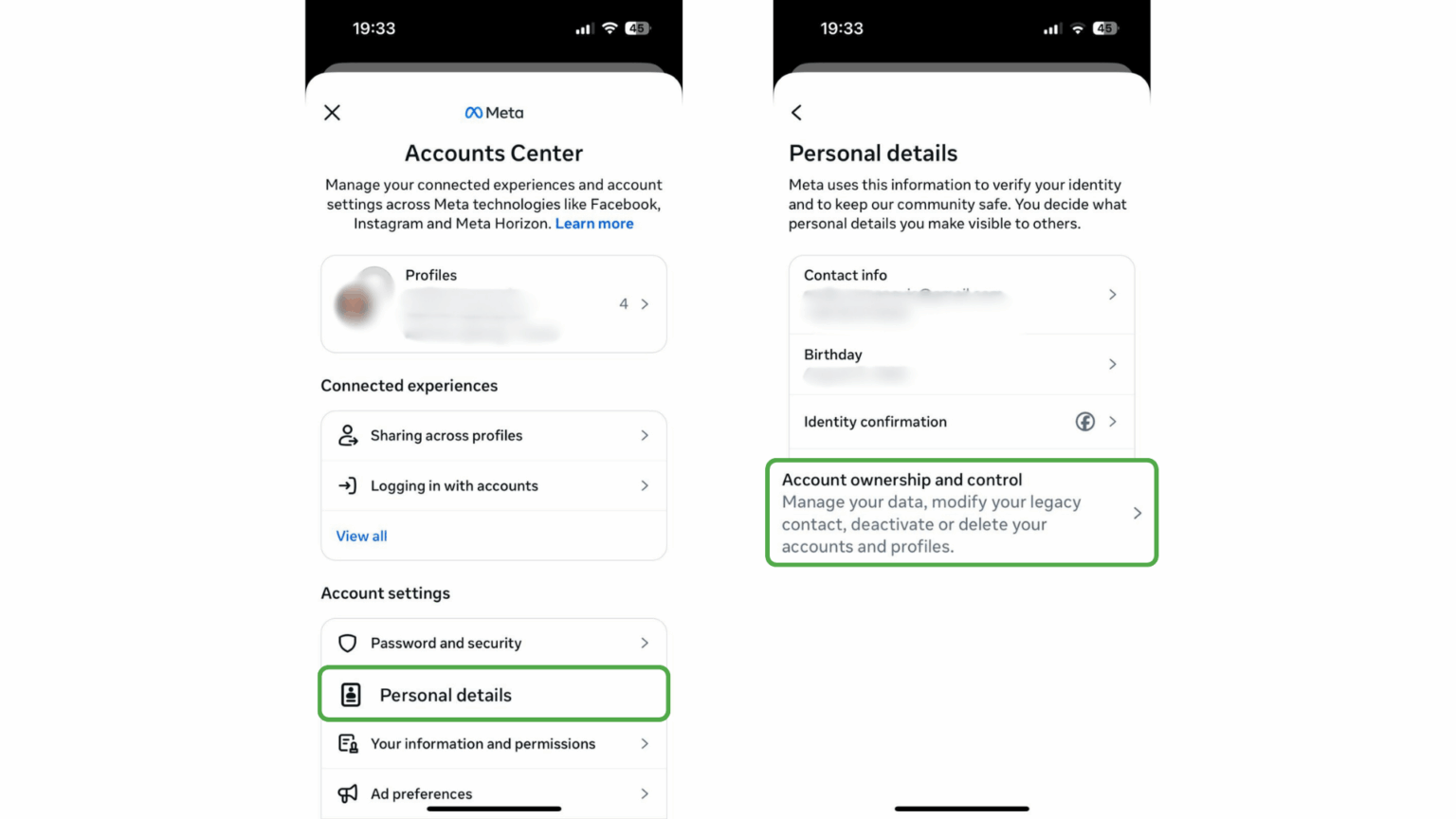
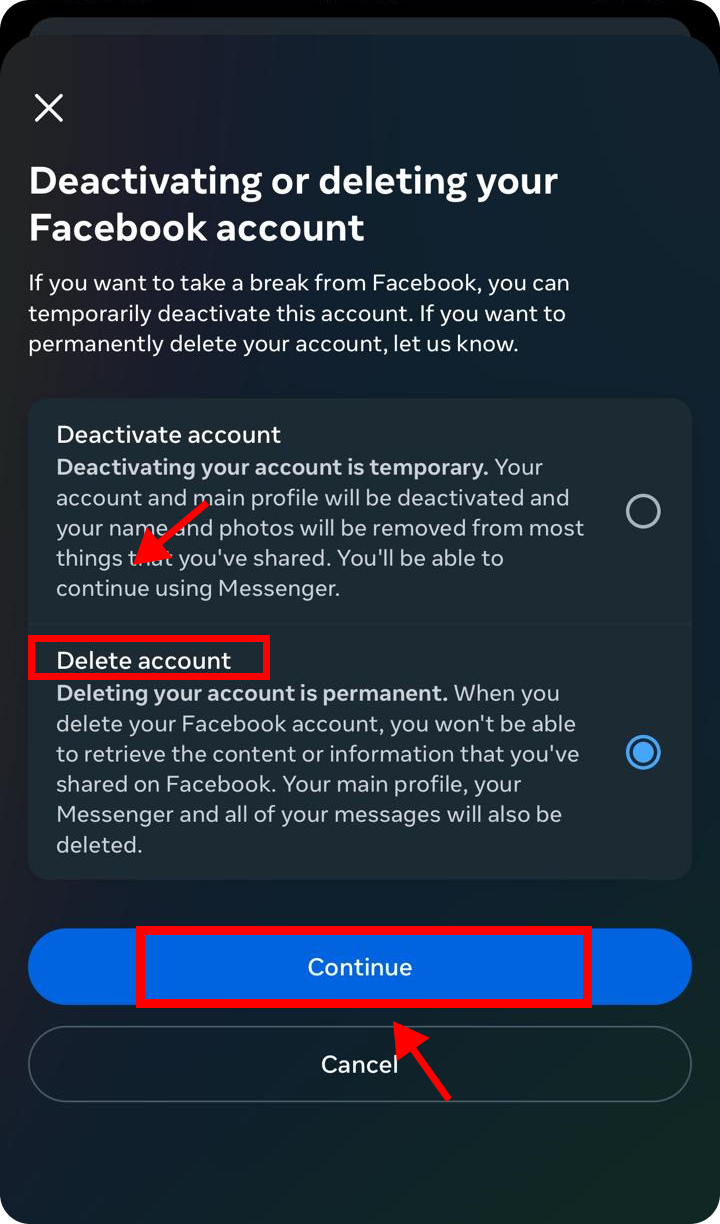
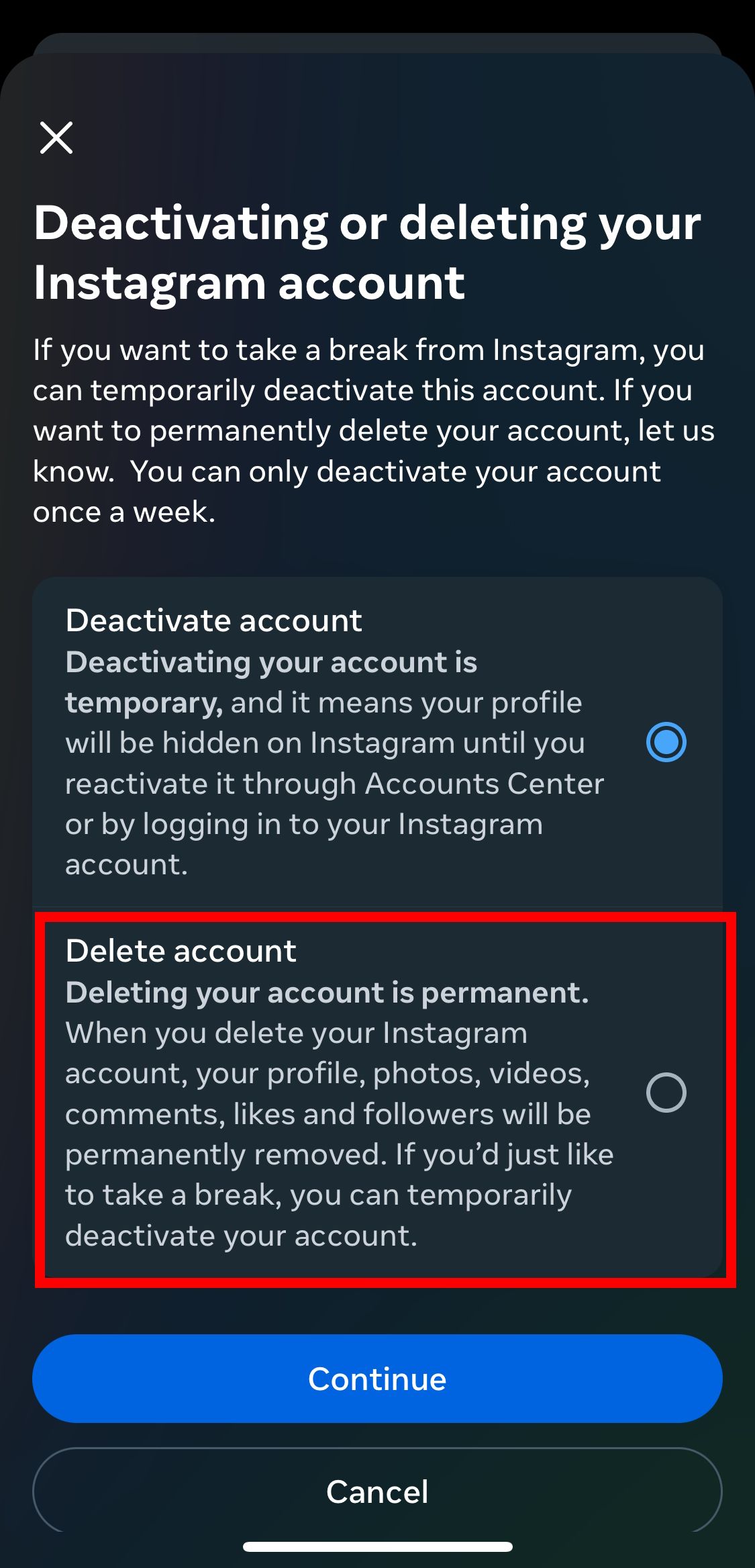
Next, tap on "Deactivation or Deletion." You'll see a list of accounts connected to your Meta account . Choose the Instagram account you want to delete .
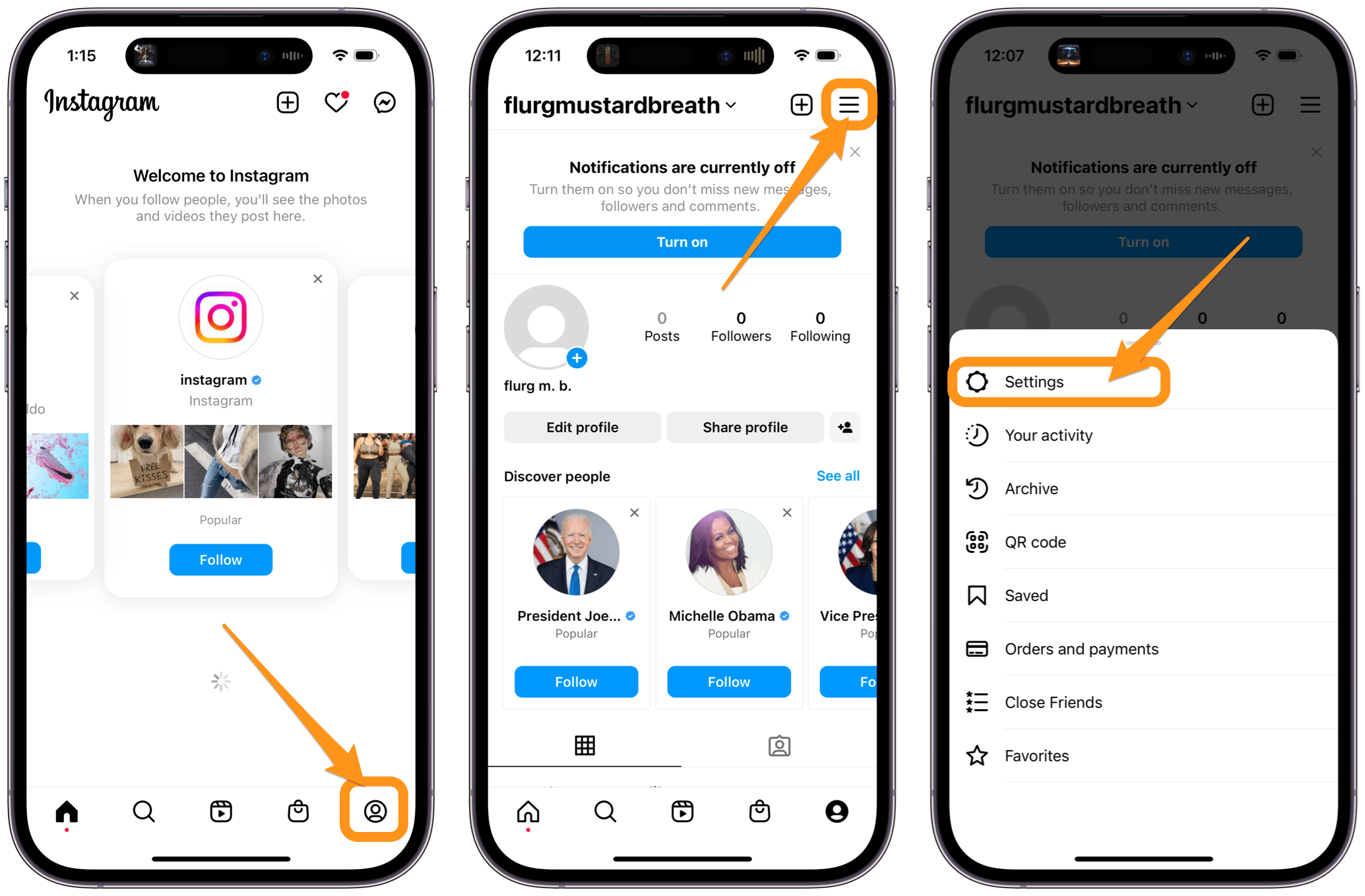
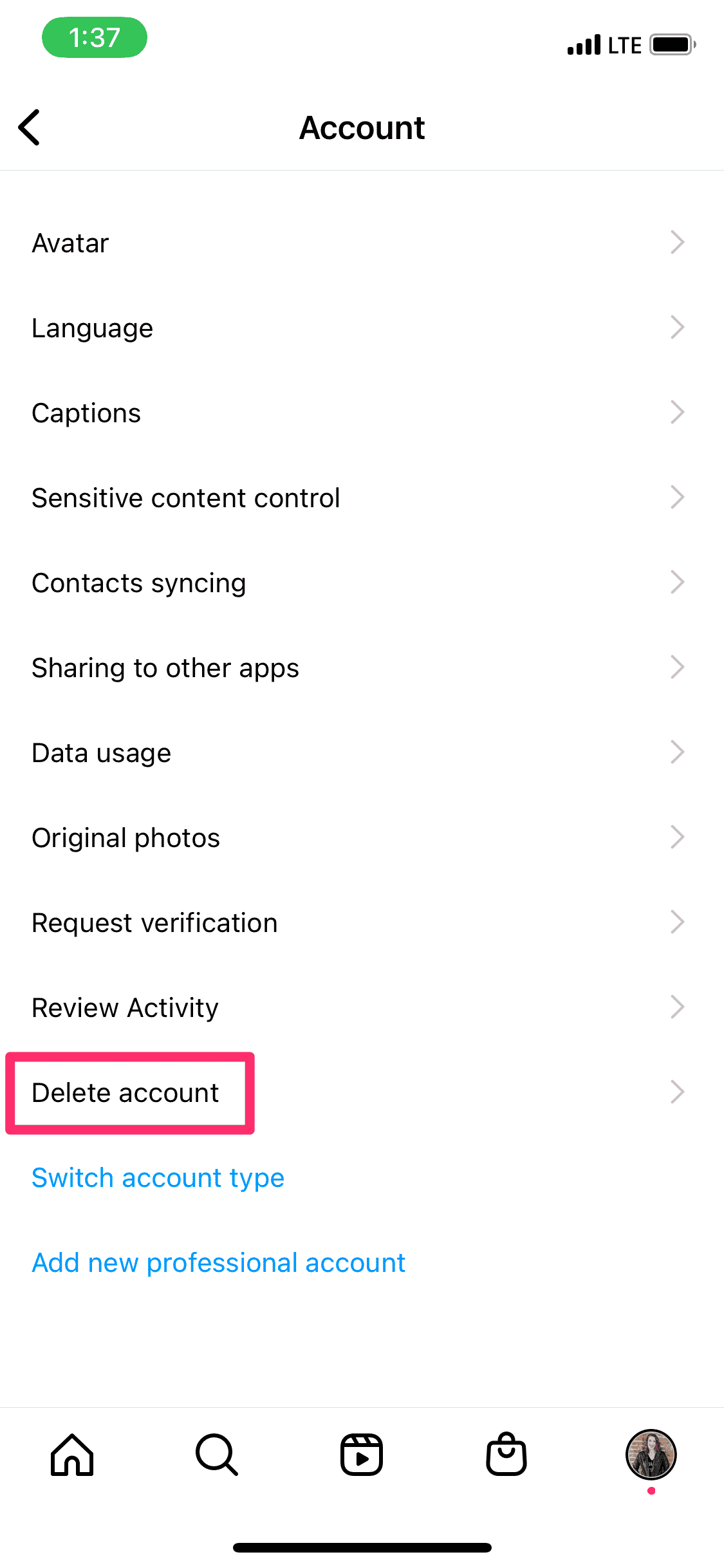
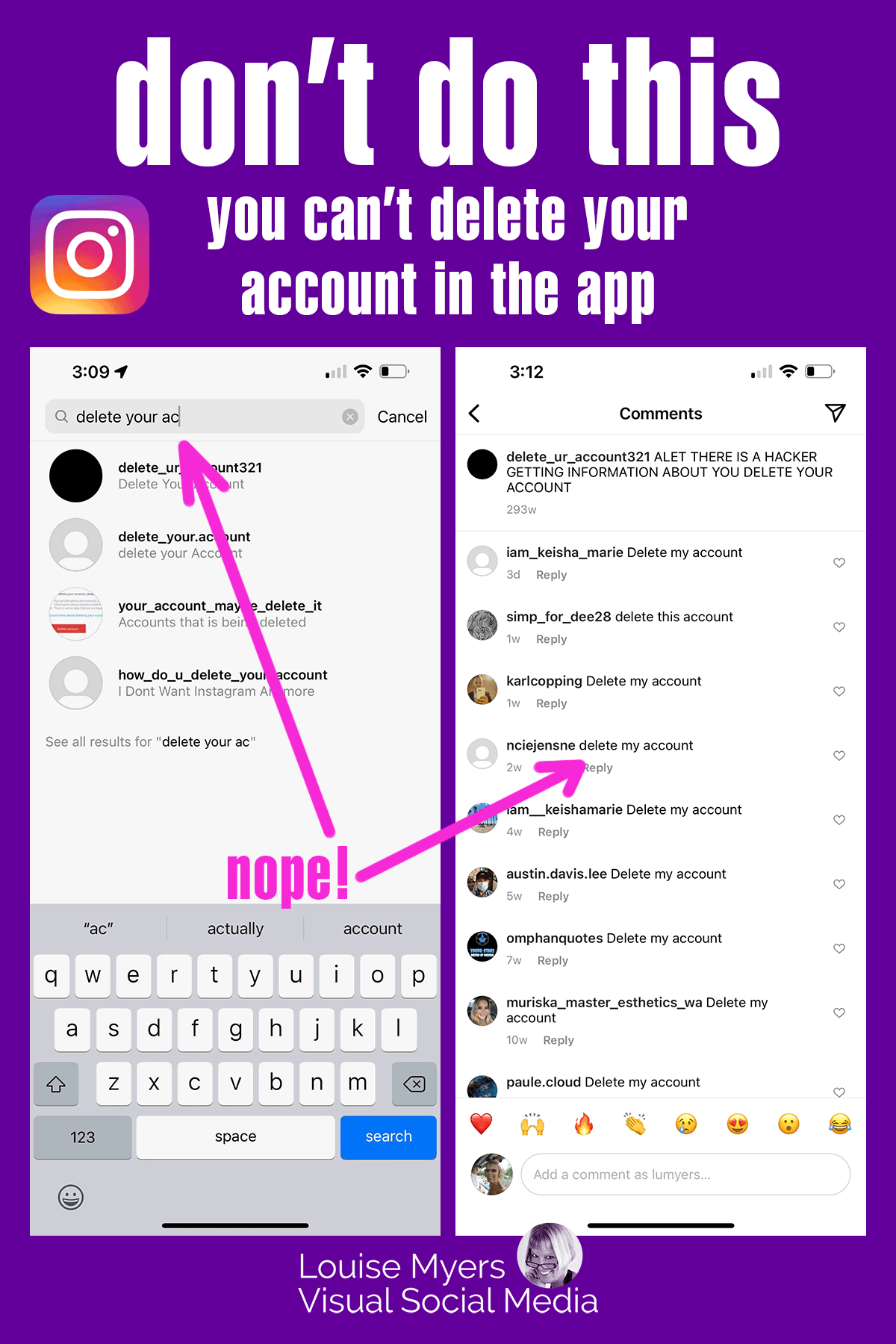
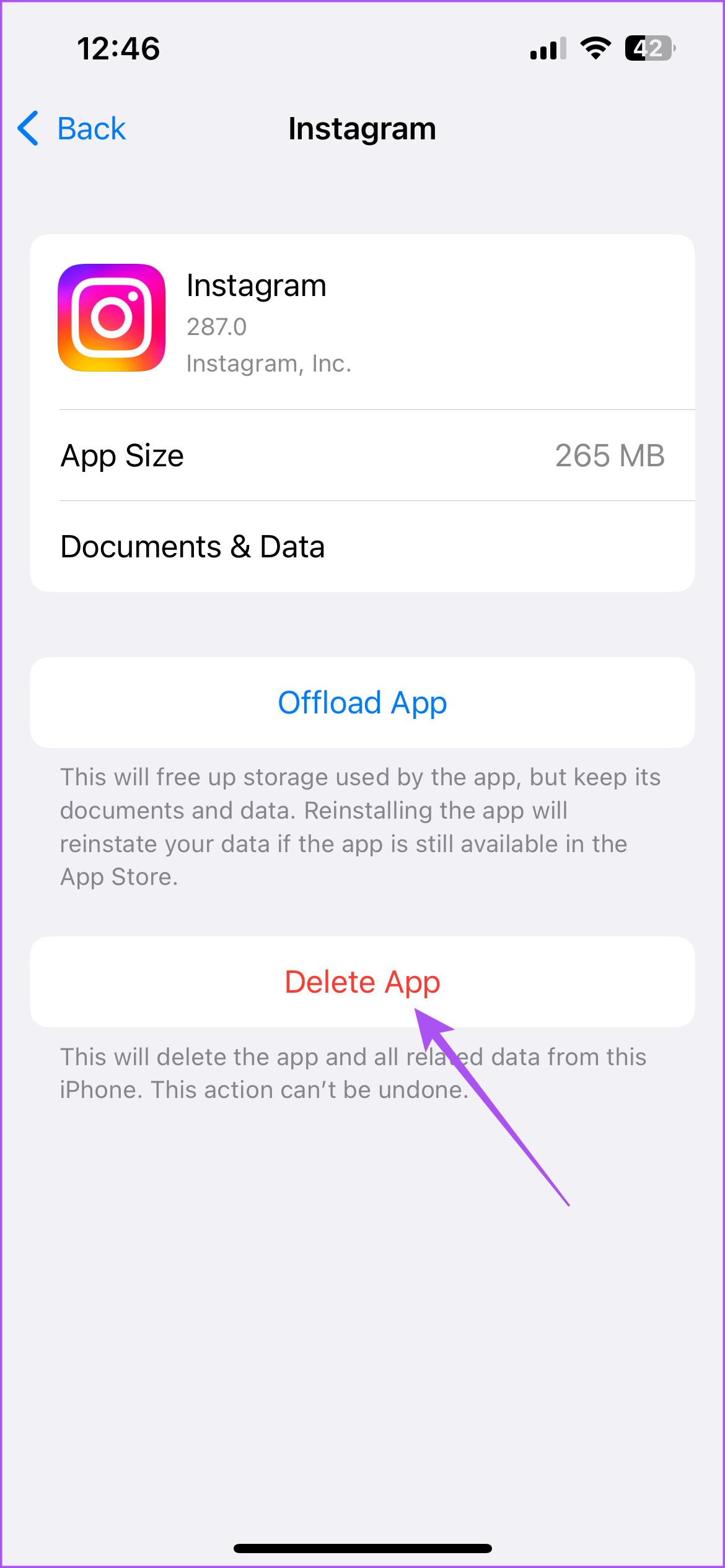
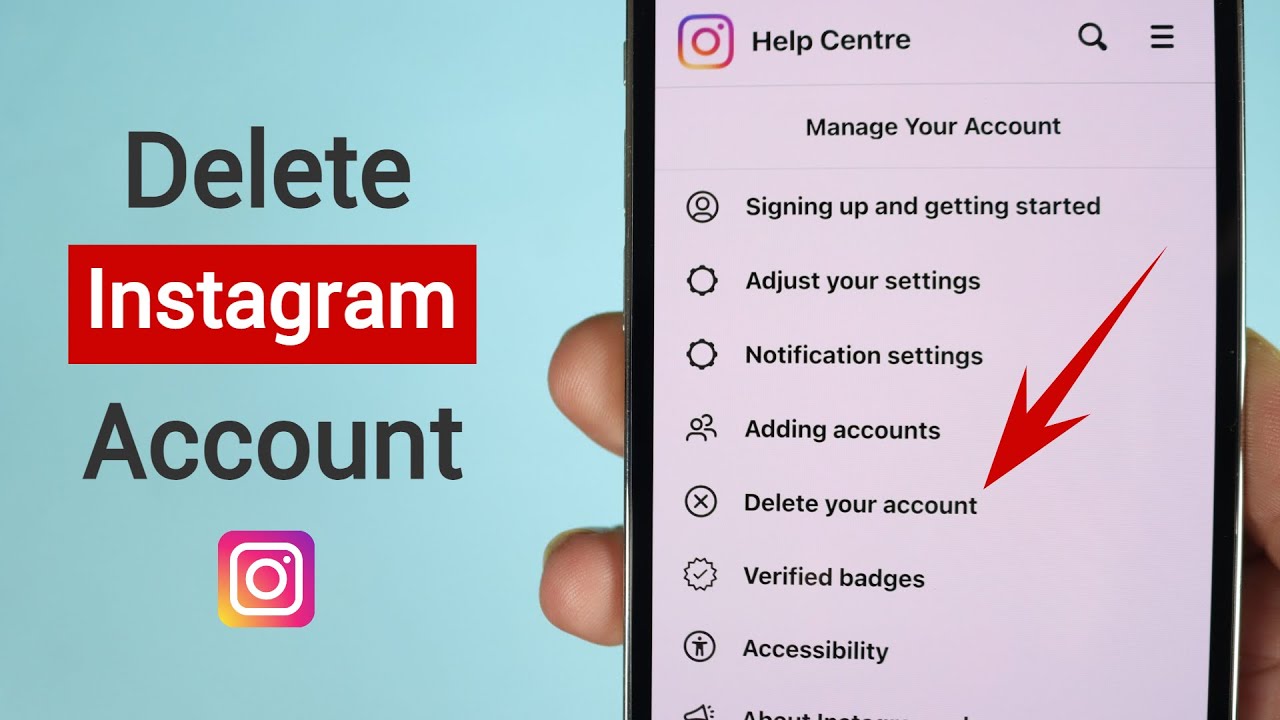
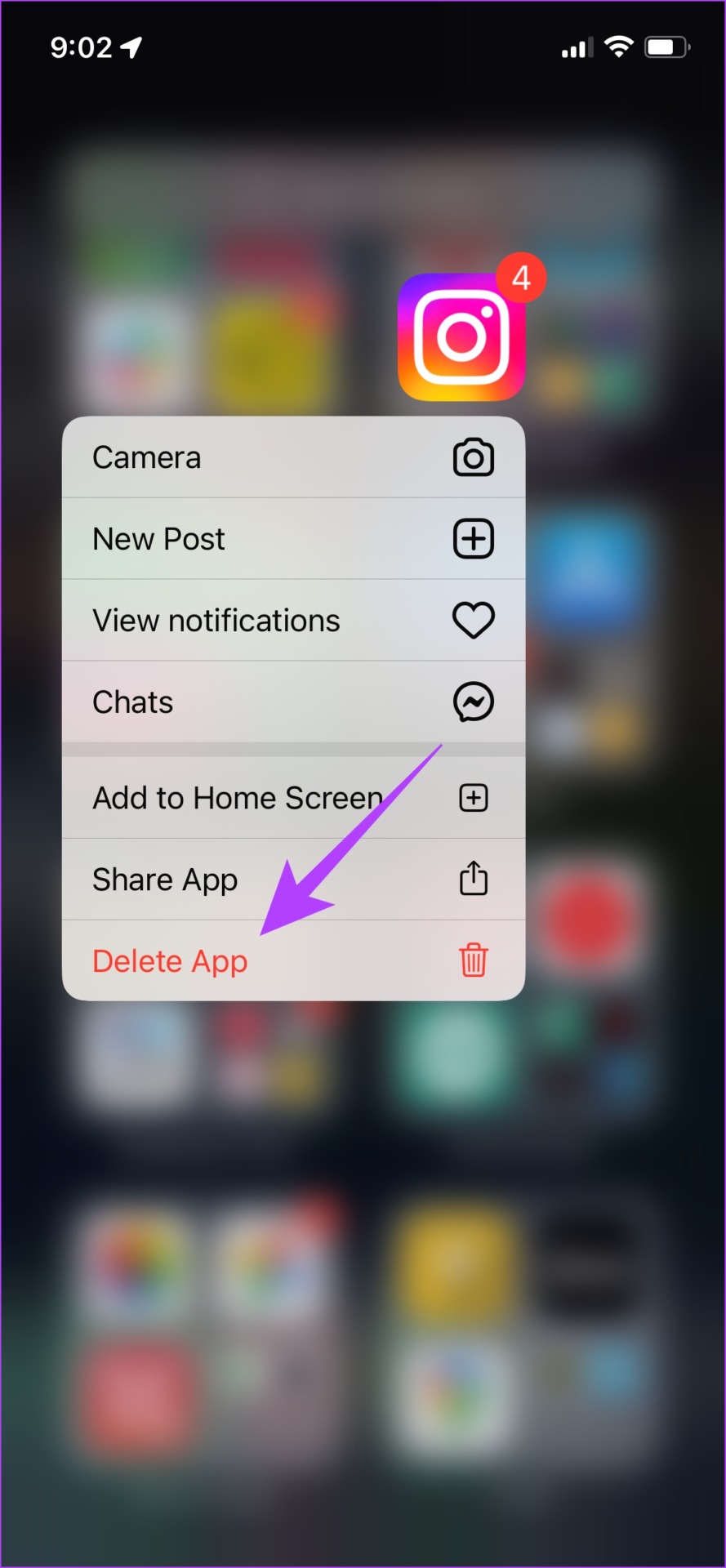
If you have decided that--for whatever reason--you want to delete your Instagram account , you may have been annoyed to discover that there is no obvious way to do so from the Instagram app. Thankfully, you can still delete your account from Instagram's app via the Help Center option; after doing this, deleting Instagram is as easy as removing the app itself from your iPhone. Note that you will ...
Additional Notes on Ios Account Delete Instagram
pakarseomastery. It gives the article a little more context before the image collection begins.
How to Delete Your Instagram Account Using the iOS App. It gives the article a little more context before the image collection begins.
How to delete an Instagram account in iOS 16 - Social Schmuck. This note connects the source idea with the visuals in a simple, reader-friendly way.
Looking at multiple sources also helps separate the main idea from small decorative details.
These notes are added so the page offers more than images and gives each visitor a clearer reason to keep reading.