How to Connect Sony PS4 with Mobile Phones and Portable Devices
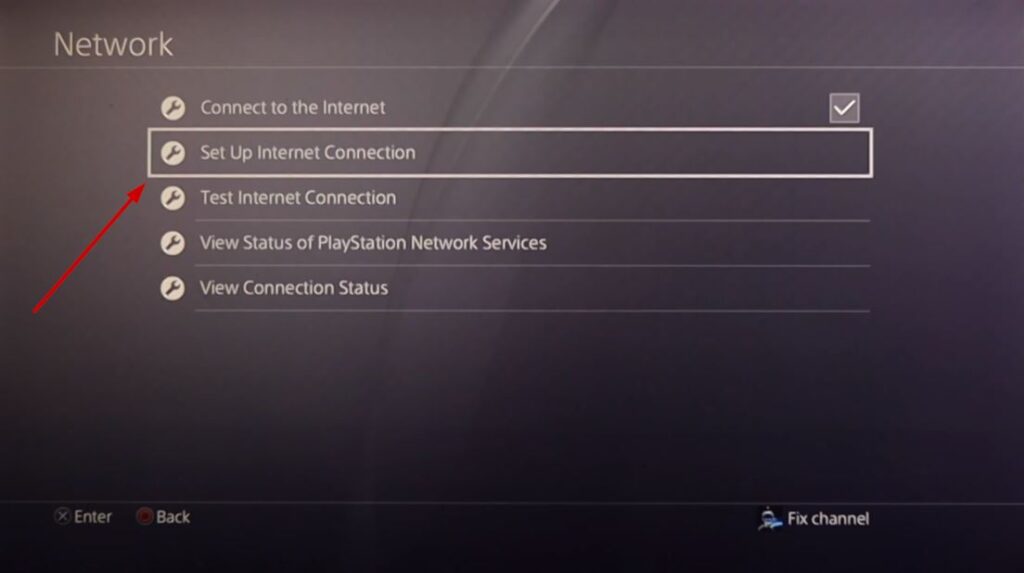
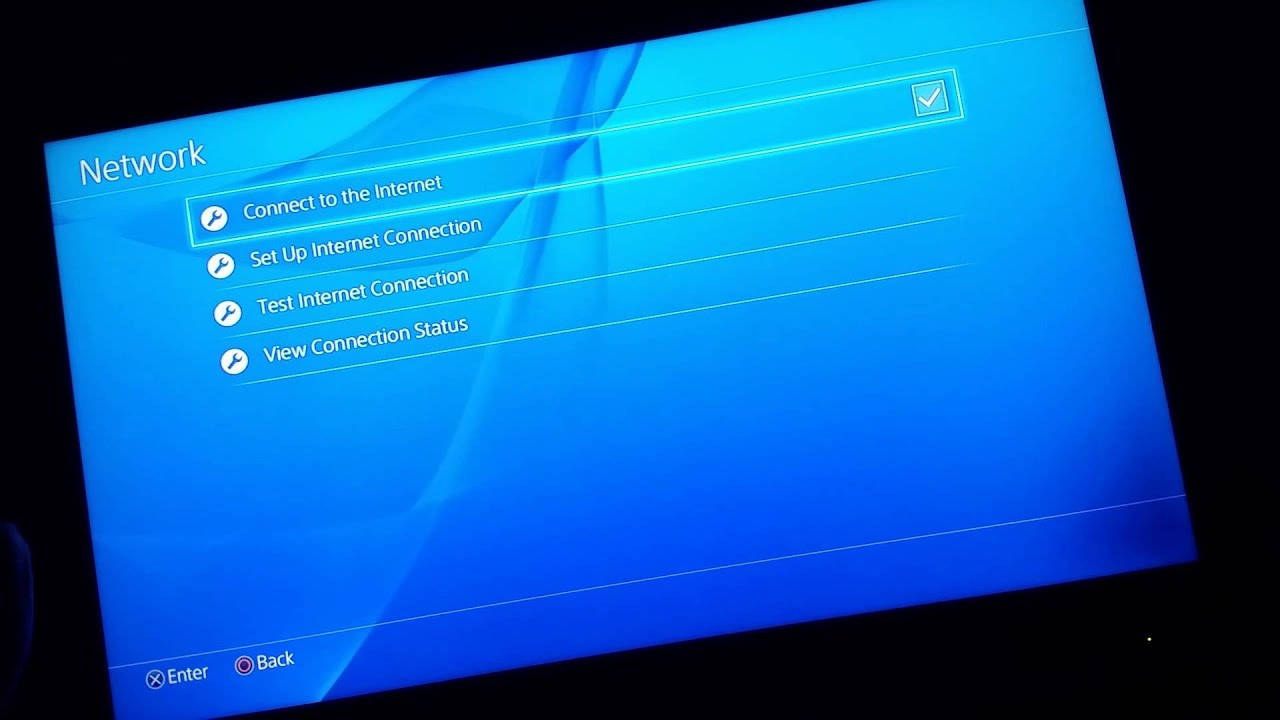
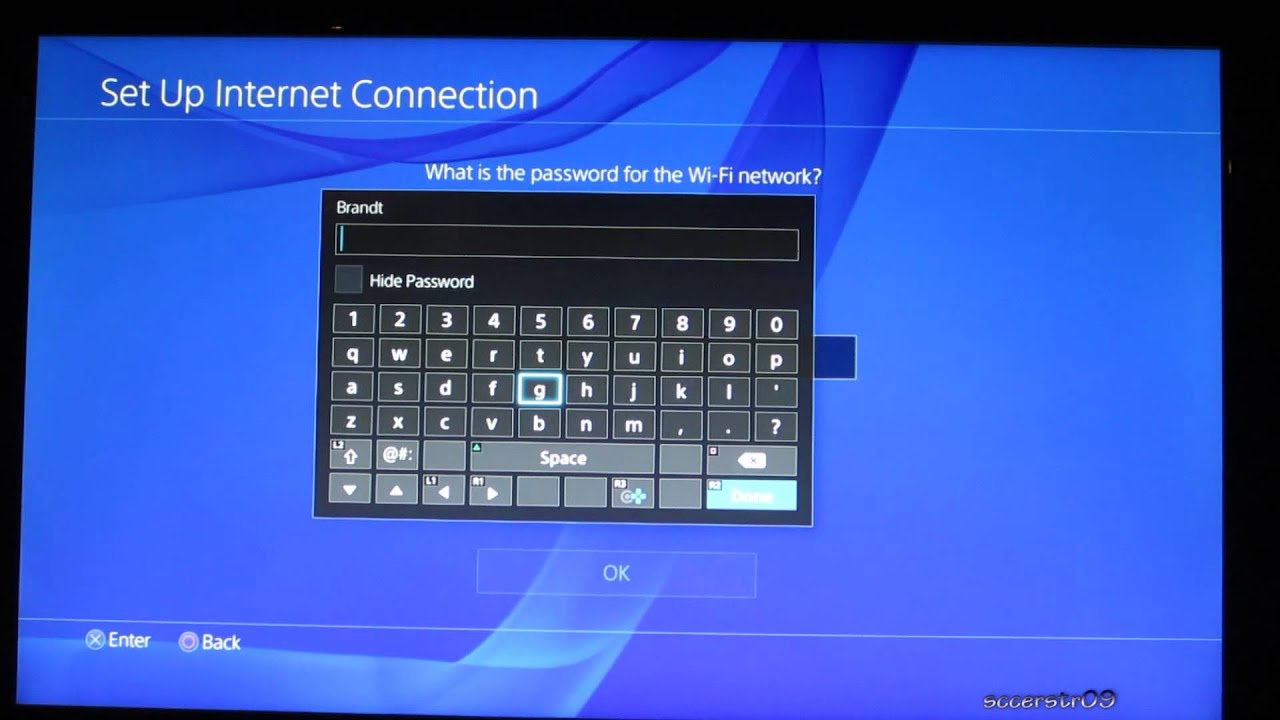
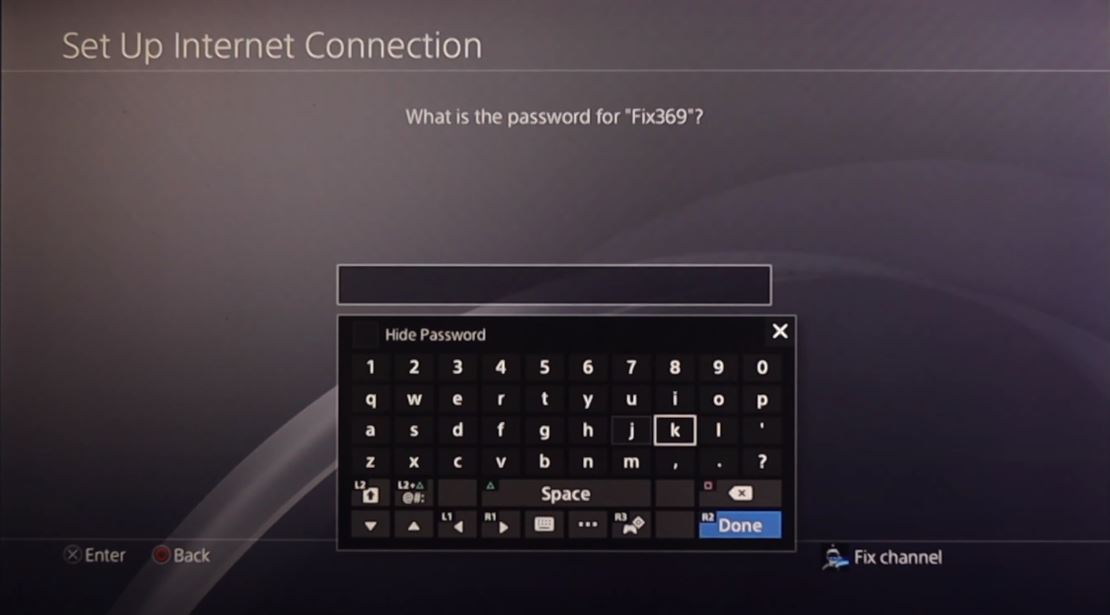
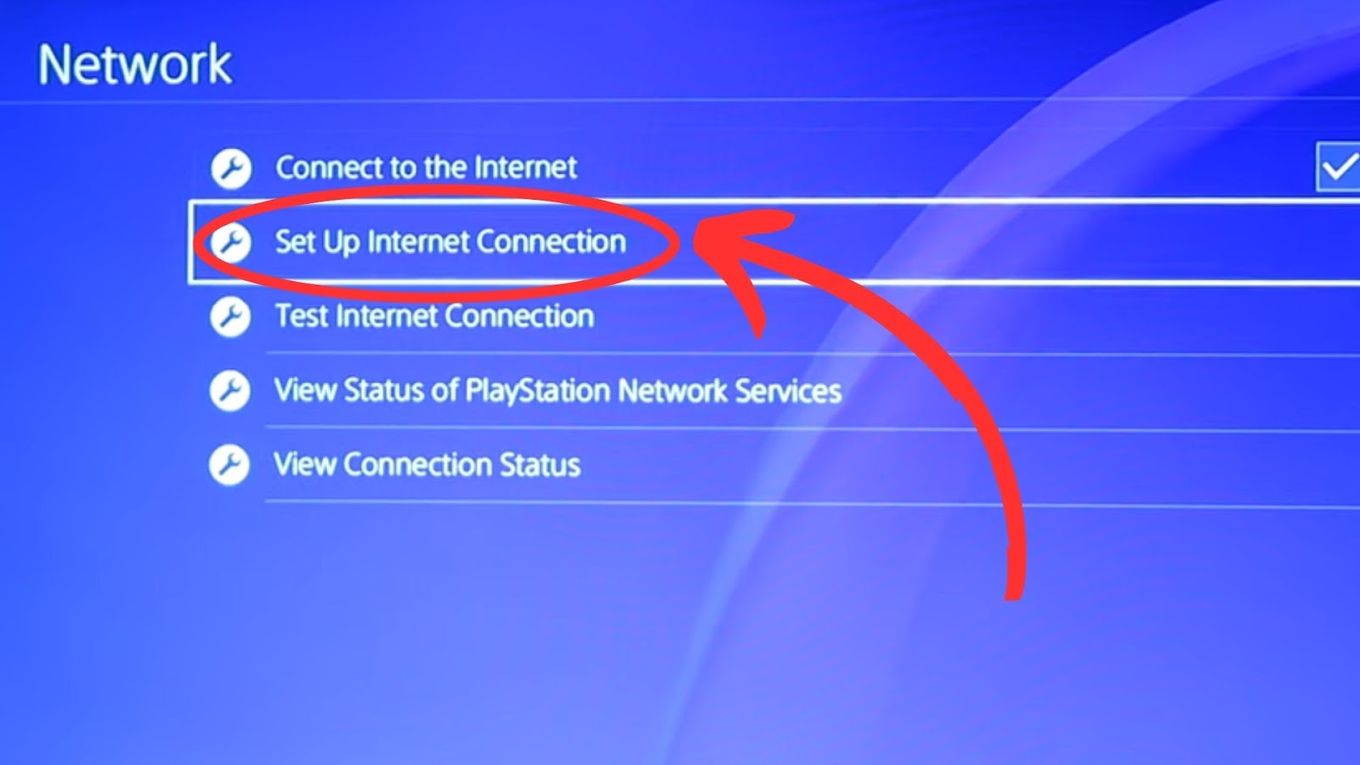
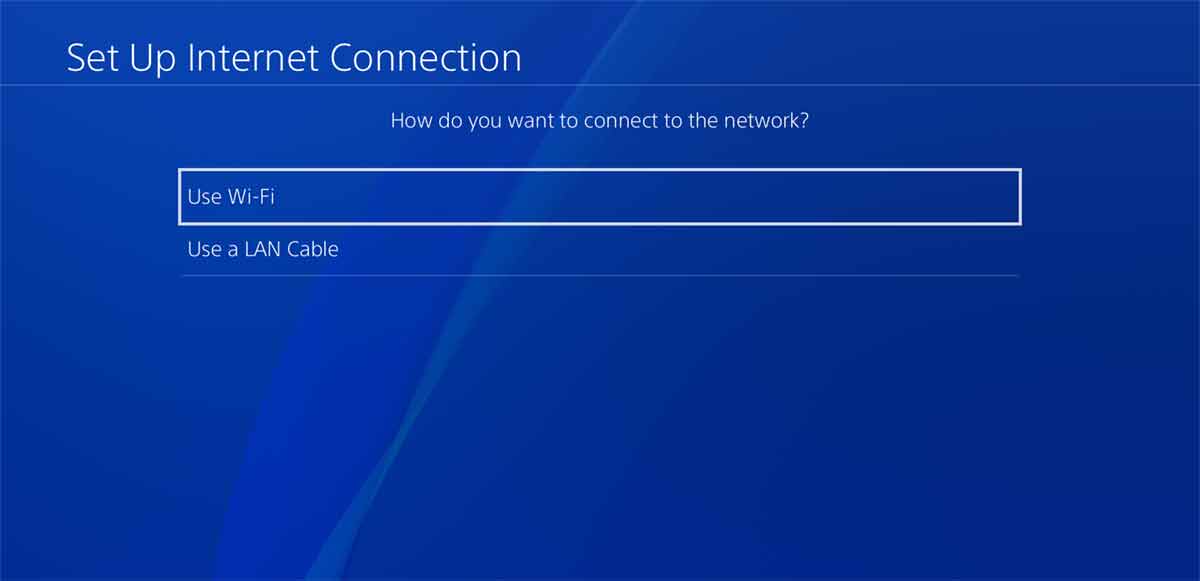
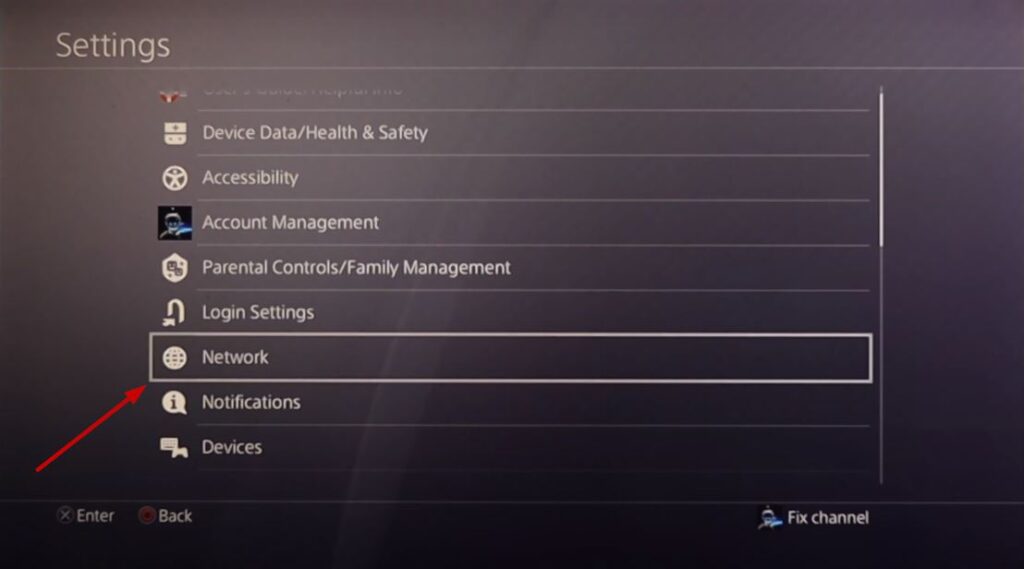
Connect your PS4 and smartphone to the same network. Your PS4 can be connected wirelessly or via Ethernet. Both the PS4 and the phone must be connected to the same network. You can check your PS4's network settings by opening the Settings menu and selecting "Network." If it's plugged into the router via Ethernet, just make sure your phone is connected to the same Wi-Fi network.
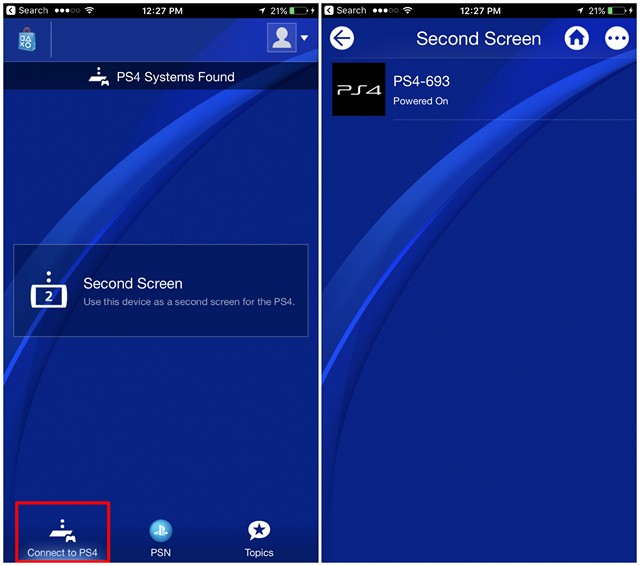
Install PS Remote Play on your mobile device, such as an Android™ smartphone or tablet, iPhone digital mobile device, or iPad digital mobile device, and then connect to your PS4 console.
PS Remote Play
A PS4 or PS52 console is required to stream your games to other devices but if using PlayStation Portal remote player, a PS5 console is required. Remote Play can be used with a mobile data connection or Wi-Fi . Broadband internet with at least 5Mbps is required.
Moving forward, it's essential to keep these visual contexts in mind when discussing How To Connect Ps4 To WiFi Using Smartphone.
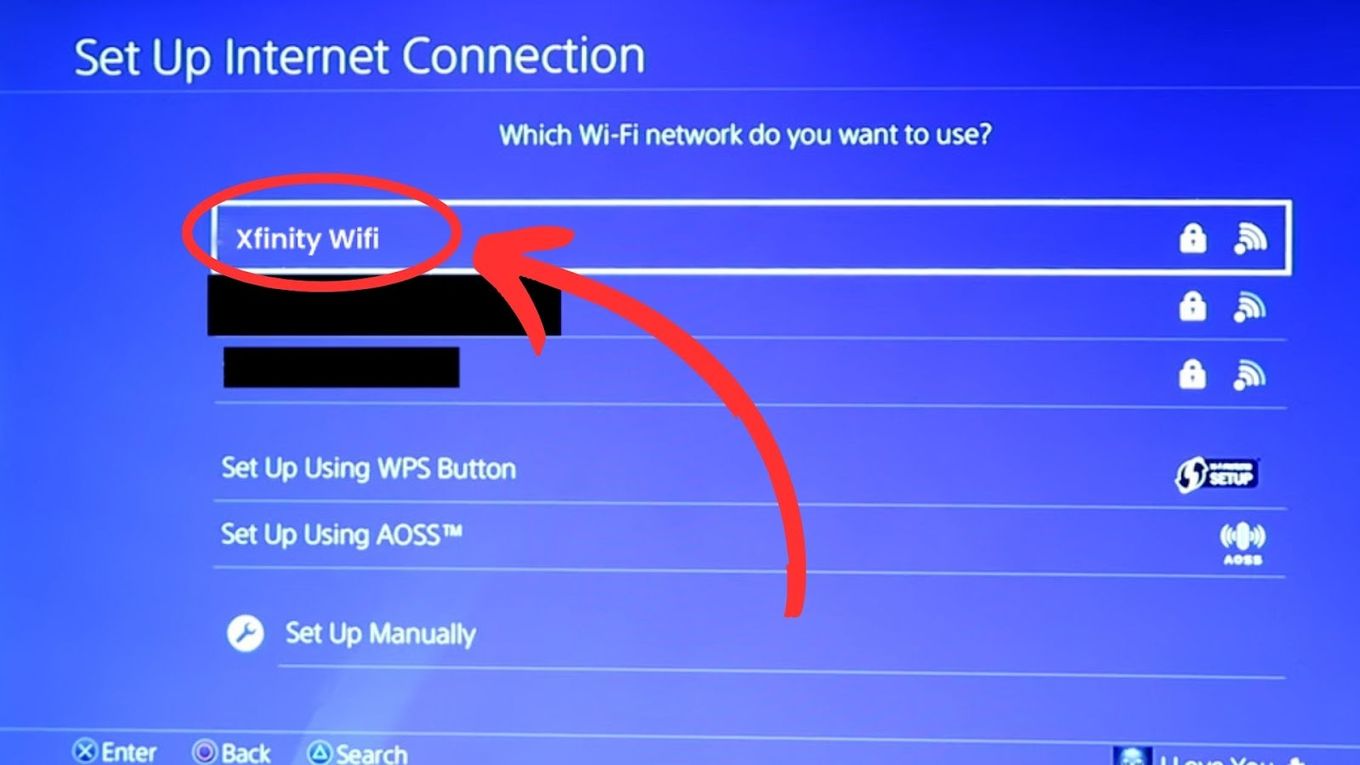
If you want to know how to connect a PS4 to a phone hotspot, this video shows the exact steps so you can get your console online using mobile data. You'll see how to set up the hotspot and link ...
How Do I Connect My Hotspot to My PS4
To connect your hotspot to your PS4 , you need to have a stable internet connection on your hotspot device, such as a smartphone or a portable Wi-Fi device. Additionally, ensure that your hotspot has internet data available and is within range of your PS4 console.
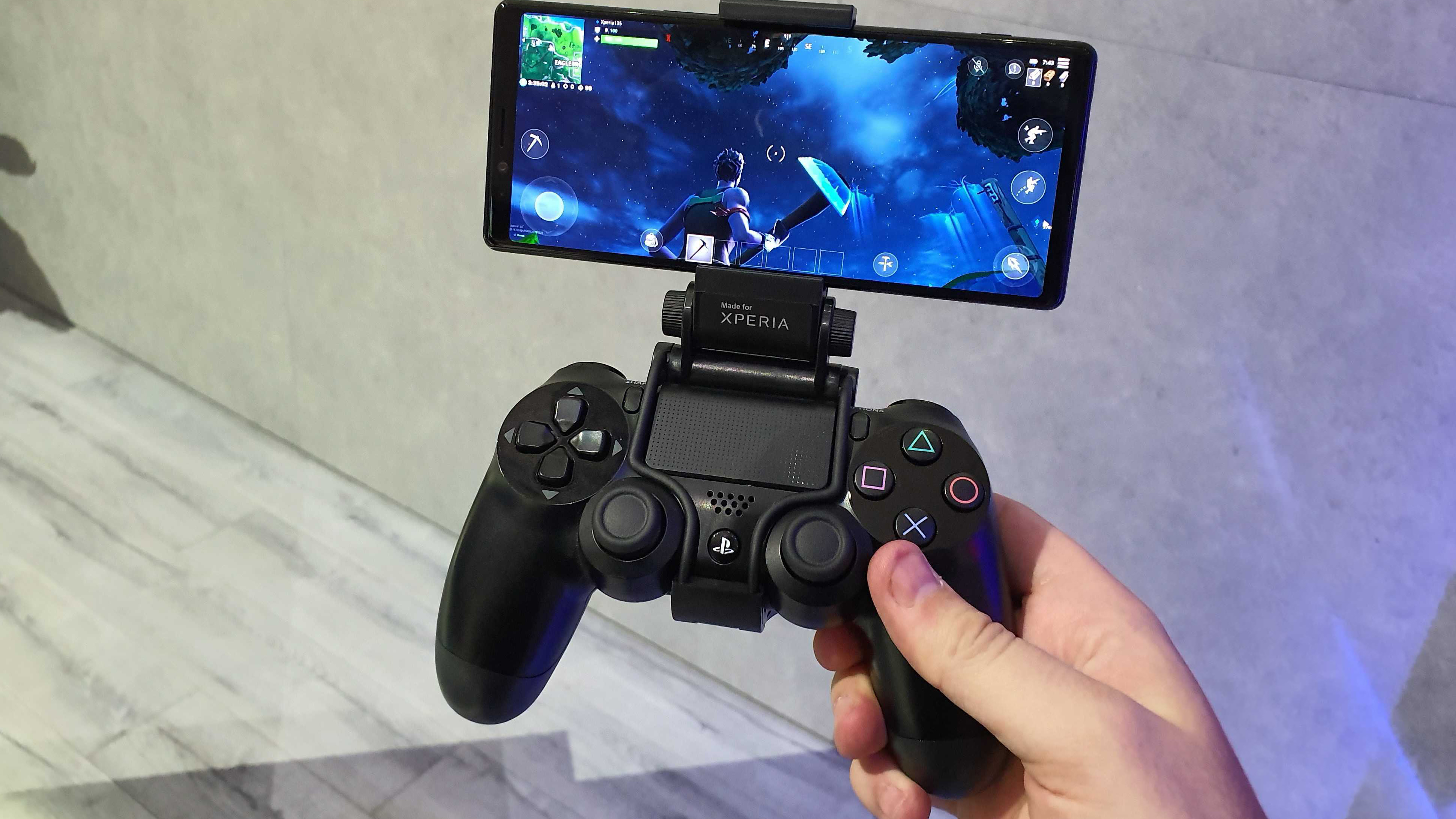
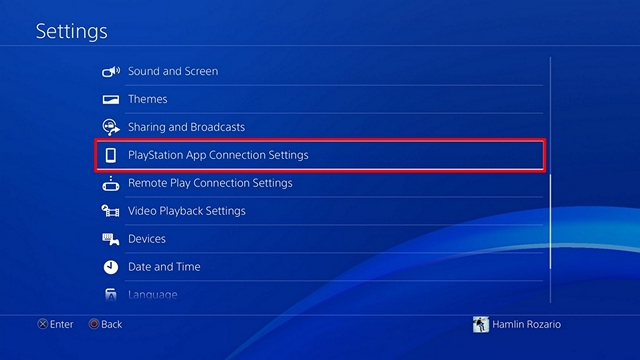
For details on how to connect , refer to the user's guide for PS Vita system or the user's guide for PS TV system. Use ( PS4 Remote Play) to control your PS4 ™ system from a computer (Windows PC or Mac), Xperia™ Smartphone , Xperia™ Tablet, iPhone, or iPad.

How to use PS Remote Play on mobile devices
How to install the PS Remote Play app on your device From Google Play™ or the App Store, download and install PS Remote Play on your mobile device. You can use the same app to connect to your PS5 console and PS4 console. You'll only need to do these steps the first time you use the app.
The Wi-Fi hotspot is now on. The process is straightforward if you wish to connect the PS4 Wi-Fi hotspot to your phone. Go to the Wi-Fi menu on your phone settings and click the name of your PS4 hotspot to join. Playstations are usually open connections; therefore, you can't be prompted for a password.