How to Connect a WiFi Repeater (Step
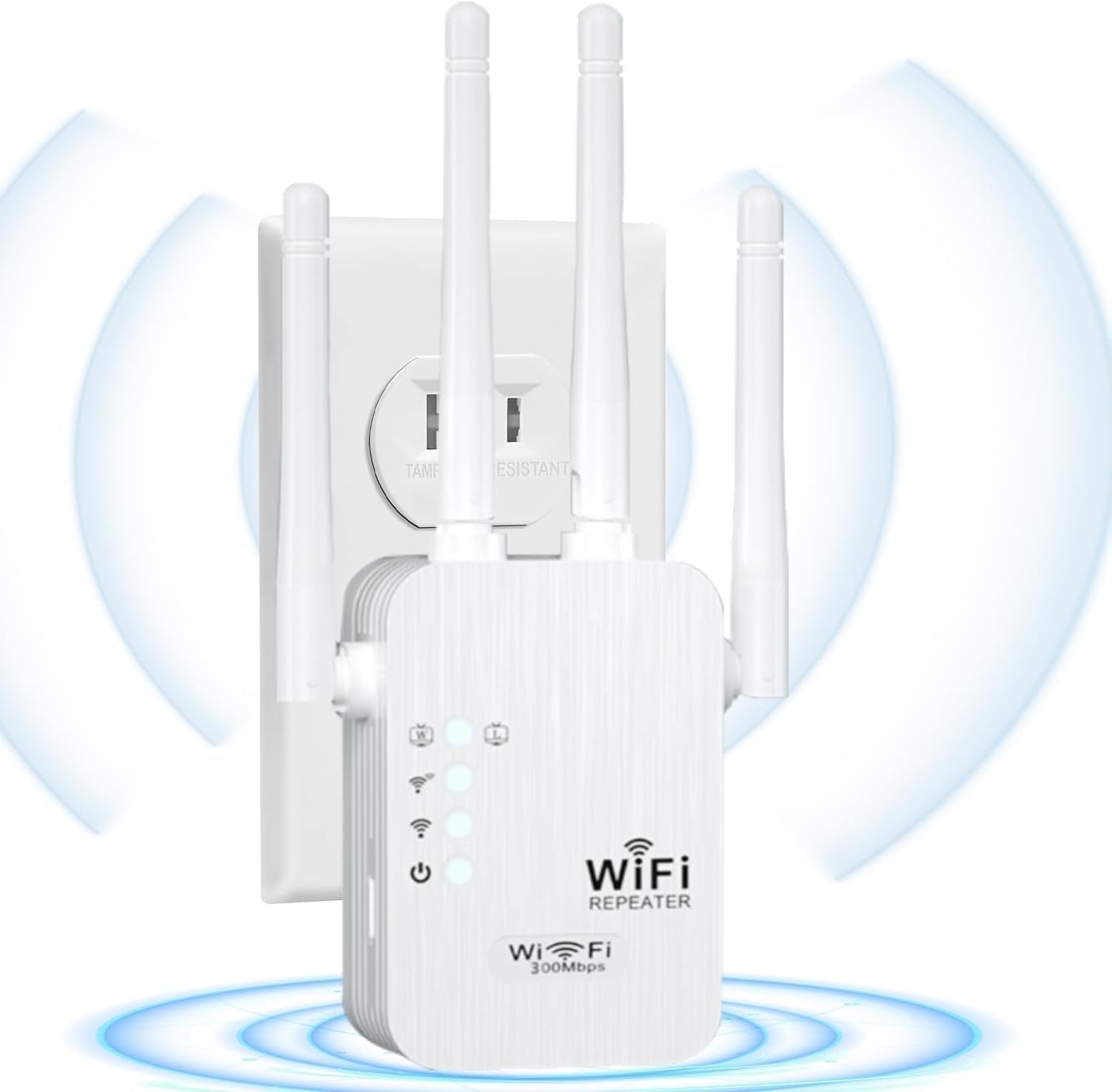
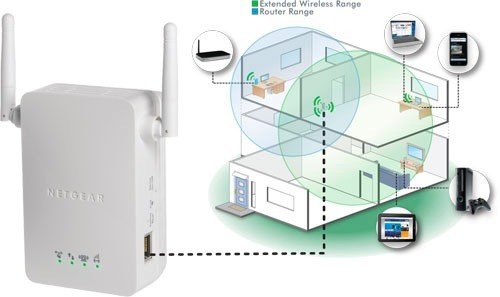
WiFi Extender : Unlike a repeater, an extender uses a wired Ethernet connection to boost network range. This setup provides stronger and more stable coverage because it avoids the signal loss that happens with wireless -only repeaters. It's best suited for larger homes or multi-room setups that need a consistent connection.
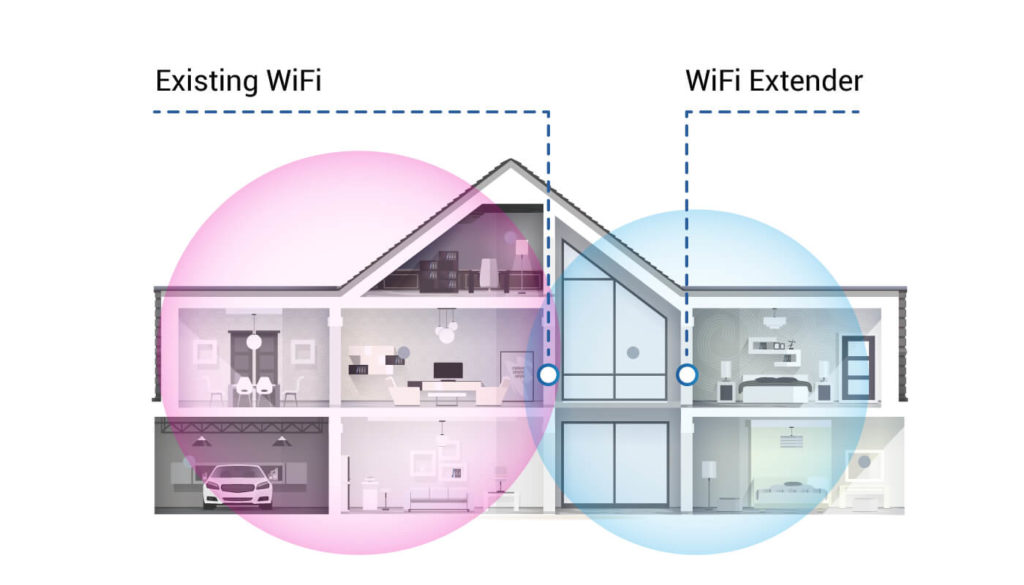
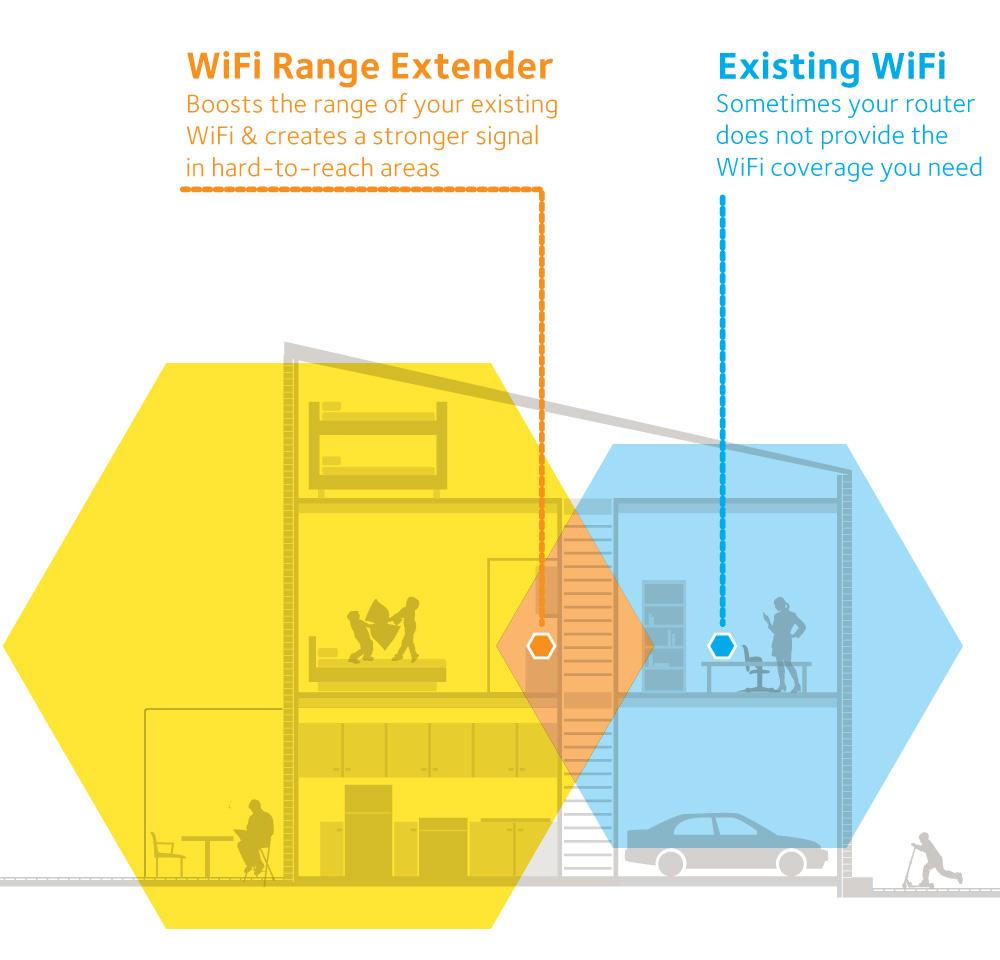
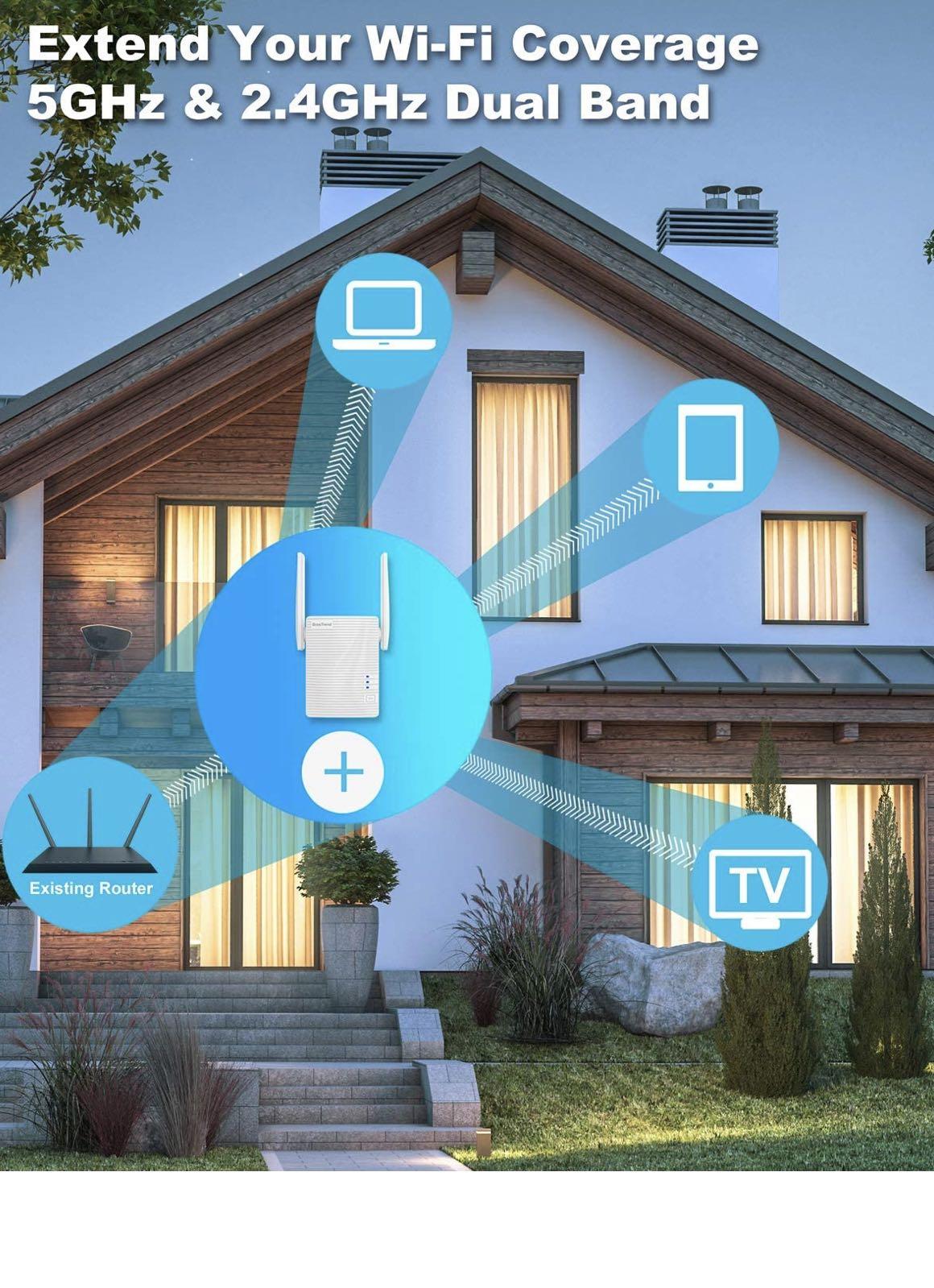
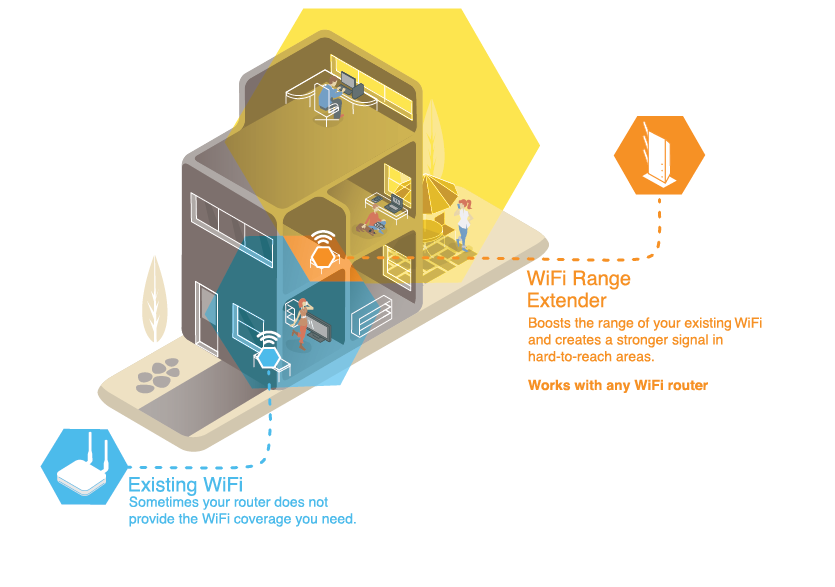
These devices can help extend the range of your Wi-Fi network and eliminate dead spots in your home . In this article, we'll talk about how to set up a wireless extender and extend your Wi-Fi range.
Quick Installation Guide
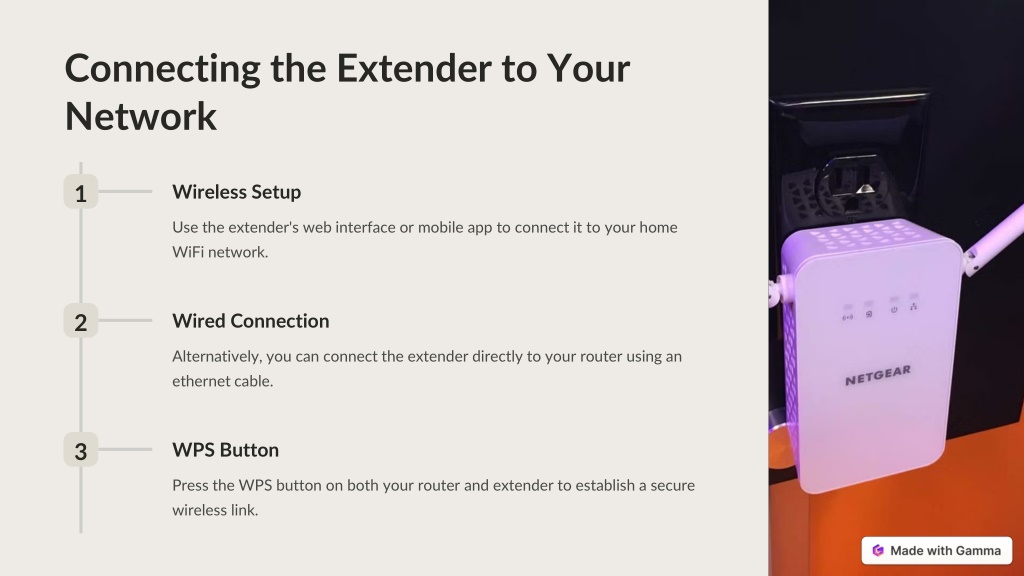
Add a Range Extender Extend your existing wireless network > with a range extender . 4. Follow app instructions to complete the setup . The LED should turn solid on, indicating successful connection to your router.
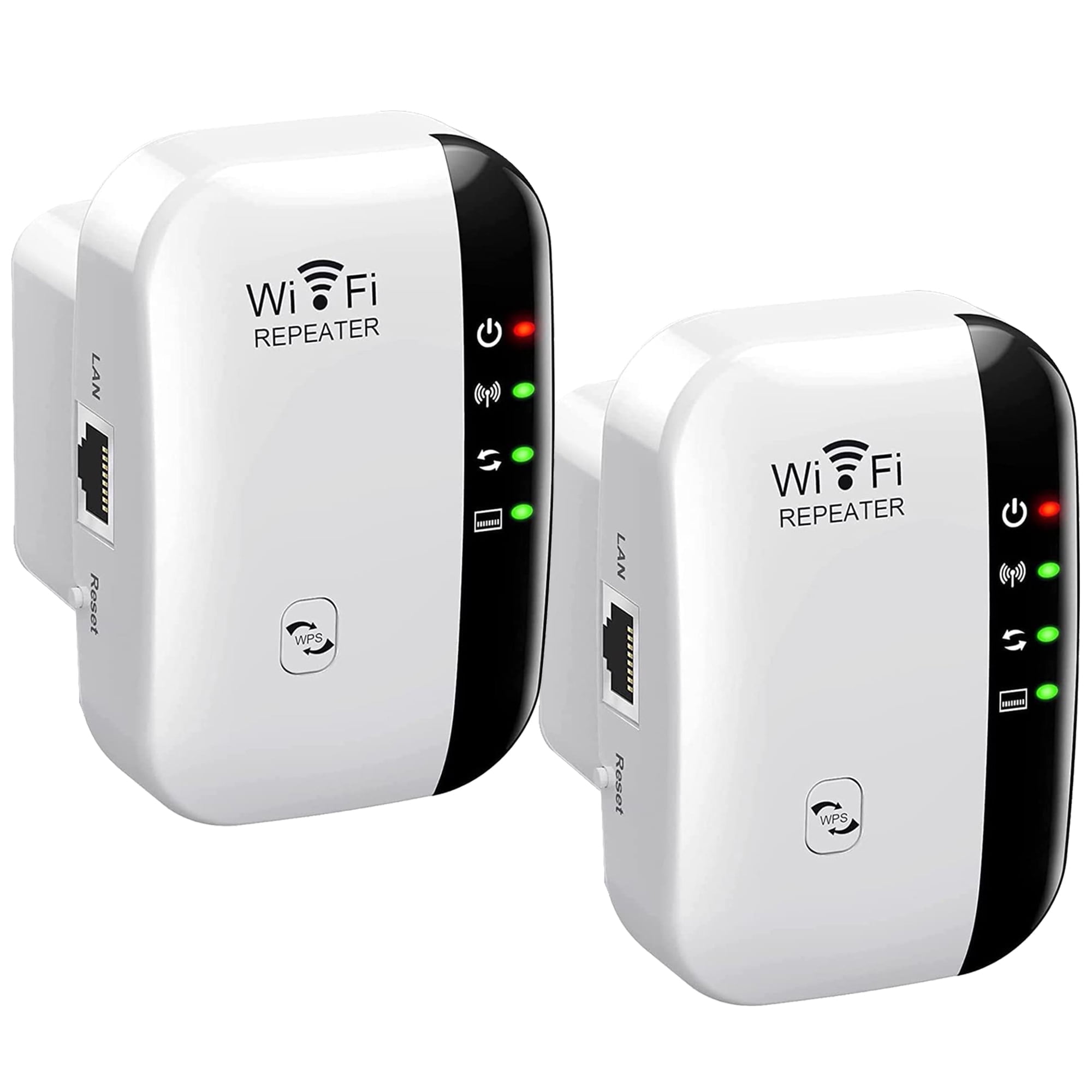
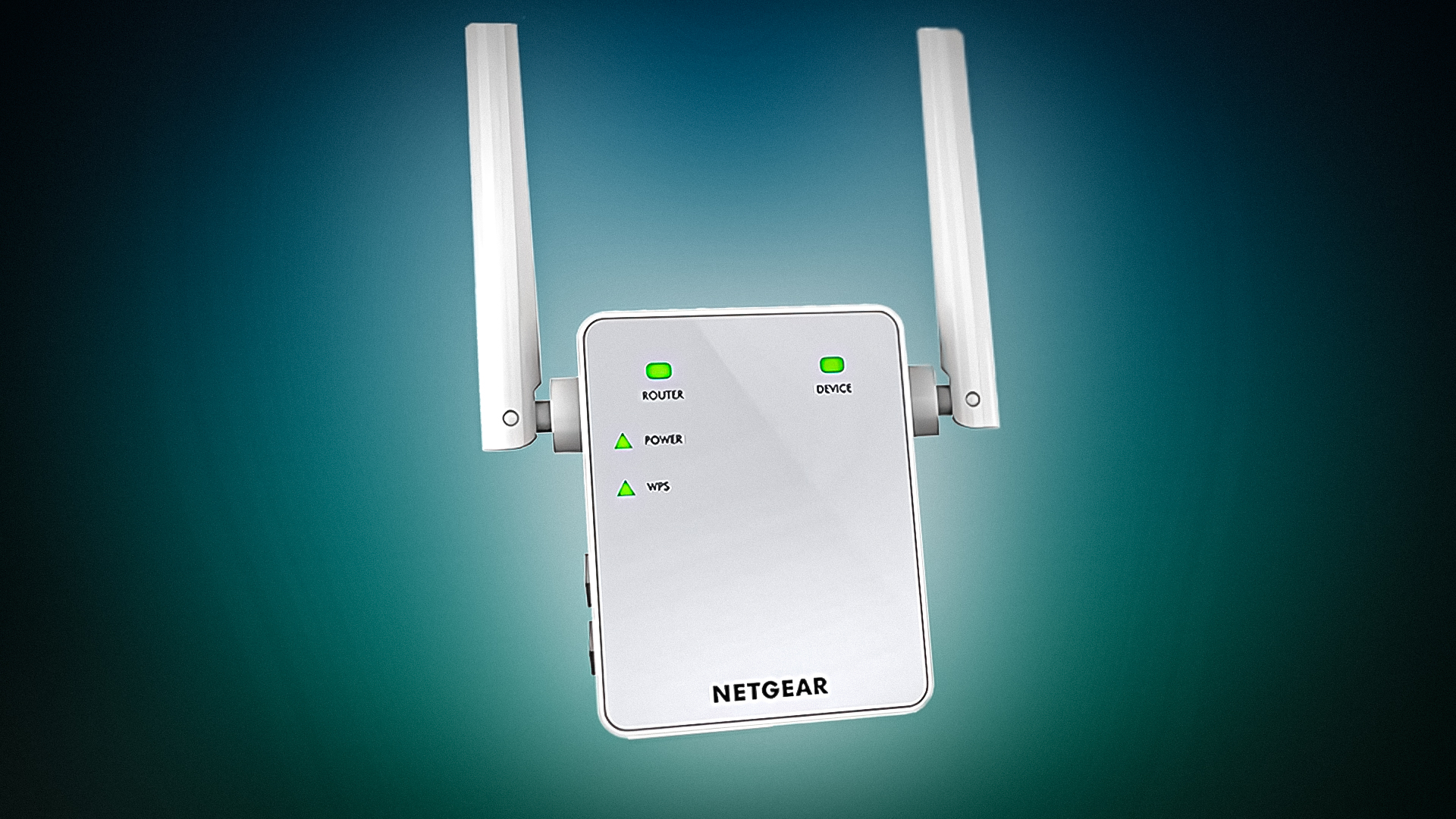
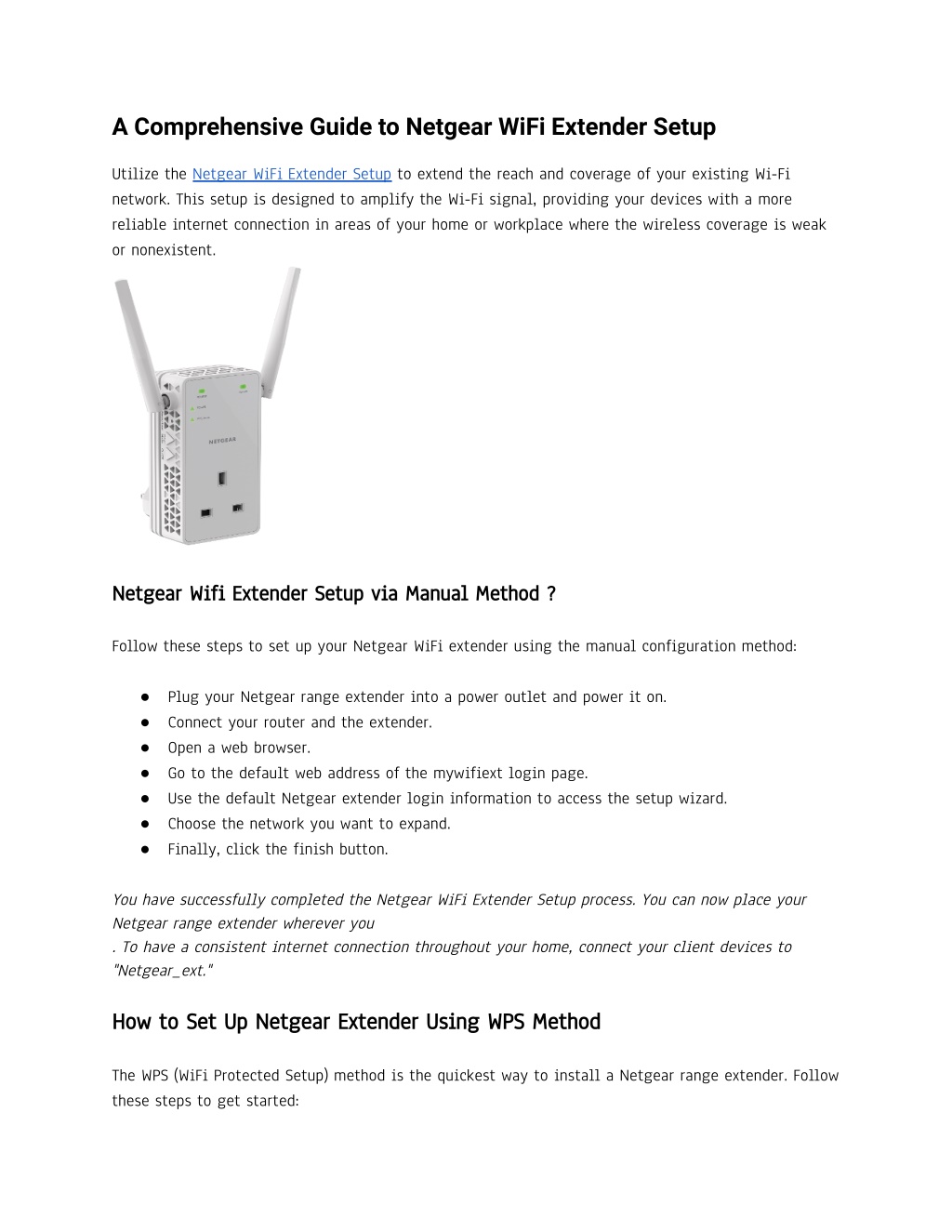
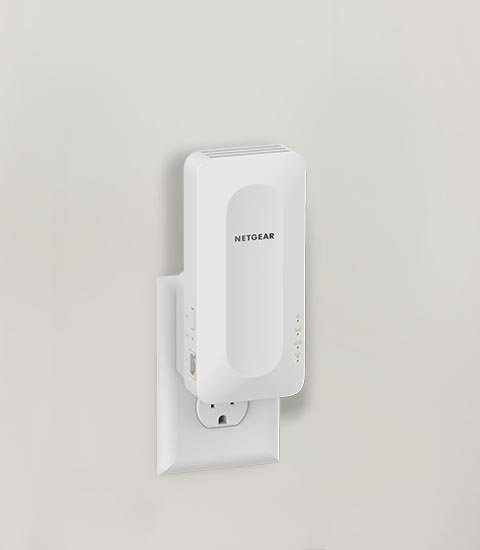
WiFi Protected Setup (WPS) lets you set up your NETGEAR WiFi range extender with the push of a button. If you have previously set up your extender , perform a factory reset on the extender . For more information, see How do I perform a factory reset on my NETGEAR WiFi range extender ? Wait for the (Router) LED to turn solid green or blue. This means that the extender is connected to your network ...

This particular example perfectly highlights why Home Network Wireless Extender Setup is so captivating.
How to Install a WiFi Extender
Learn how to install a WiFi extender to boost your home network's coverage and eliminate dead zones with this easy step-by-step guide.
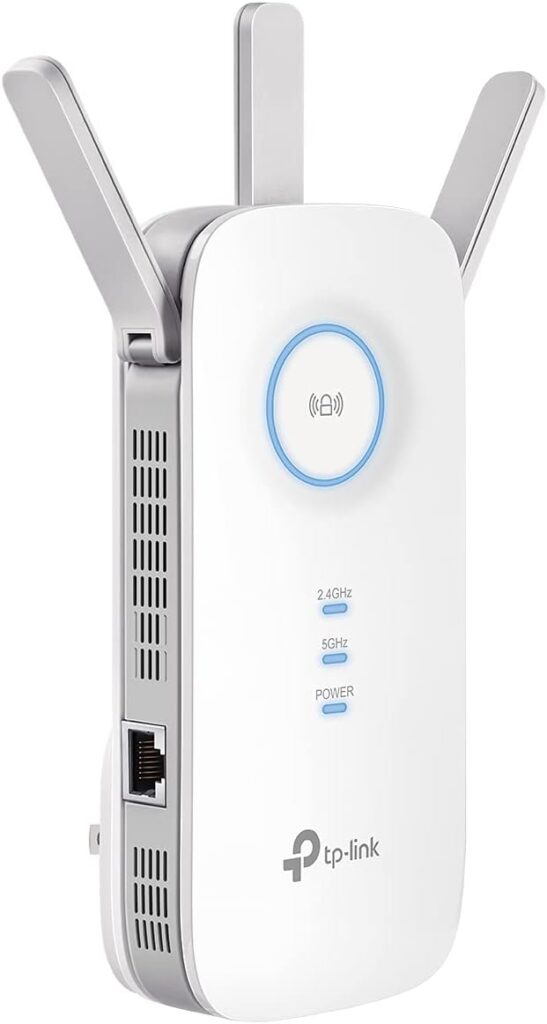
Get answers to common TP-Link range extender setup questions — from accessing the extender and connecting to your network to finding the best location and resetting your device. Get started now.
How To Set Up A Wi
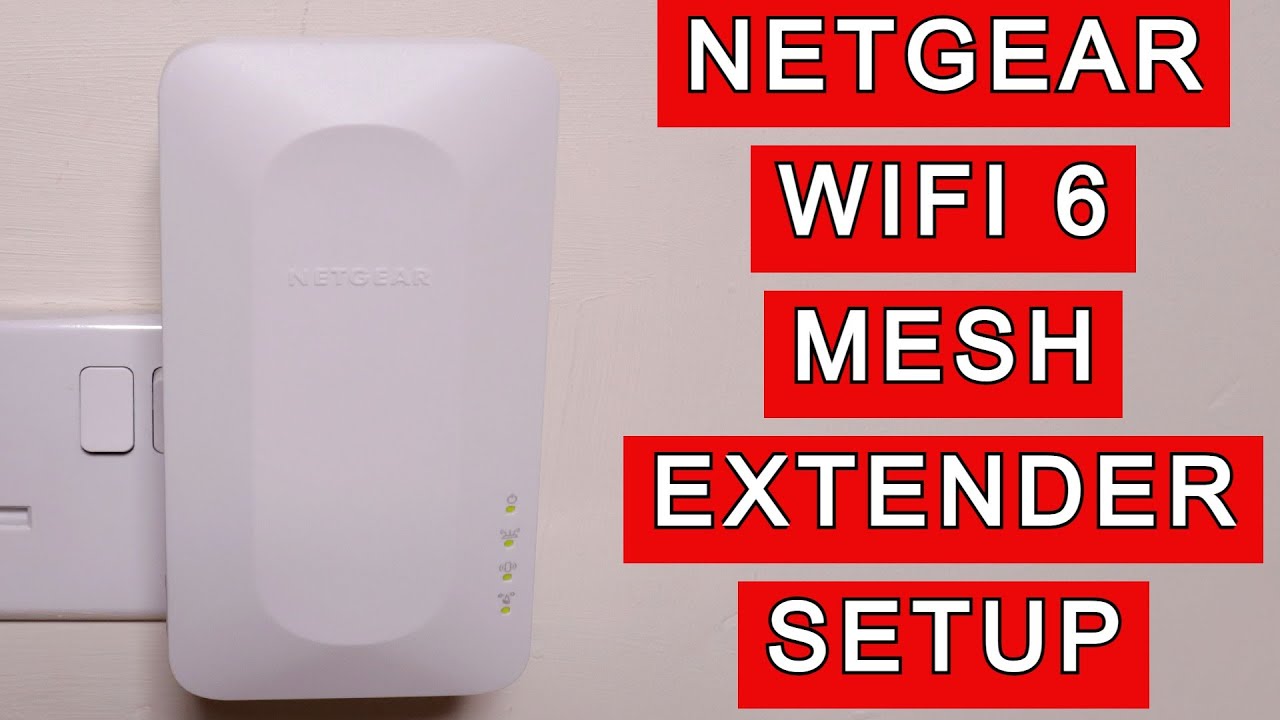
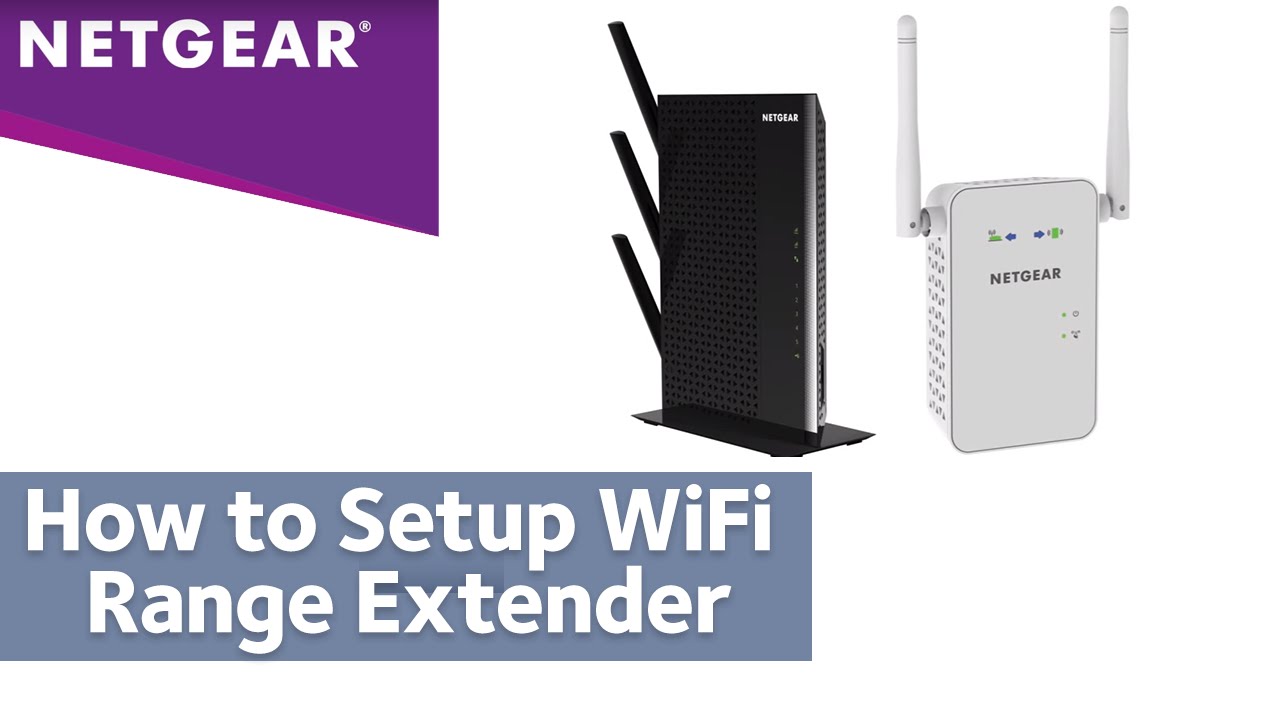
NETGEAR WiFi Range Extender Quick Setup Guide Is your WiFi Router coverage spotty or simply out of range? Do you need a to connect a few devices on the other side of the house? Setting up a WiFi extender in-between can boost your WiFi enough to make up the difference. This article is a simplified guide for setting up your NETGEAR WiFi range Extender .

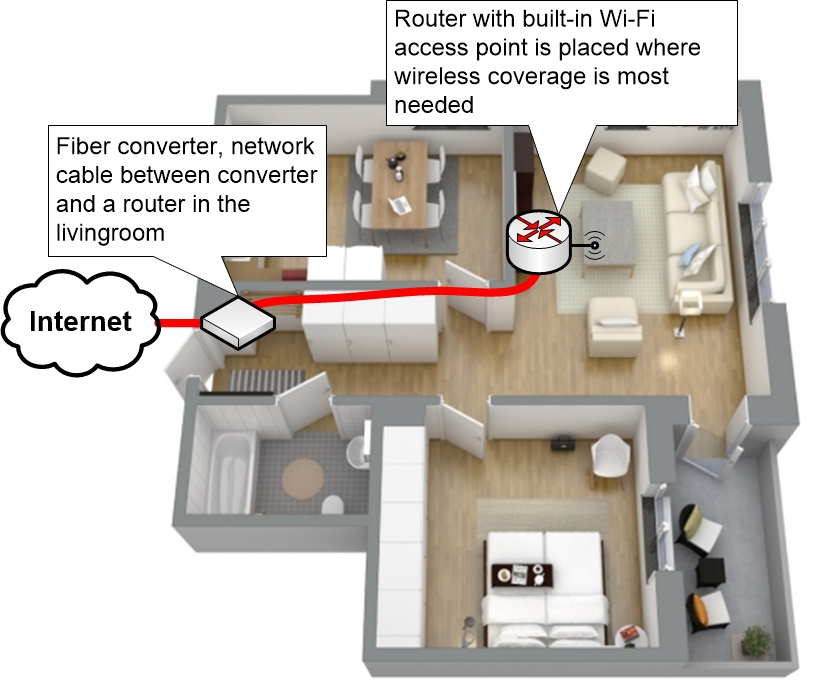
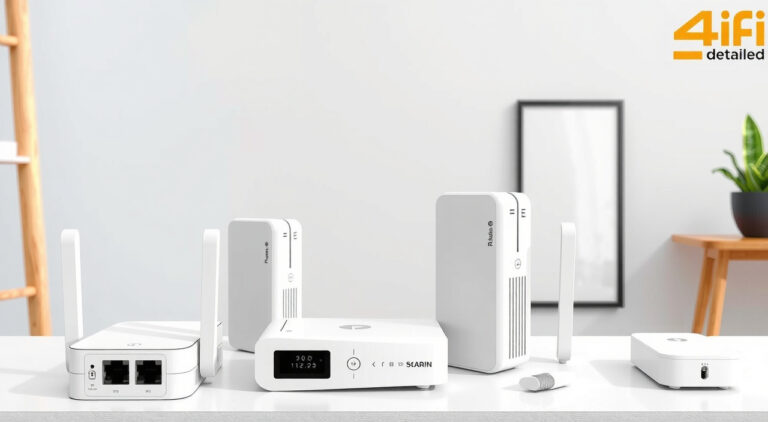
As we can see from the illustration, Home Network Wireless Extender Setup has many fascinating aspects to explore.
How to Connect a WiFi Extender to Your Router
Learn how to connect a WiFi extender to your router with this simple step-by-step guide. Improve coverage, fix dead zones, and enjoy a stronger WiFi connection at home or in the office.
Compare USA's top-rated WiFi boosters side by side. See reviews, prices, and best-selling WiFi boosters today.
Useful Notes on Home Network Wireless Extender Setup
Since 1974 We've Been Helping Customers Choose, Use and Enjoy Audio, Video and More. Earn One Point For Every Dollar You Spend & Use Those Points To Save On Future Purchases.
Learn how to set up a WiFi range extender or booster or repeater (Netgear, TP-Link, etc). A WiFi Range Extender helps you extend the range of your existing WiFi router.