Our Blog
Finally, configuring DHCP on a Cisco router is a multi-step process which is crucial for effective IP address assignment in a network. Adhering to this guide will enable you to establish DHCP seamlessly and uphold the functionality of your network infrastructure.
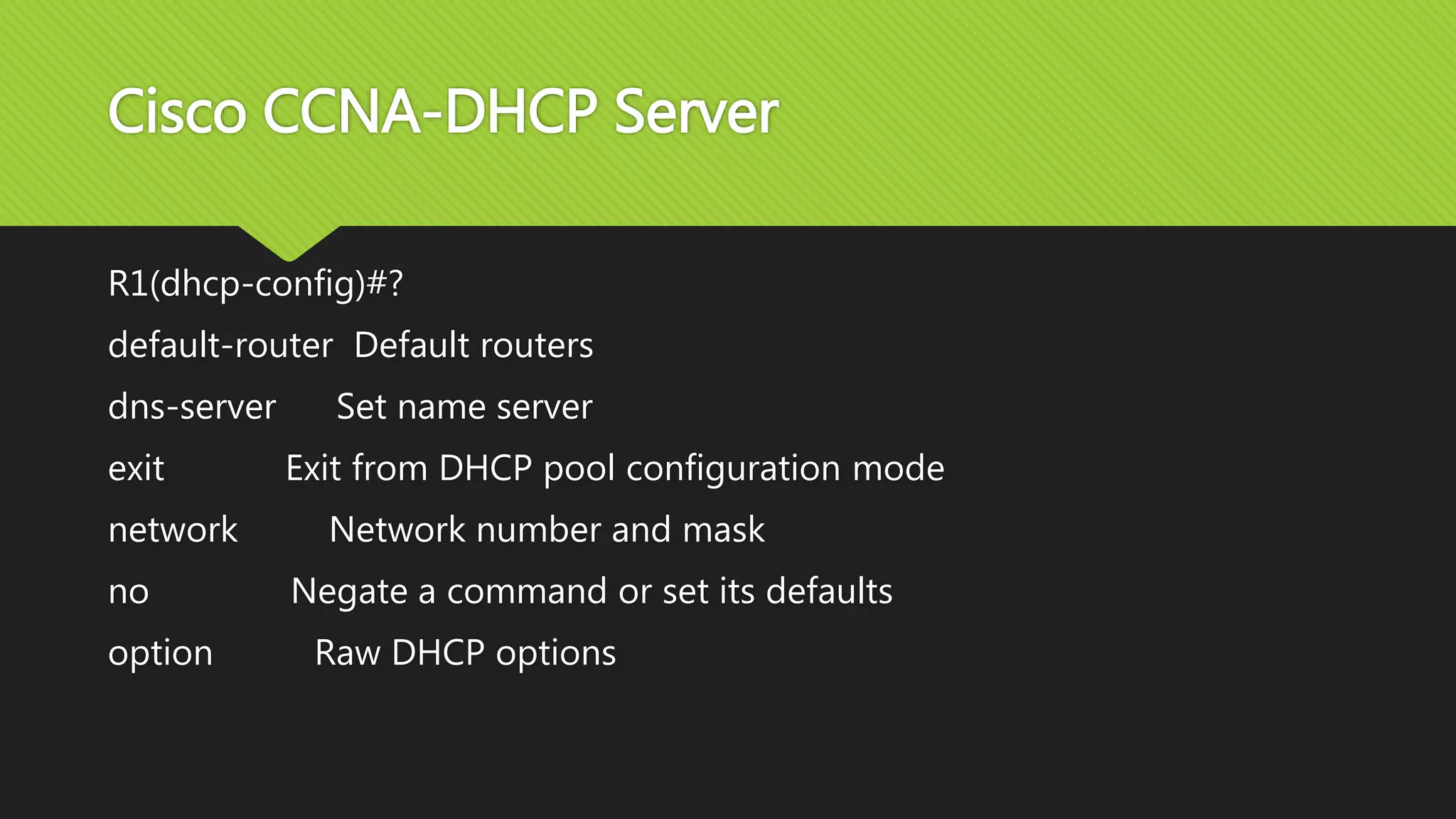
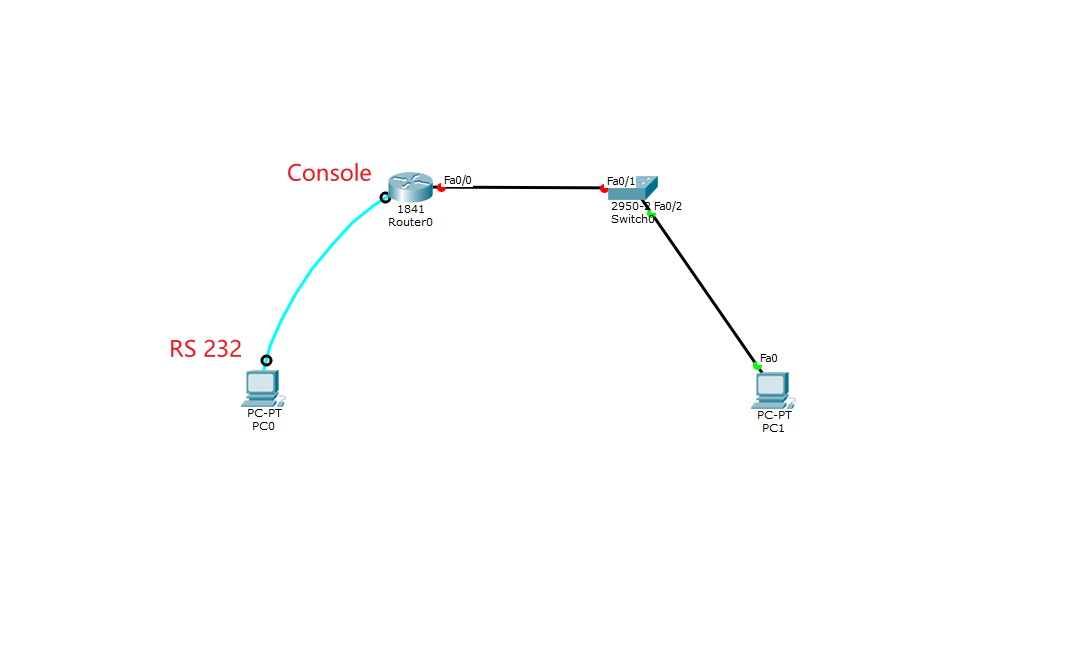
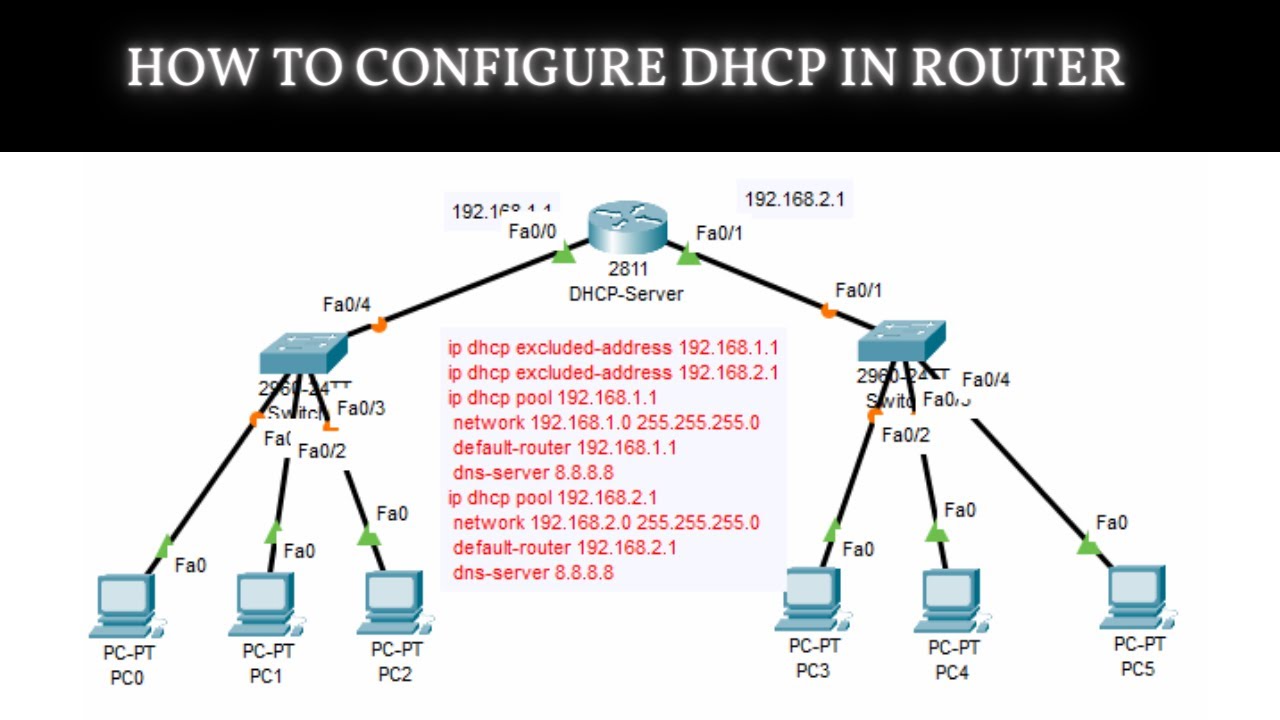
Configuring a Cisco Router as a DHCP Server. Cisco IOS has a built-in DHCP server. Configuring it requires defining a pool (the range of addresses to assign), excluding any static addresses, and setting pool options. See the full step-by-step walkthrough in the DHCP Server Configuration Lab.
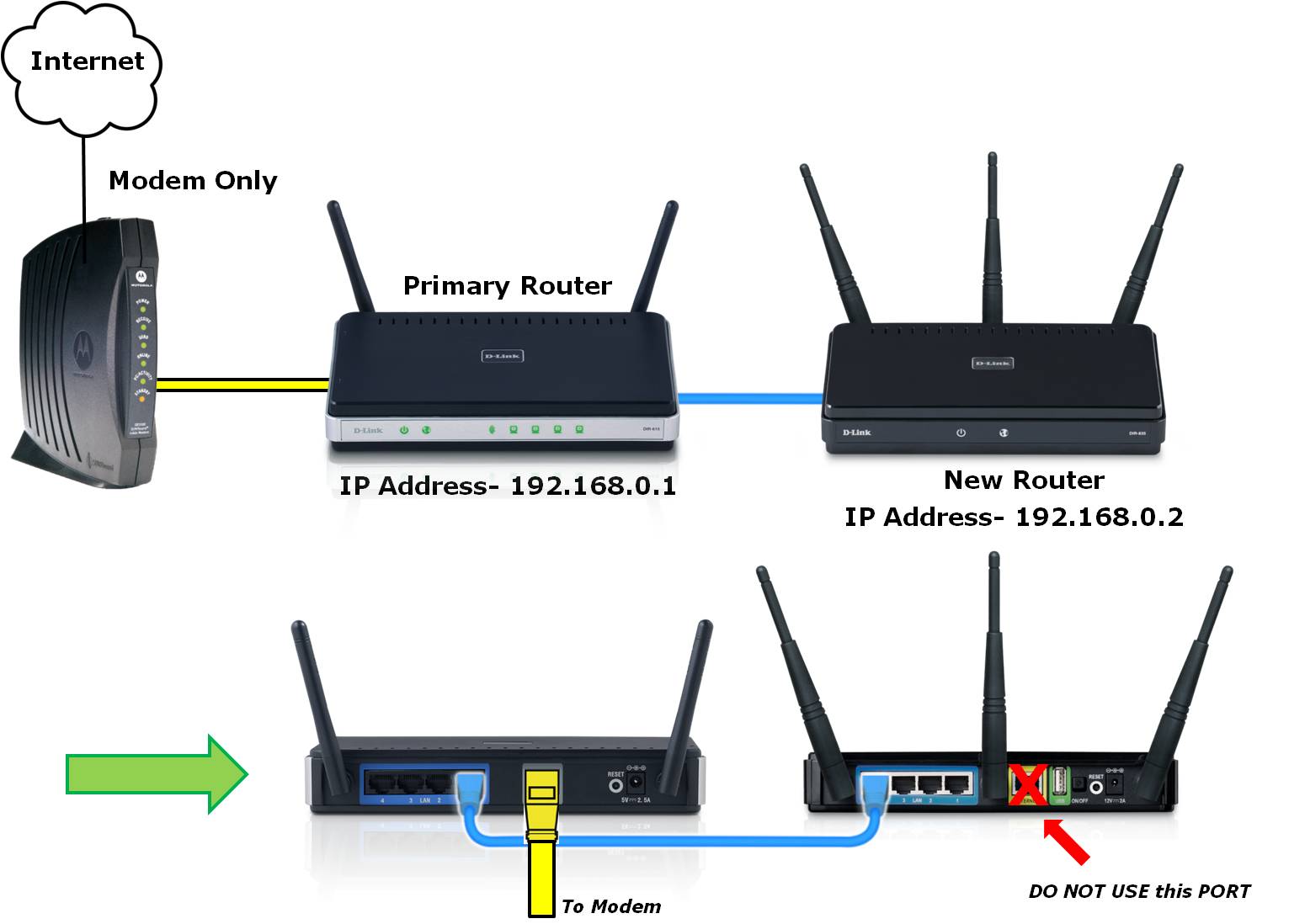
pxe booting using dhcp from home router

In wireshark you can set a capture filter of port 67 or port 68 or use a display filter of bootp. Once wireshark is setup and you have the filter applied you should see at least 4 packets that align with the DORA communications.
In the following section I will show you how to configure a Cisco 851 or 871 router to work as DHCP server. The same configuration applies for other router series models as well.
Troubleshooting DHCP server pools and DHCP clients on Cisco routers
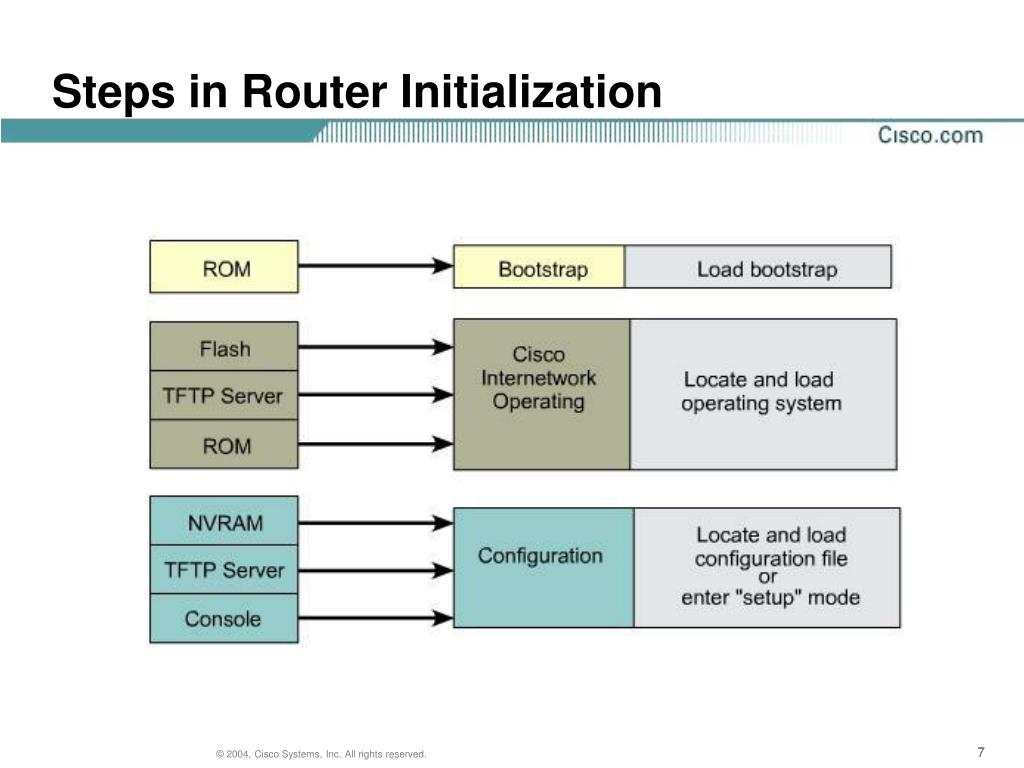
This particular example perfectly highlights why Fix G Router Initializing Process With Router Set To Dhcp is so captivating.
The R2 router has been configured as a DHCP server to assign IP addresses to the host devices on router R1 LANs. Several errors in the configuration have resulted in connectivity issues.
Dynamic Host Configuration Protocol (DHCP)
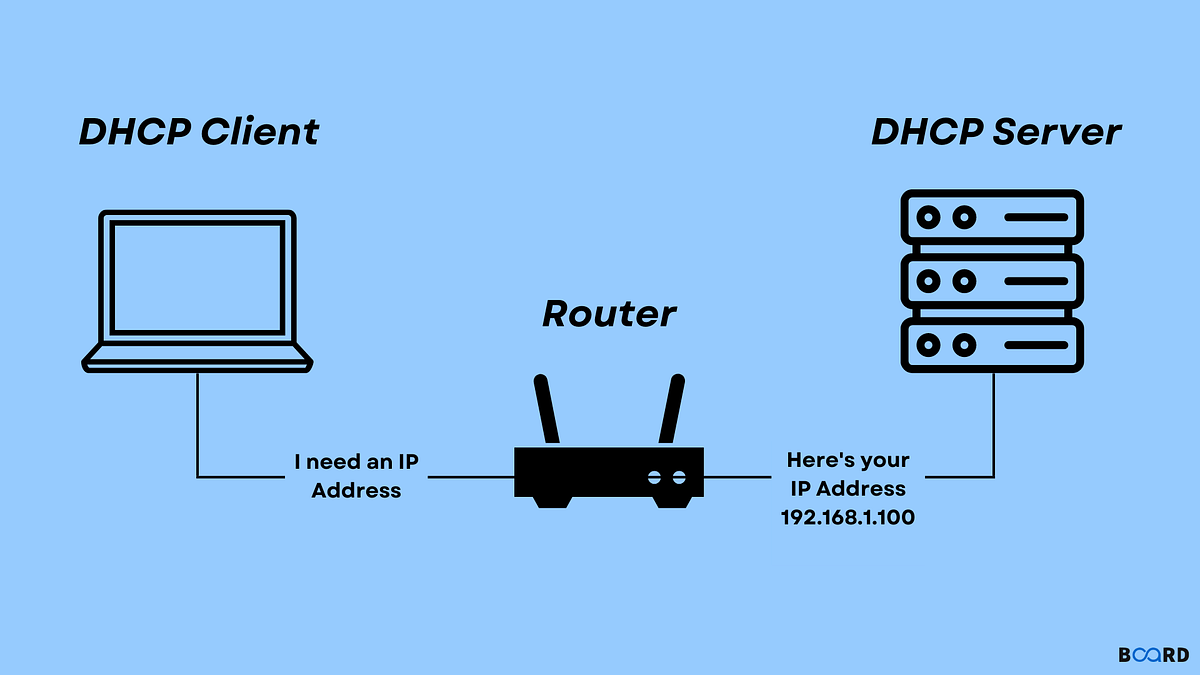
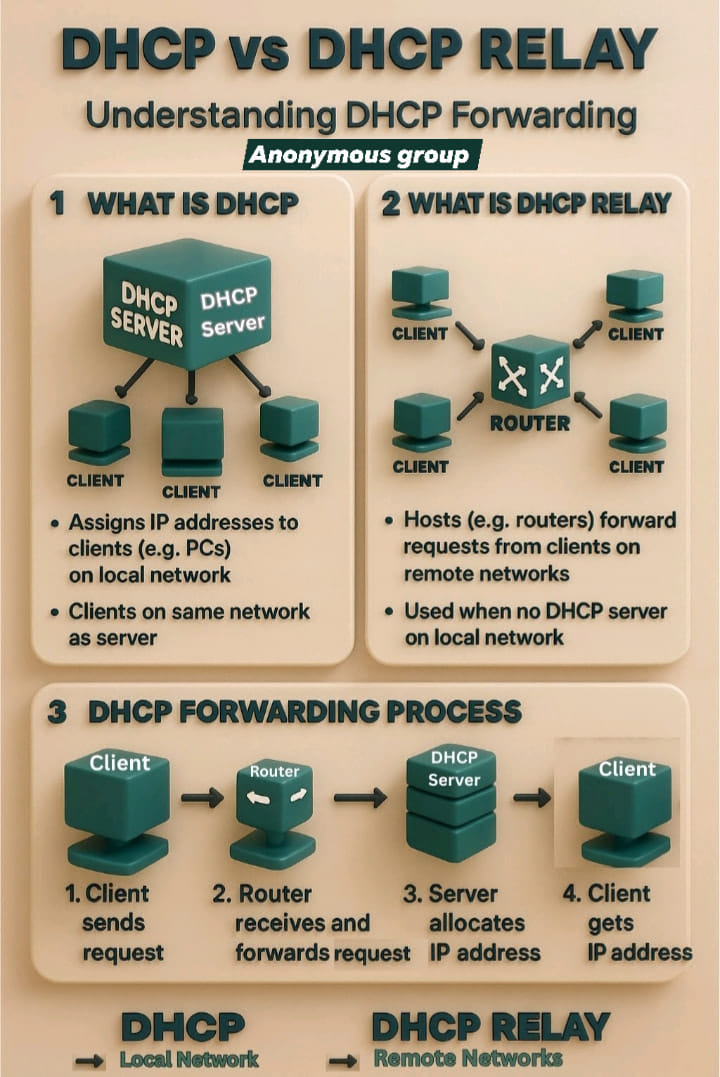
Seamless network connectivity is achieved by automatically assigning IP addresses and configuration settings to devices using the Dynamic Host Configuration Protocol ( DHCP ). Assigns a unique IP address to each device. Provides the subnet mask to define the local network range.

This document describes how to troubleshoot several common issues with Dynamic Host Configuration Protocol ( DHCP ) in a Cisco Catalyst switch network.
Guidance for troubleshooting DHCP
To do this, run the netstat -anb command. If you are dealing with an IPsec-deployed environment, verify that the DHCP server IPsec exemption is added. Verify that the relay agent IP address can be pinged from the DHCP server. Enumerate and check configured DHCP policies and filters.
DHCP servers are susceptible to a variety of errors. Learn which errors are the most common and the steps for how to troubleshoot DHCP issues.
Additional Notes on Fix G Router Initializing Process With Router Set To Dhcp
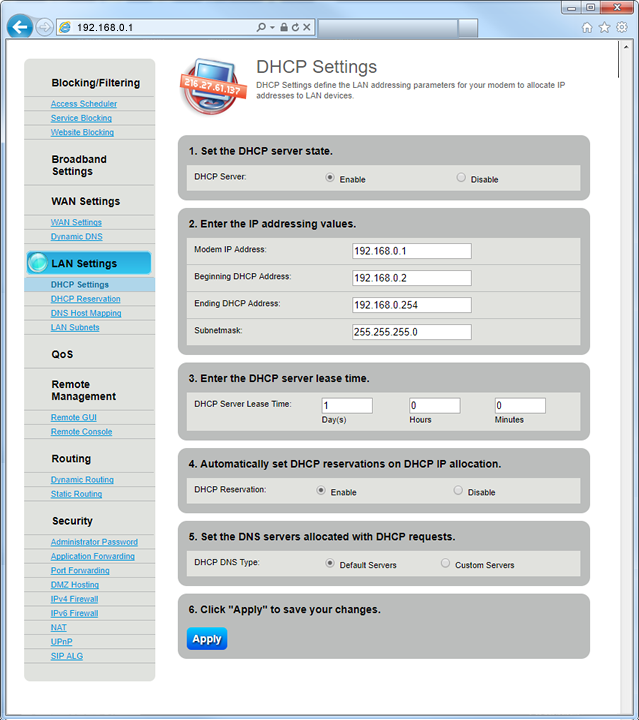
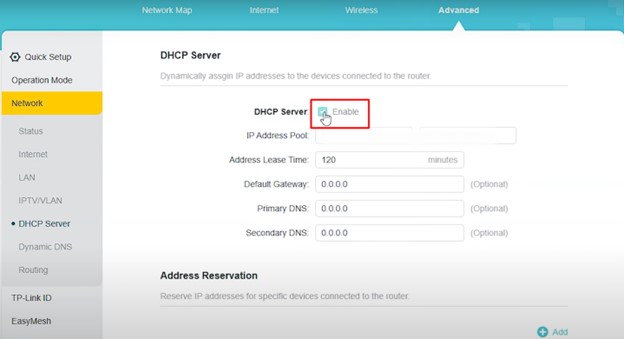
What is DHCP and How to Configure DHCP. This note connects the source idea with the visuals in a simple, reader-friendly way.
Cómo configurar un router para usar DHCP (con imágenes). This note connects the source idea with the visuals in a simple, reader-friendly way.
Configuring DHCP. It works as a short bridge between the article summary and the gallery section.