Precision And Number Display In Excel
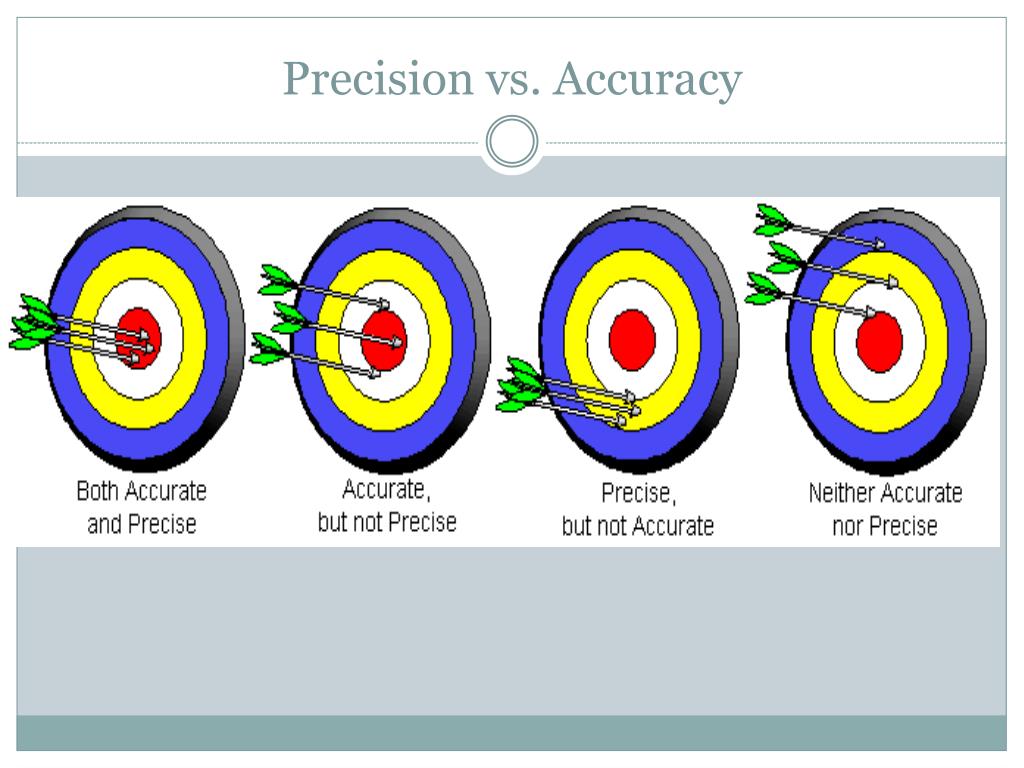
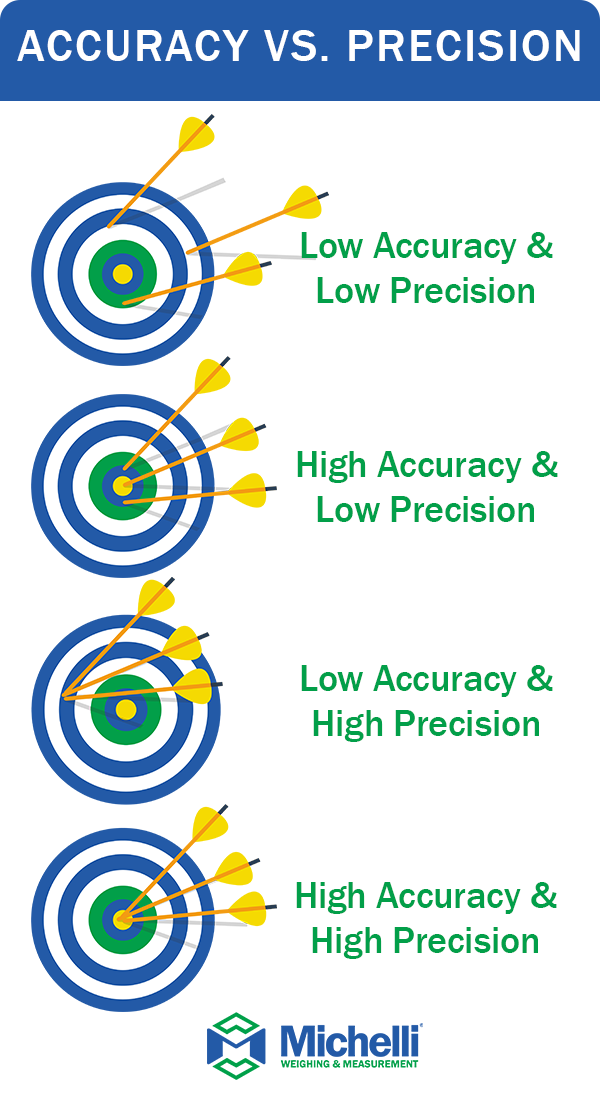
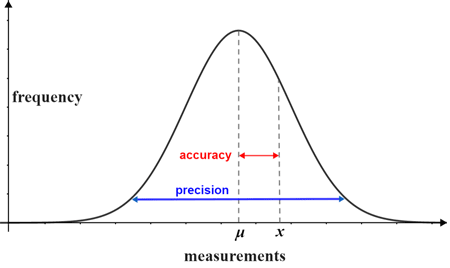
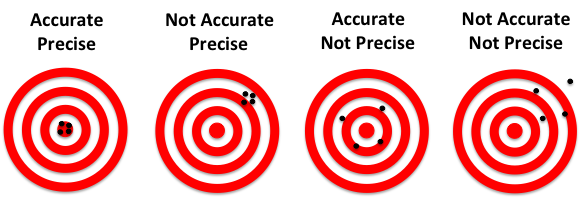
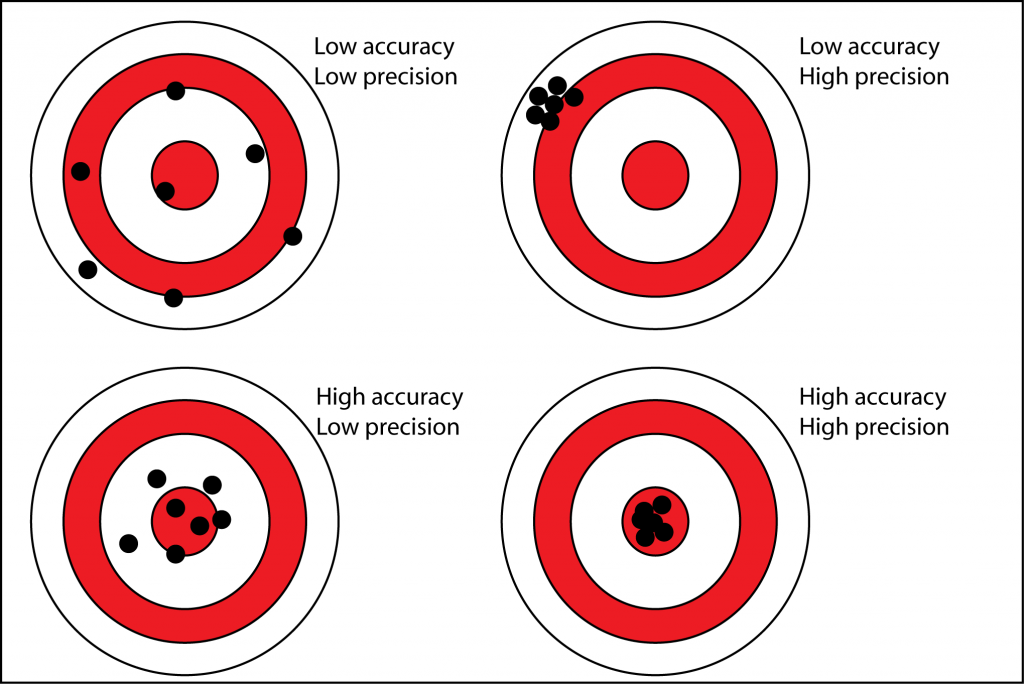
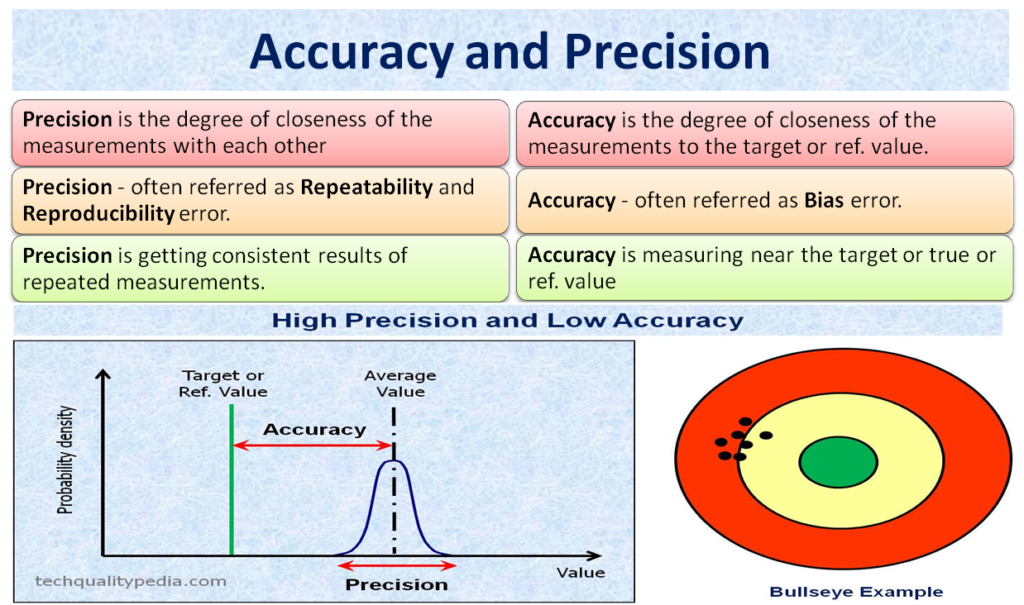
It has two sub-sections: " Understanding Precision " and " How Precision is Displayed in Excel ". These will give you the knowledge to precisely display and handle numerical data on your Excel sheets. Understanding Precision Precision is a critical aspect of data processing that determines the degree of accuracy in measurements.
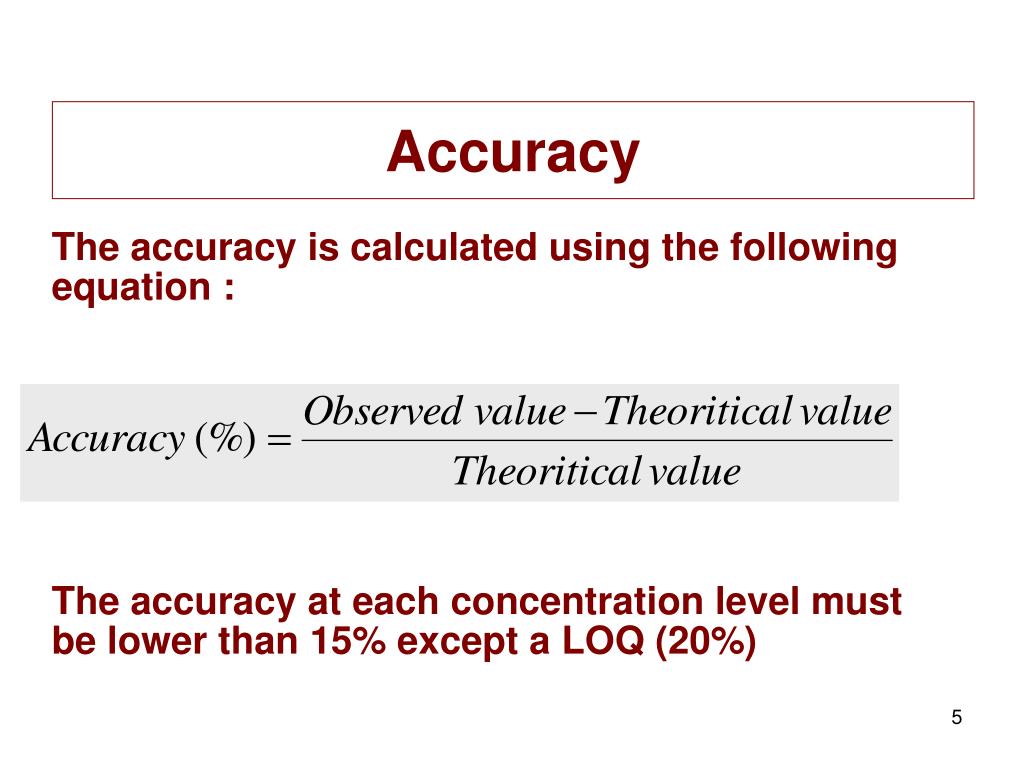
Precision and Number Display in Excel refers to the way in which numerical data is displayed. It is crucial to ensure that numerical figures are correctly represented and displayed with the right amount of accuracy .
Control the Precision and Accuracy of Numerical Results ...
The Wolfram Language works with exact numbers and with two different types of approximate numbers: machine- precision numbers that take advantage of specialized hardware for fast arithmetic on your computer, and arbitrary- precision numbers that are correct to a specified number of digits. Exact numbers have infinite precision and accuracy :

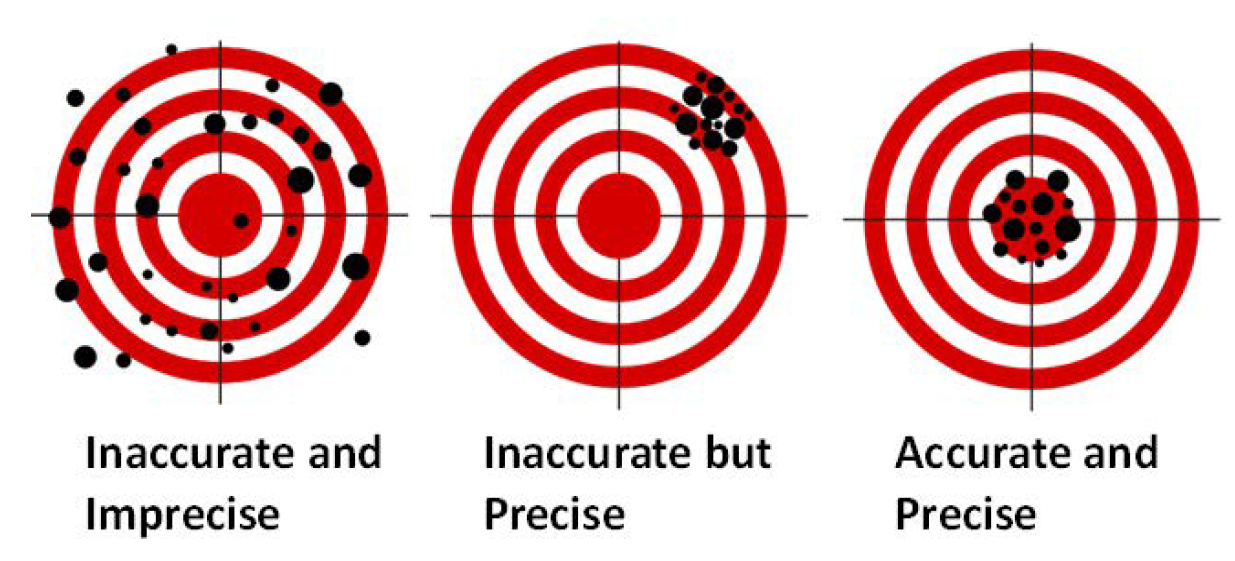
As we can see from the illustration, Display Specific Numerical Results With Precision And Accuracy has many fascinating aspects to explore.
Precision in Excel refers to the level of accuracy displayed in cell values and calculations. It determines the number of digits after the decimal point and the rounding off of numbers.
Precision as Displayed
The feature "Set Precision as Displayed" in Excel is a powerful tool that can significantly impact the way numerical data is presented and interpreted. This function essentially instructs Excel to display the value of a cell exactly as it appears, rounding the actual stored value to the precision of the displayed format.
Change formula recalculation, iteration, or precision in Excel

Change the precision of calculations in a workbook Before you change the precision of calculations, keep in mind the following important points: By default, Excel calculates stored, not displayed, values The displayed and printed value depends on how you choose to format and display the stored value.
Numeric precision in Microsoft Excel As with other spreadsheets, Microsoft Excel works only to limited accuracy because it retains only a certain number of figures to describe numbers (it has limited precision ).
Precision In Excel
Precision in Excel is crucial for accurate data analysis and insights. Navigating the Excel interface and utilizing basic formulas are essential skills for achieving precise results while minimizing errors. Data formatting techniques, such as cell formatting and conditional formatting, can enhance clarity and facilitate in-depth analysis.
is supposed to give the calculation results in 10 digits till the end of R session. In the help file of R, the definition for digits parameter is as follows: digits: controls the number of digits to print when printing numeric values. It is a suggestion only. Valid values are 1...22 with default 7 So, it says this is a suggestion only. What if I like to always display 10 digits, not more or ...