Overview of Developed Textured Ui Elements For Icloud
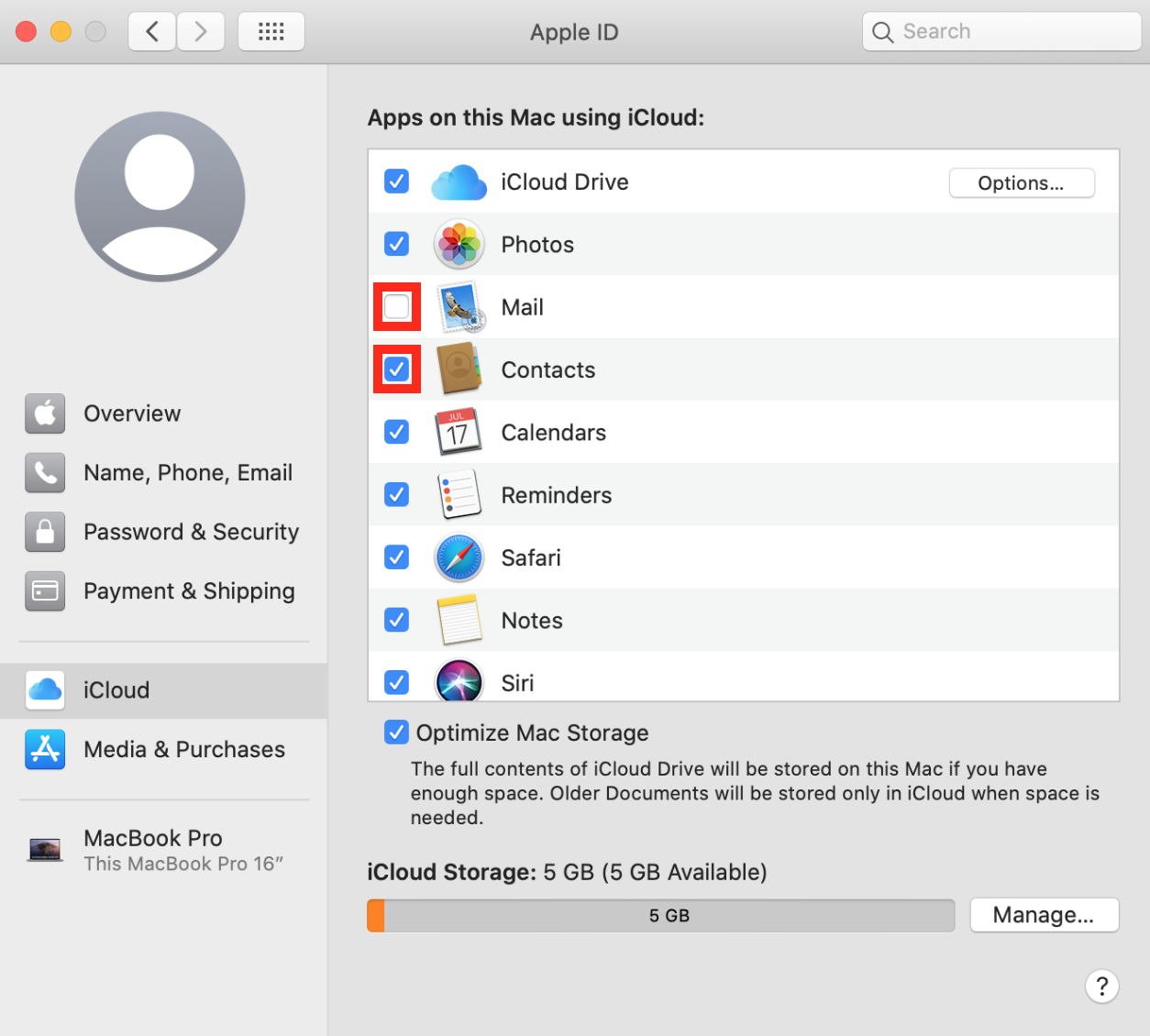
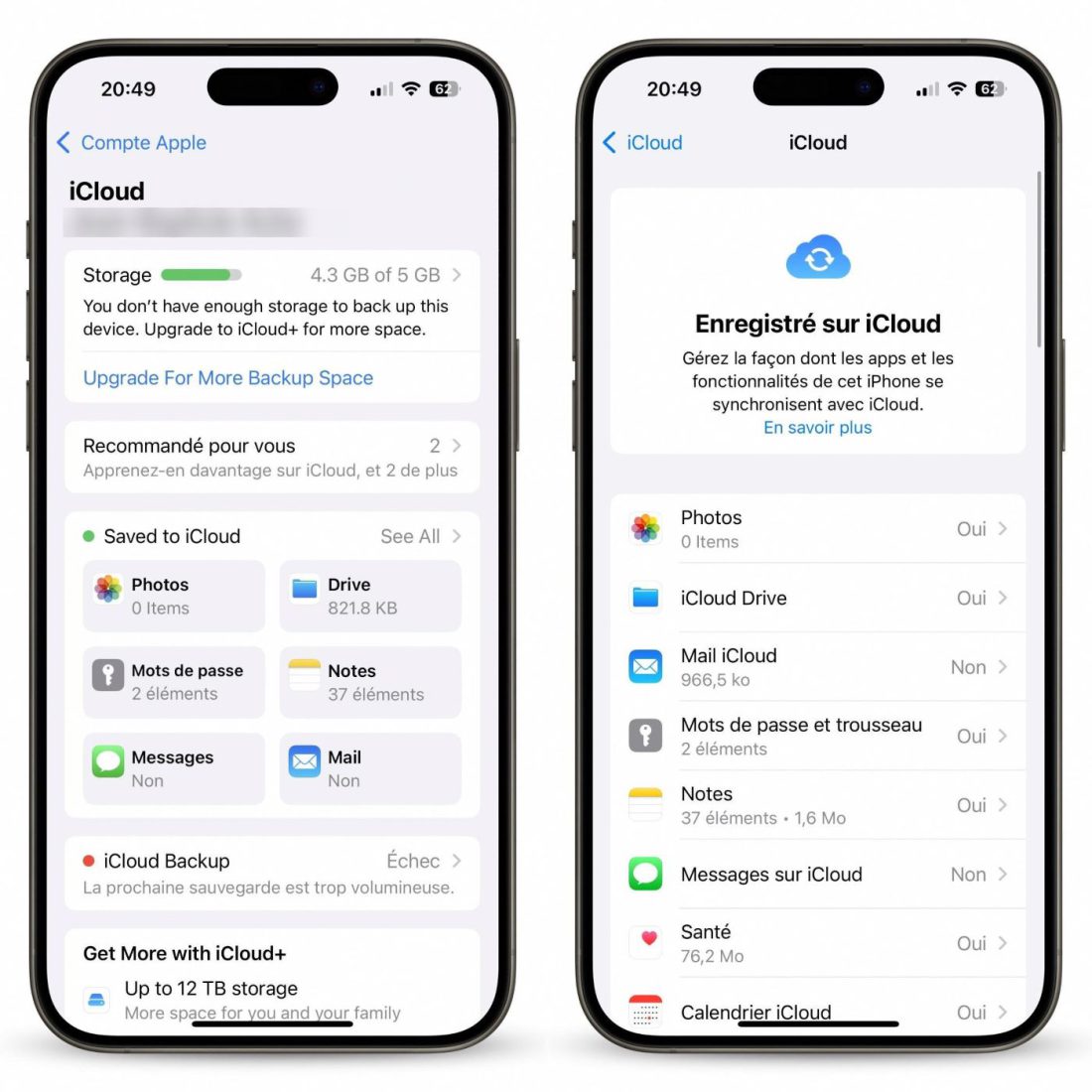
In an app that supports iCloud , it's best when people always have access to the most recent content. However, you need to balance this experience with respect to device storage and bandwidth constraints. If your app works with very large documents, it may be better to let people control when updated content is downloaded.
Key Details About Developed Textured Ui Elements For Icloud

Moving forward, it's essential to keep these visual contexts in mind when discussing Developed Textured Ui Elements For Icloud.
This project is a clone of the Apple iCloud login and registration pages, built using only HTML and CSS. The goal was to replicate the design and layout of the original iCloud interface, providing a pixel-perfect copy that demonstrates a strong understanding of front-end development principles.
Moving forward, it's essential to keep these visual contexts in mind when discussing Developed Textured Ui Elements For Icloud.
41 search results for "apple": UI Elements in CSS & Tailwind, free to use, open-source, and customizable. Copy to Figma, or use on your website.
Understanding Developed Textured Ui Elements For Icloud Before the Gallery
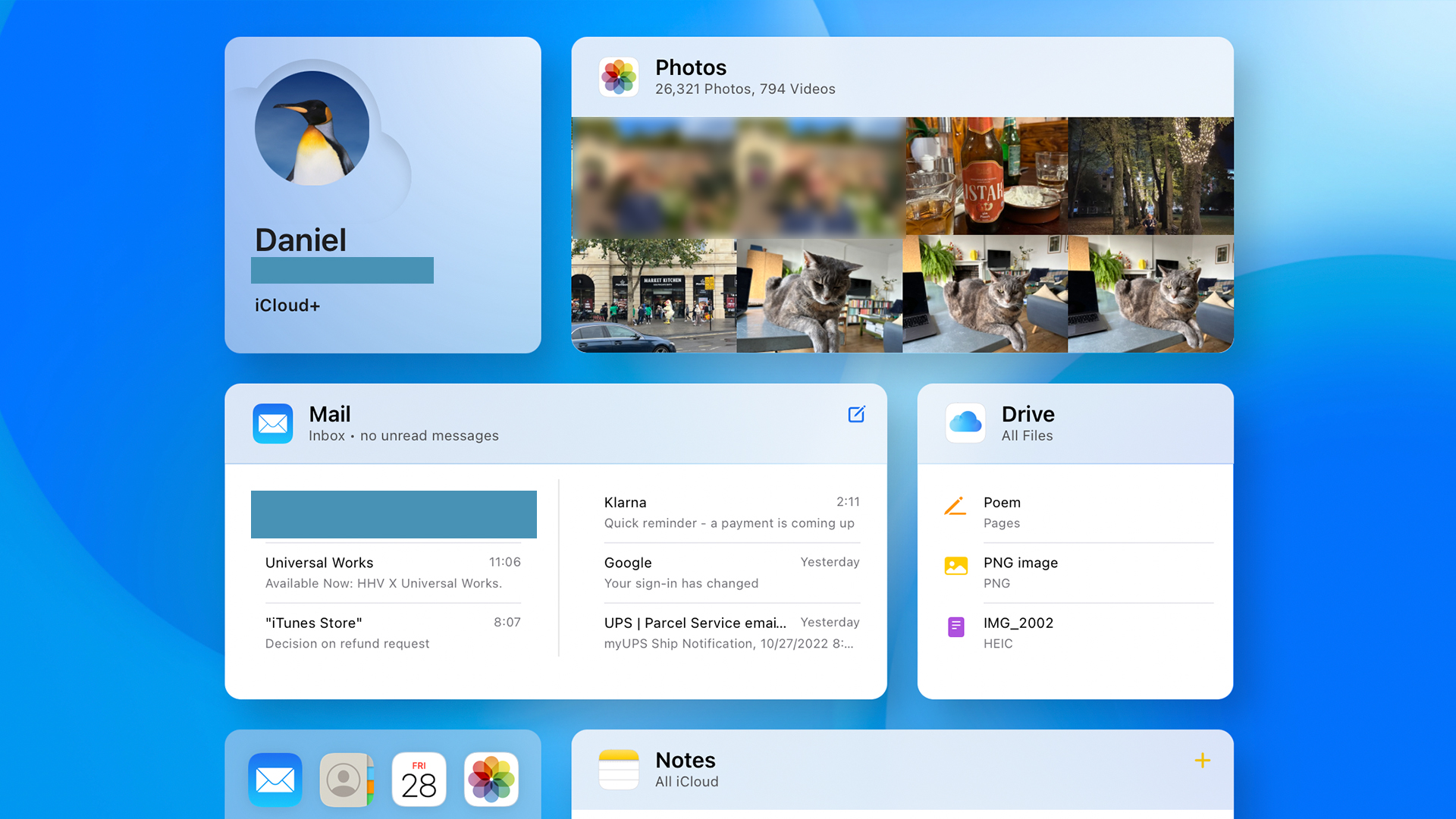
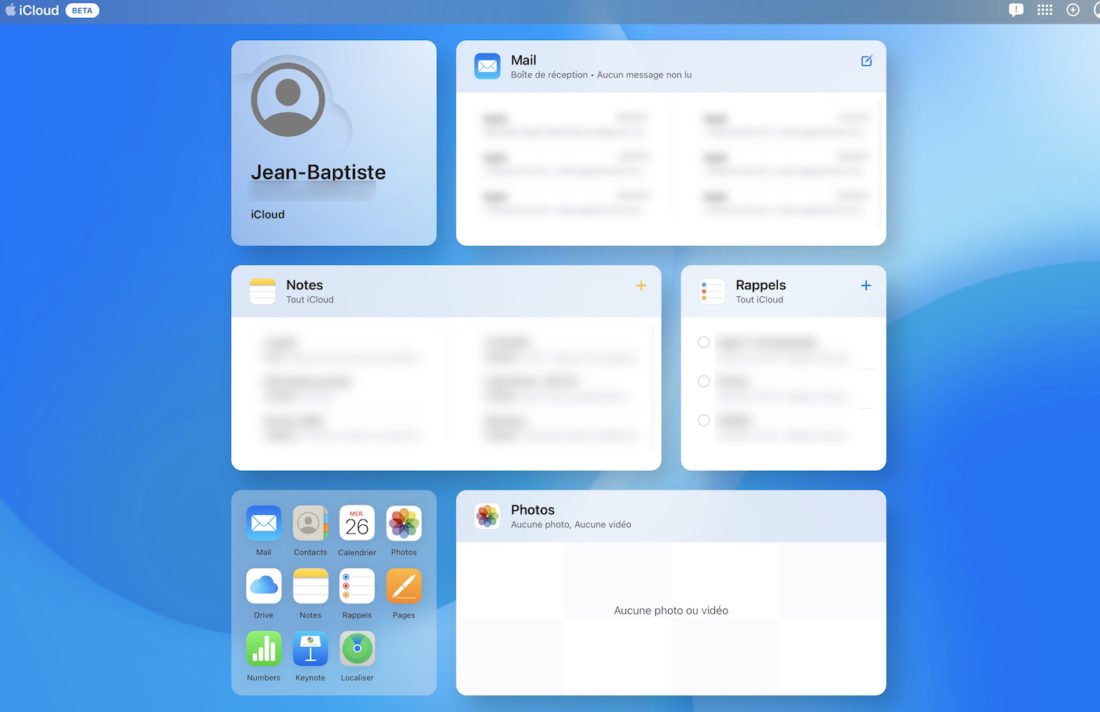
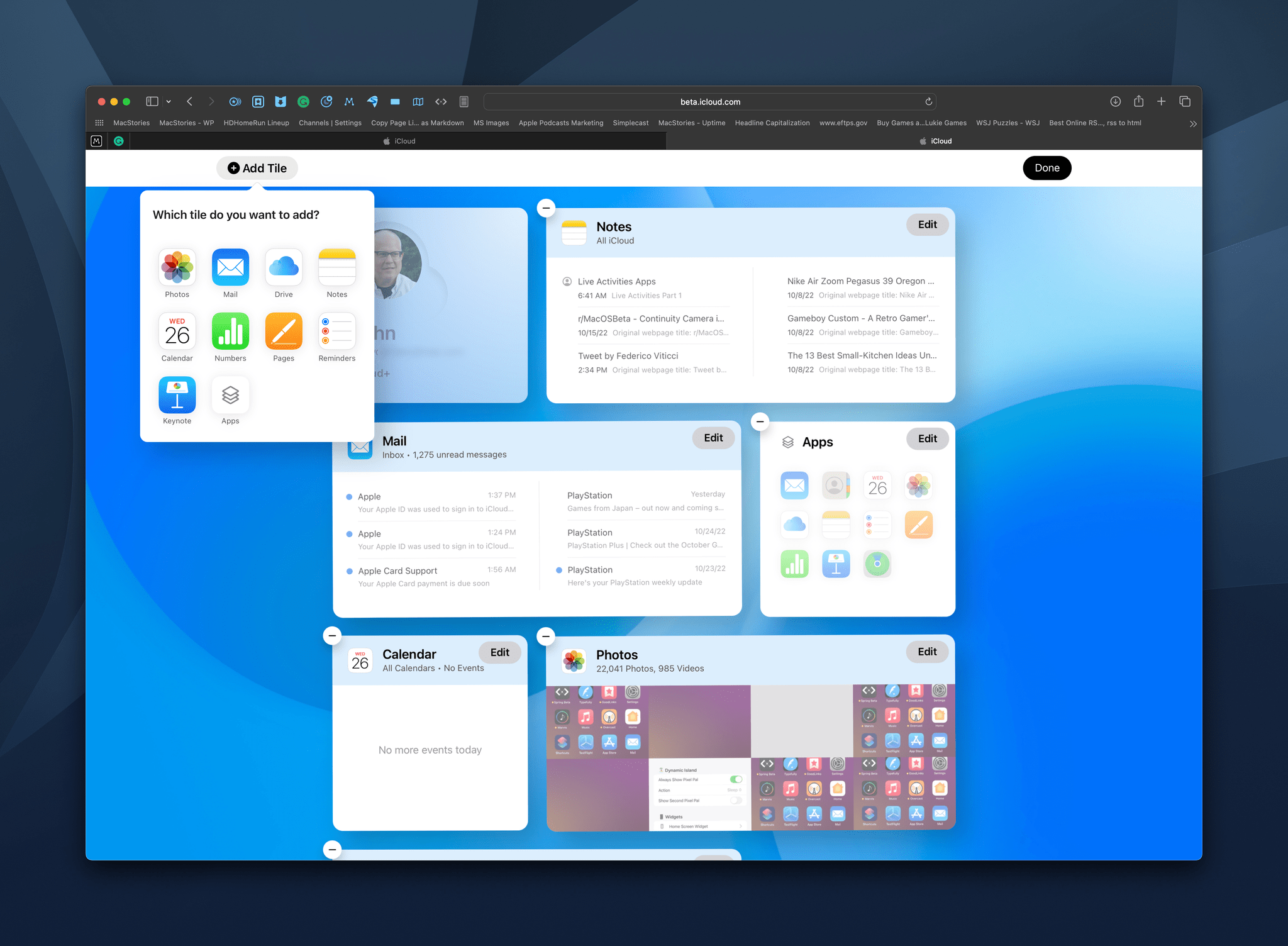
Apple's new iCloud website design is a thing of beauty | Creative Bloq. It gives the article a little more context before the image collection begins.
Apple redesigns iCloud web interface: Here's what's new | Technology. It gives the article a little more context before the image collection begins.
Apple's iCloud website gets a widget-styled redesign | TechCrunch. This note connects the source idea with the visuals in a simple, reader-friendly way.
Looking at multiple sources also helps separate the main idea from small decorative details.
These notes are added so the page offers more than images and gives each visitor a clearer reason to keep reading.