How to setup AP mode for D
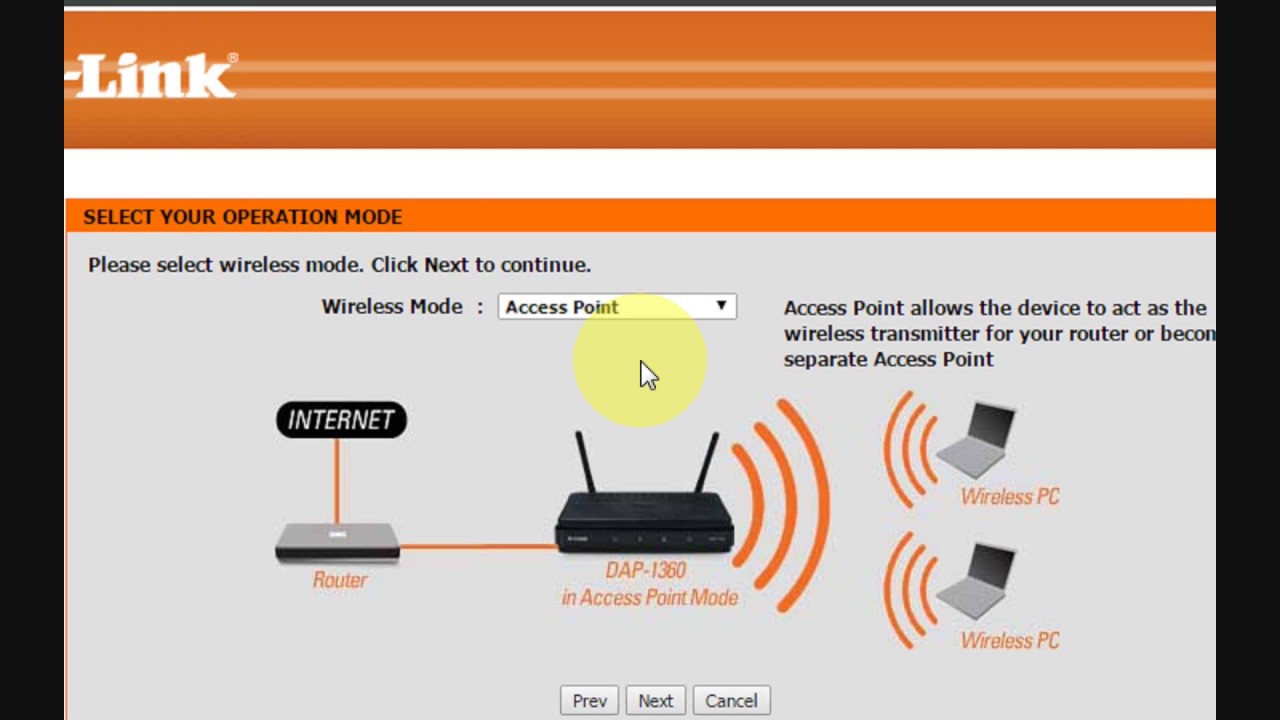
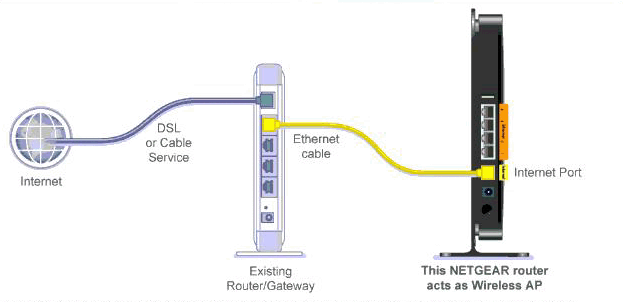
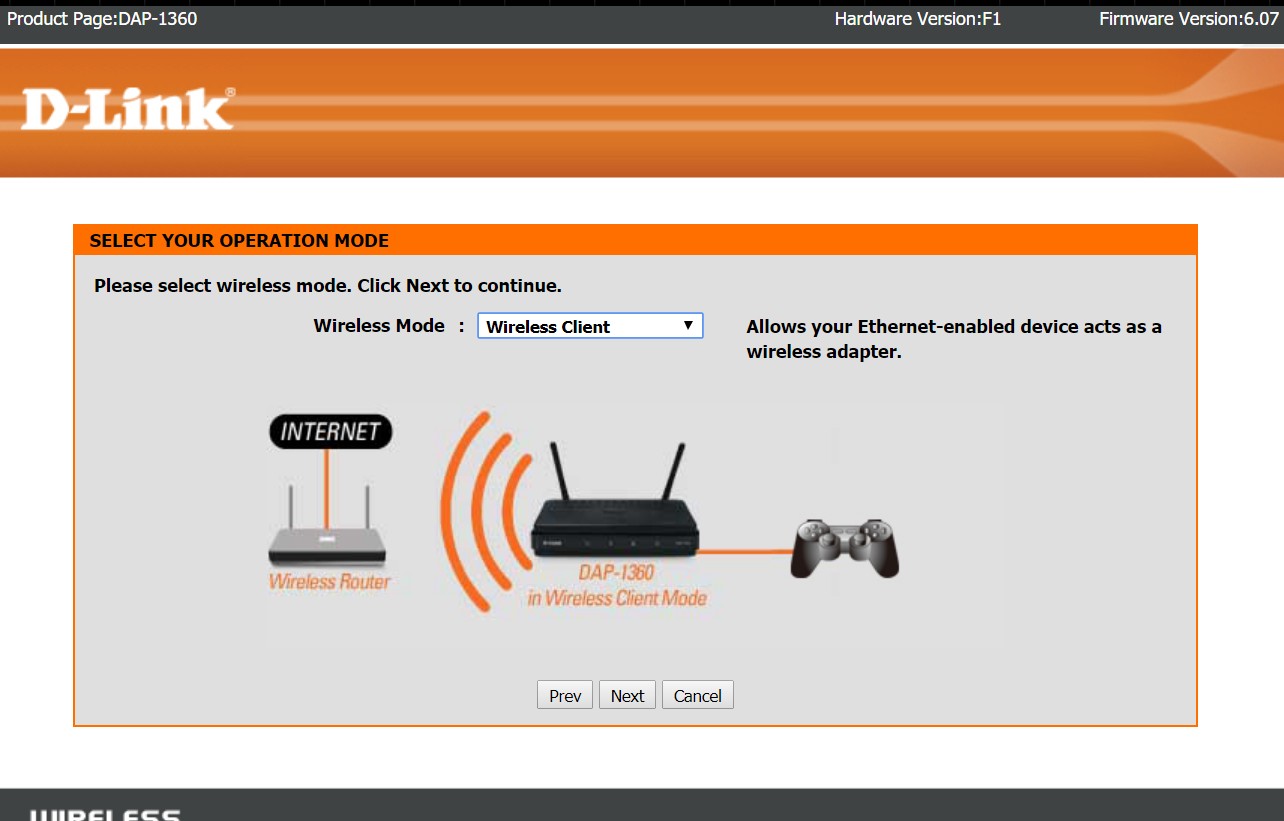
D-Link DIR-1253/DIR-835M Access Point (AP) Mode allows a device to create a new Wi-Fi network by connecting to a wired router , enabling wireless devices to access the internet.
D-Link Troubleshooting Guide: Resolving Common Issues If you are experiencing issues with your D-Link mesh system, you're not alone. Many users face difficulties during setup or while trying to maintain a stable connection. This article serves as a friendly guide to help you troubleshoot common problems with your D-Link router effectively. Accessing the Web-Based Utility One common challenge ...
How to use a d
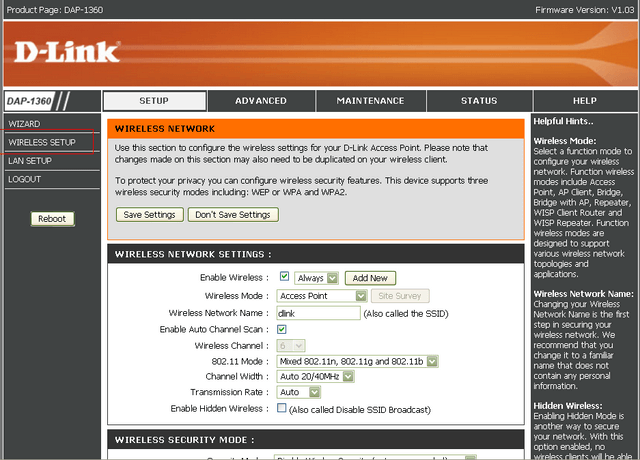
In this tutorial, we'll explain how to configure your D-Link router as an access point to improve your wireless network coverage. An access point is a device used to extend your wireless network signal, allowing more devices to connect to it.
Fixing Unable to Connect to Wi
Connection problems usually boil down to authentication issues (wrong password), configuration mismatches (hidden network, MAC filtering), signal problems , or temporary glitches in either the device or the router .
Having network issues with your D-Link router can be troubling, but many problems have easy solutions. Follow this guide to identify the reasons why your D-Link might not be working.
What can I do if I'm having wireless connection problems
If you are experiencing any of the below wireless problems : - Slow Wireless Speeds - Wireless Connection Drops - Low Wireless Signal Note: An easy way to determine if the issue is with the router or with the wireless device is to see if the issue exists on multiple devices. If you internet is slow or is only dropping on one of multiple devices/computers, then the issue is probably not with the ...
To isolate the problem , bypass the router . Unplug the Ethernet cable from the router's WAN/Internet port and plug it directly into a laptop or computer's Ethernet port. You might need to restart the modem after connecting the computer directly. If you can access the internet this way, the problem is likely with your router .
Common Access Point Issues and How to Fix Them
If you're experiencing issues with your wireless access points , discover some common problems , such as network connectivity and outdated drivers, with step-by-step solutions to fix them. Trust The WiFi Specialist to help you get the most out of your wireless network.
Contact Support Contact our friendly support staff to assist with your setup or troubleshooting question.