Wireless Access Deployment Process
To configure domain -member computers using the settings in the wireless network policies, you must apply Group Policy. When a computer is first joined to the domain , Group Policy is automatically applied.
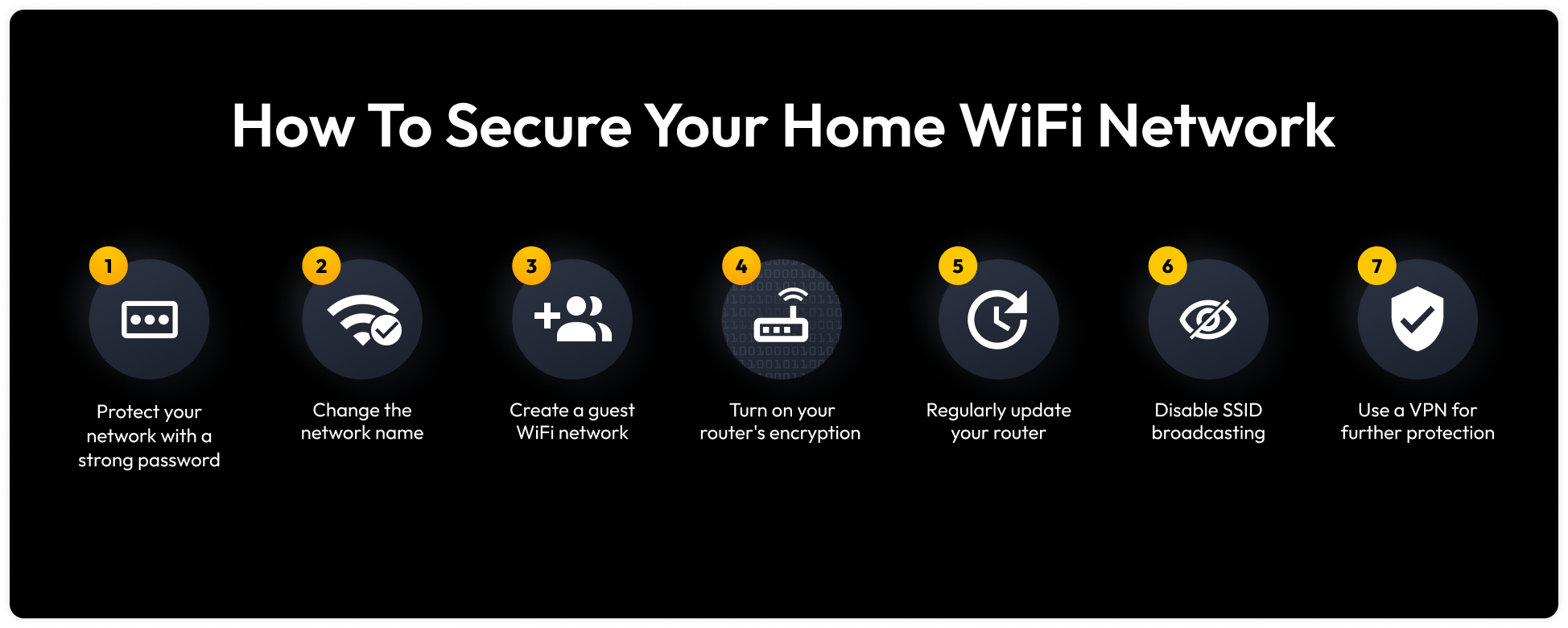
Ensuring that all domain -joined devices connect only to your company's secure Wi-Fi can greatly enhance network protection. This article offers a comprehensive guide to configuring Windows Server Group Policy so users are restricted from connecting to unauthorized wireless networks.
Wireless Access Deployment
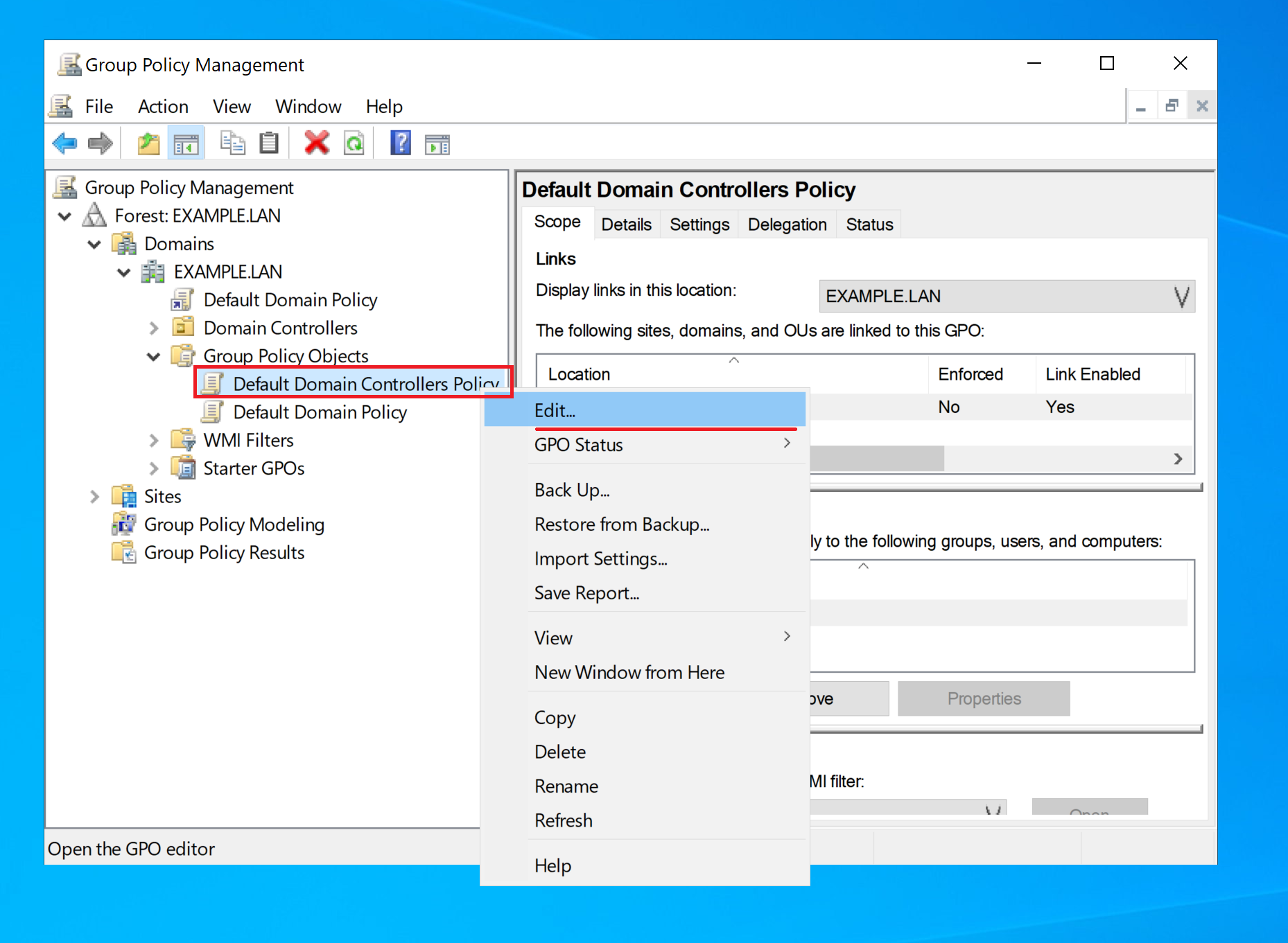
In Security Settings , right-click Wireless Network (IEEE 802.11) Policies, and then click Create a new Wireless Policy for Windows Vista and Later Releases. The New Wireless Network Policy Properties dialog box opens.

This particular example perfectly highlights why Configure Secure WiFi Settings In Windows Domain is so captivating.
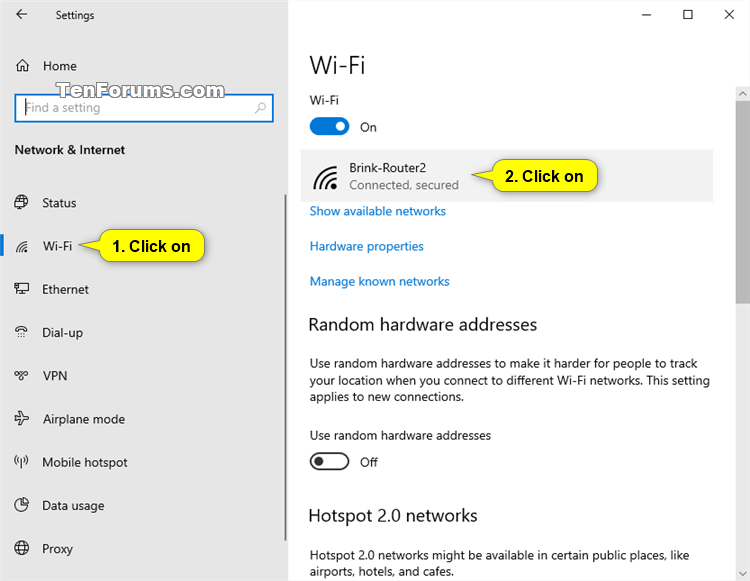
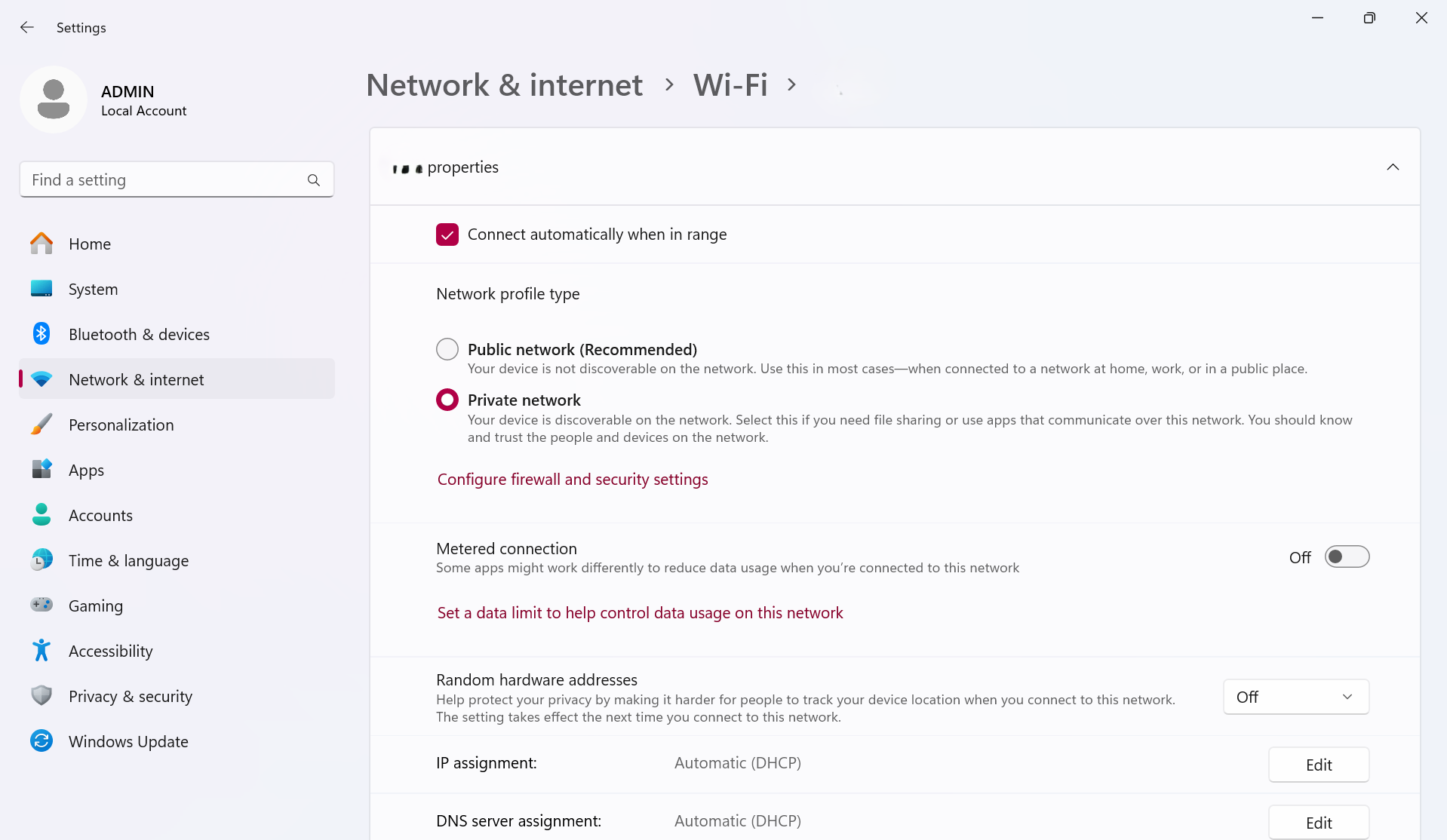
How to Set Network Location to Private, Public, or Domain in Windows 10 A network location identifies the type of network that a PC is connected to with a network adapter. By default, the first time you connect to a new network (wired or wireless), you will be prompted "Do you want to allow your PC to be discoverable by other PCs and devices on this network?" by the Network Location wizard ...
Useful Notes on Configure Secure Wifi Settings In Windows Domain
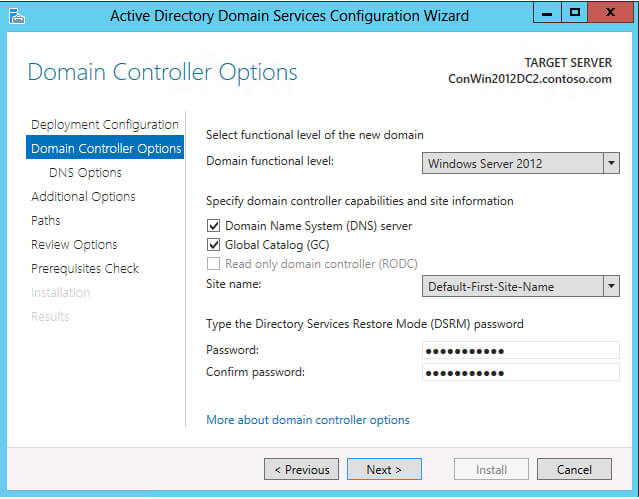
This repository documents a secure , scalable, and centralized approach to automatically connect domain computers to an enterprise Wi-Fi network without using shared passwords.
This repository documents a secure , scalable, and centralized approach to automatically connect domain computers to an enterprise Wi-Fi network without using shared passwords.

Moving forward, it's essential to keep these visual contexts in mind when discussing Configure Secure WiFi Settings In Windows Domain.
WiFi Authentication using Active Directory Credentials
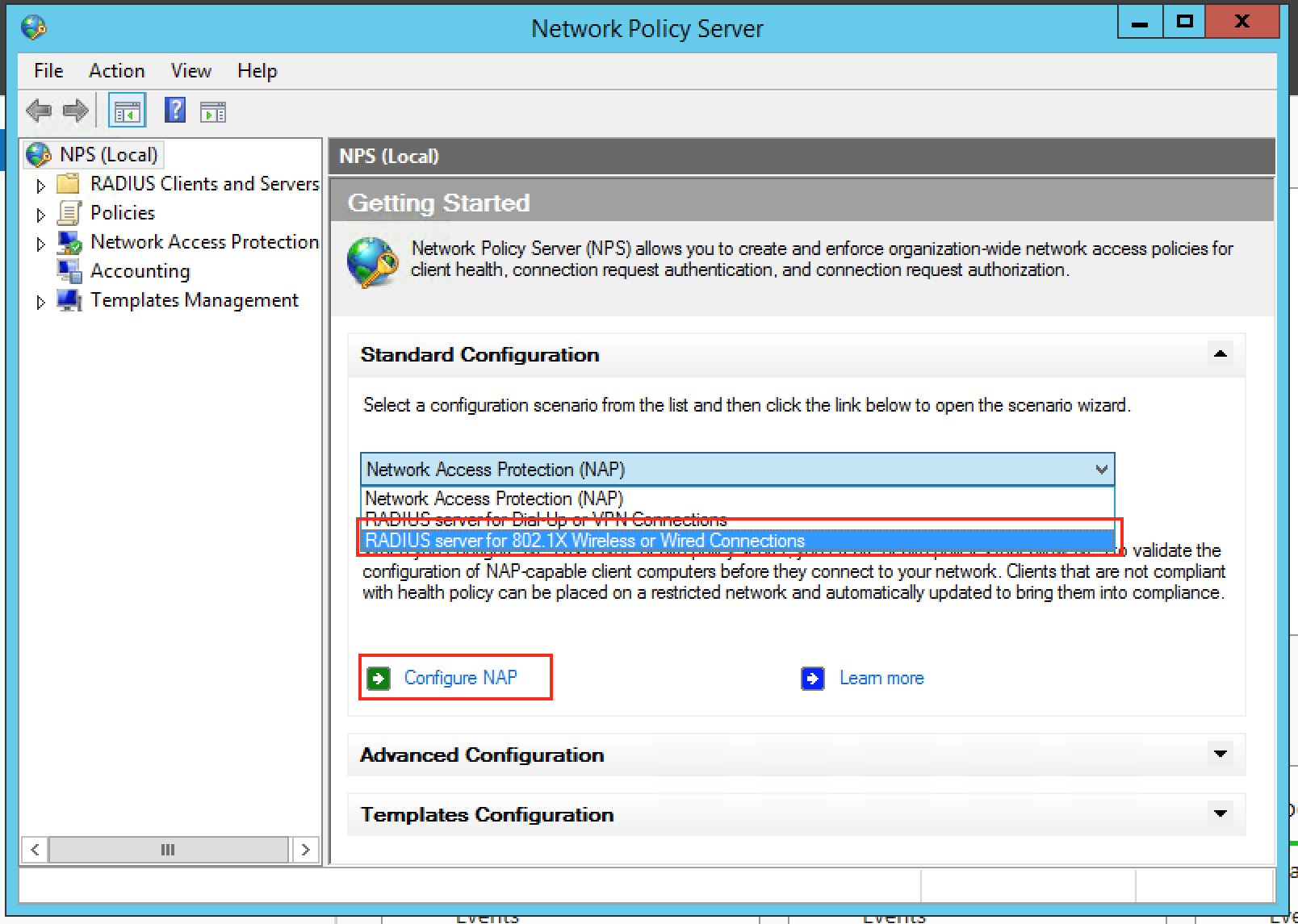
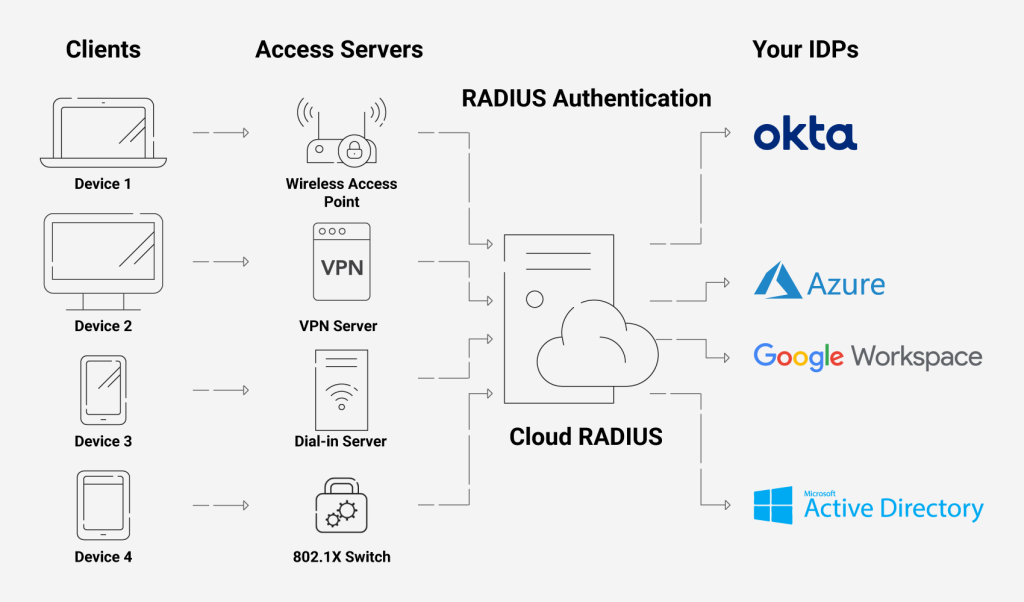
In this article, we will walk you through the process of setting up your WiFi device to exclusively accept connections from a predefined list of active directory users or computers. To achieve this, we will utilize the Windows Network Policy Server (NPS) as the RADIUS server for configuring WiFi authentication.
WPA3-Enterprise provides enhanced security for enterprise wireless networks by offering stronger encryption and authentication mechanisms. Integrating it with Microsoft Network Policy Server (NPS) for RADIUS authentication ensures secure user access. This guide walks through the step-by-step configuration of WPA3-Enterprise with NPS.
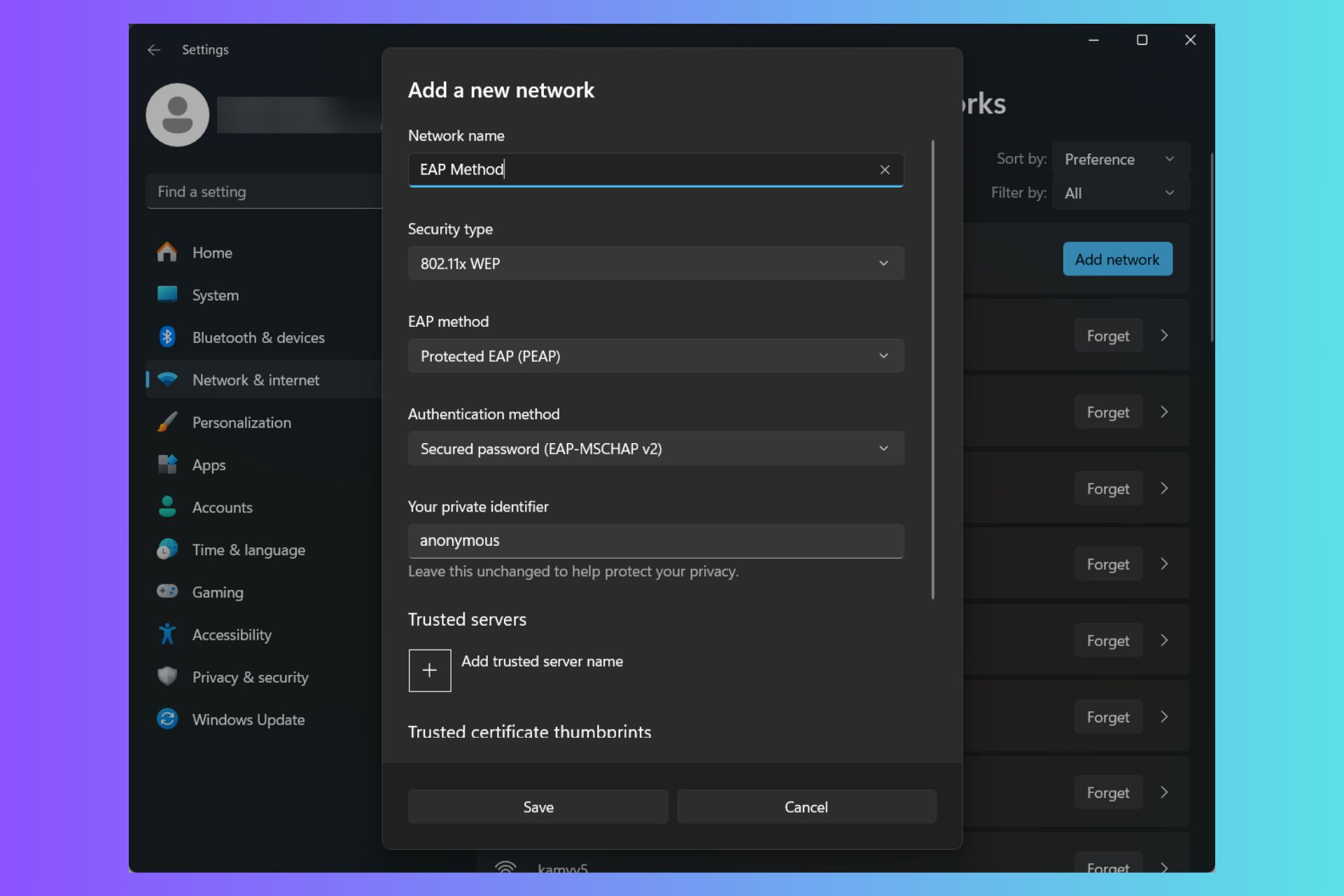
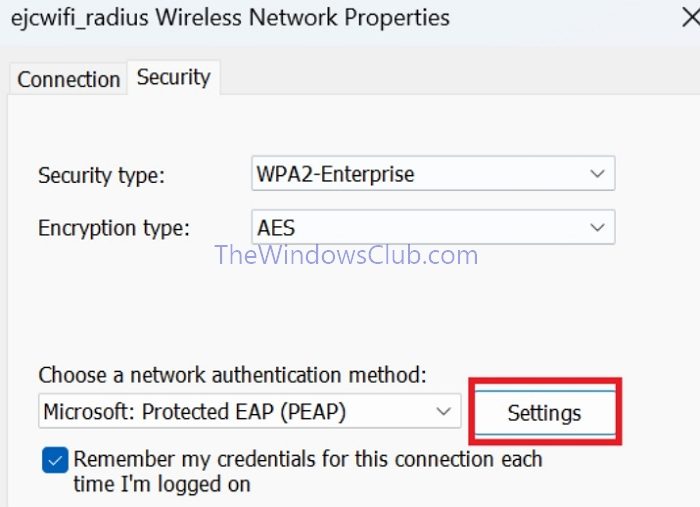
This article outlines the detailed steps to manually configure WPA2-Enterprise for wireless network profiles in Windows , including instructions for both Windows Vista/7 and Windows 10 systems. It …
Intune Wi-Fi Profile: How to Configure Enterprise Wireless Security Microsoft Intune lets admins push Wi-Fi profiles to managed devices, giving users seamless access to 802.1X enterprise networks, with no manual setup required. There's a catch, though: a misconfigured Intune Wi-Fi profile can be worse than none at all. The wrong EAP type, missing server validation, or a broken SCEP profile ...