How To Configure Router As Repeater For Better Wifi Coverage
To quickly turn your router into a repeater , access its settings, enable the repeater or wireless extender mode, and connect it wirelessly or via Ethernet to
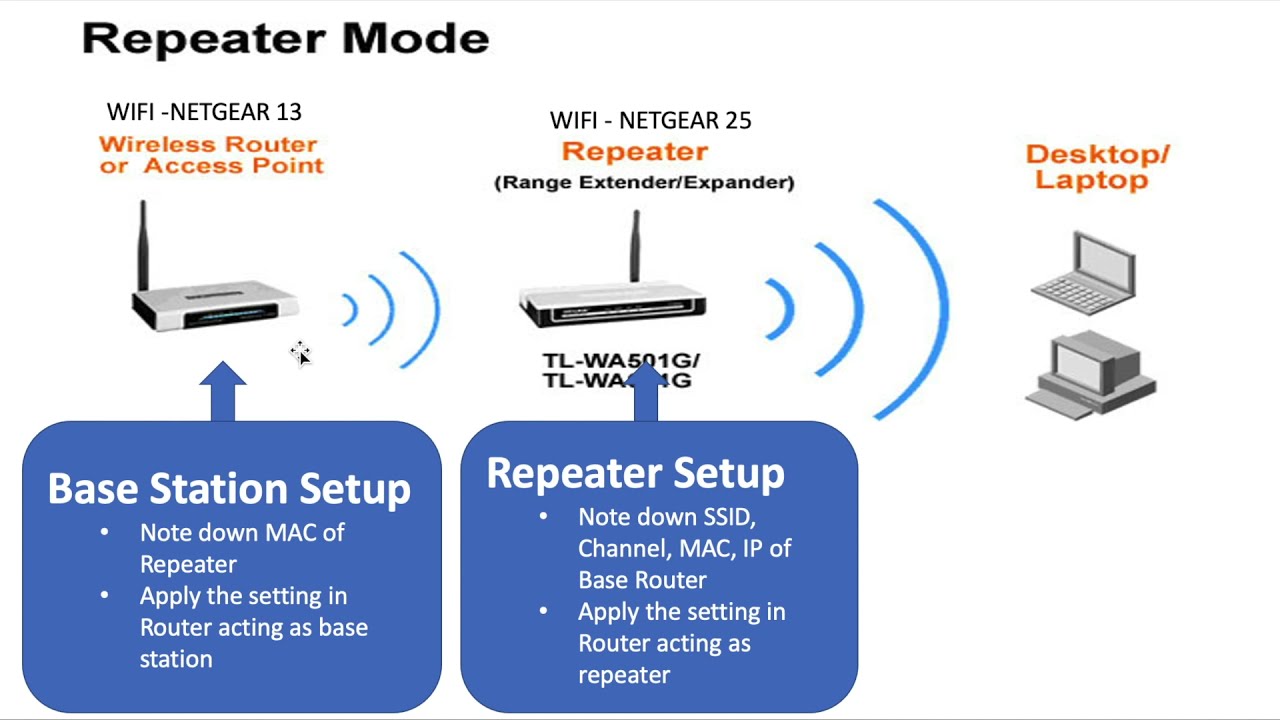
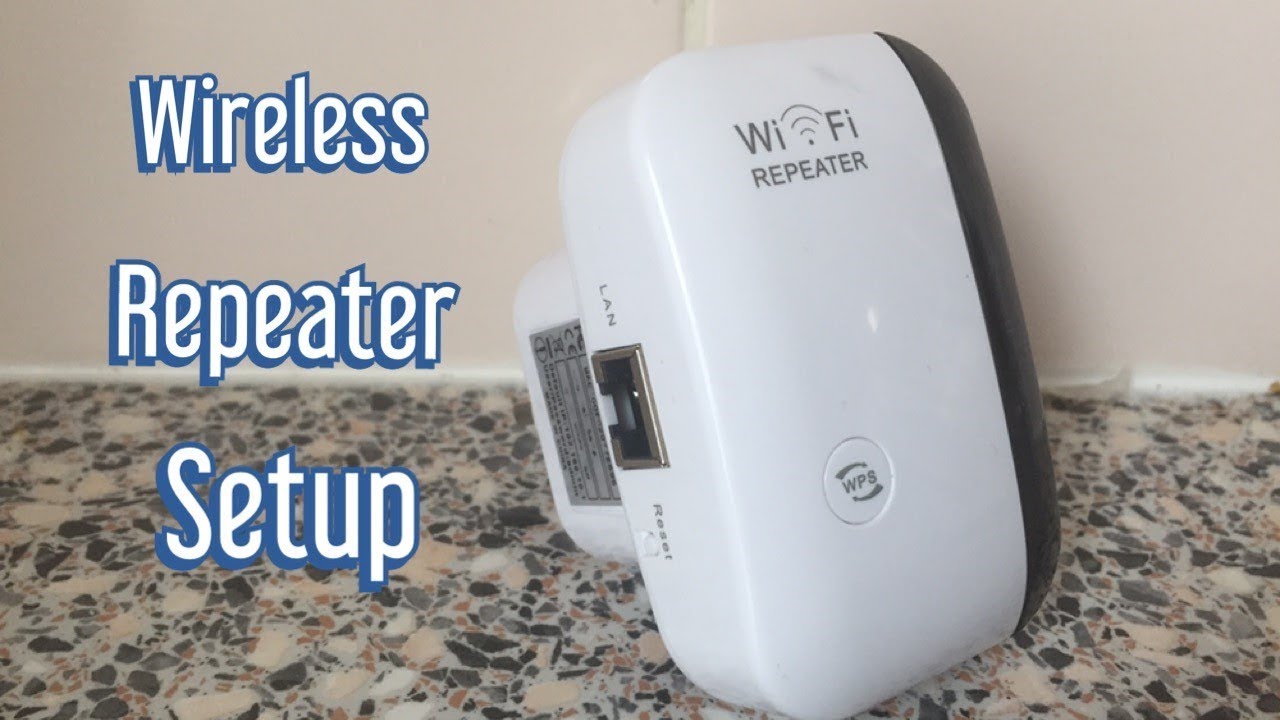
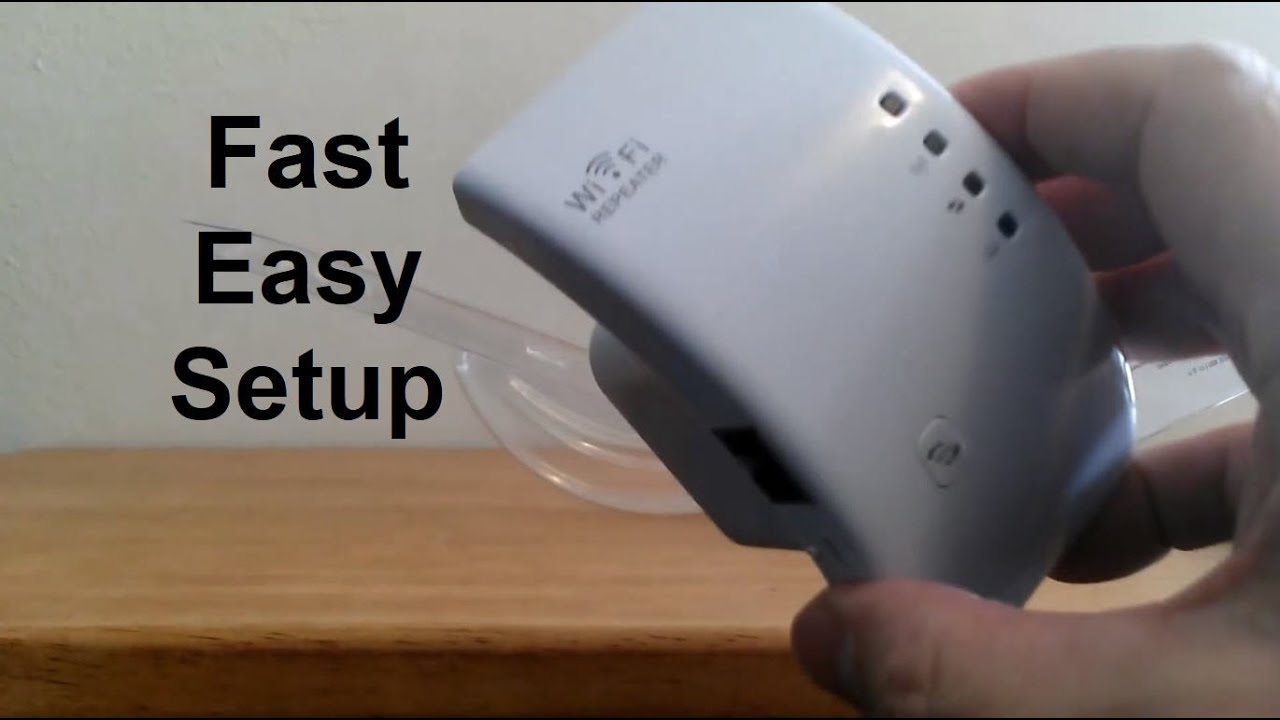
A network repeater , or repeater router , is a device used to extend the range of a wireless network. It is used to improve Wi-Fi coverage in areas where the signal is weak or non-existent, allowing more devices to connect to the network. It is a practical and economical solution to expand the coverage of a wireless network in the home or office.
How to configure a router as a repeater

This article will give you instructions on how to configure your Linksys Smart Wi-Fi Router that supports the Wireless Repeater mode.
How to Use an Old Router as a Wi
This guide will walk you through the steps for how to set up an old router as a Wi-Fi extender, also often referred to as a wireless internet or Wi-Fi repeater , to help boost your home or office network in areas with a weak signal. For optimal speeds, your extra router should support at least the 802.11n Wi-Fi standard.
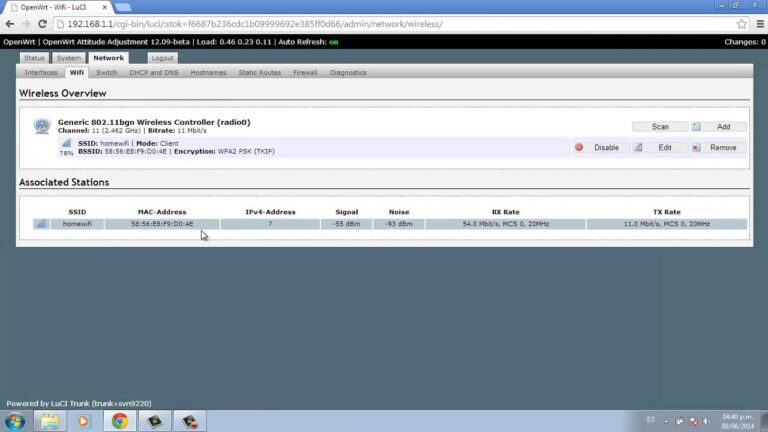
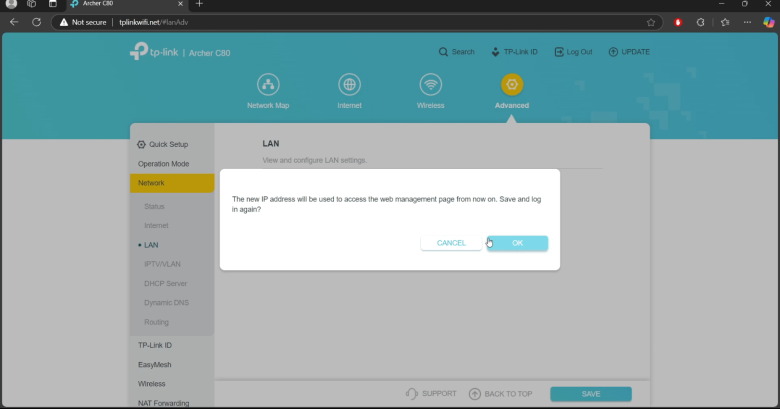
For reference, the Archer router will be the one acting as the repeater . The main router is your existing router or ISP router etc. 1. Factory default the Archer router by holding the reset button for 15 seconds then release. Leave the Archer router in the same room of the main router . 2. Now you need to know the IP addressing subnet of your main router . For example, if you connect to your ...
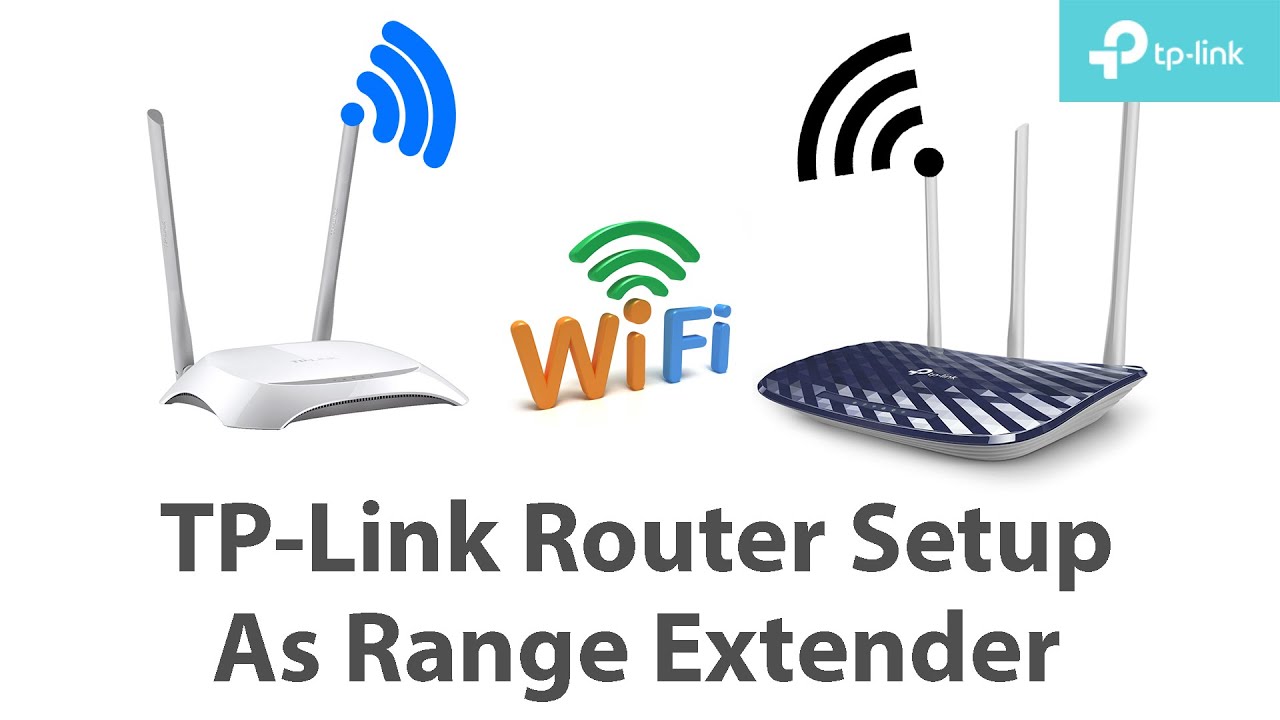
How to Use a TP
Learn how to use a TP-Link router as a WiFi extender by setting up Range Extender Mode via Quick Setup in the web management page. Follow our step-by-step guide to get started.
Now you should get a good Wi-Fi signal from your new repeater . An alternative to using your router as a wireless repeater , is to use it as a wireless Access Point instead.
Additional Notes on Configure Router As WiFi Repeater
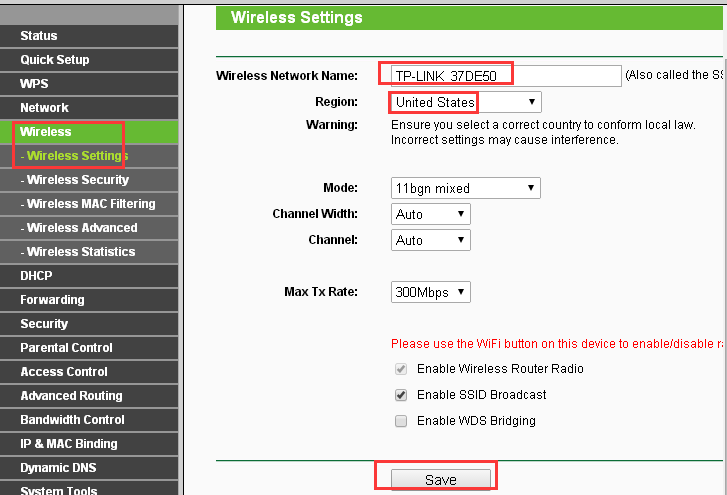
How To Setup Tp Link Router As WIFI Extender | Tp Link WiFi Extender. It gives the article a little more context before the image collection begins.
D-Link Router Setup As Wireless Repeater/Wireless Range Extender (Using. This note connects the source idea with the visuals in a simple, reader-friendly way.
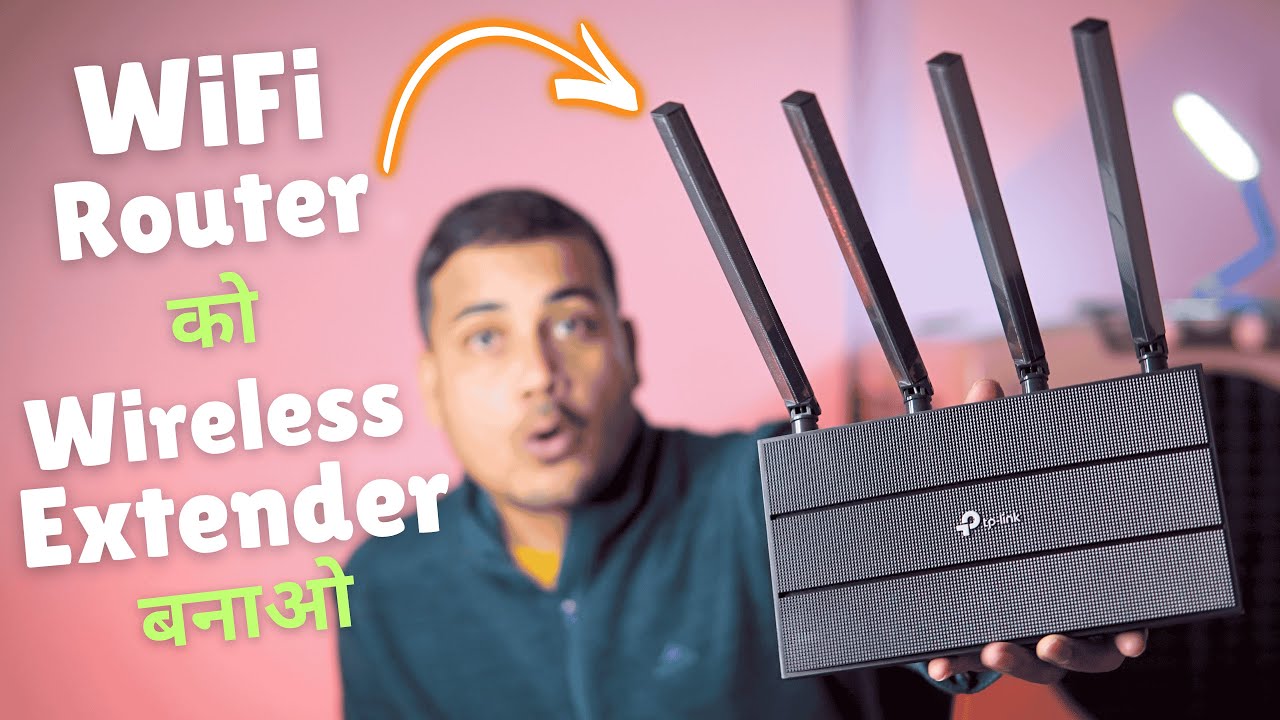
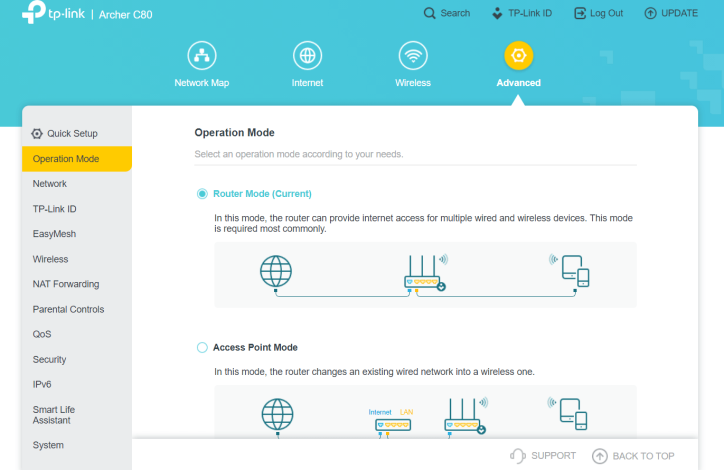
How To configure TP-Link Archer C80 AC1900 router as WiFi repeater extender. The extra context helps the page feel more useful without forcing the same phrase repeatedly.