Essential Network Settings and Tasks in Windows
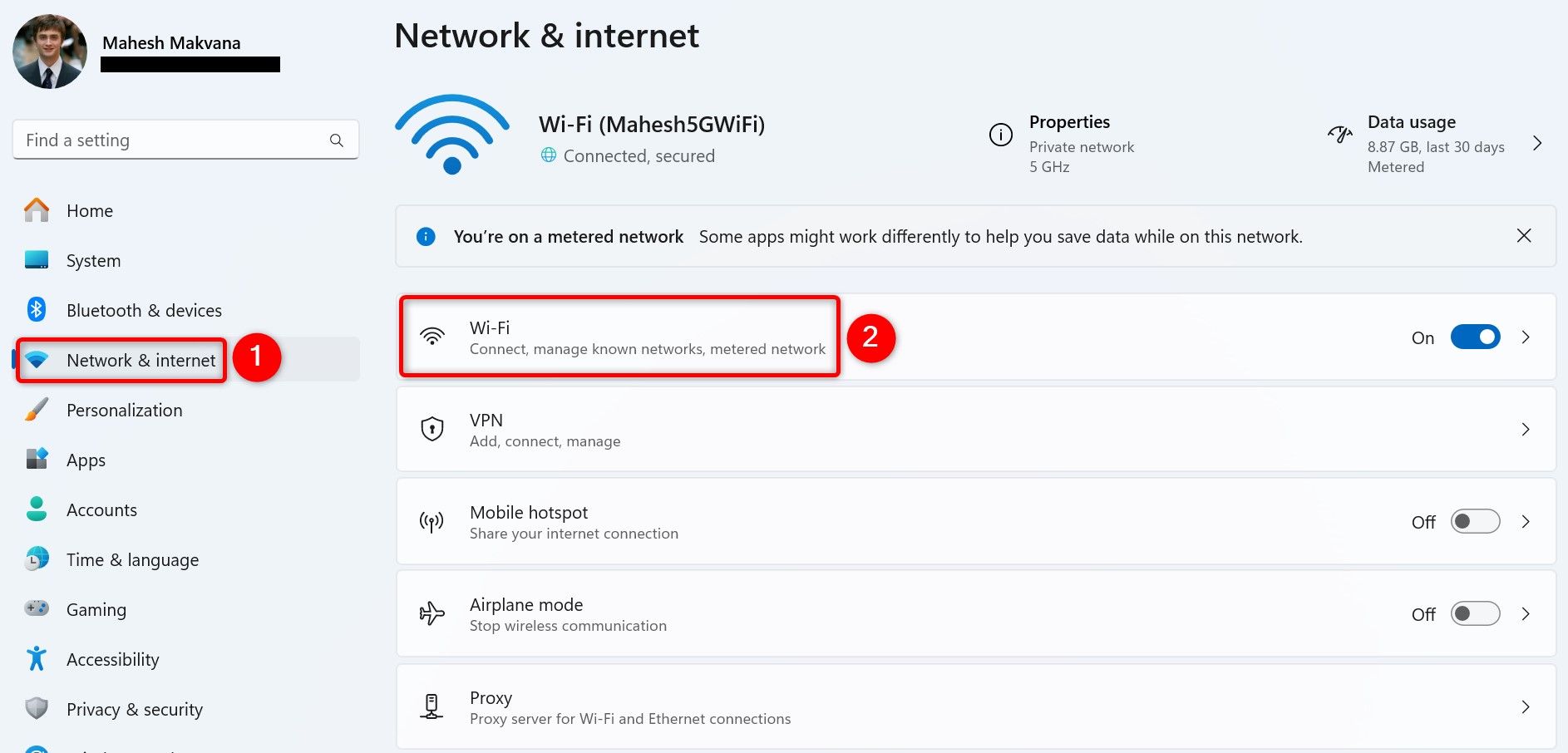
Summary Network & Internet settings in Windows allow you to manage your network connections and internet settings . Whether you need to connect to Wi-Fi, configure a VPN, or troubleshoot network issues, these settings provide all the necessary options to ensure a seamless online experience.
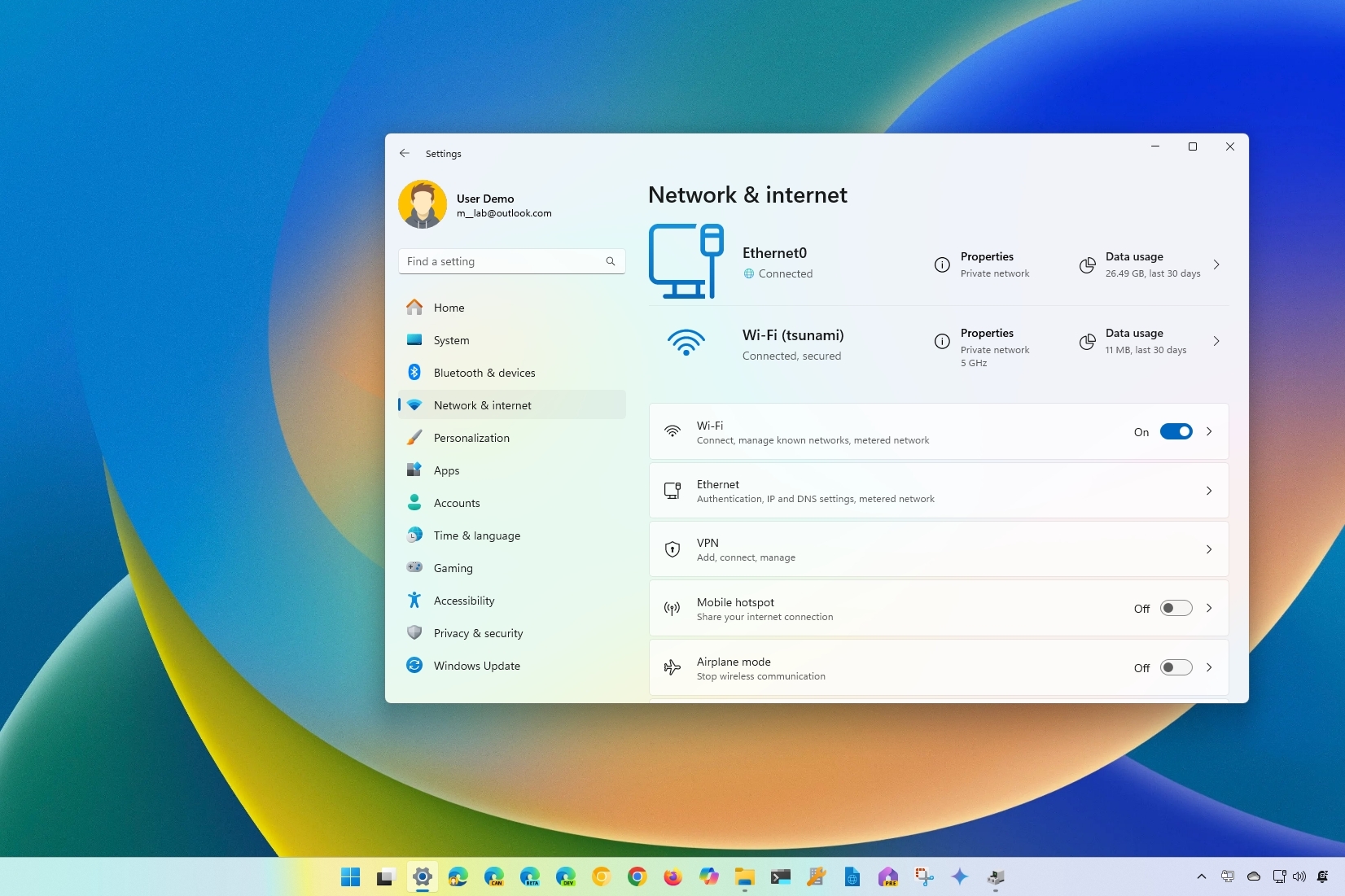
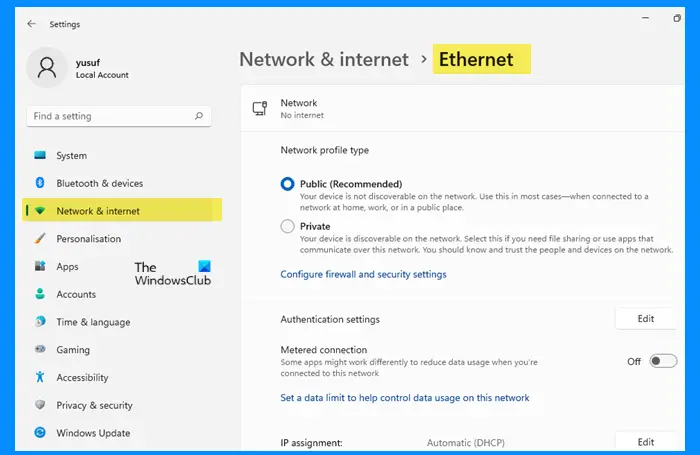
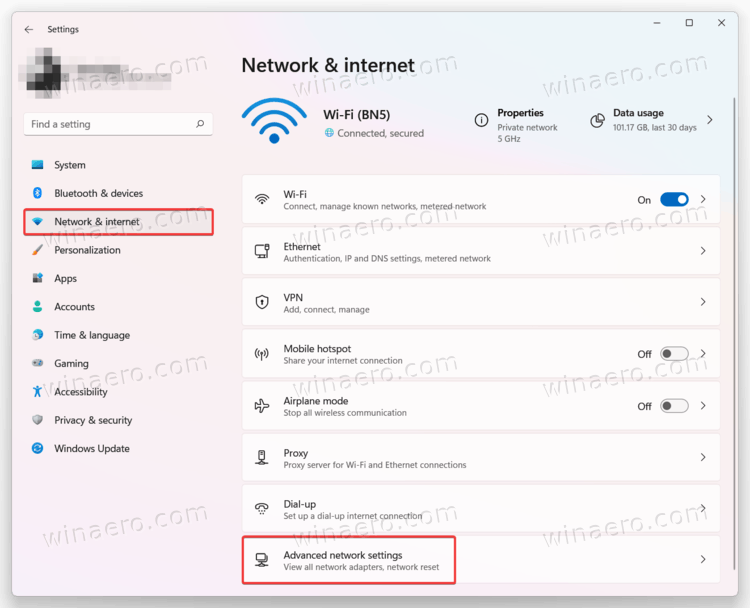
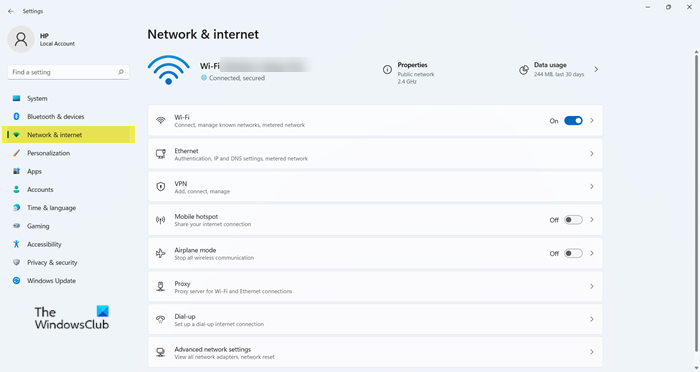
This is a complete guide to the Network & Internet Settings in Windows 11. With the help of this article, you will be able to control your Wi-Fi and other network .
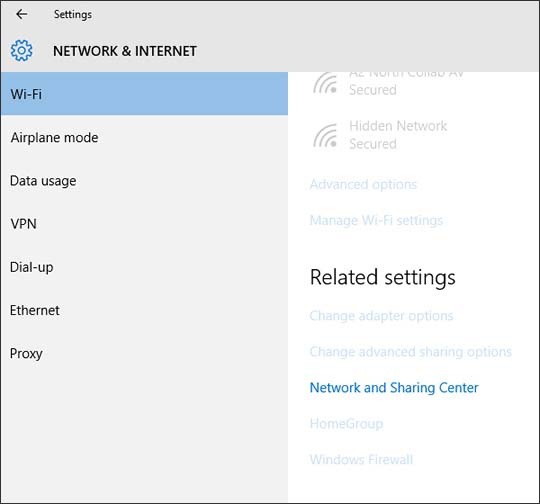
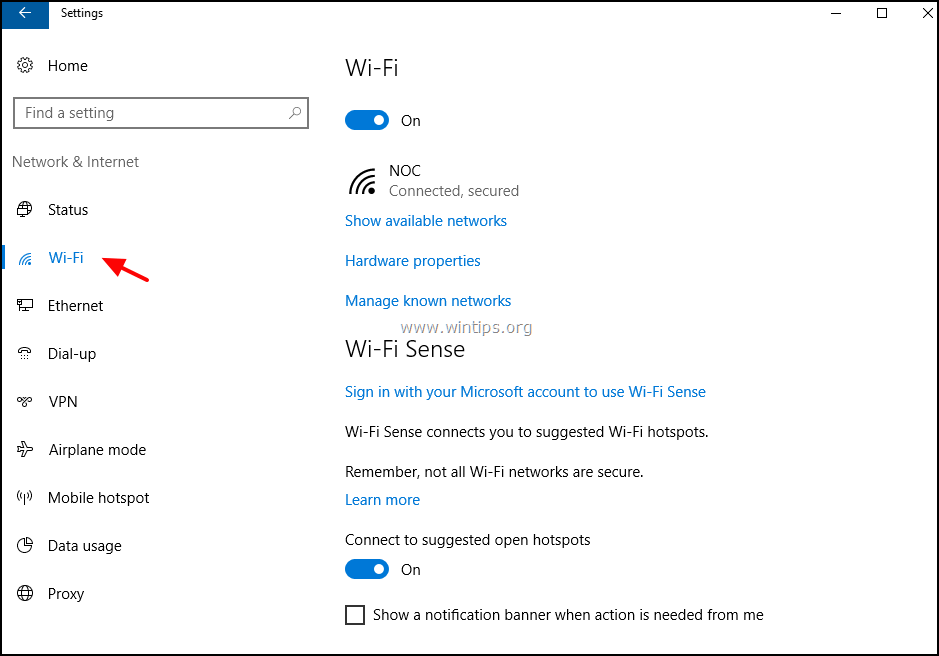
Network and Internet Settings in Windows 10
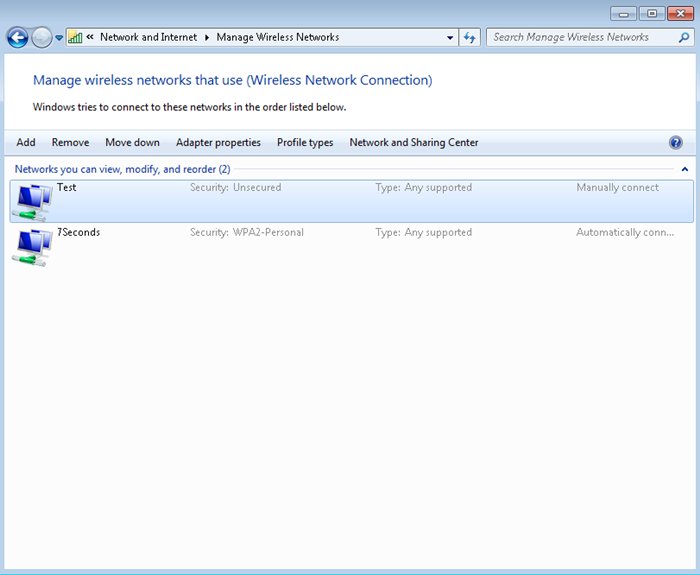
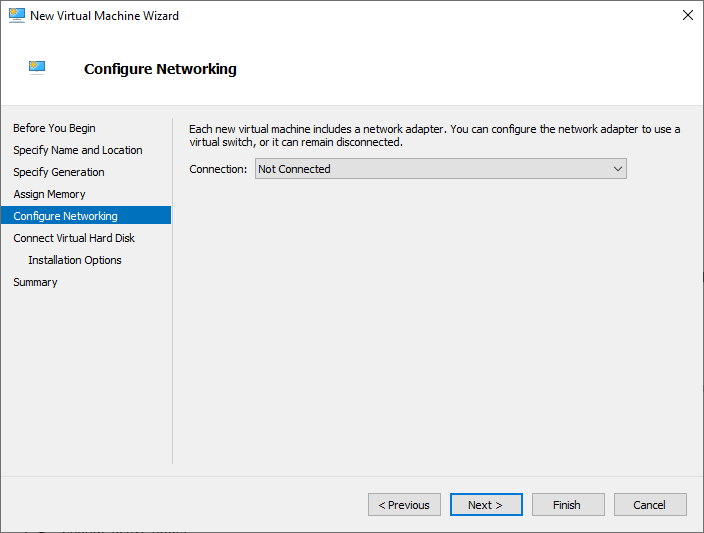
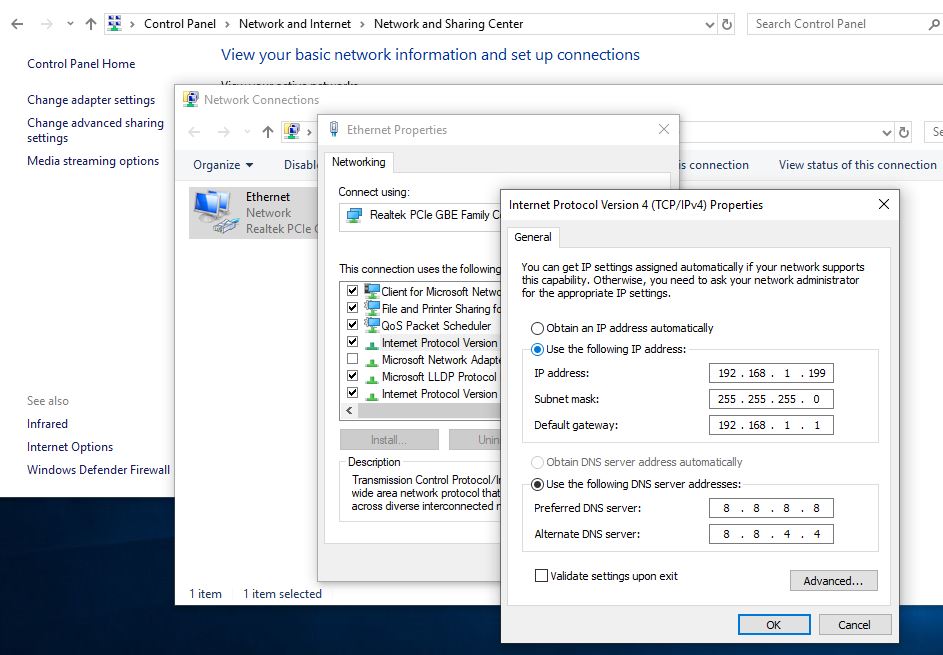
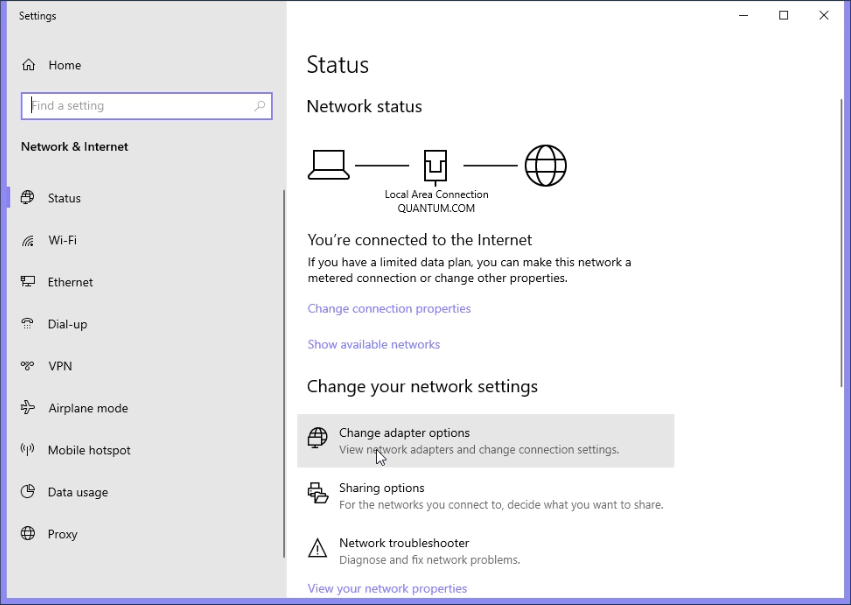
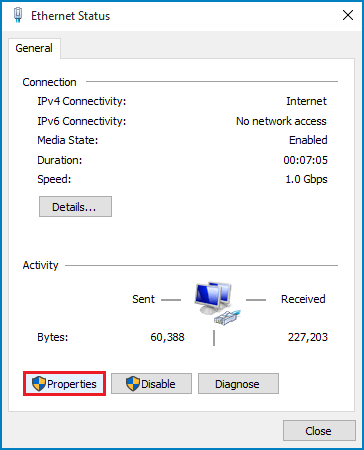
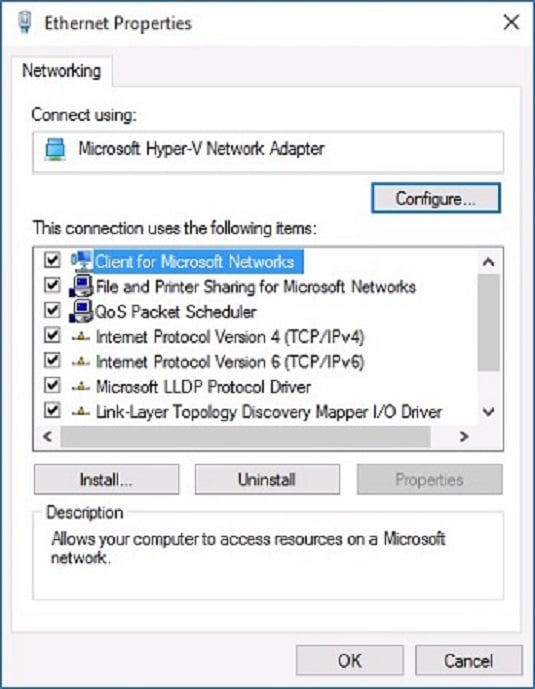
Network Connections is a useful Control Panel section that allows you to manage your network connections, including Ethernet, Wi-Fi, Bluetooth, and Virtual Machines. Here's how to access your Network Connections settings .
Moving forward, it's essential to keep these visual contexts in mind when discussing Configure Network Settings On Laptop.
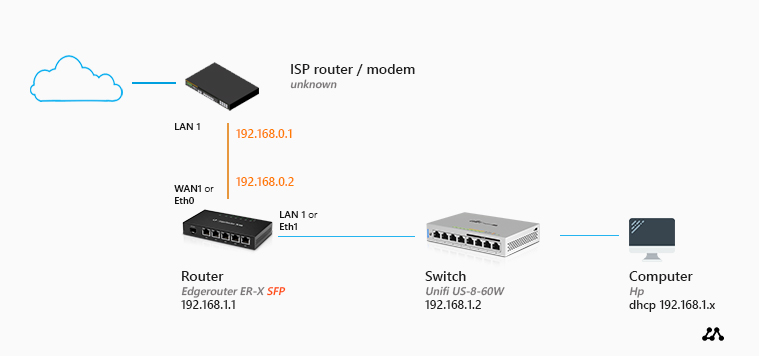
How to Configure Your PC to a Local Area Network
A local area network (LAN) is a network of devices that are all connected to each other in a single physical location, like a home or office building. This wikiHow article will teach you how to set up a LAN to connect multiple Windows PCs, with helpful tips from IT expert Mitch Harris.
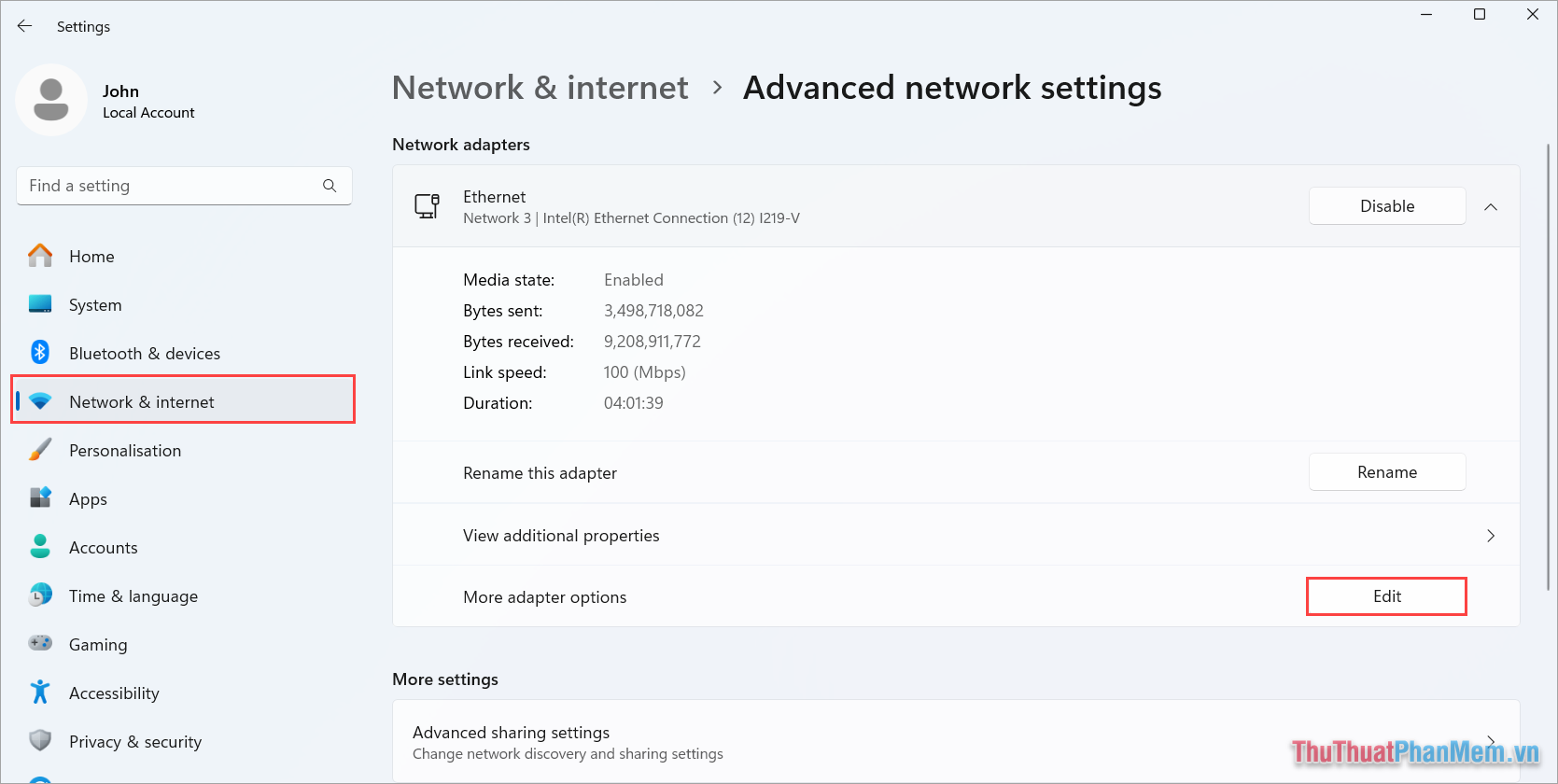
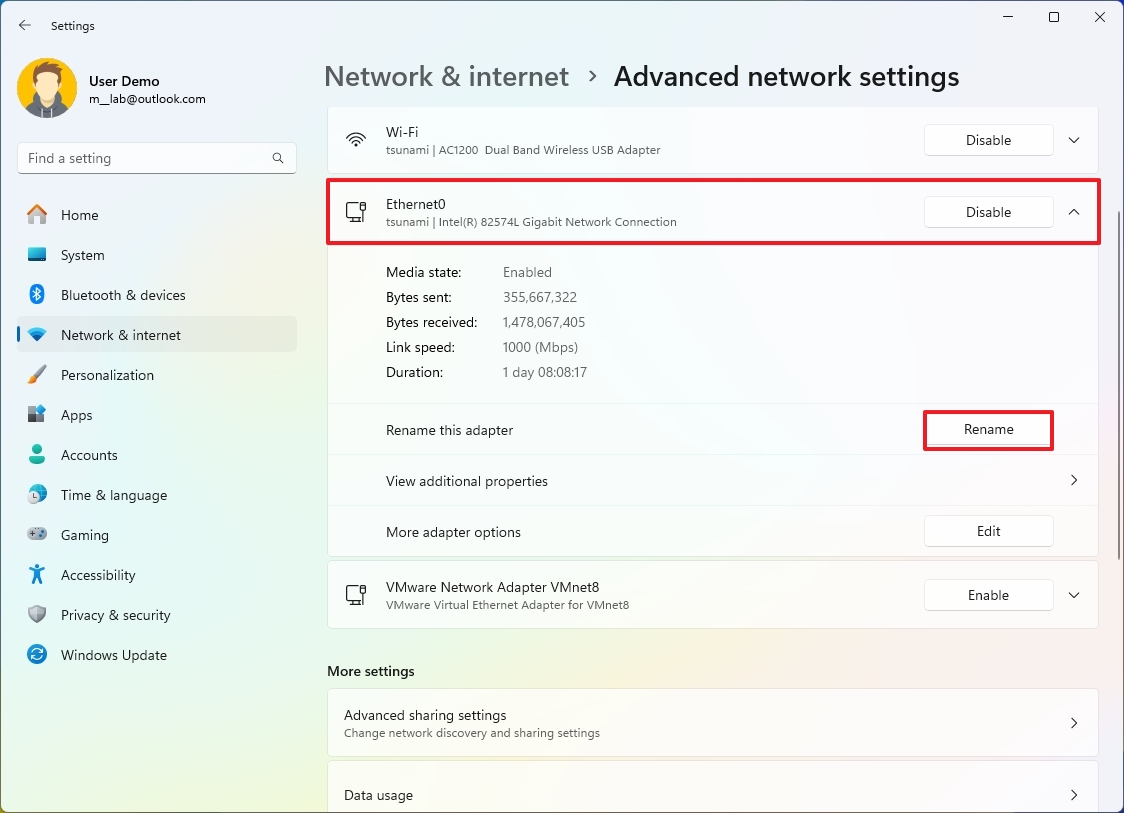
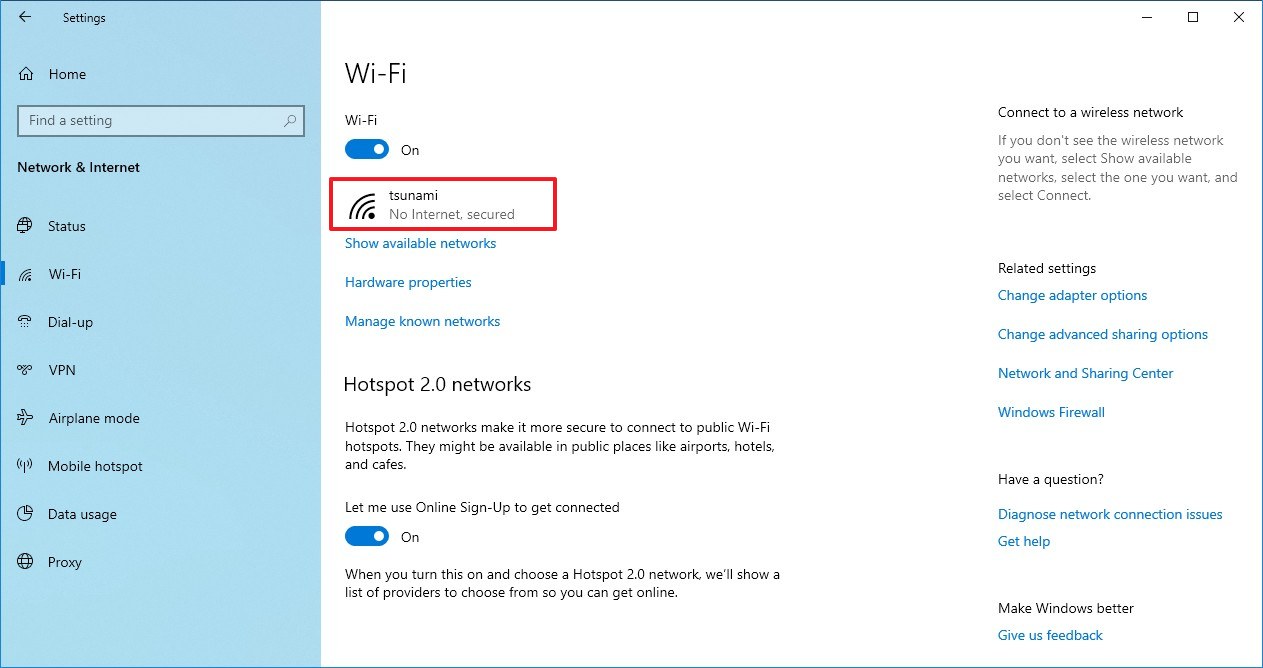
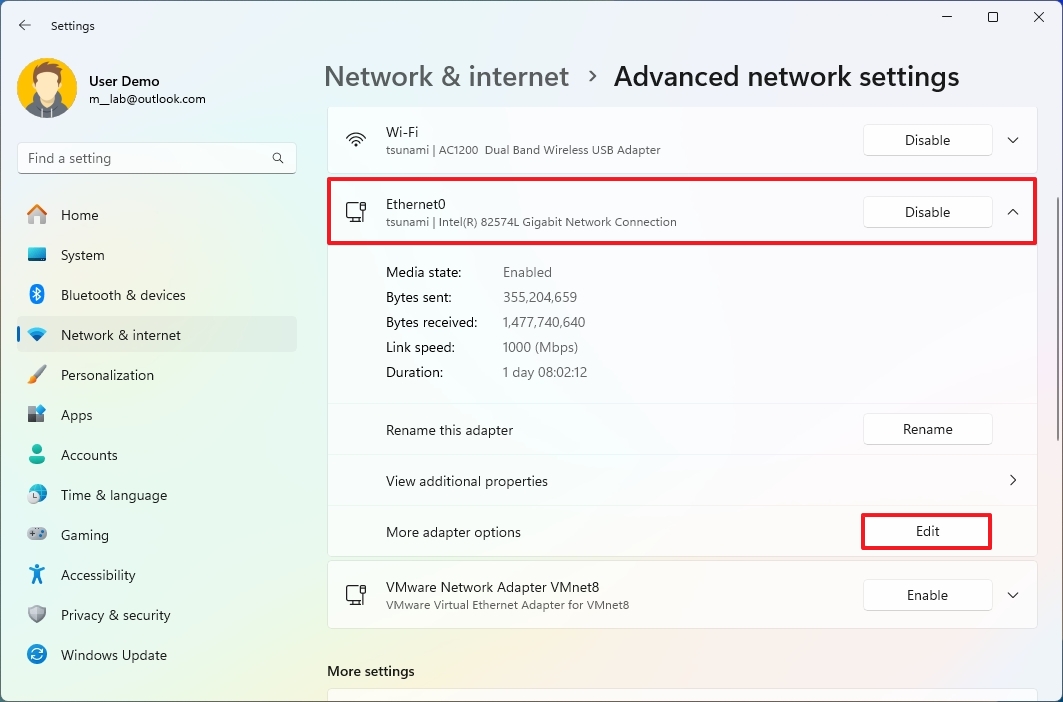
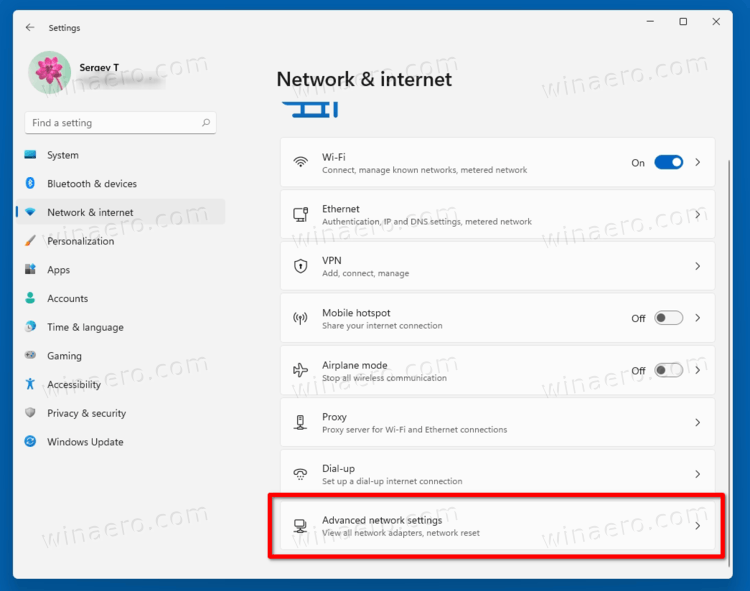
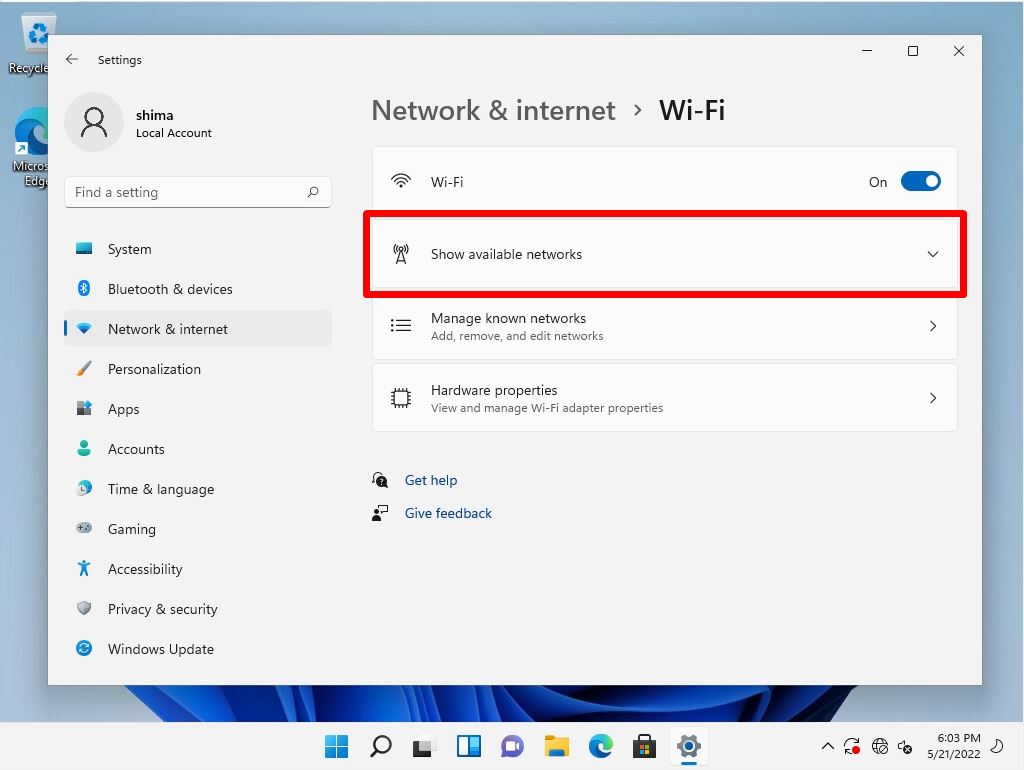
In this guide, I will teach you the steps to manage Ethernet and Wi-Fi network adapters on Windows 11 using the Settings app.
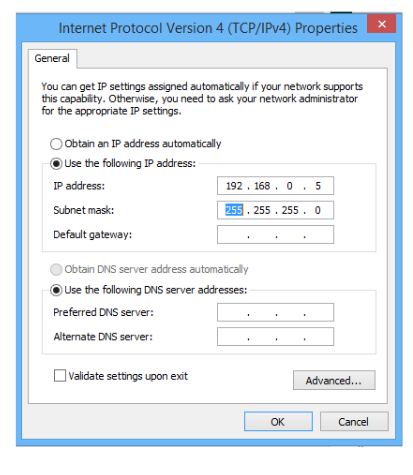
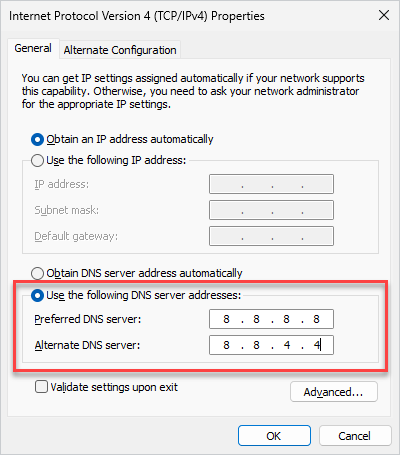
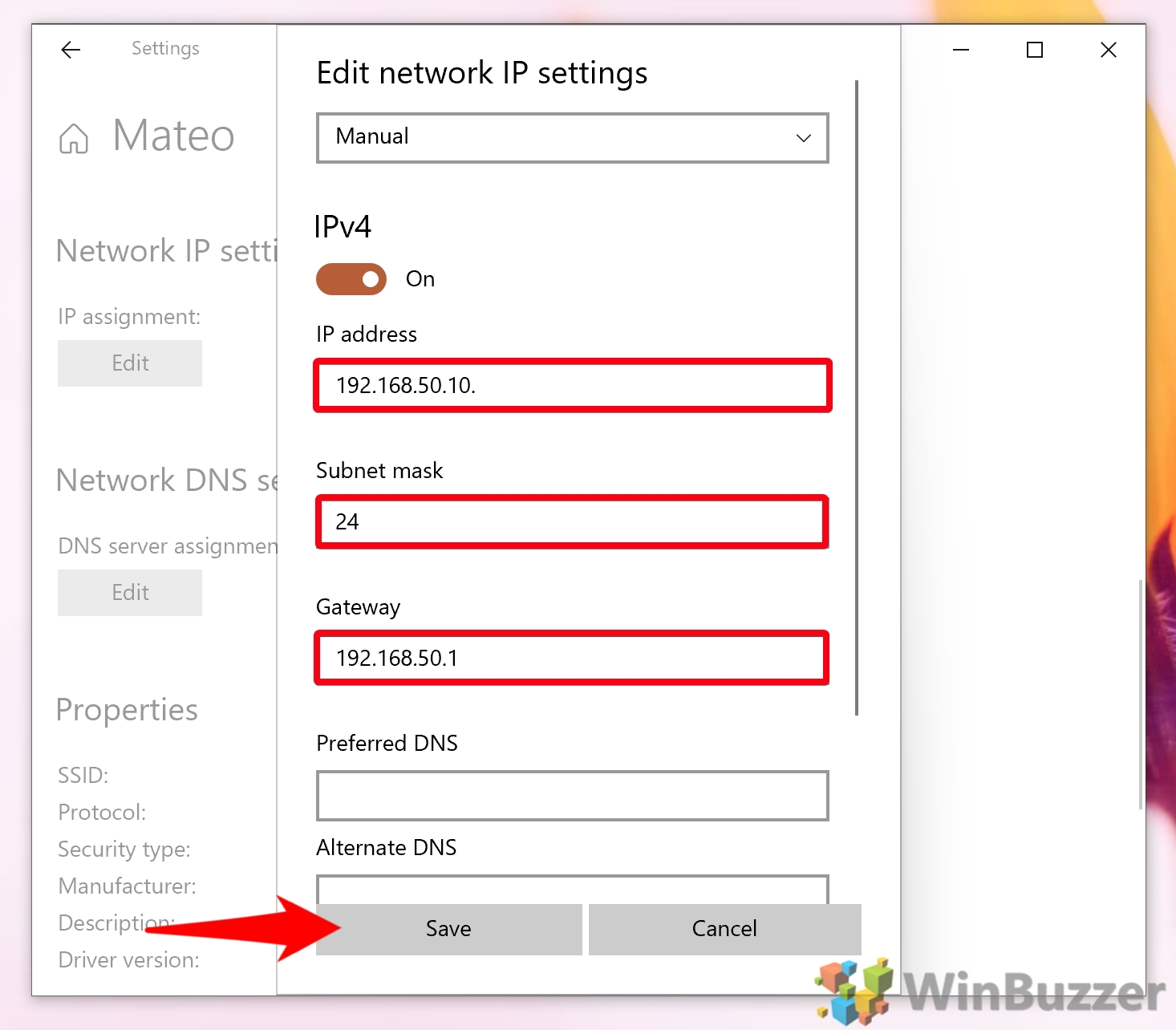
How to Assign a Static IP Address in Windows 10 or Windows 11
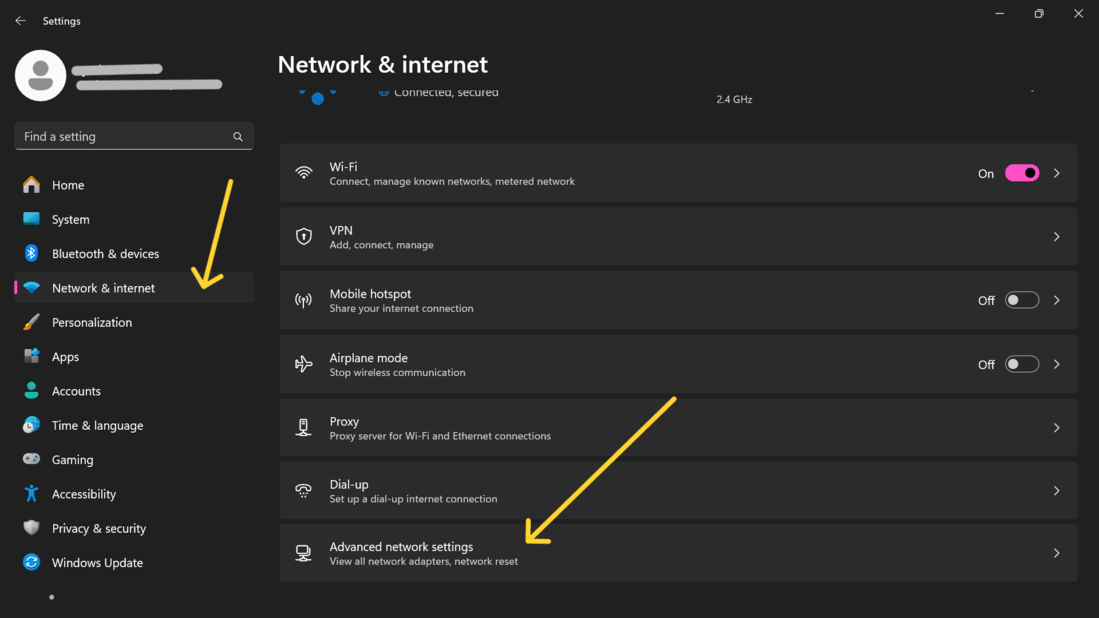
To set a static IP address in Windows 10, you'll need to open the Settings app and drill down to Network & Internet. From there you'll select Properties for your network , and then the Edit button next to IP Assignment where you can input a manual IP address. First, open the Settings app and locate the Network & Internet button.
Windows 11
If you use more than one PC in your private or business environment, you will benefit from a Windows 11 network .
More Context About Configure Network Settings On Laptop
Settings/Network : Windows 10: Network & Internet settings explained - IPRH. It gives the article a little more context before the image collection begins.
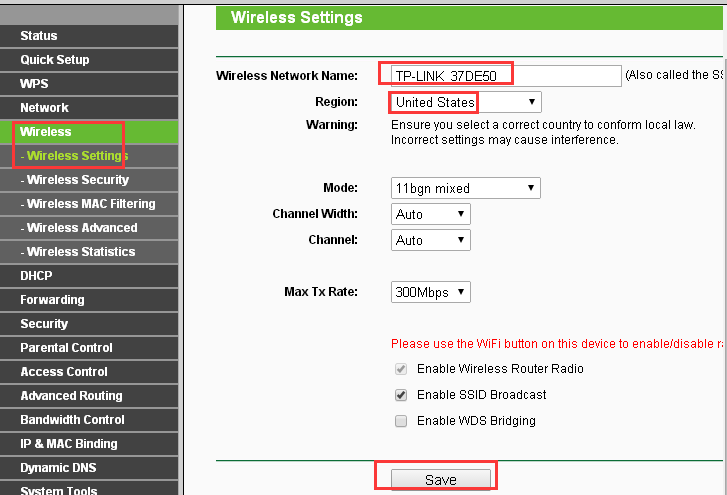
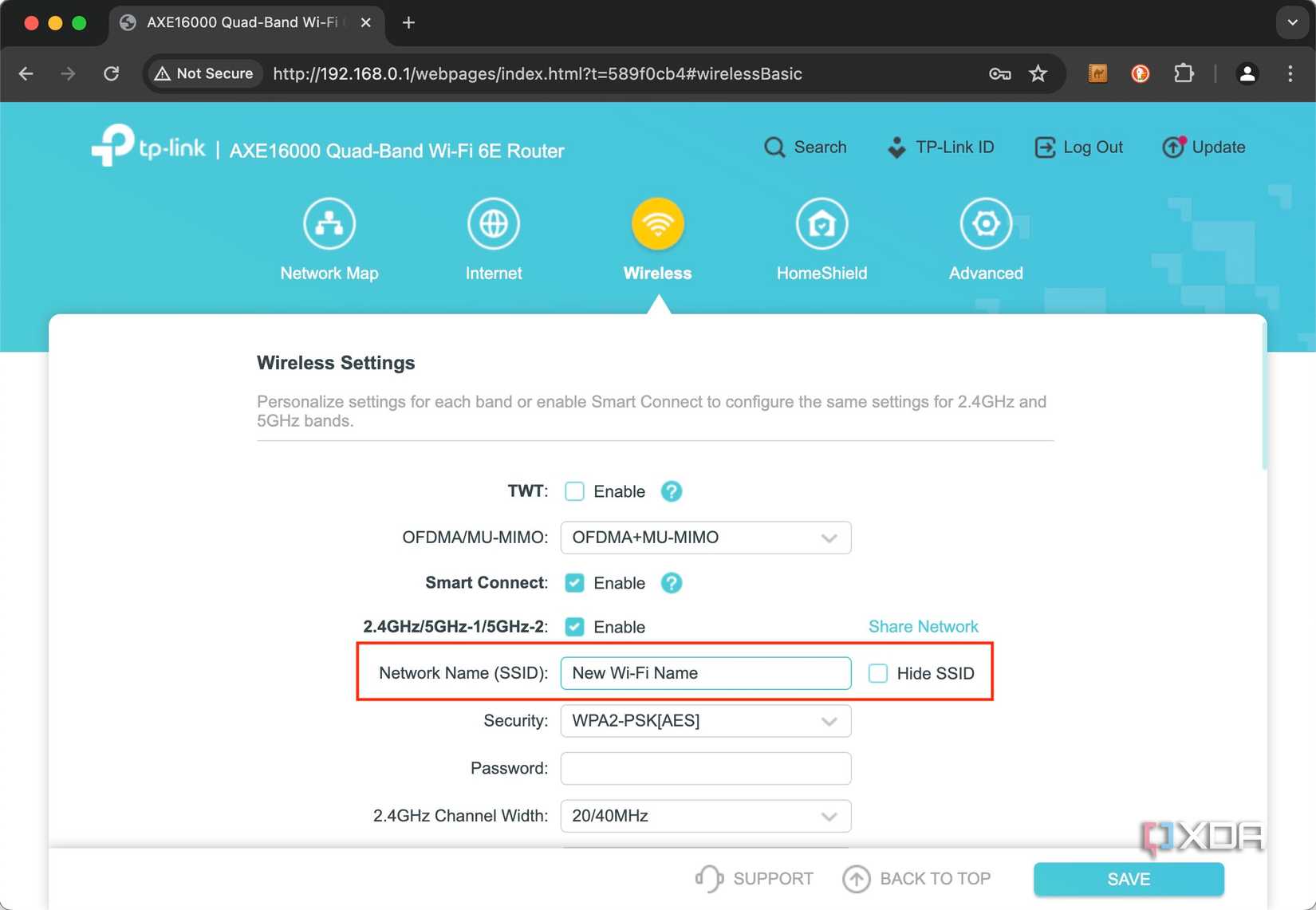
HP PCs - Creating a wireless home network (Windows 11, 10) | HP® Support. It gives the article a little more context before the image collection begins.
How to manage network adapter settings on Windows 11. It works as a short bridge between the article summary and the gallery section.
Looking at multiple sources also helps separate the main idea from small decorative details.
These notes are added so the page offers more than images and gives each visitor a clearer reason to keep reading.