Understanding ASUS Router Configuration for Access Point Mode
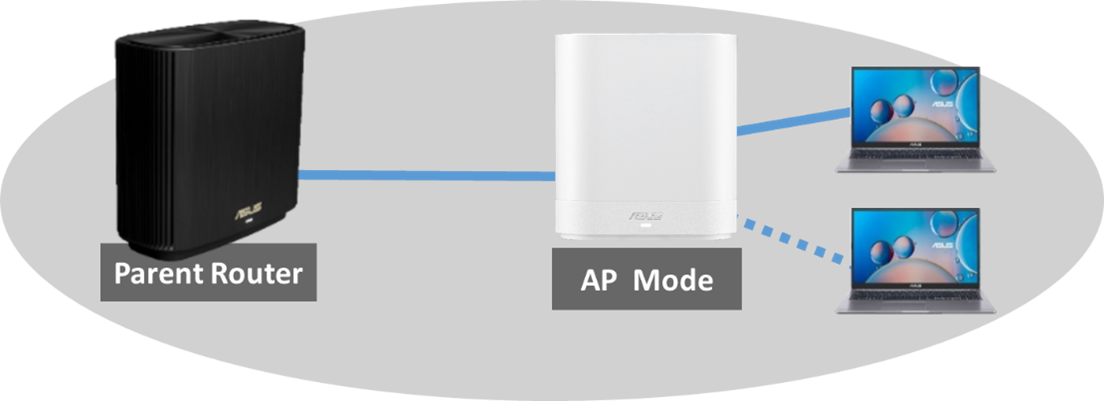
Access Point mode allows your ASUS router to act as a bridge between your main network and additional devices. This means that it can extend your WiFi signal to areas of your home that may be out of range from your primary router .
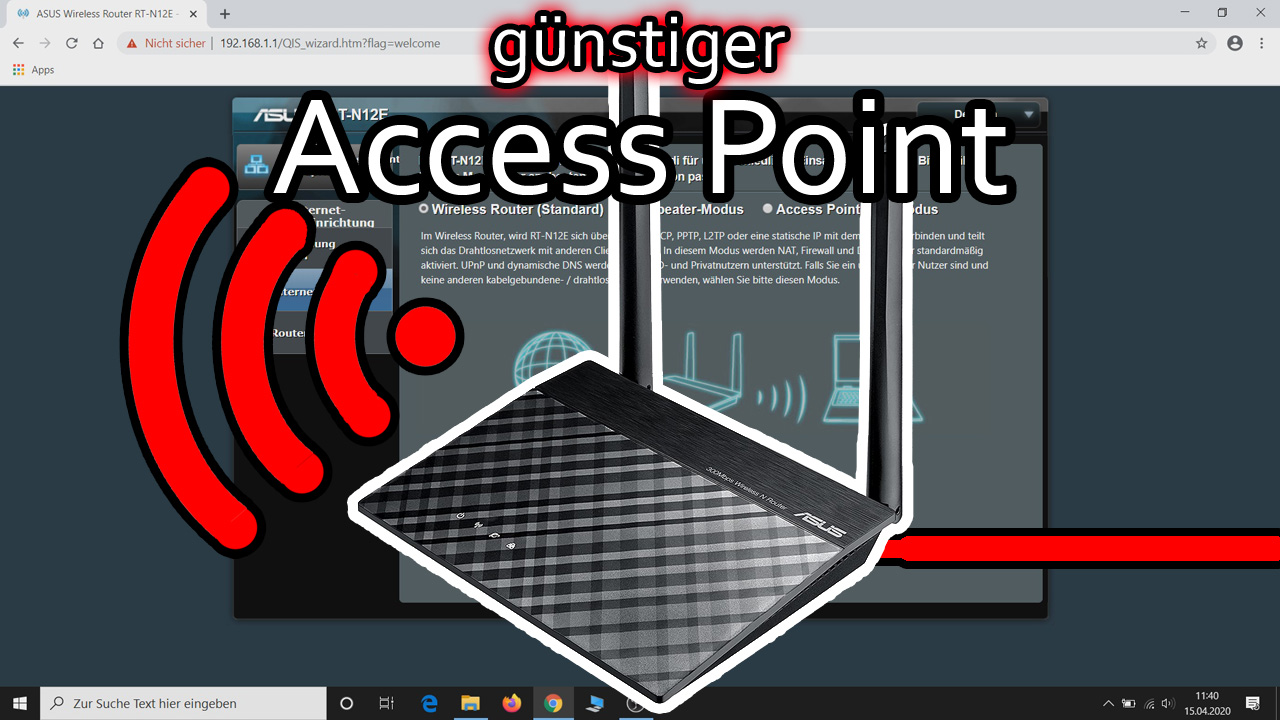
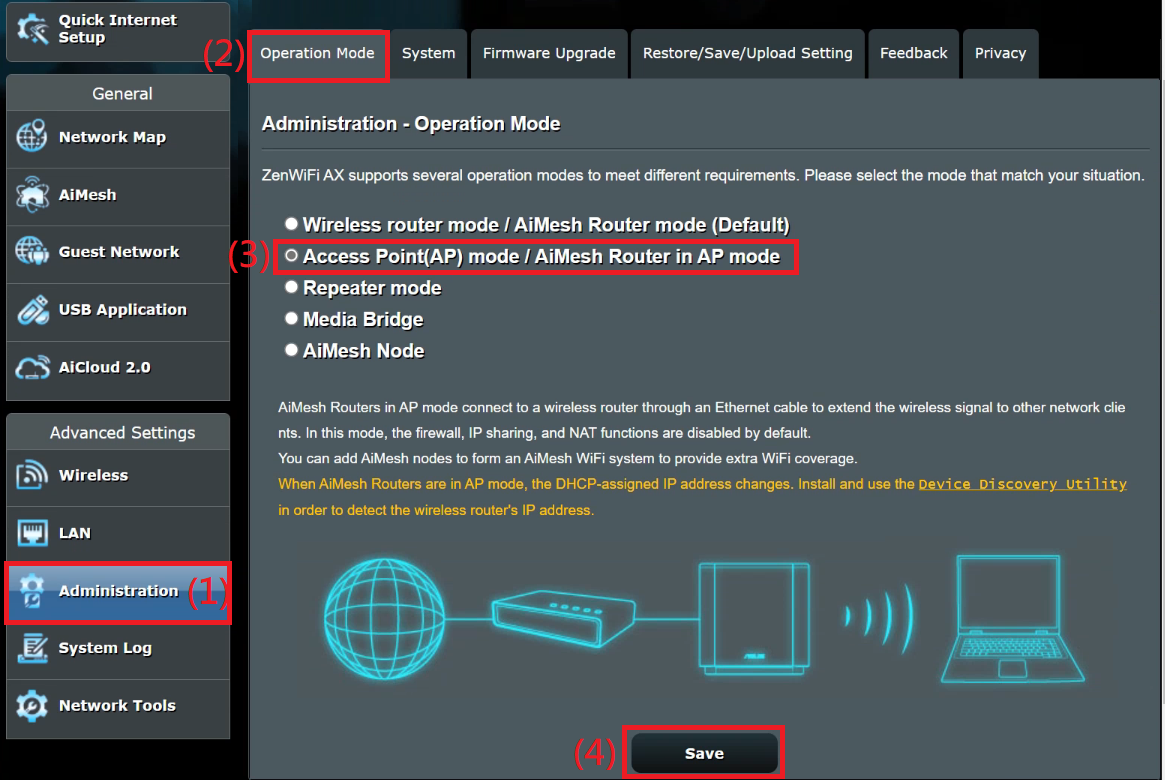
Wireless Router How to set up access point (AP) mode
After setting the router to wireless access point mode, how can I access the router Web GUI? After setting it to Access Point mode, you can find the IP address of the ASUS router using the Device Discovery Utility.
Step4: In bandwidth limiter page, you will have 4 ways to set the target for which device you want to limit . Please refer to this FAQ [Wireless Router ] How to check for devices connected on ASUS router ? for device IP address and MAC address information. a. Select client name from target field with pull-down menus b. Fill IP address in target field.
Remote Access with Enable Access Restrictions ON
Objective: Restrict (allow only) access to my home router UI from a known WAN (ISP) IP remote location. Allow local LAN devices to access the router UI Conditions: Router Model: RT-AX88U Firmware: 388_20518 (AsusWRT) current Remote location WAN IP = 68.243.55.29 (fictitious for this discussion) It would appear that the AsusWRT firmware offers the ability to enable remote access restrictions ...
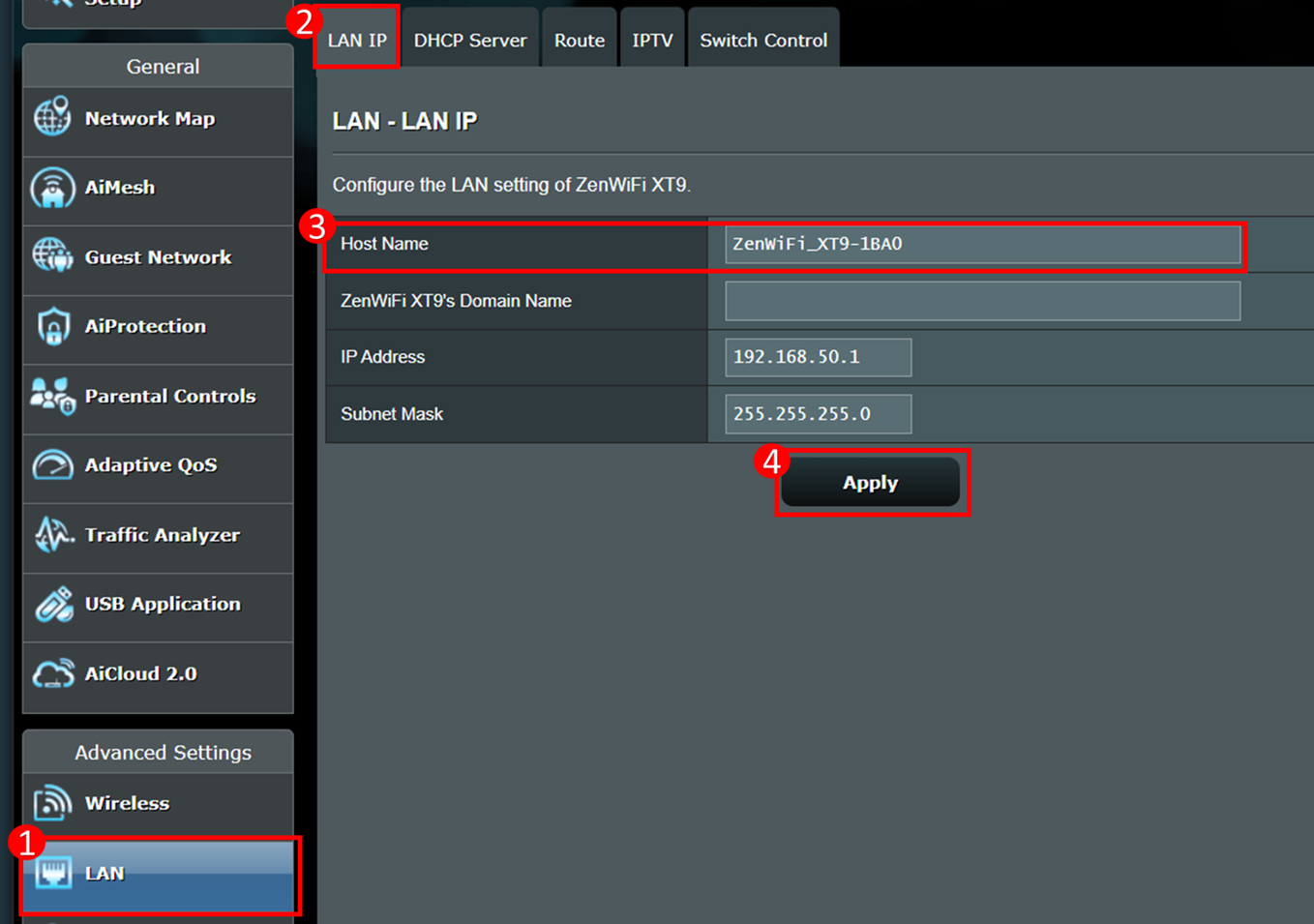
Such details provide a deeper understanding and appreciation for Asus Router Limit Access Point Range.
How I can reduce Wi-Fi range on Asus AX 5400 router ? I'm not sure but if I reduce Tx power adjustment to power saving that lowest what I can do it redcue Wi-Fi range ? I already set to lowest that but not see any range reduced on mobile still shows full Wi-Fi bars.
Asus Router QoS Settings
How to set up bandwidth control and speed limits on your Asus router In this video, we'll take you through the step-by-step process of setting up QoS on your Asus router .
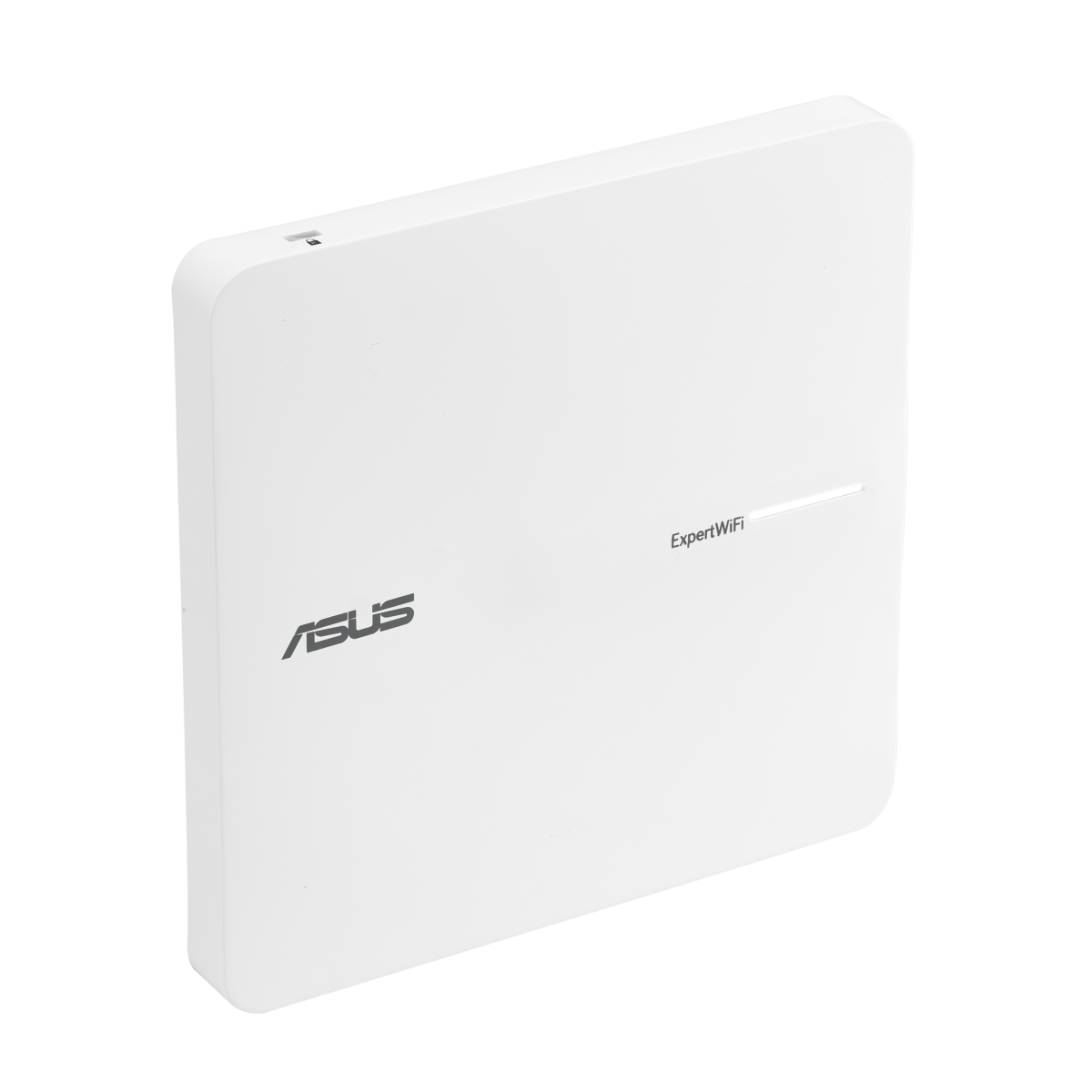
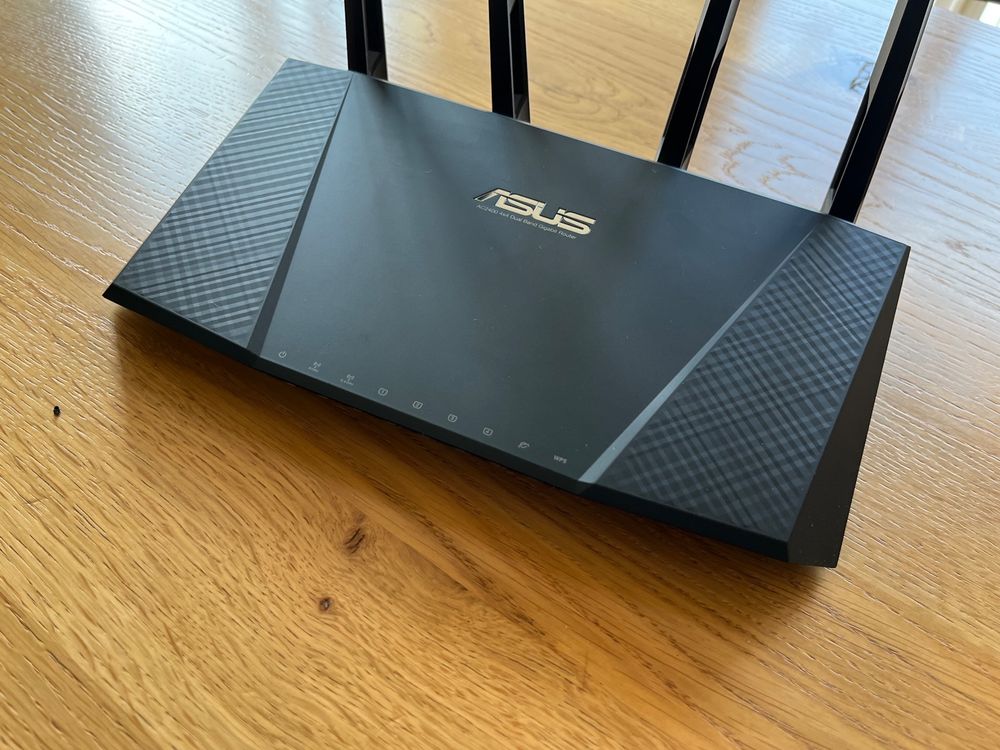
Furthermore, visual representations like the one above help us fully grasp the concept of Asus Router Limit Access Point Range.
This articles deals with configuring the wireless network settings of the Asus router that supports IEEE 802.11N (Wi-Fi 4) and 802.11 AC (Wi-Fi 5) wireless standard.
ASUS RT
View and Download Asus RT-AX52 user manual online. Wireless-AX Dual Band Wi-Fi 6 Router . RT-AX52 network router pdf manual download.