How to turn your old Android phone into a portable Wi
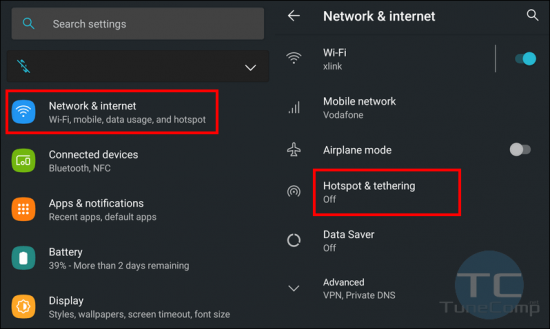
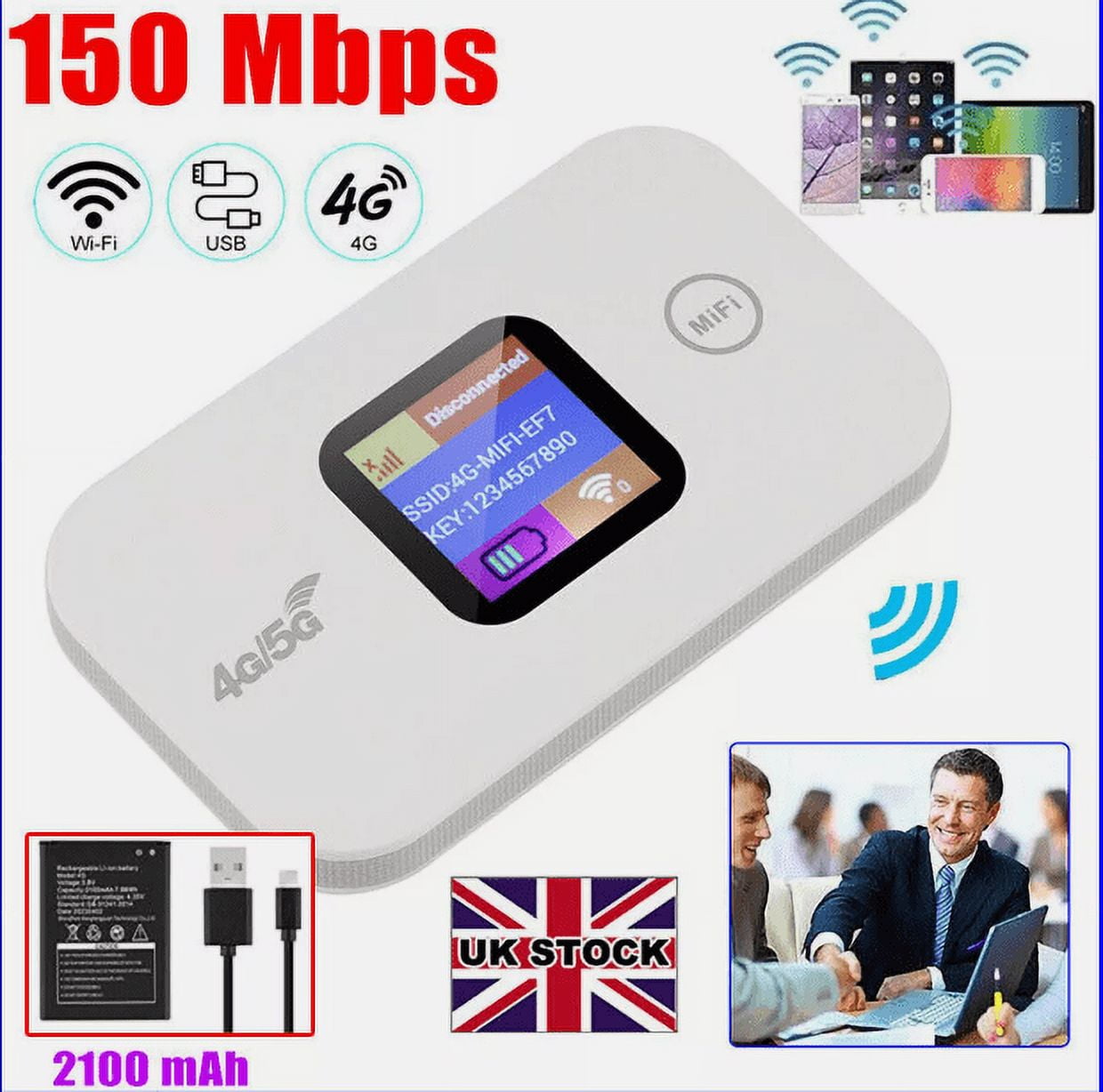
Technically speaking, a travel router with a SIM card slot is a cellular router / mobile hotspot. Many travel routers lack this essential feature, effectively forcing you to use your primary phone as a hotspot and then connect your travel router to your phone's hotspot if no public wired or wireless internet is available. But if you use an old Android as a travel router , you can skip the ...
Please refer to [ Wireless Router ] How to reset the router to factory default setting? for how to restore the router to default status. Step6: Go to Network Map > Click Android icon > Click GO Step7: Turn USB mode on, and chose Android smartphone. After the change, click " Apply " to save. Step8: Once setup is applied, Dual WAN is automatically ...
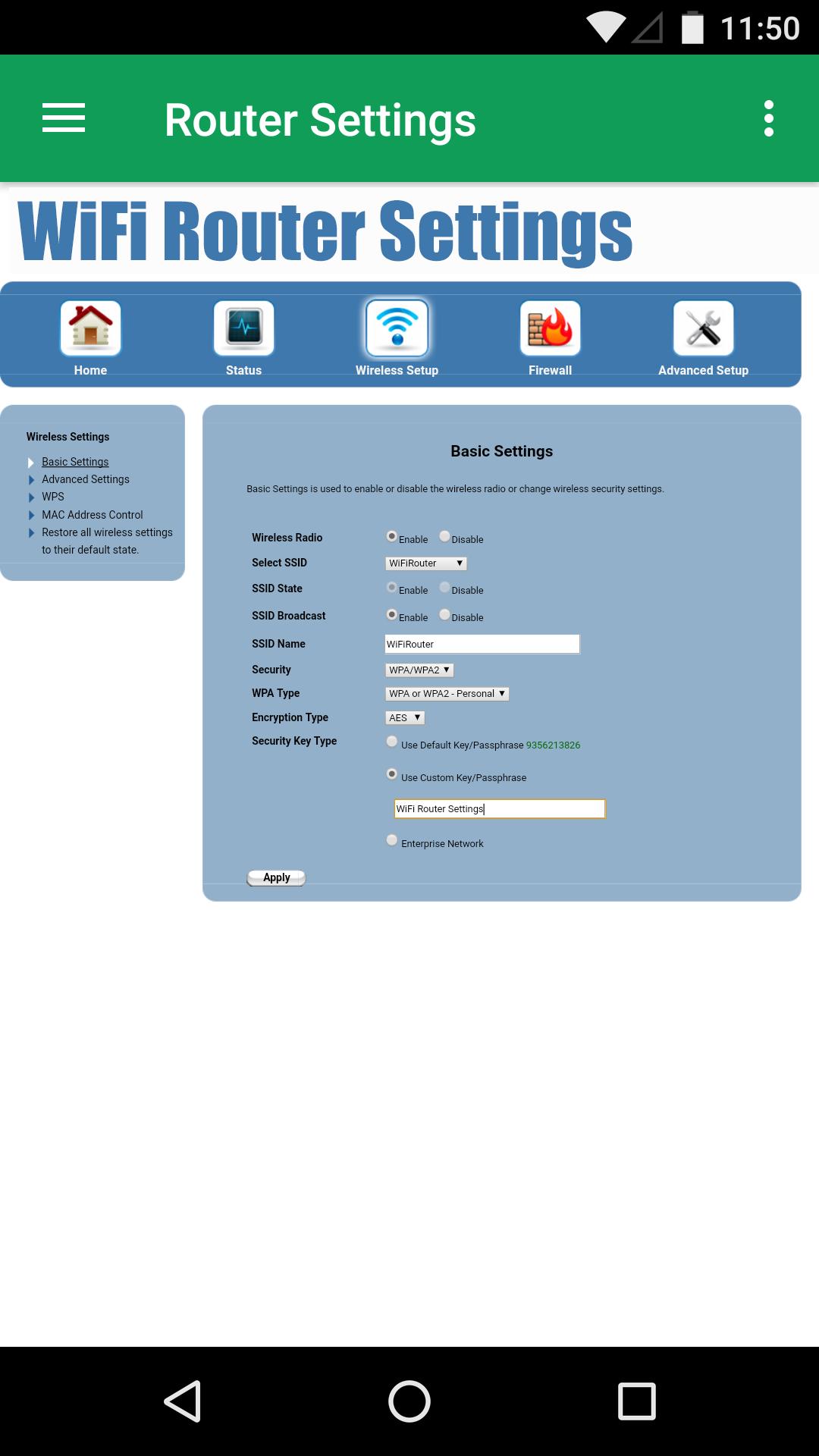
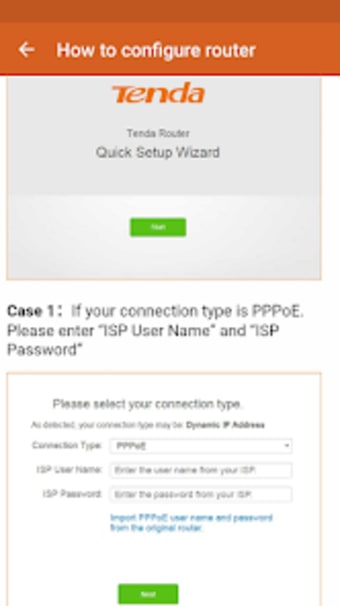
Moving forward, it's essential to keep these visual contexts in mind when discussing Android Wireless Internet Setup For Router.
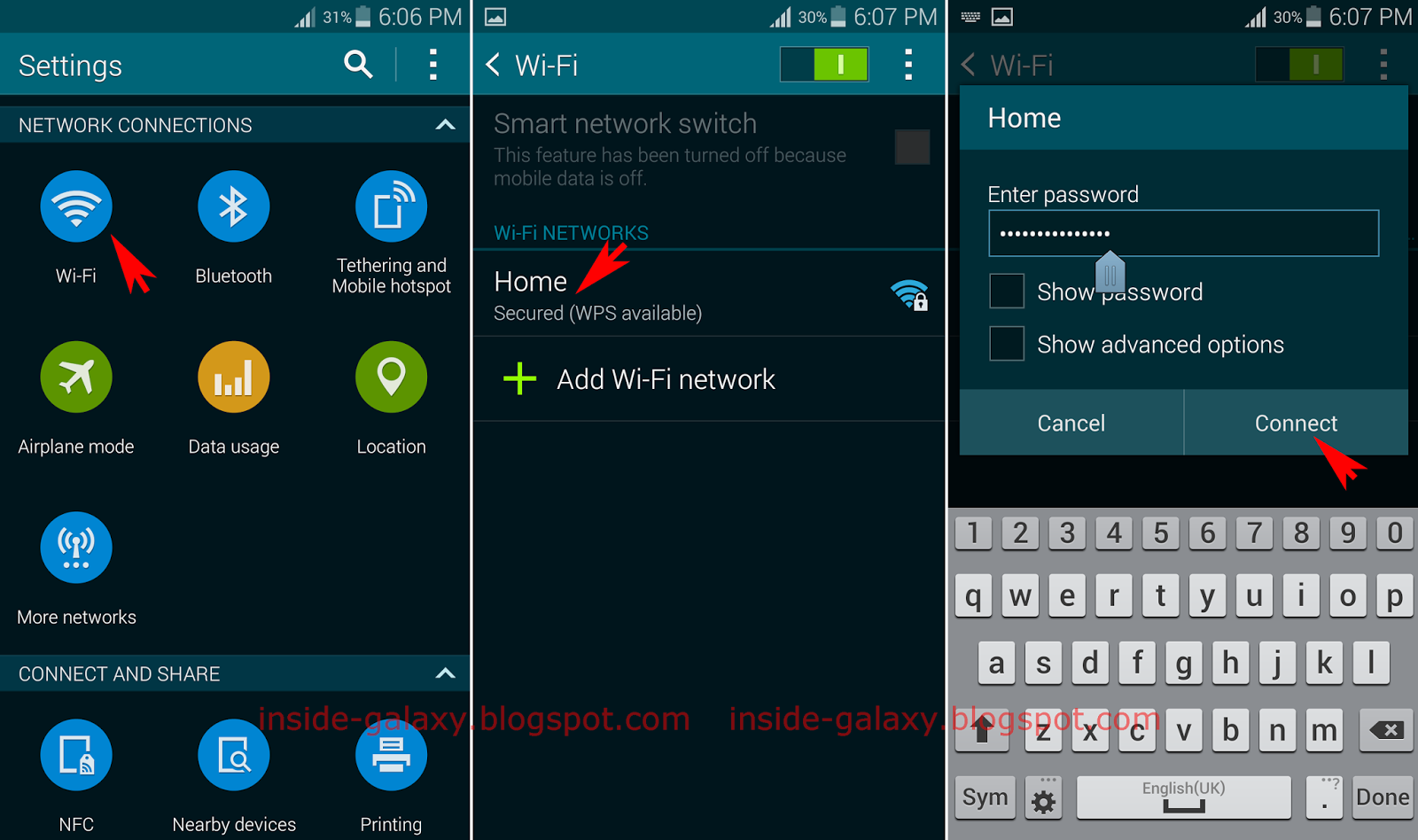
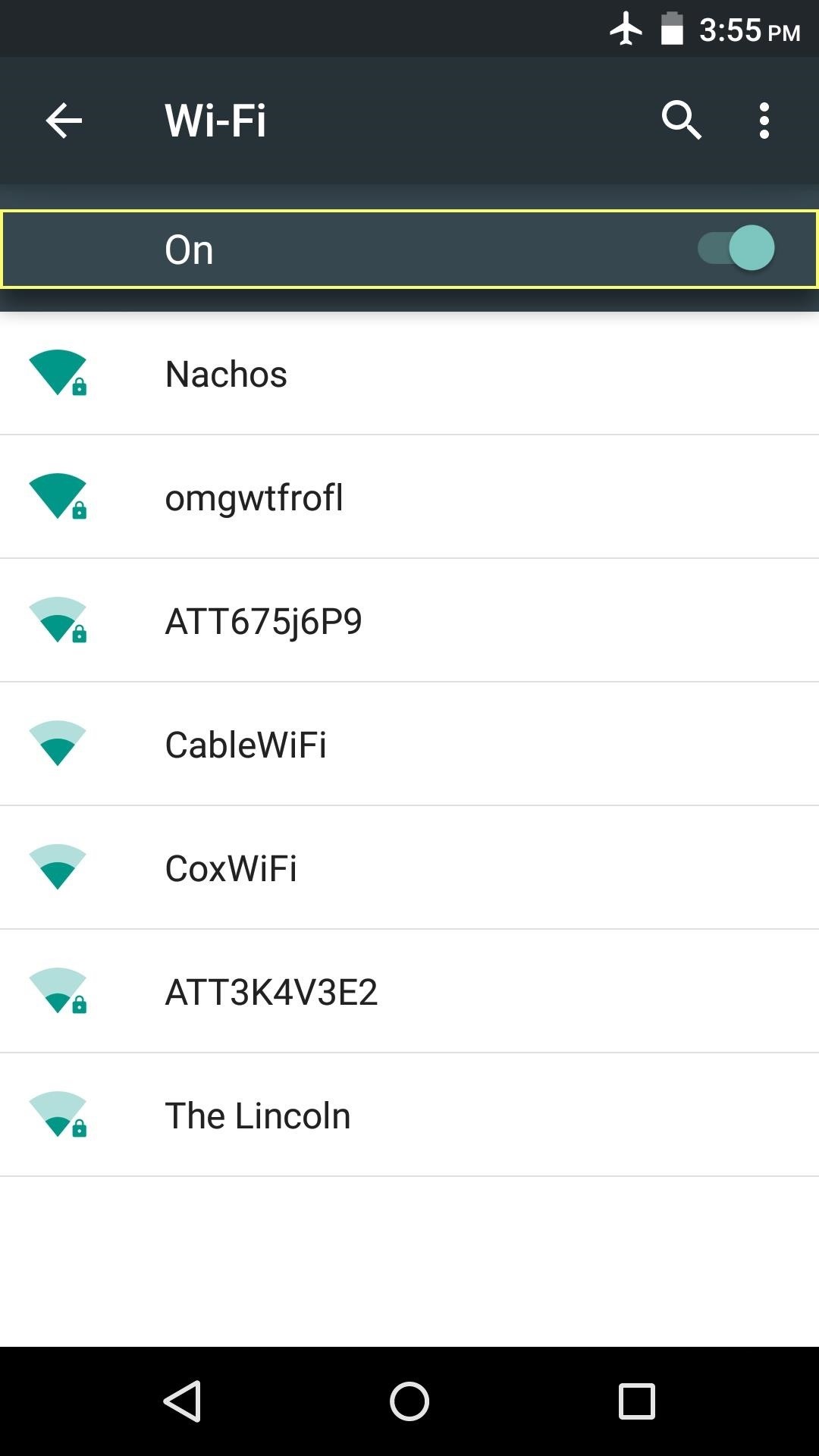
How to Connect Your Android Device to Wi
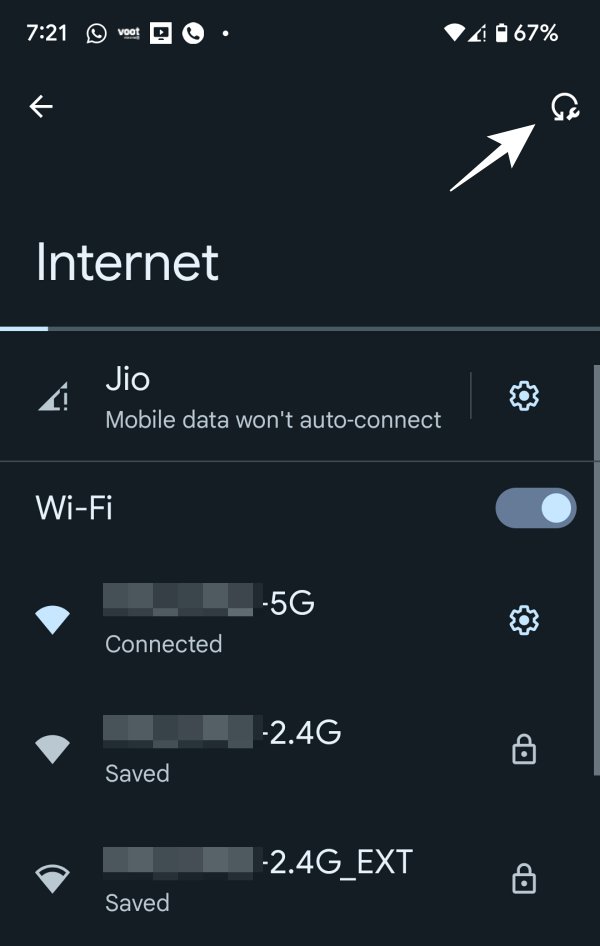
One of the most confusing situations for Android users is seeing "Connected, no internet ". This means your phone successfully connected to the router , but the router itself cannot reach the internet . Common causes include: The router losing its ISP connection Incorrect DNS configuration A captive portal (public Wi-Fi login page)

As we can see from the illustration, Android Wireless Internet Setup For Router has many fascinating aspects to explore.
Connect to Wi
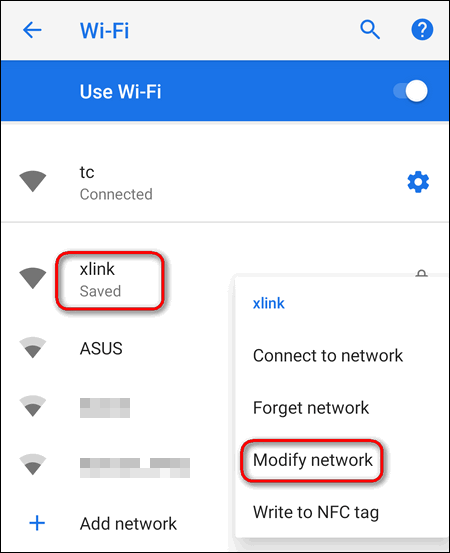
To use Wi-Fi the way you want, you can change how and when your device connects. When you have Wi-Fi turned on, your device automatically connects to nearby Wi-Fi networks you've connected to before.
More Context About Android Wireless Internet Setup For Router
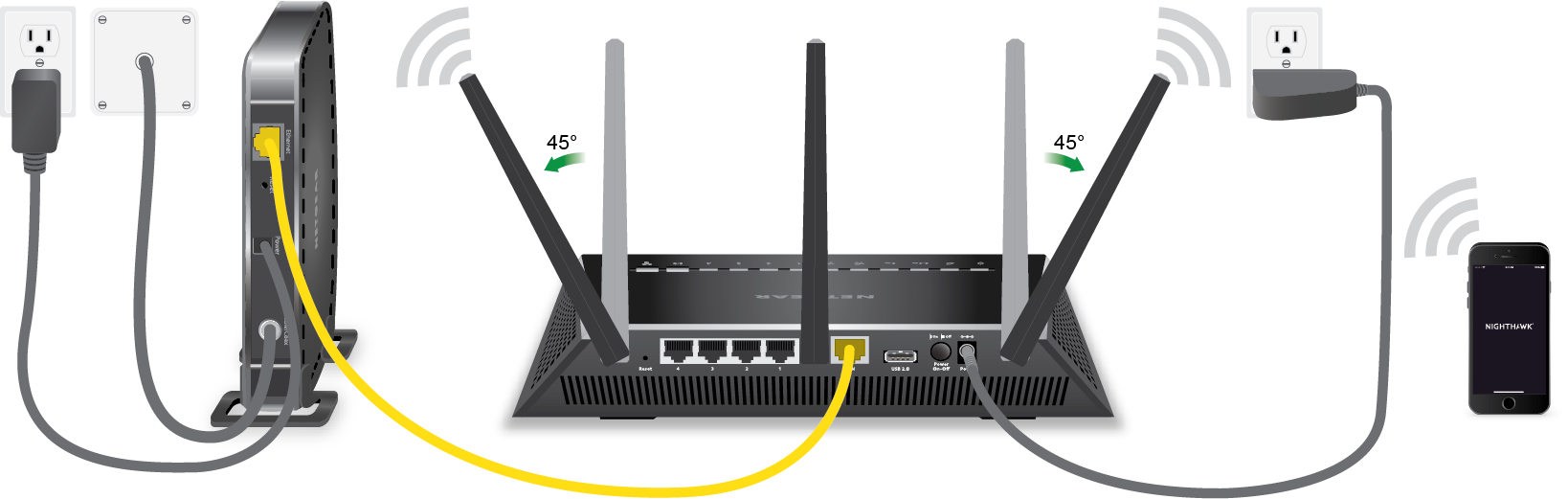
How do I set up and install my NETGEAR router? - NETGEAR Support. This note connects the source idea with the visuals in a simple, reader-friendly way.
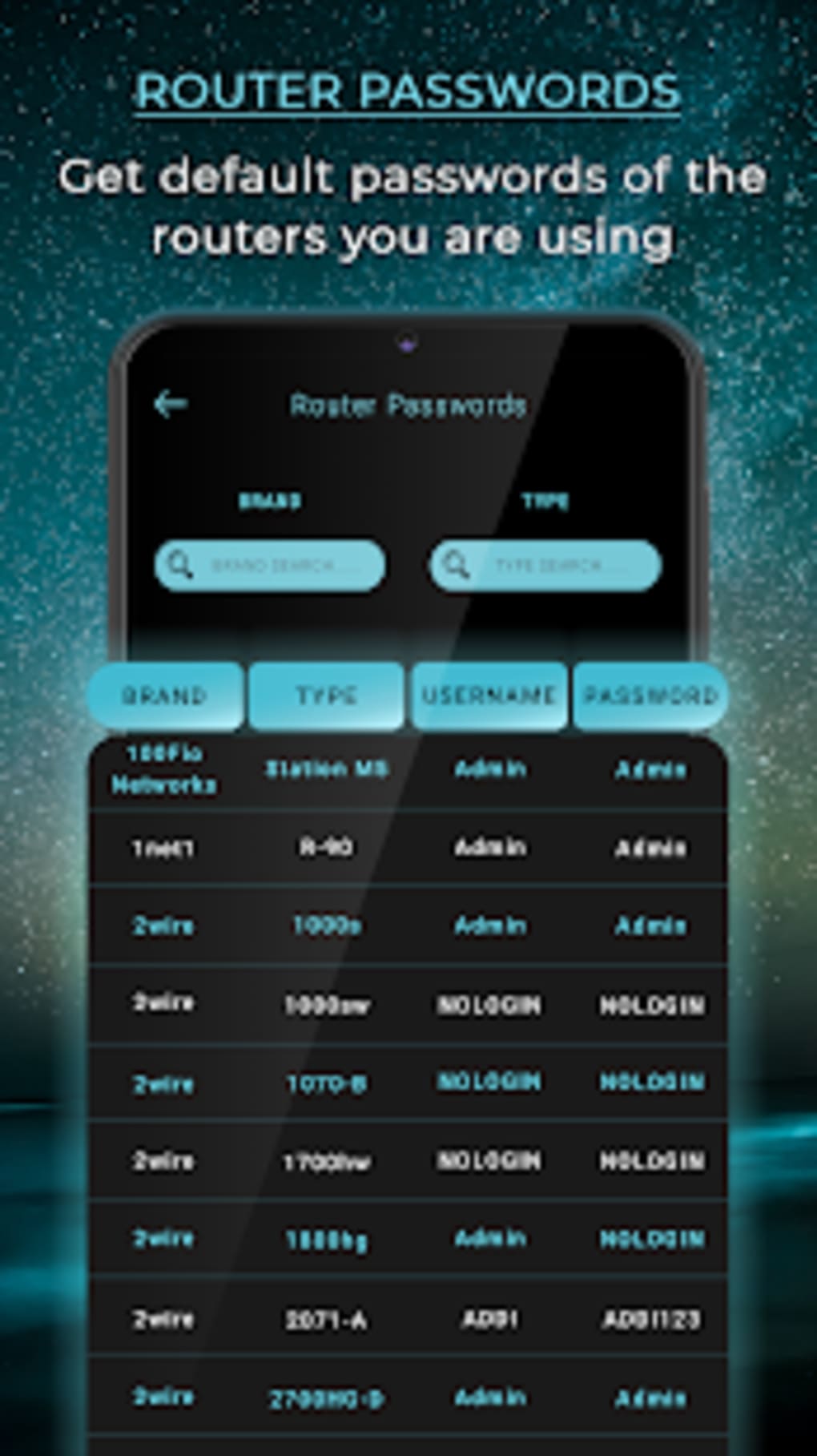
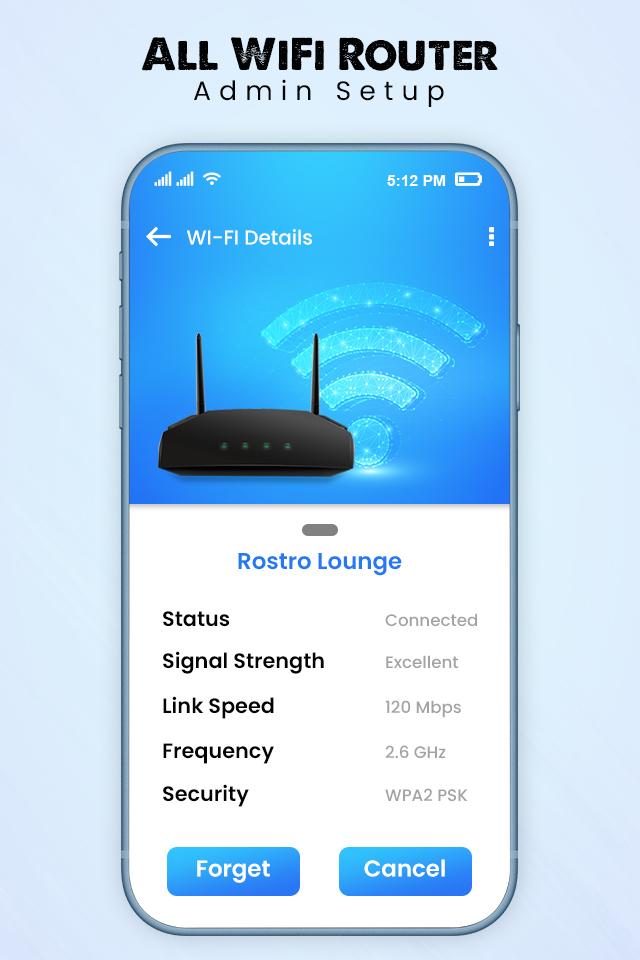
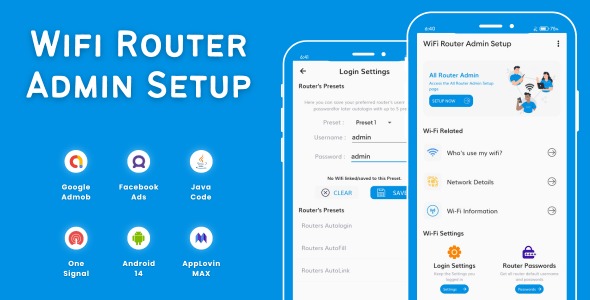
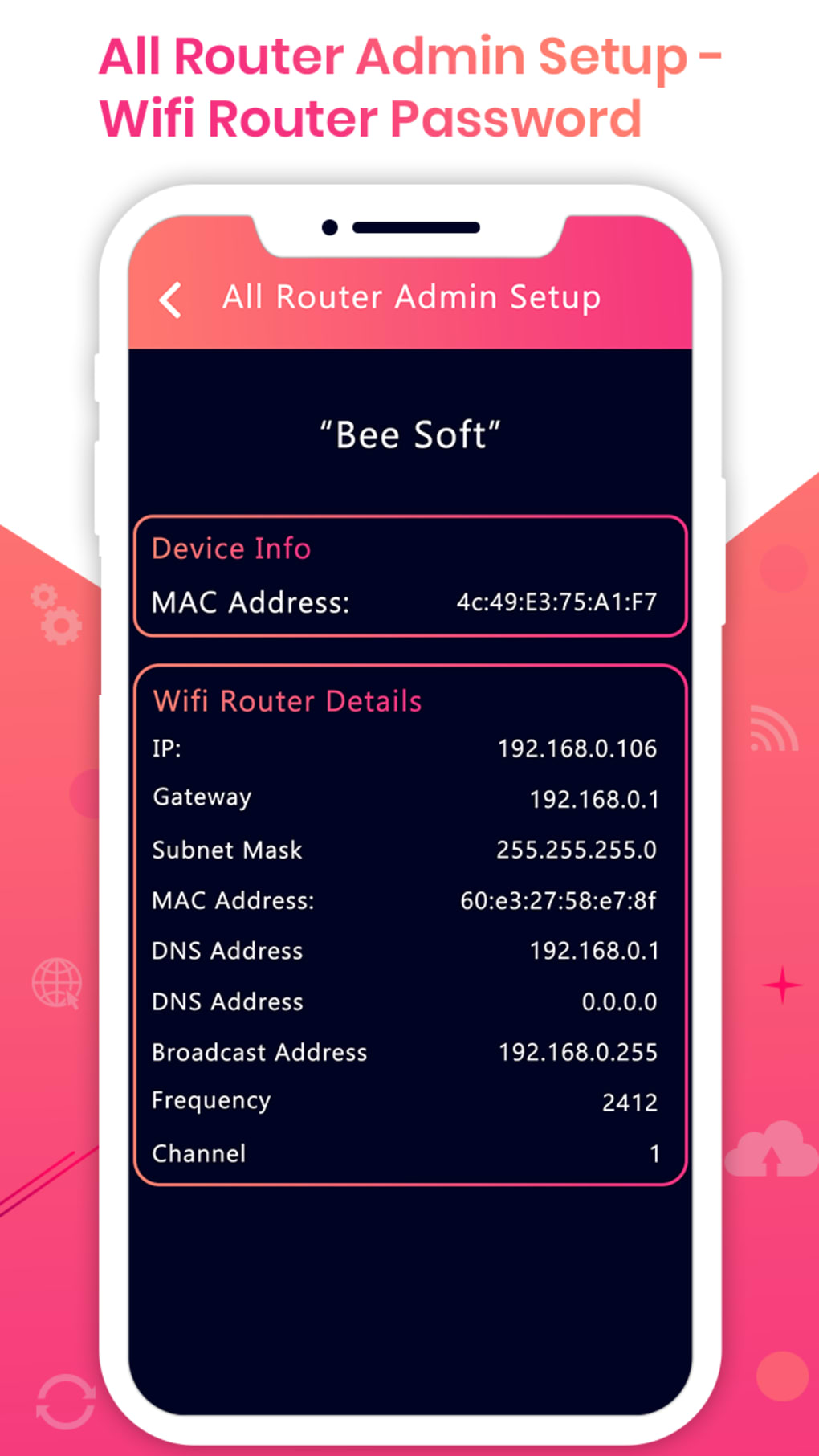
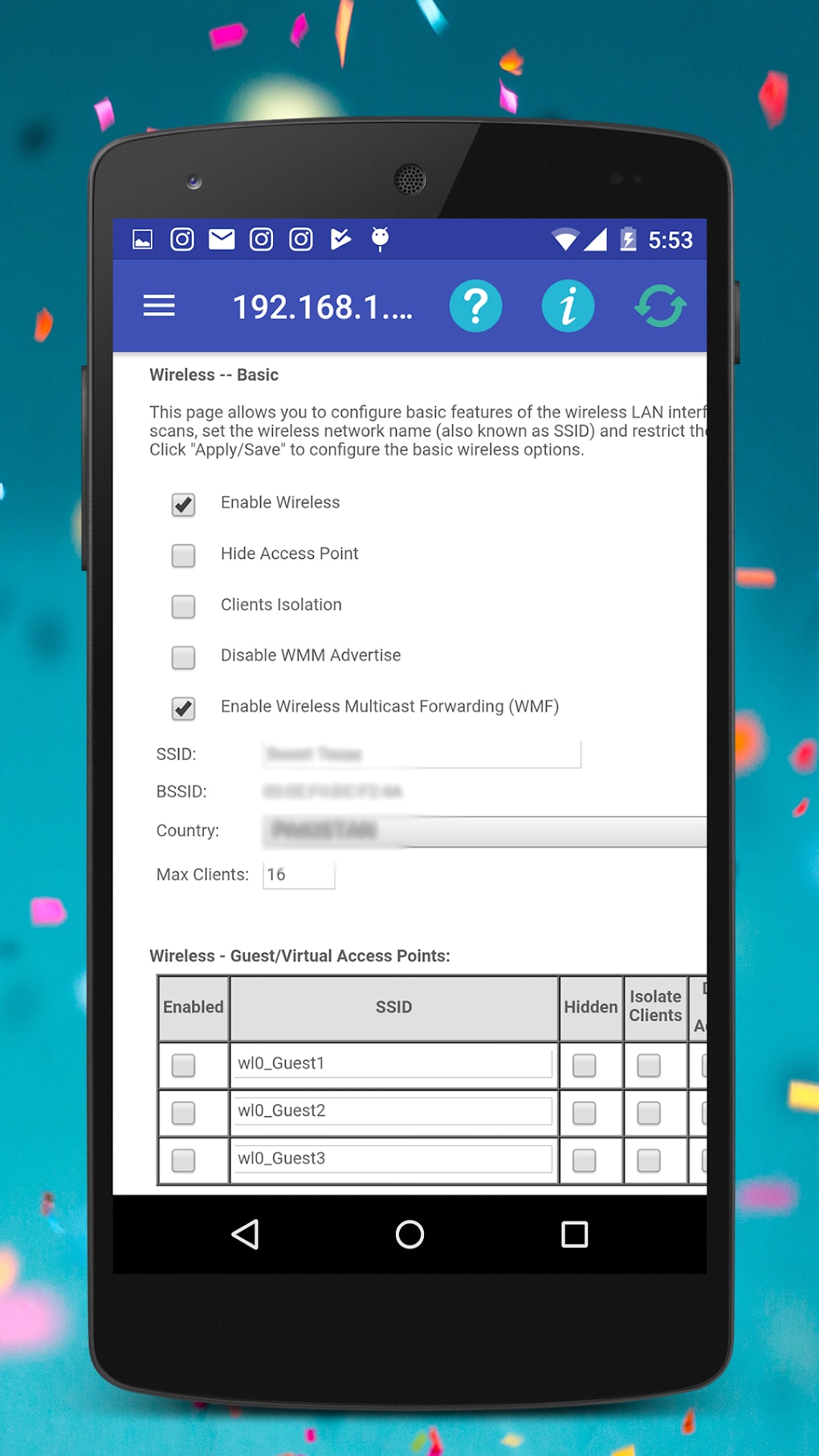
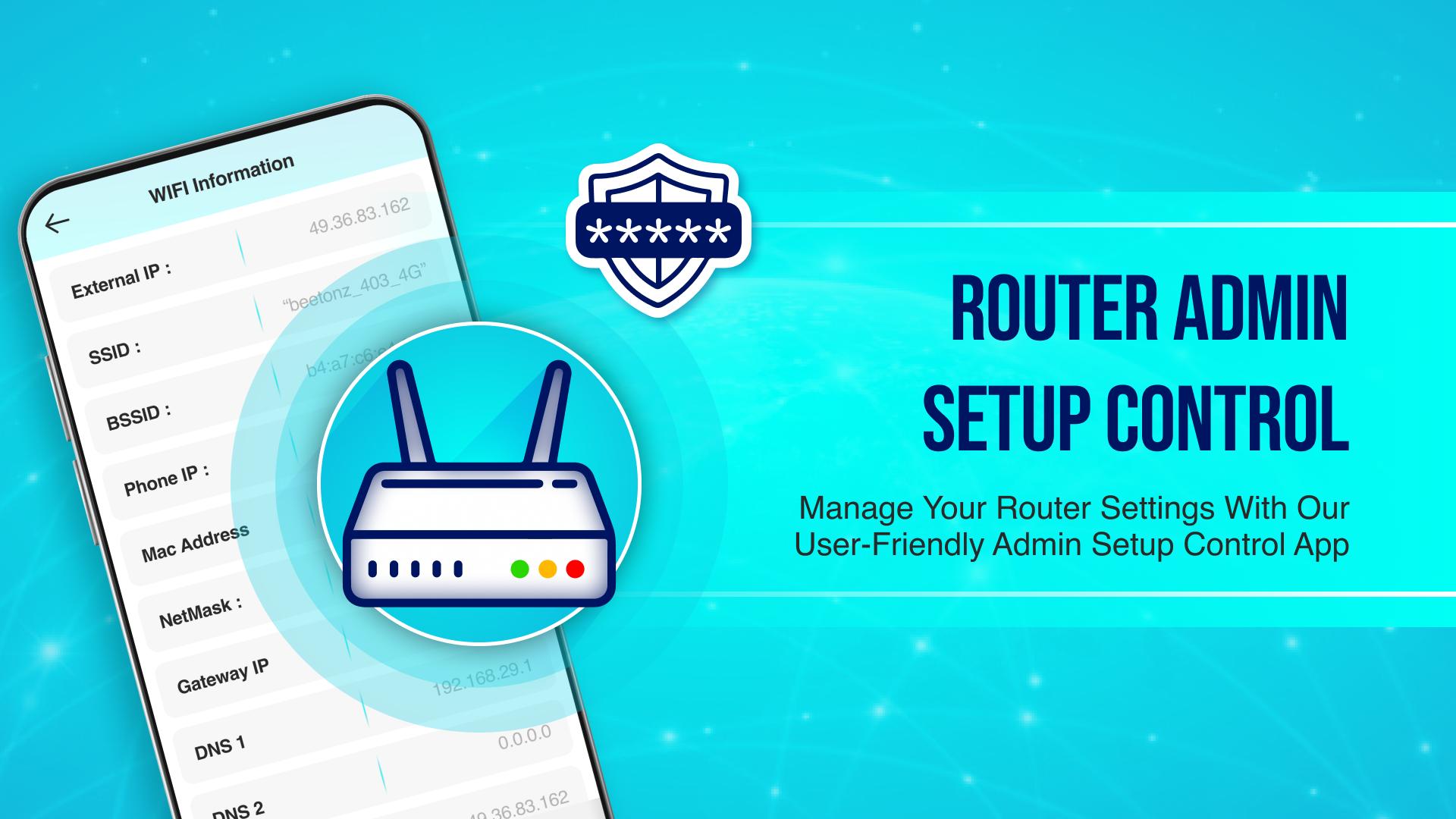
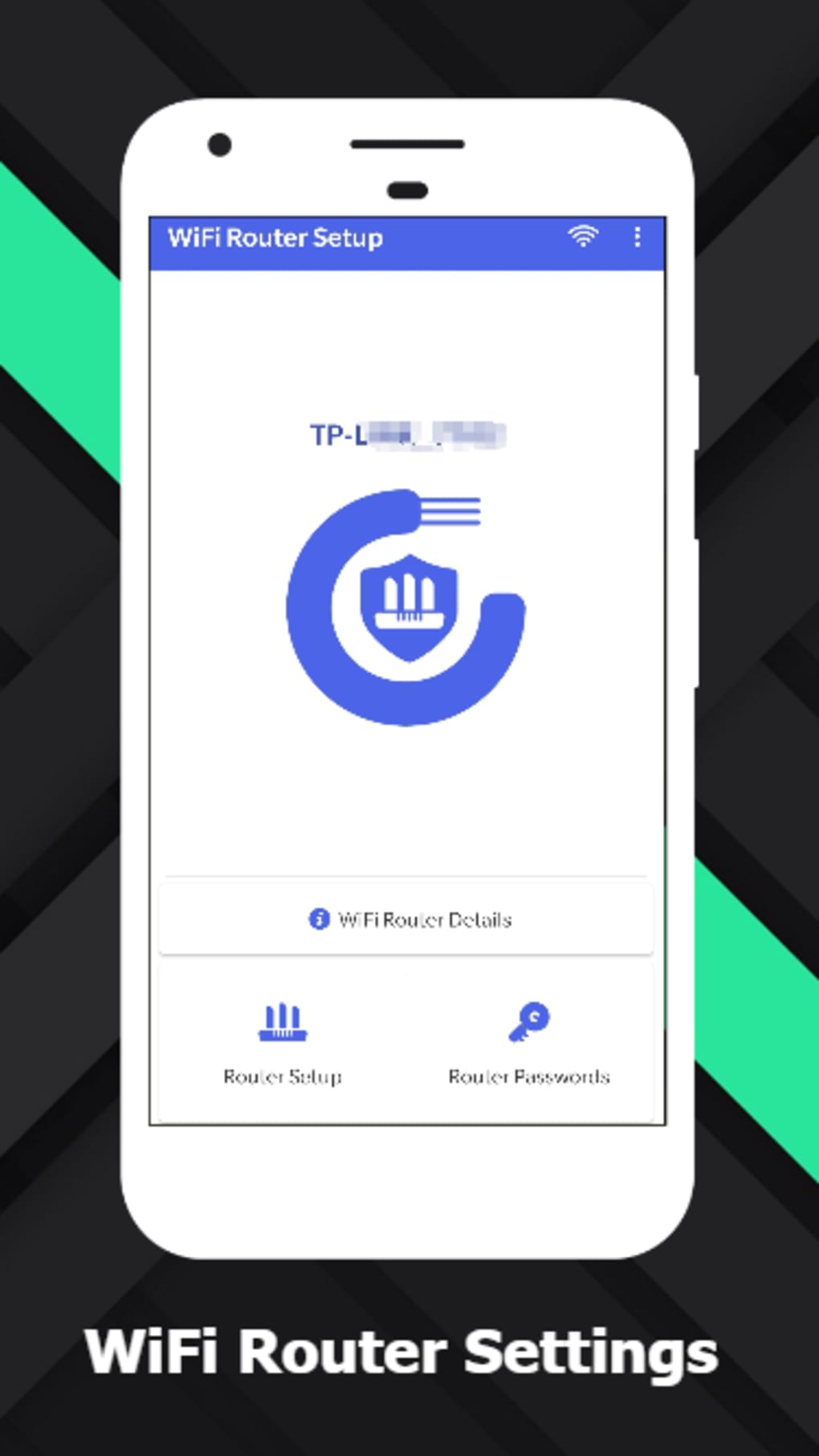
Router Setup Page Router Admin Setup Settings for Android - Download. It gives the article a little more context before the image collection begins.
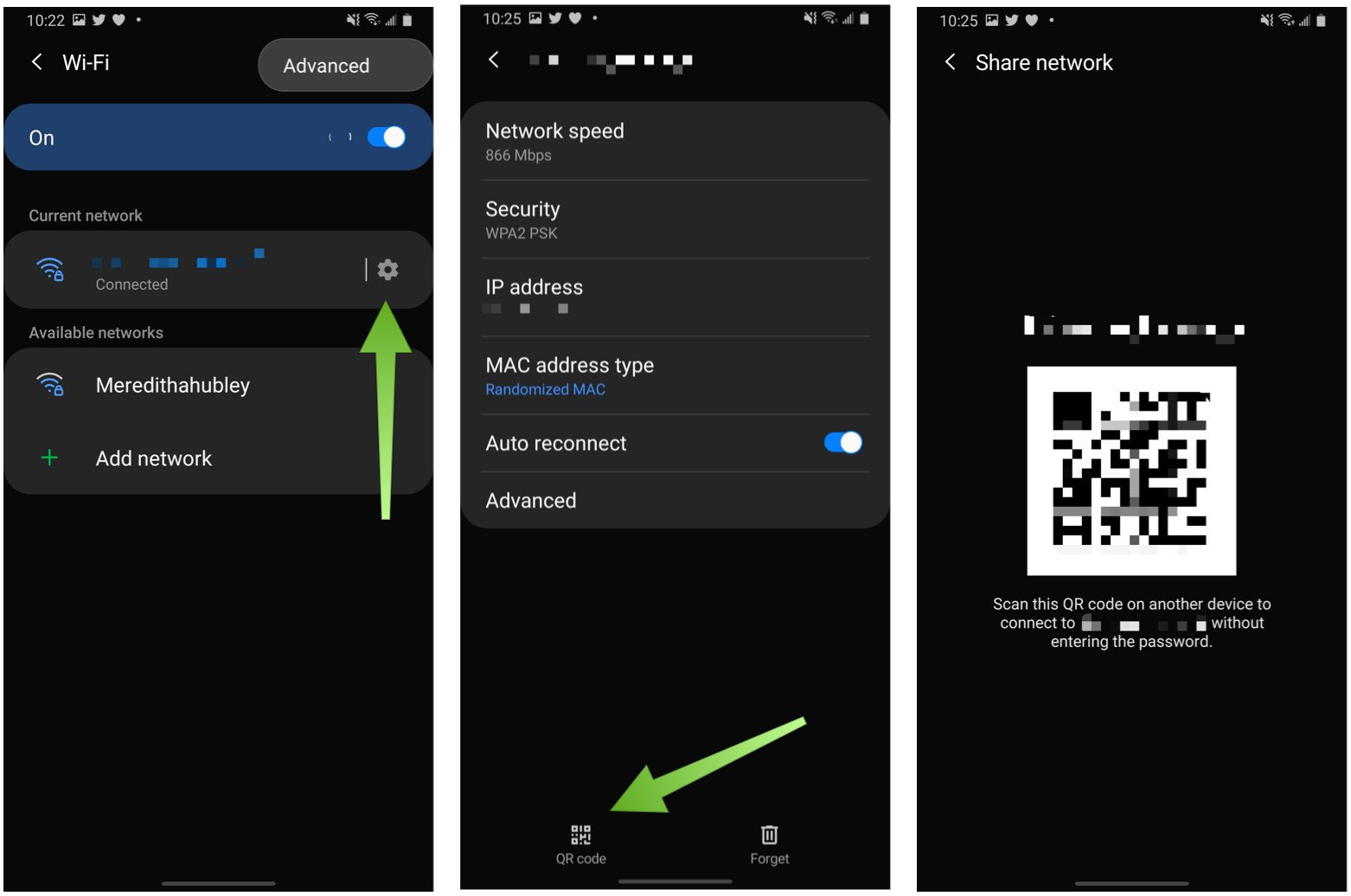
How to Connect Your Android Device to Wi-FI. It works as a short bridge between the article summary and the gallery section.
Looking at multiple sources also helps separate the main idea from small decorative details.
These notes are added so the page offers more than images and gives each visitor a clearer reason to keep reading.